
What happens after someone completes your assessment? Do they get a score and leave, or does the experience help them understand something useful, explore your services, or take the next step?
That’s an important question when choosing an assessment platform.
ScoreApp helps businesses create scorecards, collect leads, and share personalized results. It’s particularly useful for consultants, coaches, and marketers who want to show potential customers where they stand and how they could improve.
But businesses don’t always need the same kind of assessment. An online store might want to recommend products, a marketing team may need an interactive calculator, and a training provider could be looking for automatic grading and certificates.
I’ve brought together ten ScoreApp alternatives that handle these requirements in different ways. This guide covers what each platform offers, its advantages, limitations, and pricing, so you can find an option that makes sense for your work.
Why Are Teams Switching From Scoreapp
ScoreApp is built around scored quizzes and personalized feedback. However, its approach may not cover every type of quiz, marketing campaign, or assessment. Here are some reasons businesses may explore other options:
- Different quiz formats: Businesses creating personality quizzes, trivia, or formal knowledge tests may need a wider range of question types and result formats.
- Limits on monthly responses: ScoreApp’s plans have response allowances, which can become important when a campaign attracts more visitors.
- More detailed testing requirements: Employee evaluations and certification exams may call for controlled access, certificates, and tools that help prevent cheating.
- Report availability: ScoreApp’s personalized PDF report feature is included in higher-tier plans, so teams should check which package supports their needs.
- Specialized marketing activities: Some businesses need calculators that estimate savings, interactive product recommendations, or quizzes connected to appointment bookings.
- Everyday form collection: Teams managing registrations, customer requests, and feedback may prefer software designed for a wider variety of forms.
- Simpler visitor experiences: A conversational questionnaire or short mobile-friendly sequence may work better than a detailed scored assessment for some audiences.
Top 10 ScoreApp Alternatives Compared
Each platform has a different strength. Here’s a quick comparison to help you understand where the ten tools fit best and how much they cost to get started.
| Software | Best For | Starting Price | User Rating (G2) |
| ProProfs Quiz Maker | Creating Quizzes & Assessments for Business, Training, and Education | Free; paid from $19.99/month | 4.3/5 |
| Pointerpro | Report-heavy assessments and scorecards | Free trial; from $99/month | 4.5/5 |
| Interact | Simple marketing quizzes for coaches | Free; paid from $27/month (billed annually) | 4.5/5 |
| Outgrow | Calculators, assessments, and quizzes | Free (forms and surveys); paid from $14/month (billed annually) | 4.7/5 |
| involve.me | Quiz funnels with email automation | Free; paid from $29/month (billed annually) | 4.7/5 |
| Perspective | Mobile-first quiz funnels with a built-in CRM | 14-day trial; from $47/month (billed annually) | 4.7/5 |
| Jotform | Budget-friendly scored forms | Free; paid from $34/month (billed annually) | 4.7/5 |
| Typeform | Conversational lead-qualification quizzes | Free; paid from $28/month (billed annually) | 4.5/5 |
| Quizell | AI-built quizzes with native CRM sync | Free; paid from $12/month | 4.8/5 |
| LeadQuizzes | Straightforward outcome quizzes | 14-day trial; from $30/month (billed annually) | 4.2/5 |
1. ProProfs Quiz Maker – Best for Creating Quizzes & Assessments for Business, Training, and Education
ProProfs Quiz Maker is useful when your business wants to create different kinds of quizzes without building a separate system for each purpose.
Think of a company introducing a new product. Its marketing team could publish a personality quiz to help visitors identify which product suits them best. Later, the same company could use ProProfs to check whether its sales employees understand the product well enough to explain it to customers.
You can create questions with an AI quiz generator by entering a topic or uploading existing material, such as a PDF or document. There is also a library of more than one million questions, which can help when you need ideas or want to prepare a test quickly.
Unlike a platform focused mainly on scorecards, ProProfs Quiz Maker supports 20+ question types. These include multiple-choice, matching, essays, drag-and-drop, and audio or video responses. You can decide how answers are scored, what feedback participants receive, and whether they should earn a certificate.
ProProfs Quiz Maker is worth considering over ScoreApp when you need more than marketing quizzes. You can create lead-generation quizzes, test employee knowledge, and conduct online assessments without switching between different tools.

Let ProProfs AI Build a Quiz
Pros:
- Build quizzes from a topic or an uploaded document using AI to reduce the work involved in preparing the first set of questions.
- Select from over one million existing questions and 20+ question formats to create assessments suited to different audiences.
- Collect potential customers’ contact information through quiz forms and connect their responses with supported marketing applications.
- Provide participants with immediate feedback, automatically calculate scores, and award certificates when they meet the required conditions.
- Check individual answers and overall performance through reports that help you make informed training or assessment decisions.
Cons:
- No dark mode
- Cloud-only, with no on-premises version
User Rating: 4.3/5
Pricing: Free for short quizzes and essential features. Paid plans start at $19.99/month and scale up to $199.99/month on the Enterprise plan for larger teams.
2. Pointerpro – Best for Report-Heavy Assessments and Scorecards
Pointerpro is useful for businesses that want to turn quiz answers into detailed reports for their clients.
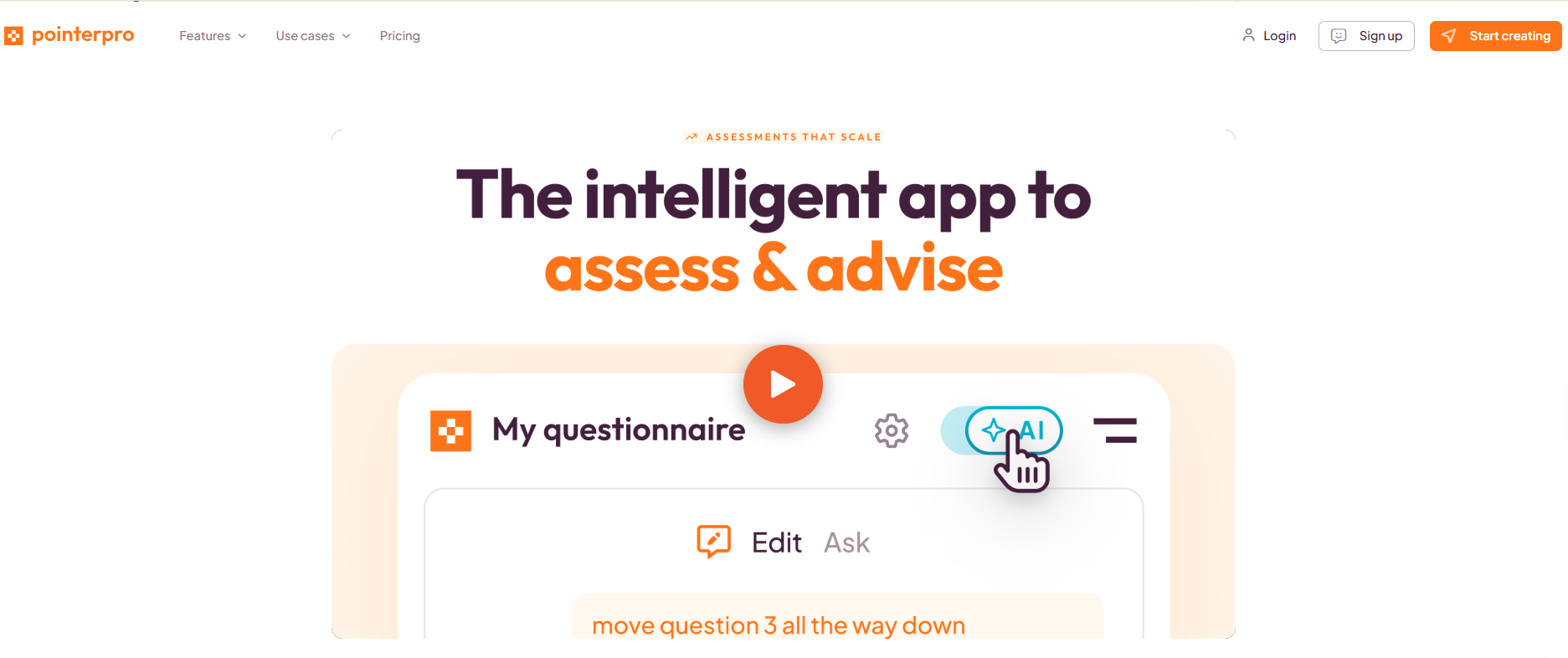
For example, a financial consultant might ask clients about their savings habits, financial goals, and risk tolerance. Instead of presenting a short score at the end, the consultant could use those answers to prepare a detailed document explaining the client’s situation.
Pointerpro provides custom scoring, different question paths, and personalized results. Its report-building products enable organizations to create documents that include explanations, charts, and recommendations based on assessment responses.
This is especially valuable for professional services. Coaches, consultants, and HR specialists can use questionnaires to collect consistent information before delivering advice or beginning a project.
You can also customize the appearance of an assessment and make questionnaires available in different languages. Responses can be sent to supported business applications when they need to be included in another process.
Pointerpro is worth examining as a ScoreApp replacement when the report itself is an important part of what your business delivers to clients. It offers a way to create a more detailed final document from assessment results.
Pros:
- Set scoring rules for different questions so results reflect the factors your business considers important.
- Prepare personalized assessment reports with relevant explanations, charts, and recommendations through its report-building products.
- Show different questions depending on earlier responses, helping participants complete an assessment suited to their situation.
- Customize questionnaires and reports with your organization’s branding to create a consistent client experience.
- Offer assessments in multiple languages and connect them with supported services to manage information across projects.
Cons:
- PDF report builder sits in a quote-only tier
- Advanced reporting takes more setup than a simple lead quiz
User Rating: 4.5/5
Pricing: Free trial available. Professional starts at $99/month.
3. Interact – Best for Simple Marketing Quizzes for Coaches
A personality quiz can make a brand feel more approachable. People enjoy answering questions about their preferences and discovering a result that feels relevant to them.
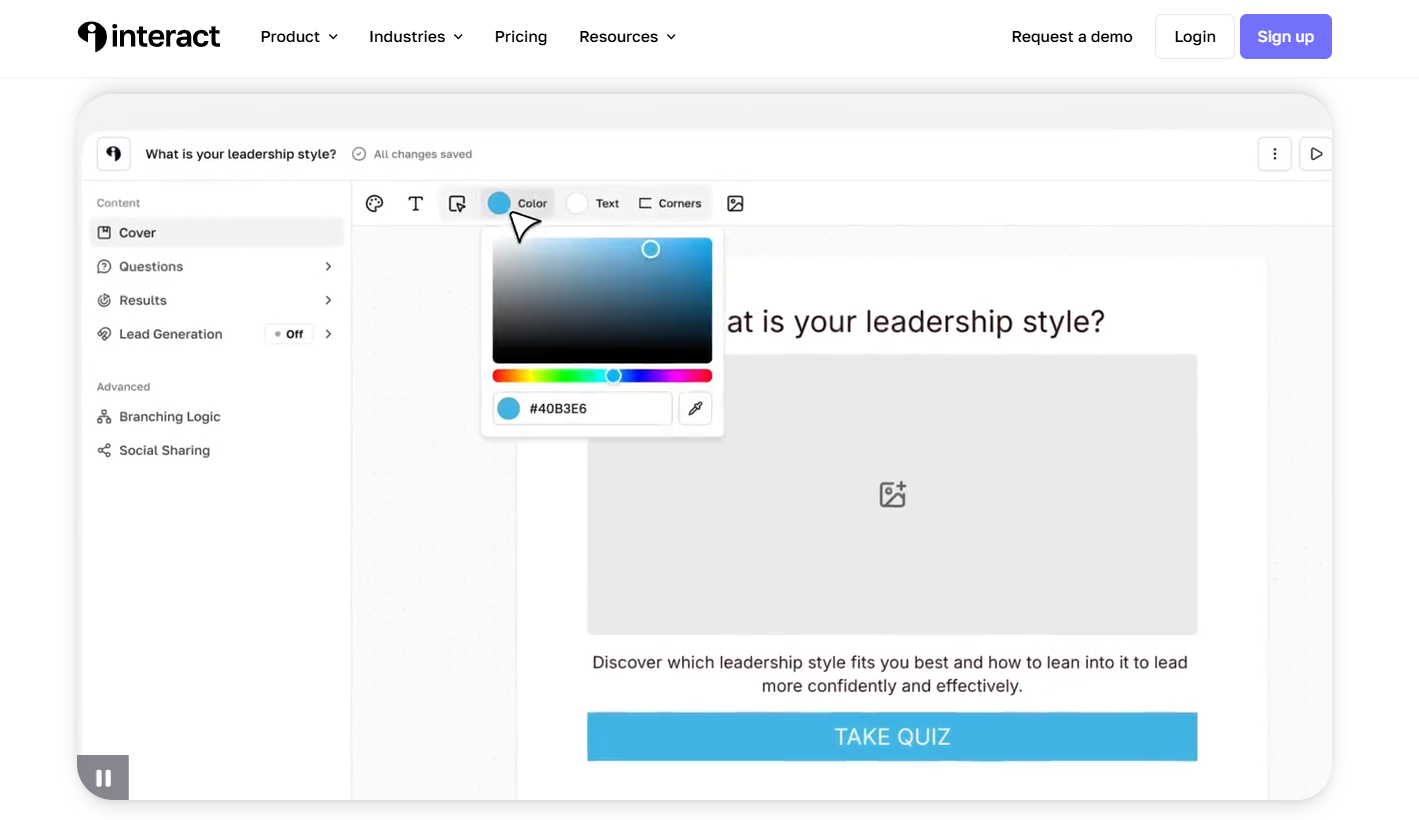
Interact specializes in this type of experience. It’s used by marketers, creators, and service providers to attract visitors and learn more about their interests.
It allows creators to build personality, scored, and assessment-style quizzes. You can start with a template, use its AI tools to prepare content, and customize the questions and results for your business.
Lead collection can be included within the quiz, allowing you to collect email addresses before showing results. Connections to supported email services help you send messages that match participants’ interests.
Unlike ScoreApp, which focuses on scores and feedback, Interact helps people discover results based on their personality or preferences. That can be useful for brands that want their quizzes to feel entertaining, personal, and easy to share.
Pros:
- Choose from existing quiz templates to prepare content for coaching, marketing, education, and other audience-focused topics.
- Use AI assistance to develop questions and results, then make changes to suit your brand’s style.
- Create personality outcomes that help visitors recognize their preferences rather than just receiving a numerical score.
- Place email collection forms within quizzes to gather contact information from interested participants.
- Connect supported email marketing services so people can receive follow-up content related to their quiz results.
Cons:
- Free plan excludes integrations, branching, and analytics
- No calculators or standalone forms
User Rating: 4.5/5
Pricing: Free plan available. Paid plans start at $27/month, billed annually.
4. Outgrow – Best for Calculators, Assessments, and Quizzes
Consider a business offering home energy improvements. A visitor might want to know how much they could save by upgrading their insulation. An interactive calculator could ask about their property and current energy bills, then provide an estimate.
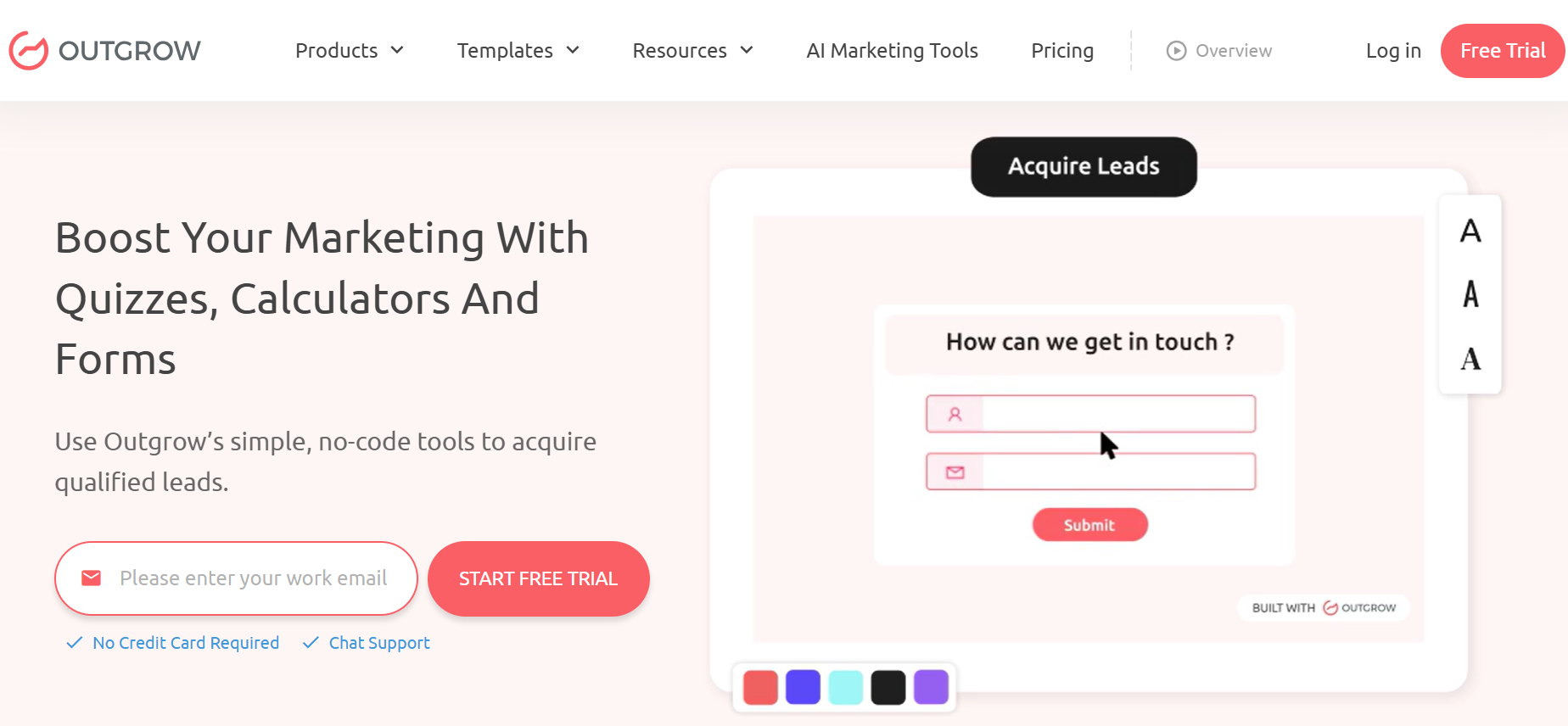
Outgrow allows businesses to build experiences like this without developing a calculator from scratch.
Alongside calculators, you can create quizzes, assessments, polls, surveys, and product recommendation tools. Its editor supports different question paths and calculations that use the figures visitors enter.
For example, a financial services provider could prepare a savings calculator, while a marketing agency could offer a tool that estimates the possible return from an advertising campaign.
Outgrow also includes lead collection features, branded designs, and connections with marketing software, so the information people provide can support future conversations.
It offers a different approach from ScoreApp by allowing businesses to provide numerical estimates and other calculated answers, rather than concentrating on scorecard results.
Pros:
- Prepare calculators that estimate costs, savings, returns, and other figures using information supplied by visitors.
- Publish different types of interactive content, including quizzes, surveys, polls, and assessments, for multiple marketing purposes.
- Use rules and calculations to produce results that vary based on each person’s answers.
- Add images, videos, and custom designs to make interactive tools fit naturally into your website.
- Collect inquiries through lead forms and connect to supported email or customer management systems for follow-up.
Cons:
- Free plan covers forms and surveys, not quizzes
- Large jump between higher pricing tiers
User Rating: 4.7/5
Pricing: Free plan available for forms and surveys. Paid plans start at $14/month, billed annually.
5. involve.me – Best for Quiz Funnels With Email Automation
Imagine someone completing a quiz about improving their business operations. Their answers show they are struggling with time management, but they don’t book a consultation immediately. What should happen next?
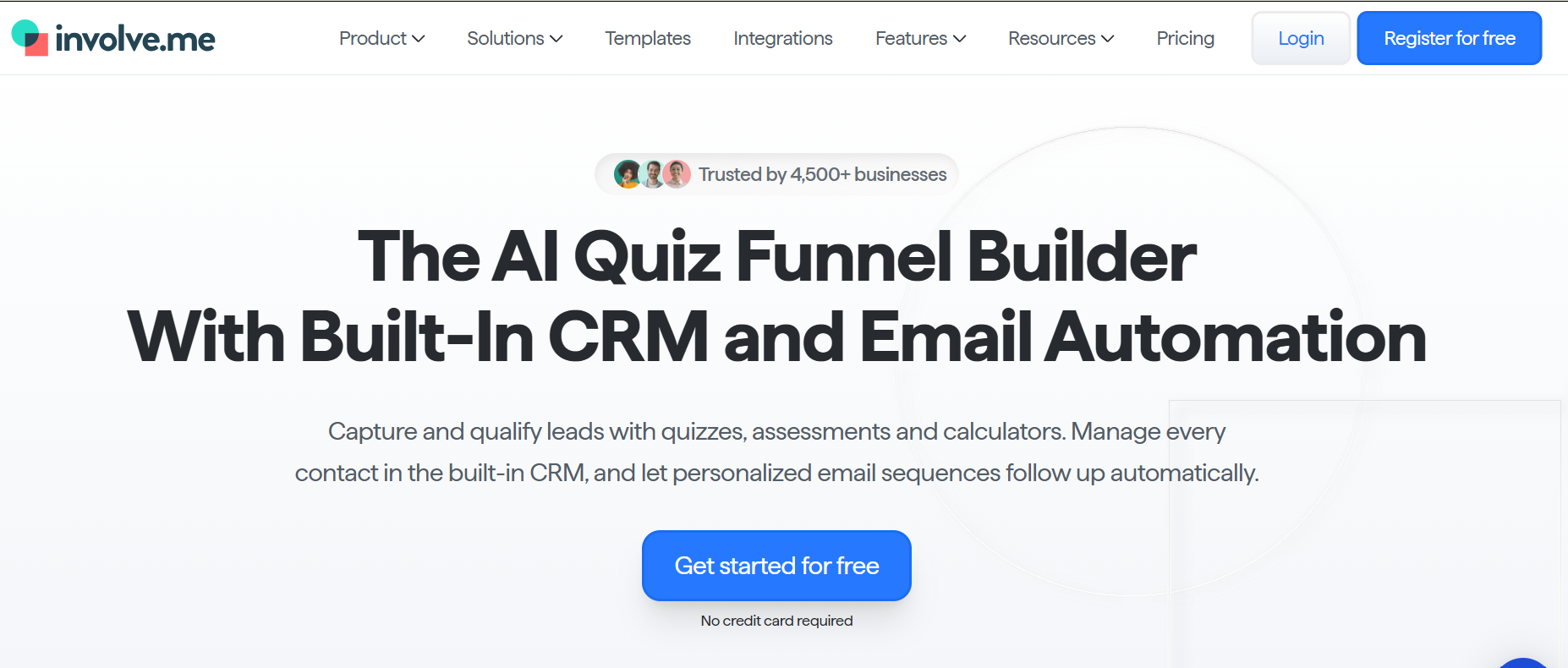
involve.me helps businesses prepare both the questions and the messages that follow.
The software combines quizzes, forms, calculators, and landing pages with tools for sending personalized emails. A business can use assessment results to decide which message a contact should receive after finishing.
Its AI assistant helps create and edit quizzes and related pages. You can also arrange questions so that participants see different content depending on what they have already selected.
Responses can be stored within the platform or integrated with external marketing tools. Reporting features help users understand how visitors interact with the experience.
This makes involve.me appealing to teams moving away from ScoreApp because they want to manage more of their marketing communication in the same system. This helps businesses stay in touch with potential customers after they finish a quiz.
Pros:
- Create quizzes, calculators, forms, and landing pages without switching between several separate builders.
- Use its AI assistant to draft questions and edit campaign content through simple instructions.
- Automatically email participants based on their answers or scores, making follow-ups more relevant to their interests.
- Store lead information and organize contacts so marketing teams can understand which services people may need.
- Review completion data and use supported integrations to connect the quiz experience with existing business systems.
Cons:
- Free plan stores data for only 30 days
- Best features sit on higher-priced plans
User Rating: 4.7/5
Pricing: Free plan available. Paid plans start at $29/month, billed annually.
6. Perspective – Best for Mobile-First Quiz Funnels
Perspective is designed around short, mobile-friendly experiences that guide visitors toward a particular action.
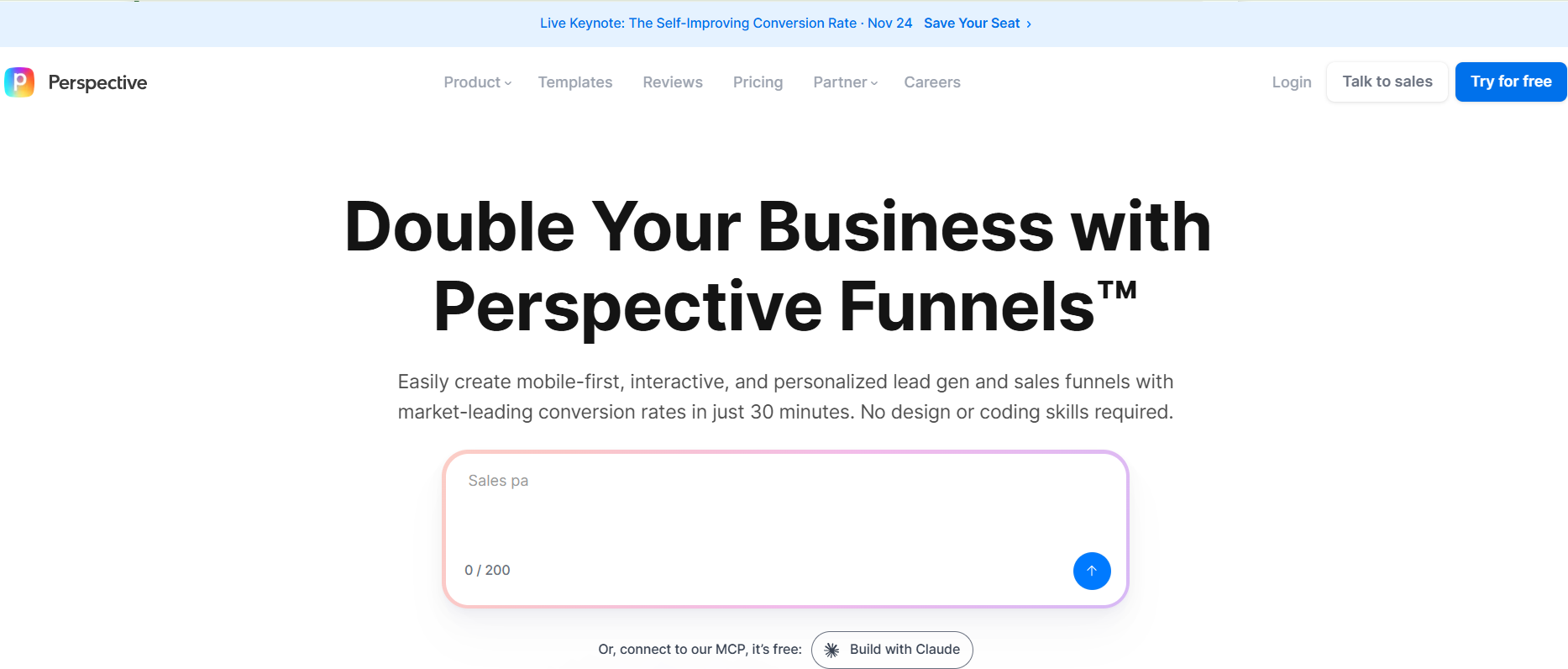
Suppose a home renovation company runs an advertisement offering free consultations. It could use Perspective to ask visitors which room they want to renovate, their approximate budget, and when they hope to begin. Interested visitors can then be directed to an appointment booking step.
The platform includes templates and AI tools to help prepare these pages. Businesses can add questions, images, videos, and contact forms without building a website from scratch.
Perspective also provides contact management, email features, and reports that show how visitors move through the process.
While ScoreApp often starts with an assessment and ends with feedback, Perspective places more attention on the steps between an advertisement and a customer inquiry. It’s particularly relevant to service providers and agencies that want a simple path from initial interest to a booked conversation.
Pros:
- Create pages designed for mobile visitors so people arriving from advertisements can respond comfortably on smaller screens.
- Use AI assistance and existing layouts to prepare campaigns without having to design every page yourself.
- Include appointment-booking steps that allow interested visitors to schedule a call after answering a few questions.
- Keep submitted contact details together with the information visitors provide about their requirements.
- Examine campaign results to identify which pages drive responses and where potential customers drop off.
Cons:
- No permanent free plan
- Less depth around diagnostic scorecards and PDF reporting
User Rating: 4.7/5
Pricing: 14-day free trial. Paid plans start at $47/month, billed annually.
7. Jotform – Best for Budget-Friendly Scored Forms
Not every interaction needs a score. Sometimes the priority is collecting complete, accurate information and making sure it reaches the right person.
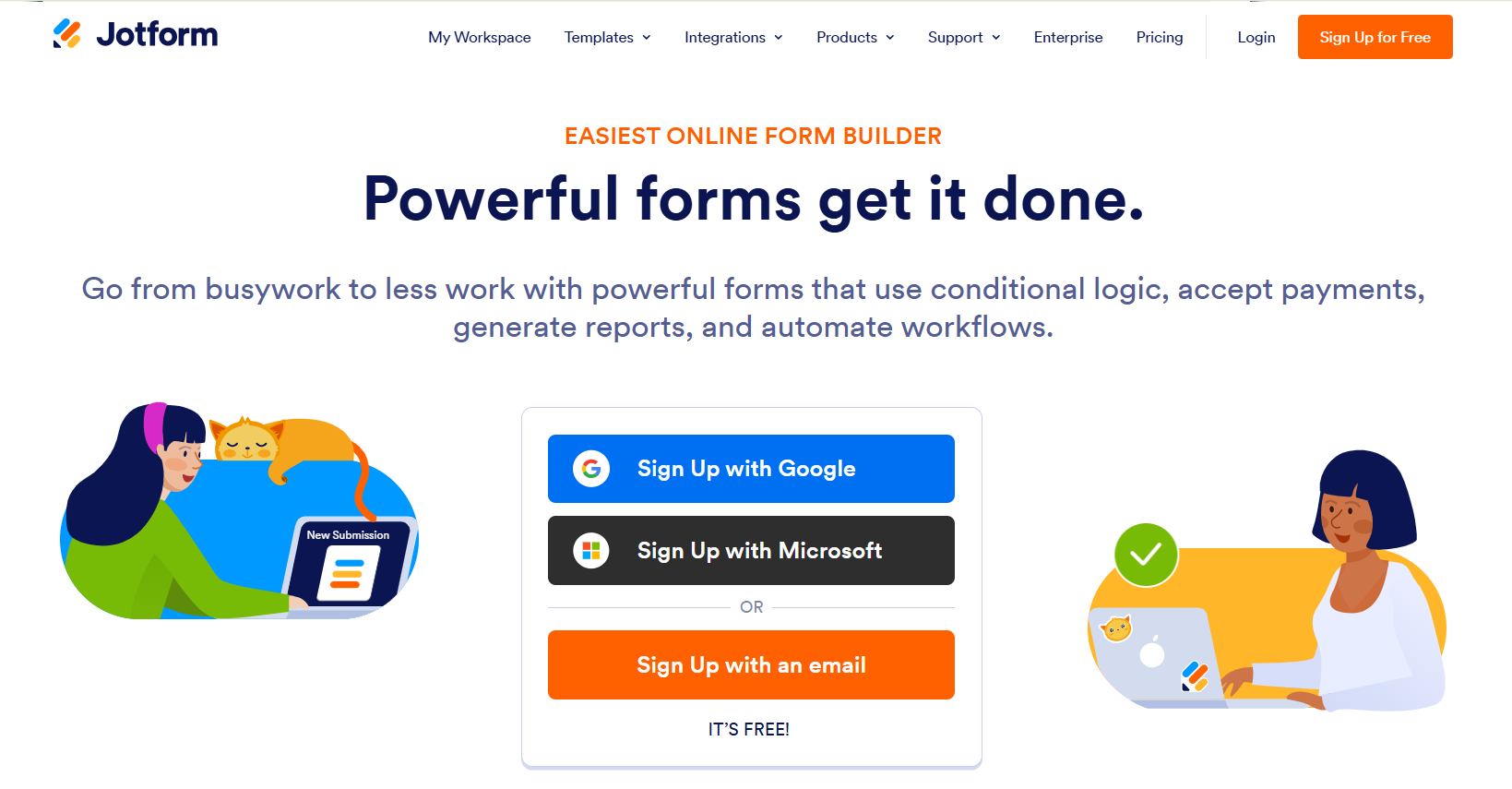
Jotform is designed for these everyday tasks.
A healthcare training provider could use it to accept course registrations, gather required documents, collect payments, and request feedback after a workshop. An HR department might use it for applications, surveys, or internal requests.
The platform includes a drag-and-drop form editor and a large collection of templates. It supports different fields, question formats, file uploads, and payment collection. Conditional rules let you show questions only when they are relevant to the participant.
Jotform also provides tools for creating quizzes and assigning scores, enabling businesses to include basic evaluations in their broader information-gathering process.
Submissions can be organized and sent to supported spreadsheets and business applications. This helps teams reduce manual data entry and maintain more consistent records.
Jotform is one of the best ScoreApp alternatives when you need quizzes alongside registrations, applications, feedback forms, and other information-gathering business processes.
Pros:
- Build various forms and quizzes using a visual editor that requires no programming knowledge.
- Start with ready-made templates for registrations, applications, surveys, payments, and customer inquiries.
- Add file uploads and payment fields to collect information or fees within the same experience.
- Display relevant questions based on previous responses to reduce unnecessary fields for participants.
- Send submitted information to supported business tools and organize records for later reference.
Cons:
- Free plan limited to 5 forms and 100 submissions
- Scorecard-style result pages require more setup
User Rating: 4.7/5
Pricing: Free plan available. Paid plans start at $34/month, billed annually.
8. Typeform – Best for Conversational Lead Qualification
A long questionnaire can feel like paperwork. Typeform takes a different approach by giving each question more space and encouraging people to focus on one answer at a time.
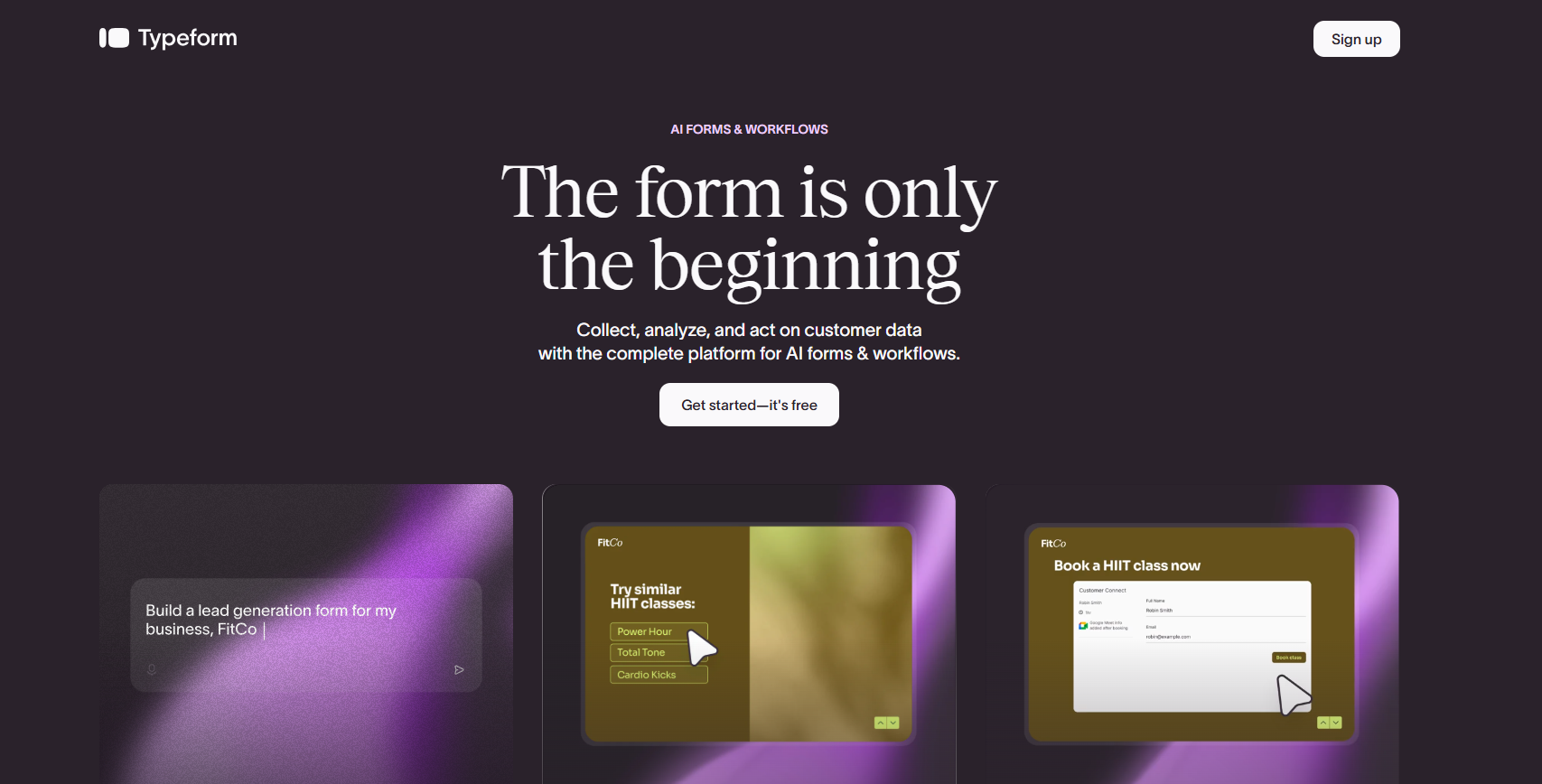
For example, a design agency collecting new project inquiries could ask visitors about their goals, preferred style, budget, and expected timeline. Rather than placing all fields on a single page, Typeform guides users through the questions in sequence.
Its editor supports quizzes, surveys, forms, and customer research. You can choose a template, adjust the appearance, and add images or videos where they help explain a question.
Typeform also offers AI-powered form creation and rules that control which questions appear based on earlier responses.
Once a questionnaire is complete, the information can be reviewed on the platform or sent to supported marketing and business applications.
For businesses comparing ScoreApp alternatives, Typeform works well when you want people to complete forms easily rather than receive detailed assessment reports. It’s designed to make questionnaires inviting, especially for feedback collection and initial customer conversations.
Pros:
- Present questions one at a time to make longer forms feel easier to complete.
- Customize colors, images, fonts, and layouts so questionnaires match your organization’s identity.
- Use AI assistance to create initial forms and modify questions before publishing.
- Show different follow-up questions based on earlier answers to keep the experience relevant.
- Connect collected responses with supported business tools to help teams manage feedback and customer inquiries.
Cons:
- Free plan capped at 10 responses a month
- Branding removal sits on higher plans
User Rating: 4.5/5
Pricing: Free plan available. Paid plans start at $28/month, billed annually.
9. Quizell – Best for AI-Built Quizzes With Native CRM Sync
Choosing between similar products is not always easy. A shopper might know the problem they want to solve but have no idea which item is the right match.
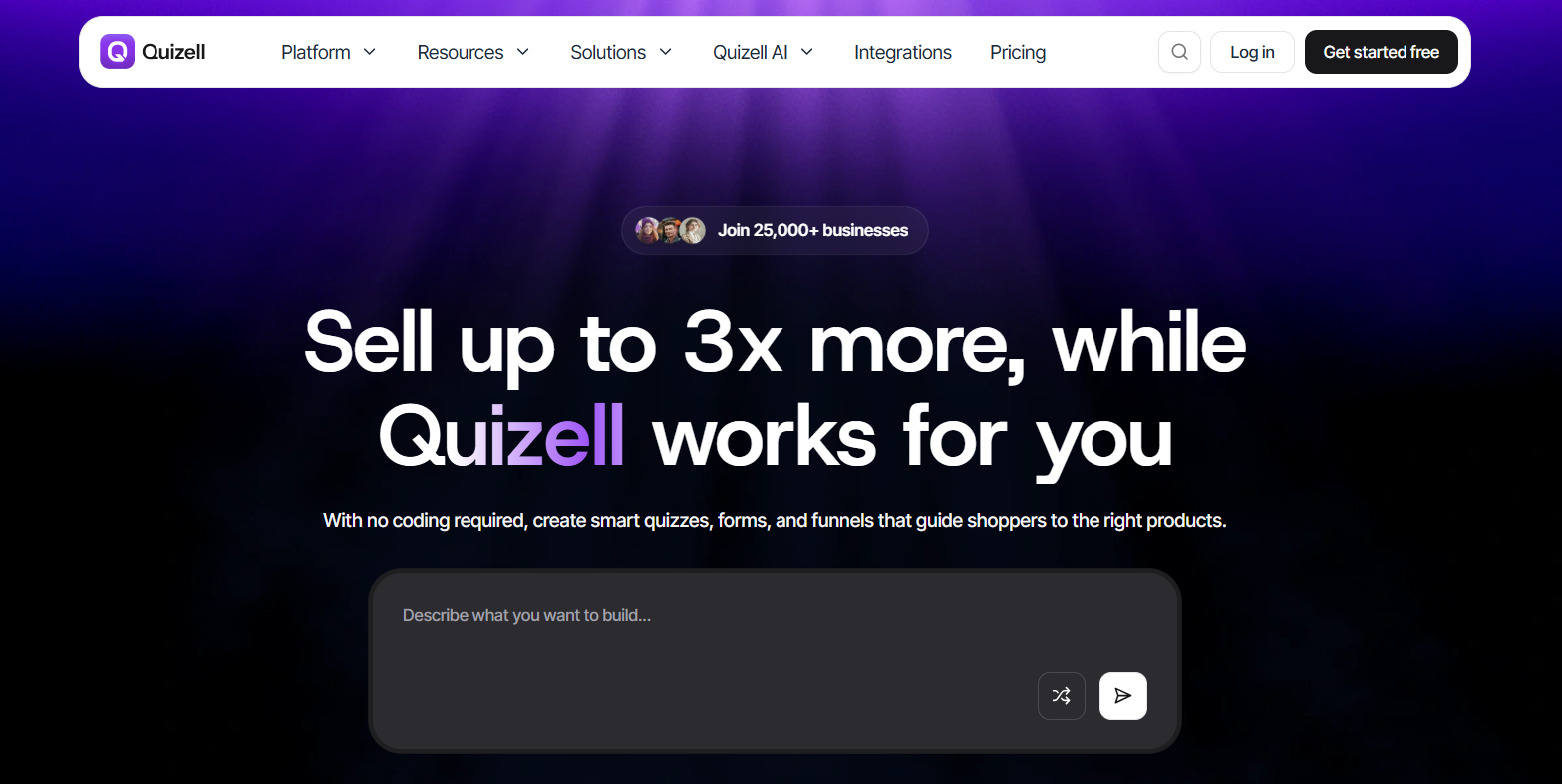
Quizell helps online stores make that decision less confusing.
Picture a company selling coffee machines. Its quiz could ask shoppers how often they drink coffee, which drinks they enjoy, how much kitchen space they have, and their preferred budget. The answers could then lead to relevant product suggestions.
Quizell provides a quiz editor, AI-assisted product matching, and tools to connect recommendations to items in a store. It supports ecommerce businesses using platforms such as Shopify and other website systems.
The software can collect contact details and customer preferences, which can be useful when creating future marketing campaigns. Store owners can also examine how shoppers interact with quizzes and the products shown to them.
Rather than using an assessment to measure a person’s current performance, Quizell uses questions to help them make a purchase. This makes Quizell useful for online stores that want to help customers find the right products.
Pros:
- Ask shoppers about their needs and use their responses to suggest products from your catalog.
- Apply AI-assisted matching to help connect customer preferences with suitable items.
- Include product images and customized designs so the quiz reflects your store’s appearance.
- Collect customer details and shopping preferences for follow-up through supported marketing services.
- Review engagement and recommendation data to better understand which products interest quiz participants.
Cons:
- Free plan is very limited
- Smaller G2 review base than established tools
User Rating: 4.8/5
Pricing: Free plan available. Paid plans start at $12/month.
10. LeadQuizzes – Best for Straightforward Outcome Quizzes
LeadQuizzes focuses on helping businesses attract interested visitors and collect their information through simple interactive content.
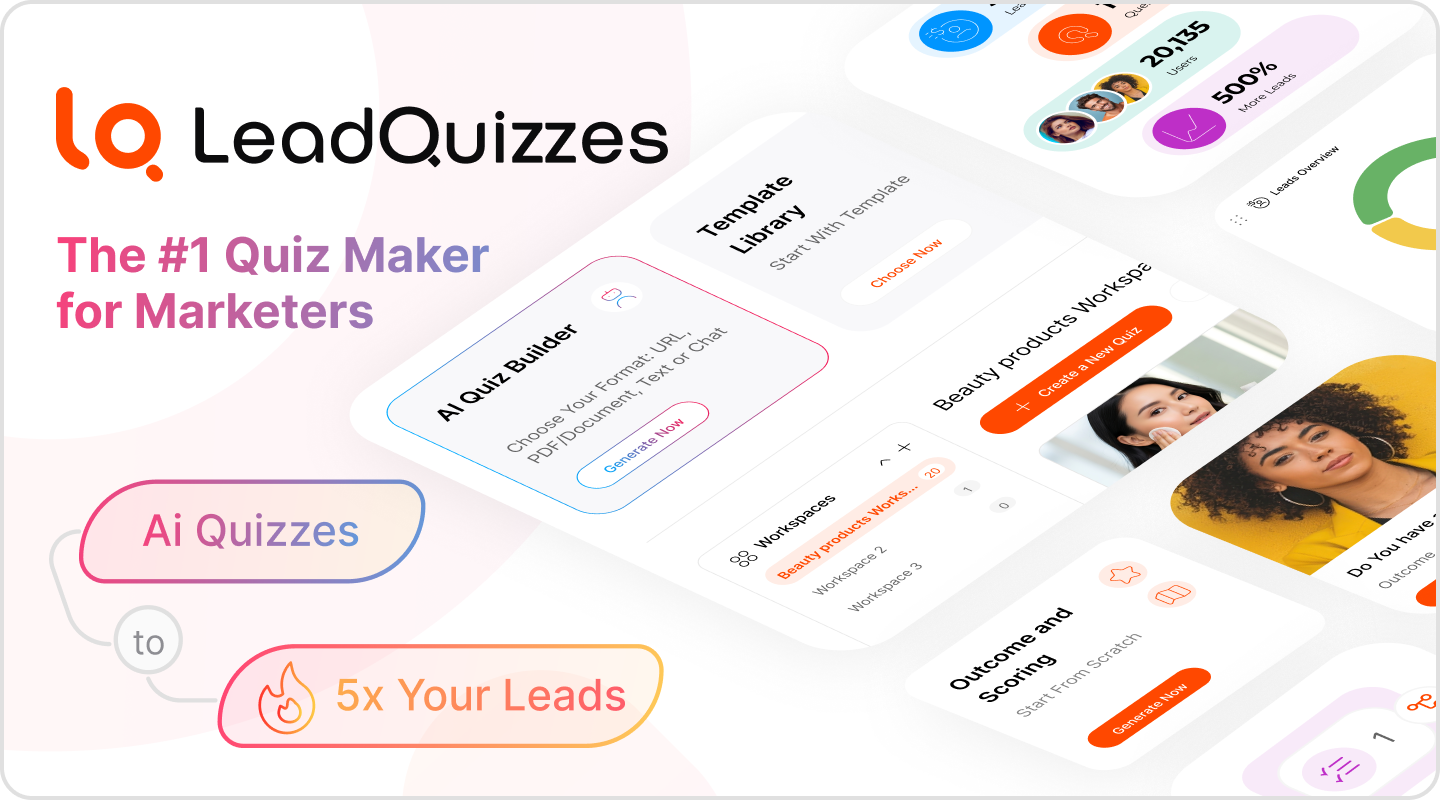
It allows marketers to create quizzes, surveys, and forms using templates or their own questions. Results can be tailored based on participants’ answers, and contact information can be collected during the experience.
The platform also includes website embedding and connections with supported marketing services. This allows businesses to embed quizzes into existing pages and use the collected details for follow-up.
Reporting tools help marketers understand how audiences interact with their content and which campaigns generate responses.
LeadQuizzes is a practical ScoreApp alternative when the main aim is to publish lead-generation quizzes and surveys without making a detailed scoring report the center of every campaign.
Pros:
Pros:
- Create quizzes and surveys using ready-made templates, making it easier to launch a campaign without starting from scratch.
- Collect email addresses and other contact details from visitors who complete your quizzes.
- Show different results based on participants’ answers to make the experience more relevant.
- Add quizzes to your website and connect them with supported email marketing tools.
- Check quiz responses and completion data to see which campaigns are attracting potential customers.
Cons:
- No permanent free plan
- Integrations start above the entry tier
User Rating: 4.2/5
Pricing: 14-day free trial. Standard starts at $37/month, billed annually.
My Top Picks Among the ScoreApp Alternatives
The ten platforms above cover several different tasks, but these three would be my starting points for businesses with different assessment and marketing requirements.
1. ProProfs Quiz Maker
ProProfs Quiz Maker is my first pick for businesses that expect to use quizzes across multiple departments or for multiple purposes.
A campaign may begin with lead collection, but the business might also need to assess employee knowledge, create scored tests, or provide certificates. ProProfs Quiz Maker brings these activities together, with AI helping teams prepare questions from existing material.
It is particularly useful when assessment results need to support ongoing decisions rather than a single marketing campaign.
2. Pointerpro
Pointerpro deserves attention when an assessment is part of a professional service.
Consultants and coaches may need to deliver an individual report with explanations and recommendations, rather than simply telling someone their score. Pointerpro’s report-building capabilities support this kind of client deliverable.
I would consider it when the business depends on presenting detailed findings in a professional format.
3. Outgrow
Outgrow is my choice for businesses that want visitors to calculate something useful.
Cost estimates, savings calculators, and other interactive tools can answer practical questions before someone speaks to a sales representative.
Its ability to handle numerical inputs and formulas gives marketers more options when a standard assessment result isn’t enough.
How I Evaluated These ScoreApp Alternatives
I looked at the practical differences between platforms rather than treating every quiz builder as the same product with a different design.
- User reviews and ratings: I considered publicly available feedback about reliability, ease of use, support, and common difficulties, while treating unverified numerical scores as details to check before publication.
- Essential features and functionality: I examined whether each tool can create the experiences its intended audience needs, including graded tests, personality quizzes, calculators, surveys, and product recommendations.
- Ease of use: I considered what a nontechnical user would need to do to prepare questions, design results, publish content, and review responses.
- Customer support: I reviewed the availability of help articles, product instructions, customer support, and other resources for resolving setup issues.
- Value for money: I looked at starting prices, billing periods, response allowances, and the features included at different subscription levels.
- Personal experience and expert opinion: I applied practical quiz and assessment design criteria to vendor information, focusing on whether the product’s capabilities match the work businesses actually need to complete.
Ready to Switch Beyond ScoreApp?
Before moving to a new assessment platform, consider what information your quizzes should provide and how your team plans to use it.
Perhaps you need to identify which potential customers are interested in a particular service. You might also want to find out whether employees understand a new policy, check professional knowledge, or deliver training assessments across departments.
ProProfs Quiz Maker gives you the freedom to create different experiences without having to rebuild your entire quiz process each time.
You can prepare questions from existing documents with AI, choose suitable answer formats, and decide how participants should receive their results. Lead forms help collect customer information, while automatic grading and reports give you a clear record of assessment performance.
For teams that run regular tests, you can also manage time limits, apply available security controls, and award certificates when participants meet the required standard.
You don’t have to move every assessment at once. Begin with one quiz that matters to your business, recreate it in ProProfs Quiz Maker, and review how it handles both the participant experience and the information you receive afterward.
Frequently Asked Questions
What are the best ScoreApp alternatives for lead generation?
ProProfs Quiz Maker, Interact, involve.me, Perspective, Outgrow, and LeadQuizzes all support lead generation through interactive content.
The best choice depends on what you want visitors to do. Interact focuses on personality quizzes, Perspective supports inquiry and booking flows, and ProProfs Quiz Maker combines lead collection with different assessment types.
Are there free alternatives to ScoreApp?
Yes. ProProfs Quiz Maker, Interact, involve.me, Jotform, Typeform, and Quizell offer free plans for getting started.
These plans have different limits on questions, published content, responses, and other features. Review the restrictions before using a free version for a business campaign.
Which ScoreApp alternative is best for online tests and employee assessments?
ProProfs Quiz Maker is suitable for structured tests because it supports automatic grading, different question formats, security settings, and detailed results.
It's useful when organizations need to assess knowledge and maintain records, rather than simply attract marketing leads.
Can I create quizzes using AI?
Yes. ProProfs Quiz Maker can generate questions from a topic or uploaded source material. Interact, involve.me, Perspective, and several other platforms also provide AI-assisted creation.
Before choosing, check whether the AI feature can produce the type of content you need, such as scored questions, result pages, or an entire lead collection experience.
How do I choose between a scorecard and a personality quiz?
A scorecard evaluates something against criteria, such as business readiness or subject knowledge. A personality quiz places participants into different result categories based on their preferences or answers.
Choose a scorecard when you want to measure a condition or performance level. Use a personality quiz when you want to help people discover a type, preference, or recommended direction.
Let ProProfs AI Build a Quiz

 We'd love your feedback!
What did you like & how can we make it even better?
 Thanks for your feedback!
 Ask Your Question
Have a question? Get expert help to make your decision easier.