
I started looking at Exam.net alternatives because secure testing can become complicated when students use different devices. High-security mode may require a lockdown app, and issues with Safe Exam Browser can interrupt an exam and eat into testing time.
For many teachers and assessment teams, that is the real problem. Exam.net can run secure exams, but the setup can feel restrictive, especially across Chromebooks, Windows laptops, and personal devices. Pricing can also be a concern since there is no free plan for individual teachers after the 30-day trial.
So, I compared 10 Exam.net alternatives based on security, ease of use, device support, pricing, and overall fit. I’ll also share my top three picks and help you choose the right option for your exam needs.
Why Are Teams Switching From Exam.net?
Exam.net is a capable, teacher-friendly platform: students join using an exam key, with no student accounts. Still, these are the friction points I hear most from teachers and assessment administrators comparing Exam.net competitors.
High-security mode needs installed software: According to Exam.net’s own system requirements, a lockdown application must be installed on the student’s device. Windows devices use Safe Exam Browser (SEB), and Chromebooks use the Exam.net kiosk app, which must be installed by the school’s Google administrator. That is manageable on school-owned devices, but harder with mixed or personal devices.
Recovery can interrupt the exam: Exam.net’s SEB troubleshooting guide explains that SEB can lock on a red screen after a forced shutdown or a dead battery, and the student then needs a quit password. It suggests giving the student another computer or switching off high-security mode if the problem persists. Exam.net’s medium mode avoids installed software, but it relies on full-screen browser behavior instead of a lockdown app.
There is no free plan: Per Exam.net’s pricing, there is a 30-day free trial per school and no automatic move to a paid plan. After that, you’re offered a license for your school or organization. There is no self-serve free tier for an individual teacher.
Pricing isn’t listed publicly: Exam.net’s pricing describes school-based licensing without listing prices, so budget-conscious teachers and small training teams have to ask for a quote before they can compare it with a published rate.
Top 10 Exam.net Alternatives for Online Exams & Assessments
I compared these exam.net alternatives on security level, device support, AI question creation, grading, and pricing. The list covers options for classrooms, universities, training teams, and certification exams.
| Tool | Best For | Starting Price | User Rating (G2) |
| ProProfs Quiz Maker | Creating Quizzes & Assessments for Business, Training, and Education | Free; paid from $19.99/month | 4.3/5 |
| Google Forms | Free quizzes on school-managed Chromebooks | Free | 4.6/5 |
| Testmoz | No-signup classroom tests | Free; $50/year | 4/5 |
| Quizgecko | AI quizzes from PDFs and lesson notes | Free; $16/month | 4.5/5 |
| Testportal | AI-assisted tests with a free teacher plan | Free EDU plan; business from $35/month | 4.7/5 |
| ClassMarker | Certification-style and training tests | Free (education); $19.95/month | 4.4/5 |
| Wayground (formerly Quizizz) | Game-style, low-stakes practice | Free teacher plan, Individual/Super plan starts at $12 per month | 4.9/5 |
| Formative | Free, real-time classroom checks with optional lockdown | Free basic tier with paid plans starting at $20.75 per month | 4.5/5 |
| Canvas LMS | LMS-native quizzes for schools and universities | Institutional quote | 4.5/5 |
| Digiexam | High-stakes lockdown across devices | $1,995/year (Digiexam Lockdown) | 4.5/5 |
1. ProProfs Quiz Maker: Best for Creating Quizzes & Assessments for Business, Training, and Education
I’ve used ProProfs Quiz Maker across hiring, employee training, and classroom assessments, and it consistently cuts manual setup time. Its AI quiz generator creates full assessments with explanations in seconds and can convert documents (DOC, PDF, PPT), videos, and webpages into quizzes, making it one of the best Exam.net alternatives.
You also get 20+ question types, including interactive, image-based, and video response formats. Question banks and pooling can deliver different questions to each person or across attempts.
For test security, you get browser lockdown, IP tracking, question randomization, and automated webcam and screen proctoring. You can also set time limits for the whole quiz or individual questions, and everything runs in the browser without requiring students to install a separate app.
Pros:
- AI converts documents, videos, and webpages into quizzes
- Browser-based lockdown and proctoring with question pooling
- Automated certification, grading, and detailed reports
Cons:
- No dark mode
- Cloud-only, with no on-premises version
How ProProfs Quiz Maker Compares With Exam.net: ProProfs gives you integrity controls without installed lockdown software, plus AI quiz creation and a free plan. Exam.net’s lockdown apps remain the stronger choice if you need device-level lockdown on managed hardware.
User Rating: 4.3/5 (G2)
Pricing: Forever-free plan. Paid plan starts at $19.99/month.
2. Google Forms: Best Free Option for Chromebook Classrooms
Google Forms is the most familiar free option for schools already on Google Workspace. Quiz mode auto-grades objective questions, and results flow into Sheets. For unit checks and low-stakes quizzes, it is hard to beat on convenience and cost.
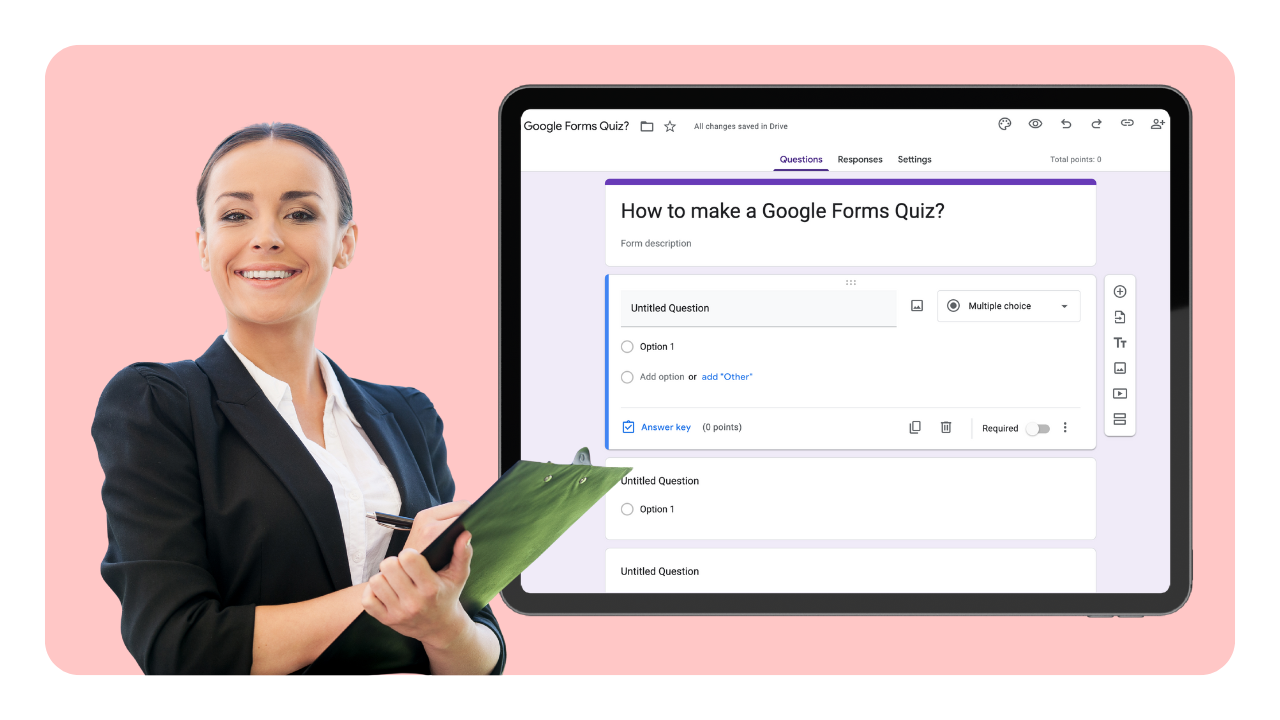
Its main security feature is locked mode. It requires a Google Workspace for Education account, a school-managed Chromebook for each student, and a supported version of Chrome OS.
When locked mode is enabled, students can’t browse other sites or open other apps during the assessment. Compared with Exam.net, however, it does not support the same range of devices and also lacks webcam proctoring and question pooling.
Pros:
- Completely free
- Auto-grading with Sheets export
- Native fit with Google Classroom
Cons:
- Locked mode only works on managed Chromebooks
- No proctoring or question banks
How Google Forms Compares With Exam.net: Forms is a free, lighter substitute for Chromebook schools, while Exam.net supports lockdown on more device types.
User Rating: 4.4/5 (G2)
Pricing: Free with a Google account; locked mode requires Workspace for Education.
3. Testmoz: Best for No-Signup Classroom Tests
Testmoz is one of the simplest test builders I’ve looked at. You build a test, share a link, and students can take it without creating an account.
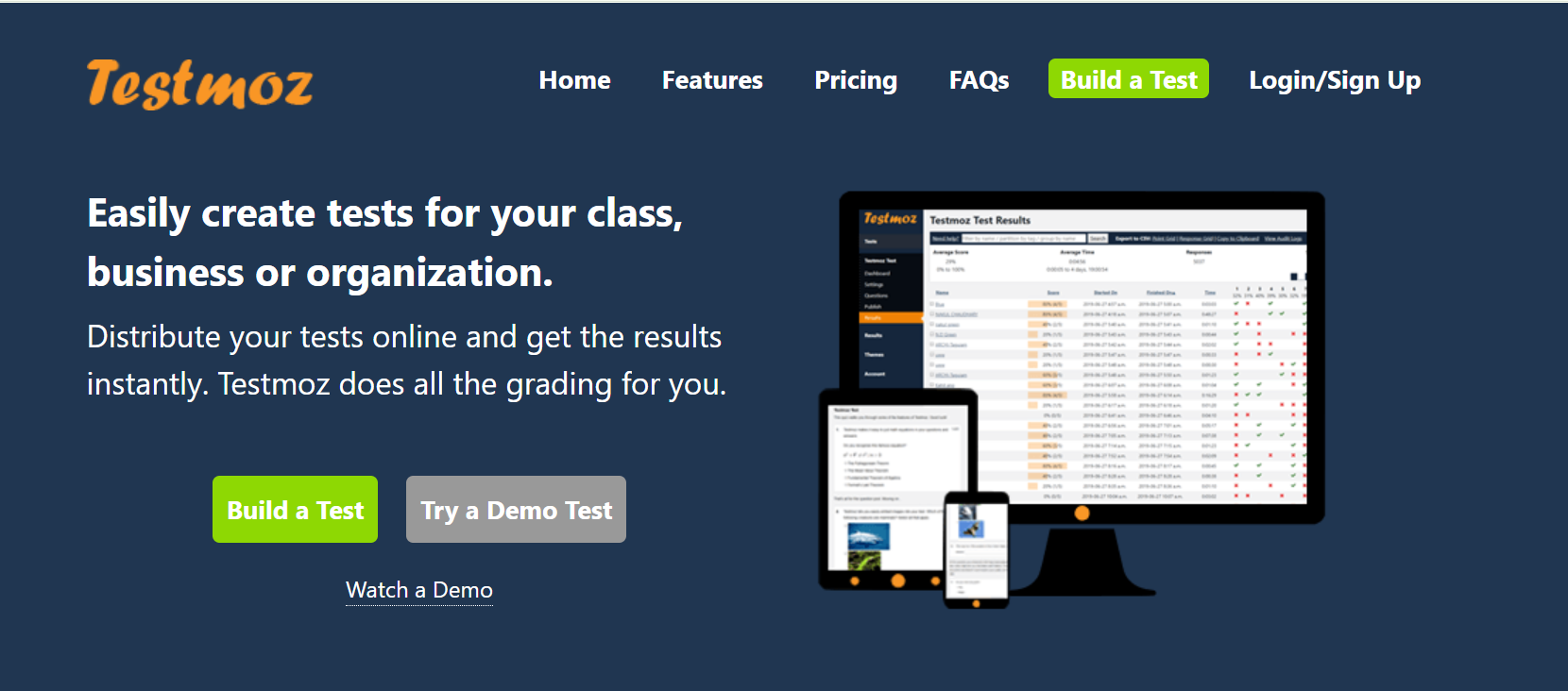
Grading is automatic for objective questions, and you can review and export results afterward. Each account also supports large groups of people taking tests at the same time.
Security is lightweight, with password-protected tests, question randomization, and time limits. There’s no lockdown browser or proctoring, so I see it as a better fit for low- and medium-stakes assessments than tightly controlled exams.
Pros:
- No test-taker accounts required
- Very low annual cost
- Fast to set up
Cons:
- No lockdown or proctoring
- Free plan caps questions and results per test
How Testmoz Compares With Exam.net: Testmoz is a budget-friendly swap for low- and medium-stakes tests, while Exam.net is better for monitored, higher-security exams.
User Rating: 4/5
Pricing: Free basic version, paid plan starts at $50/year.
4. Quizgecko: Best for AI Quiz Generation From PDFs and Lesson Notes
Quizgecko is built around turning your own material into questions. You can paste text, add a link, or upload a PDF, Word file, or presentation, and it drafts quiz questions you can edit.
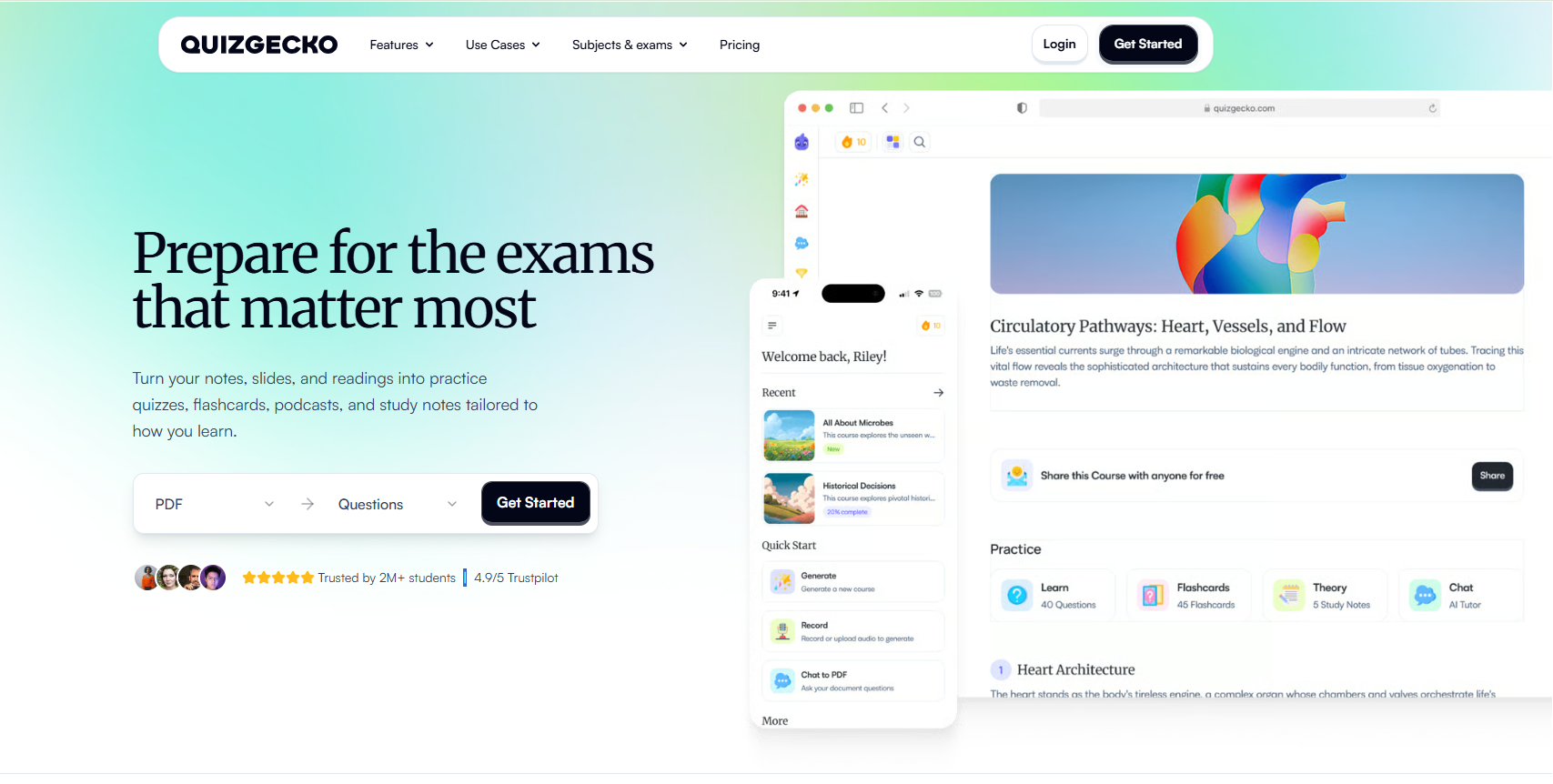
If your main frustration is writing questions by hand, this is where it helps most. It focuses heavily on AI-assisted content creation and can also support exporting assessments into other learning environments.
It is primarily a creation tool, and I didn’t find lockdown or proctoring features on its plans page. That means you may still need an LMS or another assessment platform if you want stronger controls for high-stakes testing.
Pros:
- Strong file-to-quiz generation
- LMS export on higher plans
- Low monthly cost
Cons:
- No lockdown or proctoring that I could find
- Free plan is very limited
How Quizgecko Compares With Exam.net: Quizgecko speeds up question writing, but you still need a secure delivery platform for high-stakes exams.
User Rating: 4.5/5
Pricing: Free Basic plan; Premium $16/month; Ultra $29/month (per the official plans page).
5. Testportal: Best for AI-Assisted Tests With a Free Teacher Plan
Testportal is an online test maker for schools and businesses. It supports AI-powered question creation, importing content from PDF or Word files, analytics and reporting, and certificates.
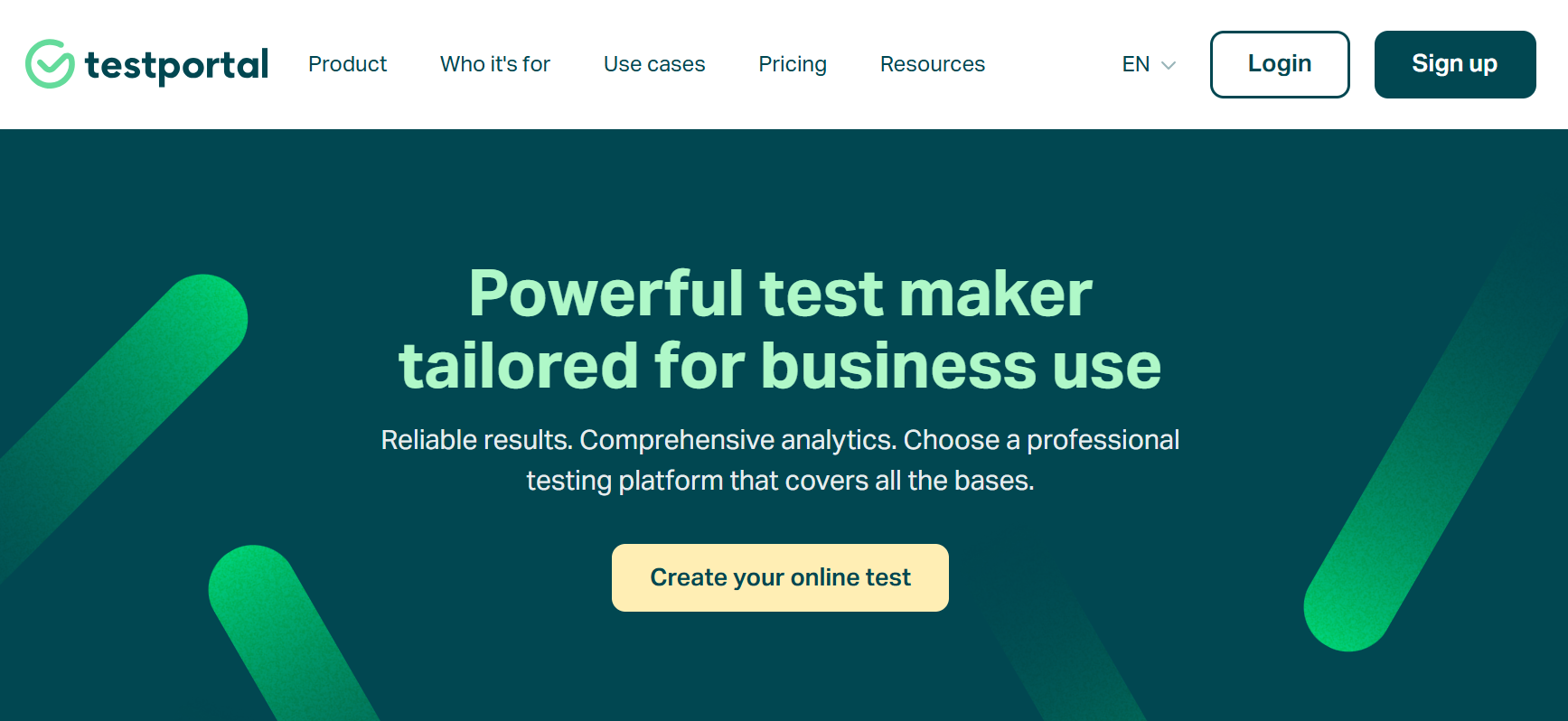
It also offers a feature called Honest Respondent Technology to help support assessment integrity. Because it runs in the browser, students don’t need to install a separate lockdown application.
I’d position it as a lighter-integrity option compared with SEB-based exams. Its combination of AI-assisted creation and browser-based delivery makes it easier to manage when installation requirements would otherwise create friction.
Pros:
- Free plan for teachers
- AI question creation and file import
- Published business pricing
Cons:
- Monthly result caps on lower business plans
- No installed lockdown app
How Testportal Compares With Exam.net: Testportal is a friendlier free option with AI built in, while Exam.net offers device-level lockdown.
User Rating: 4.7/5 (G2)
Pricing: Free plans for teachers; Standard $35/month, PRO $79/month, MAX $129/month.
6. ClassMarker: Best for Certification-Style and Training Tests
ClassMarker is a long-running online testing platform for education and business. You can deliver tests to registered groups or by link, embed them through webhooks or API, and grade responses instantly.
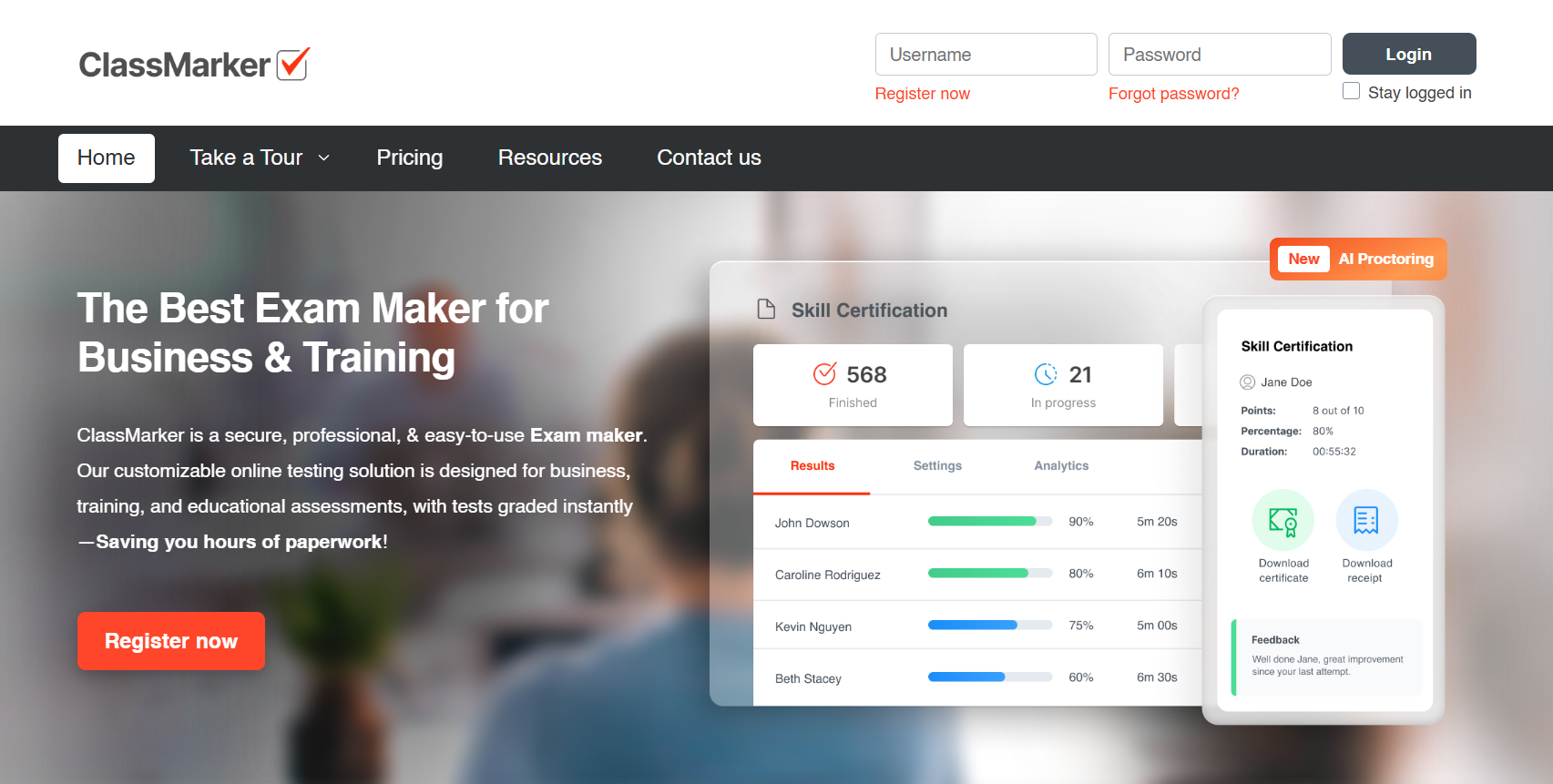
Its reporting can break results down by test, group, user, or category, which makes it useful for structured training and certification programs. Randomization, time limits, and public or private access are also commonly listed features.
I couldn’t confirm built-in webcam proctoring from a consistent source, since one comparison says it isn’t available and another directory lists remote proctoring. If proctoring is important to you, I’d confirm that capability with ClassMarker directly.
Pros:
- Free education tier
- Reports by test, group, user, and category
- Webhooks and API for embedding
Cons:
- Monthly test caps by plan
- Proctoring unclear, so confirm before buying
How ClassMarker Compares With Exam.net: ClassMarker suits training and certification-style tests with published pricing, while Exam.net is more focused on classroom exams with lockdown.
User Rating: 4.4/5 (G2)
Pricing: Free (education, 100 tests/month); Professional 1 $19.95/month (education); business from $39.95/month.
7. Wayground (Formerly Quizizz): Best for Game-Style, Low-Stakes Practice
Wayground is the new name for Quizizz. It fills the gap Exam.net leaves in low-stakes practice by turning quizzes into game-style activities that students can complete live or as homework.
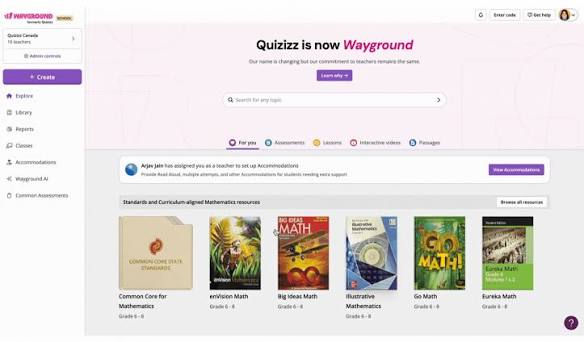
That makes it useful for review sessions, retrieval practice, and formative checks before a major exam. Students can join activities with a code and a name, which keeps participation simple.
It isn’t built around lockdown or proctoring, so I wouldn’t use it for finals or other tightly controlled assessments. Against Exam.net, its main value is student engagement rather than exam security.
Pros:
- Engaging, game-style formats
- Free plan for individual teachers
- Large public library of activities
Cons:
- Not built for secure, high-stakes exams
- Plan limits and pricing change often
How Wayground Compares With Exam.net: Wayground complements Exam.net for practice and engagement rather than replacing it for formal exams.
User Rating: 4.9/5 (G2, per a secondary source; verify before publishing)
Pricing: Free teacher plan; Individual/Super plan starts at $12 per month.
8. Formative: Best for Free, Real-Time Classroom Checks With Optional Lockdown
Formative, also called GoFormative, is a web-based tool for building digital assignments and seeing how students are doing as they work. It works well for daily checks for understanding and quick unit tests.
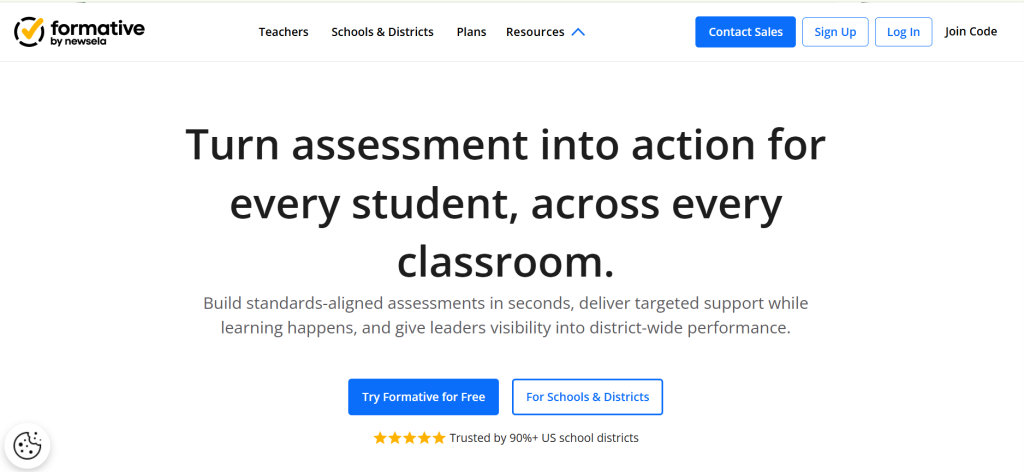
One of its stronger classroom features is the live view of student responses. Teachers can monitor answers as students work, which makes it easier to identify misconceptions and intervene quickly.
For security, Formative’s help center describes a LockDown Browser add-on powered by Respondus for School & District licenses. Once an assignment with that setting begins, students remain locked in until they submit or use a quit password.
Pros:
- Free Teacher plan
- Live view of student responses while they work
- Optional LockDown Browser add-on for school and district licenses
Cons:
- Lockdown requires a School & District license add-on
- Paid pricing differs across sources
How Formative Compares With Exam.net: Formative is a better fit for everyday checks with a free starting point, while Exam.net is built around formal, secure exams.
User Rating: 4.5/5
Pricing: Free basic tier with paid plans starting at $20.75 per month.
9. Canvas LMS: Best for LMS-Native Quizzes in Schools and Universities
If your institution already runs Canvas, its quizzes are often one of the easiest alternatives because students never have to leave the LMS. Assessments stay connected to the same courses and workflows they already use.
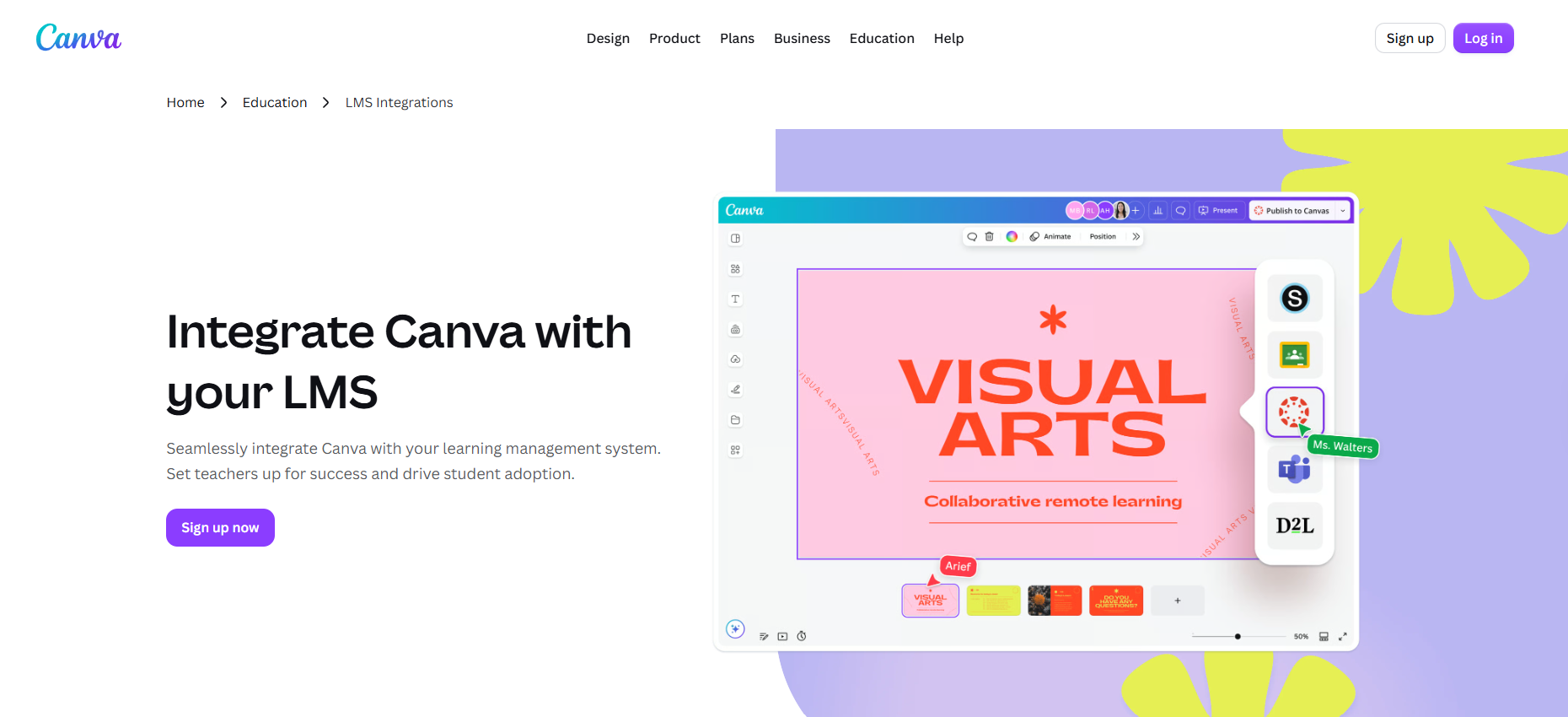
Grades go directly to the gradebook, while question banks let teachers draw randomized questions for different students. Canvas also supports common controls such as time limits and question randomization.
For lockdown, institutions usually add a third-party tool such as Respondus LockDown Browser. That means Canvas works especially well for LMS-native assessment workflows, but stronger exam security generally requires an additional integration.
Pros:
- Quizzes and grades live inside your courses
- Question banks for randomized questions
- Large, active user community
Cons:
- Lockdown needs a third-party add-on
- Institutional pricing only
How Canvas LMS Compares With Exam.net: Canvas is the better fit for teachers who want assessments inside their LMS, while Exam.net offers lockdown out of the box.
User Rating: 4.5/5
Pricing: Institutional license; contact Instructure for a quote.
10. Digiexam: Best for High-Stakes Lockdown Across Devices
Digiexam is the closest like-for-like option among secure online exam software alternatives. It runs as a dedicated app on Windows, macOS, iPad, and managed Chromebooks.
Its lockdown mode blocks browsers, apps, AI tools, screenshots, and external devices, and schools can add webcam and screen monitoring. It also supports offline exam access with automatic backups, which can help reduce disruption if connectivity drops.
Digiexam Lockdown can secure assessments inside an existing LMS, so teachers can continue using the platform they already know. That combination makes it particularly relevant for schools running high-stakes exams across different device types.
Pros:
- Offline exam support with automatic backups
- Broad device coverage
- Published Lockdown pricing
Cons:
- App required on each device
- Priced for schools, not individual teachers
How Digiexam Compares With Exam.net: Digiexam matches Exam.net’s lockdown strength and adds offline resilience, but it’s a school-wide decision, not a teacher tool.
User Rating: 4.5/5
Pricing: Digiexam Lockdown 1,995/year(2.99 per student); the full exam platform is priced separately, and third-party listings show about $1,599/user/year.
How I Chose These Exam.net Alternatives
I looked past feature lists to understand how each platform handles real exam conditions. Here is the framework I used.
- User reviews and ratings: I checked G2 ratings where available to understand how real users feel about reliability, ease of use, support, and day-to-day administration. If I couldn’t verify a current rating, I’ve made that clear rather than filling in a number.
- Core assessment features: I compared essentials such as auto-grading, question types, question banks, randomization, time limits, certificates, and reporting to see how well each tool supports both everyday quizzes and formal exams.
- Exam security and device compatibility: This was especially important for an Exam.net comparison. I looked at whether each platform supports browser lockdown, proctoring, tab-switch prevention, IP restrictions, or other anti-cheating controls, and whether students need extra software, managed devices, or can simply use a browser.
- Ease of administration: I considered how easy it is to create tests, enroll learners, manage attempts, review results, and handle retakes. A tool can have strong security features but still be difficult to manage at scale.
- Value for money: I compared free plans, starting prices, usage limits, and caps on tests, students, responses, or results to see what teams actually get for the price.
- Pricing transparency: I gave extra weight to platforms that publish their pricing clearly. Since Exam.net generally uses school-based licensing and requires you to request a quote, transparent alternatives are easier to budget and compare upfront.
- Source checking: I used each vendor’s own pricing, product, security, and help pages wherever possible. If a feature, plan detail, or requirement couldn’t be confirmed from a reliable source, I’ve flagged it instead of treating it as fact.
Top 3 Exam.net Alternatives
After comparing all ten platforms, these three cover the broadest range of the gaps teachers and administrators run into with Exam.net.
1. ProProfs Quiz Maker
My top pick for any teacher or training team that wants secure exams without installing lockdown software on every device. Its AI quiz generator turns documents, videos, and webpages into graded quizzes with explanations, and the security controls (browser lockdown, IP tracking, randomization, question pooling, and webcam and screen proctoring) all run in the browser. You can start on the forever-free plan and move to paid plans, which start at $19.99 per 100 active quiz takers per month, only when you need more capacity.
2. Testportal
The best free route I found for teachers who want AI question creation without a lockdown app. It supports AI-powered question creation and PDF or Word import; it runs entirely in the browser, and it offers free plans for school and university teachers. If you outgrow that, business plans start at $35/month, with a 14-day free trial so you can test it before paying.
3. Google Forms
The easiest zero-cost option for schools already on Google Workspace for Education. Quizzes auto-grade, results flow into Sheets, and locked mode keeps students from opening other tabs or apps. The catch is that locked mode only works on school-managed Chromebooks running Chrome OS 75 or later, so it’s a good fit for Chromebook classrooms and a poor one for mixed devices.
Ready to Switch Beyond Exam.net?
If your biggest frustrations are installed lockdown software, quote-only school licensing, and pausing class to recover a locked student, you don’t have to trade security for simplicity. Pooled questions, shuffled answers, and tight timers do a lot of the integrity work, and they don’t depend on specific hardware.
That’s why I’d start with ProProfs Quiz Maker. Turn your existing PDFs or slides into an exam with AI, switch on the security settings that fit the stakes, and let automated grading handle the rest.
Frequently Asked Questions
What is the best alternative to Exam.net?
ProProfs Quiz Maker is my top pick for most teachers and training teams. It pairs AI quiz creation with browser-based security, question pooling, and automated grading, and it has a forever-free plan. If you need device-level lockdown, Digiexam is the closest like-for-like option.
Does Exam.net have a free plan?
No. Exam.net offers a 30-day free trial per school and no automatic move to a paid plan. After the trial, you're offered a license for your school or organization.
Does Exam.net require software to be installed?
In high-security mode, yes. Exam.net's support pages say a lockdown application must be installed on the student's device: Safe Exam Browser on Windows and the Exam.net kiosk app on Chromebooks. Its medium security mode does not require installed software.
How do I prevent cheating in online exams without webcam proctoring?
Use question pools so each student sees different questions, shuffle answer options, set per-question timers, and limit attempts. Writing application-based questions also reduces the value of looking up answers. Reserve proctoring for high-stakes exams.
Can I create an exam from a PDF with AI?
Yes. ProProfs Quiz Maker's AI generator converts documents, videos, and webpages into quizzes with explanations. Quizgecko also generates questions from uploaded files, and Testportal lists AI question creation and PDF or Word import on its business plans.
What's the difference between a lockdown browser and online proctoring?
A lockdown browser restricts what a student can do on their device, such as opening other apps or sites. Online proctoring monitors the student, usually through webcam, screen capture, or recordings. Many schools use lighter browser controls for most exams and proctoring only for high-stakes ones.
Which Exam.net alternative works inside an LMS?
Canvas runs quizzes natively inside its LMS, so grades flow into your gradebook, and institutions usually add a third-party lockdown tool. Formative offers a LockDown Browser add-on for School & District licenses. If you don't use an LMS, a standalone tool like ProProfs Quiz Maker delivers quizzes and grading on its own.

Let ProProfs AI Build a Quiz

 We'd love your feedback!
What did you like & how can we make it even better?
 Thanks for your feedback!
 Ask Your Question
Have a question? Get expert help to make your decision easier.