
I’ve spent a lot of time in FlexiQuiz accounts over the years, usually because someone on an L&D or HR team asked why their “quick little compliance quiz” suddenly needed a $30 or $89-a-month plan. The tool does one thing well: fast, auto-graded tests with a certificate at the end.
That’s usually where “flexiquiz alternatives” becomes the real search query. I’ve seen this play out the same way across Reddit threads and my own conversations with HR managers and instructors: people don’t leave FlexiQuiz because it’s broken. They leave because their program outgrew a tool built for simple, static tests.
So I pulled together the alternatives I’d actually recommend, based on what different teams are trying to do. Here’s why teams switch, alternatives to FlexiQuiz worth considering, how I evaluated them, my top three picks, and how to choose the right one.
Why Are Teams Switching From FlexiQuiz?
If you’re reading this, you’ve probably already run into one or two of these. Here’s what I hear most often from L&D leads, educators, and hiring teams looking at similar tools to FlexiQuiz.
Strict free-tier and response caps: FlexiQuiz’s free plan caps you at around 10 questions per quiz and 20 responses a month. The moment you want to test a whole class, department, or candidate pool, you’re staring at a paywall.
A dated, clinical interface: Multiple reviewers describe the builder as functional but rigid next to newer, drag-and-drop tools. Manual question entry adds real time to every quiz you build.
No native AI quiz generation: FlexiQuiz doesn’t turn a document, slide deck, or topic prompt into a quiz automatically. Every question still gets typed in by hand, which is a real tax on anyone building assessments regularly.
Low engagement, no gamification: FlexiQuiz is built for formal, static testing. If you want leaderboards, live sound effects, or an adaptive learning path that keeps people coming back, it isn’t built for that.
Steep cost escalation: Jumping from a few hundred responses to a few thousand, or unlocking white-labeling and automated certificates, pushes you from the low-$20s into the $89-plus range fast.
Thin analytics: Question-level breakdowns, learner feedback surveys, and flexible respondent account options are limited, which makes it hard to see where a group is actually struggling.
Top 10 FlexiQuiz Alternatives for Online Quizzes
I built this list around real use cases rather than a generic feature dump, because “best flexiquiz alternatives” means something different to a certification body than it does to a marketing team running a lead-gen quiz. Every tool here solves at least one of the problems above in a measurable way.
| Tool | Best For | Starting Price | User Rating |
| ProProfs Quiz Maker | Creating Quizzes & Assessments for Business, Training, and Education | $19.99/month | 4.3/5 (G2) |
| Google Forms | Completely Free, Unlimited Testing | Free | 4.6/5 (G2) |
| Typeform | Engaging, Conversational Quiz Design | $28/month | 4.5/5 (G2) |
| Riddle | High-Volume, Simultaneous-Scale Testing | $59/month | 4.6/5 (G2) |
| Kahoot! | Live, Gamified Classroom Quizzes | $19/month | 4.6/5 (G2) |
| AhaSlides | Adult Learners & Self-Paced Engagement | $7.95/month | 4.7/5 (G2) |
| Wayground (Quizizz) | Classroom Self-Paced Learning & Analytics | $12/month | 4.9/5 (G2) |
| Opinion Stage | Visual Analytics & Lead-Gen Quizzes | $19/month | 4.8/5 (G2) |
| Jotform | AI Quiz Generation & Custom Form Design | $34/month | 4.6/5 (G2) |
| AutoProctor | Anti-Cheating & Remote Exam Proctoring | ~$0.10/attempt | Not yet widely rated |
1. ProProfs Quiz Maker– Best for Easily Creating Quizzes & Assessments for Business, Training, and Education
I’ve used ProProfs Quiz Maker across hiring, employee training, and classroom assessments, and it consistently cuts manual setup time. Its core strength is turning ideas into structured, high-quality tests without needing complex configuration or constant support from technical admins.
The AI quiz generator creates full assessments with explanations in seconds and converts documents, videos, or webpages into quizzes, which directly answers the manual-entry complaint most FlexiQuiz users have. Question banks, pooling, and 20+ question types round out a genuinely deep assessment engine. You can try here with AI widget:

Let ProProfs AI Build a Quiz
For anything security-sensitive, browser lockdown, IP tracking, and automated webcam and screen proctoring come built in rather than gated behind an enterprise sales call, and automated certification closes the loop the moment someone passes.
Pros:
- AI quiz generator that builds a full assessment with explanations from a document, video, or webpage in seconds
- AI reports & analytics reveal quiz performance, learner responses, and knowledge gaps
- 20+ question types, including interactive, image-based, and video-response formats
- Question pooling and randomization so every attempt gets a different set of questions
- Flexible grading with partial credit and instant, explanation-based feedback
- Automated certification and recertification with branded certificates
Cons:
- No dark mode, which may affect comfort during extended use
- Only cloud-based; no on-premises version available
How ProProfs Quiz Maker Compares With FlexiQuiz: FlexiQuiz caps you at 10 questions and 20 responses on its free plan, and every question still has to be built by hand. ProProfs Quiz Maker’s AI generator removes the manual-entry problem entirely, and proctoring plus branded certification come standard instead of sitting behind FlexiQuiz’s Enterprise tier.
User Rating: 4.3/5
Pricing: Paid plans start at $19.99/month.
Read: How to Create a Quiz Using AI
2. Google Forms: Best for Completely Free, Unlimited Testing
If your only complaint about FlexiQuiz is the response cap, Google Forms solves that outright, with no ceiling on questions or responses at any point.
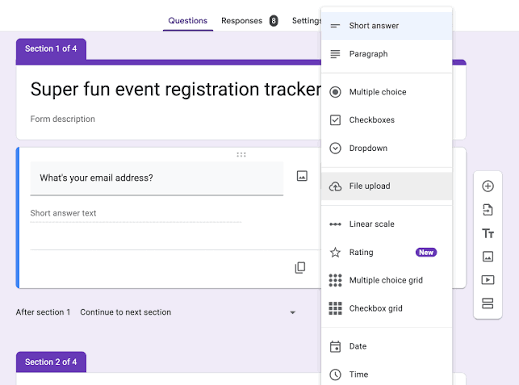
I’ve built entire assessment programs on it for teams that just needed unlimited questions and responses, with auto-grading and instant score release handled natively for quizzes.
It isn’t built for security or engagement, but if budget is the only blocker, it removes that conversation completely and plugs straight into Sheets, Classroom, and Drive that most teams already use.
Pros:
- Completely free with no response or question limits
- Auto-grading and instant score release for quizzes
- Native integration with Google Sheets, Classroom, and Drive
- Extremely low learning curve
Cons:
- Little to no professional design customization
- No advanced branching, personality logic, or proctoring
How Google Forms Compares With FlexiQuiz: FlexiQuiz starts charging once you pass 500 responses a month. Google Forms never charges for volume, though you give up branding, question variety, and security features to get there.
User Rating: 4.6/5
Pricing: Free.
3. Typeform: Best for Engaging, Conversational Quiz Design
Typeform is the tool I point to when a FlexiQuiz quiz feels like a chore to take, not just to build. Its one-question-at-a-time format gives quizzes a polish that FlexiQuiz’s clinical, form-grid builder can’t match.
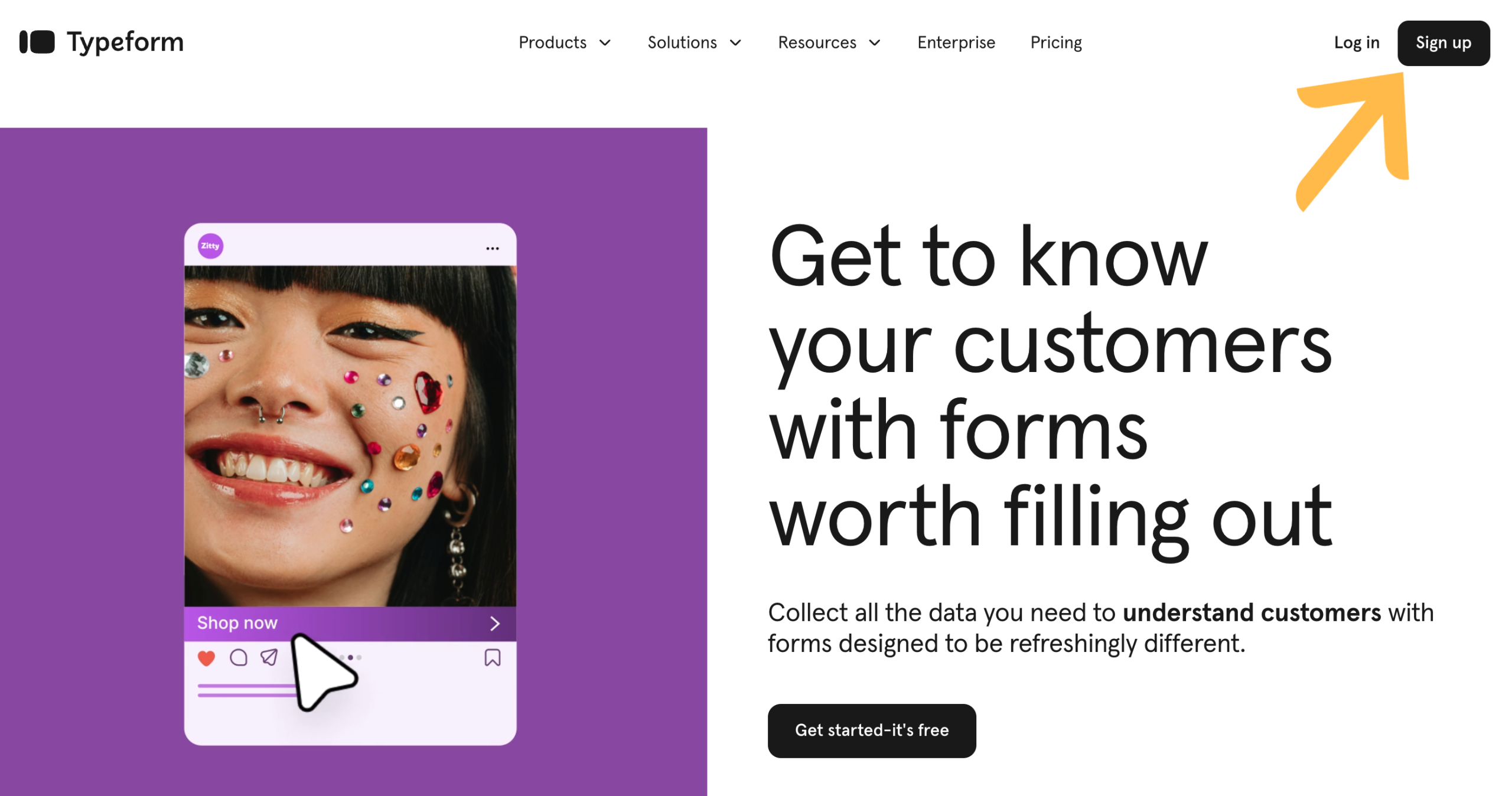
The “Create with AI” option turns a prompt into a full form or quiz in minutes, and conditional logic lets you branch respondents down different paths based on their answers, including scored quiz paths and personalized outcomes.
It shines most as a lead-gen or engagement quiz rather than a formal exam tool, since proctoring and deep question banks aren’t really its focus, but completion rates are consistently higher than on static form builders.
Pros:
- “Create with AI” generates a full quiz or form from a prompt
- One-question-at-a-time format drives noticeably higher completion rates
- Conditional logic for branching paths and scored quiz outcomes
- Polished, on-brand design templates out of the box
Cons:
- Free plan is capped at just 10 responses a month
- Pricing is response-based, so cost climbs quickly with real usage
How Typeform Compares With FlexiQuiz: FlexiQuiz’s builder is functional but static, and it shows in completion rates. Typeform’s conversational format and AI-assisted creation make quizzes feel less like a form and more like a conversation, at the cost of FlexiQuiz’s deeper proctoring and question-bank tools.
User Rating: 4.5/5
Pricing: Free plan available (10 responses/month); paid plans start around $28/month.
4. Riddle: Best for High-Volume & Simultaneous Scale
When a certification body or training agency needs to run a quiz for 20,000-plus people at once, Riddle is the name that keeps coming up in comparisons and community threads alike.
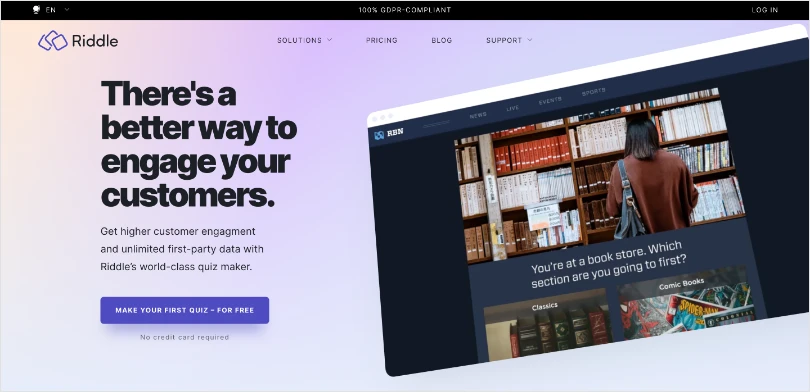
Every plan includes unlimited participants and unlimited leads, which is rare in this category and solves a real bottleneck that FlexiQuiz’s response-based billing creates the moment a program scales.
It also connects to over 1,500 marketing tools and gives you full CSS control, so a high-volume rollout doesn’t have to look generic just because it’s built to handle scale.
Pros:
- Unlimited quizzes, engagement, and leads on every plan
- Handles large-scale, simultaneous participation without extra fees
- Connects to 1,500+ marketing tools
- Full CSS control for custom branding
Cons:
- No free plan; starts around $59/month
- More built for publishers and marketers than classroom instructors
How Riddle Compares With FlexiQuiz: FlexiQuiz’s response-based billing means cost climbs with volume. Riddle’s unlimited-participant model means a 20,000-person compliance rollout costs the same as a 200-person one.
User Rating: 4.6/5 (G2)
Pricing: Starts at approximately $59/month.
5. Kahoot!: Best for Live, Gamified Classroom Quizzes
Many people mention FlexiQuiz competitors, and Kahoot! always get into the picture for one reason: engagement.
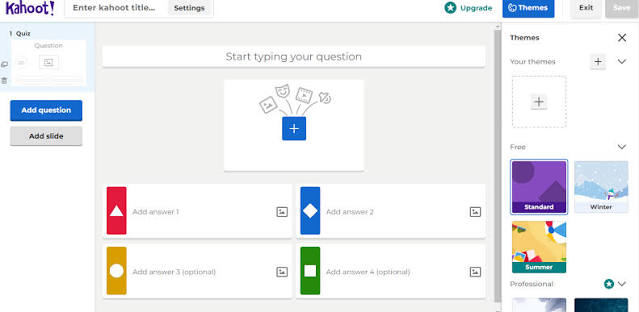
Live leaderboards, sound effects, and a game-show feel make it the go-to when the goal is energy in the room, not just a graded score at the end of a static test.
AI-assisted question generation on paid tiers speeds up the build, and it works just as well opening a corporate training session as it does a classroom review.
Pros:
- Free plan supports live games for up to 10 players
- Strong gamification: leaderboards, music, and competitive game modes
- AI-assisted question generation on paid tiers
- Works well for both classroom and corporate training kickoffs
Cons:
- Free plan’s player cap is restrictive for anything beyond a small group
- Business and team plans require annual billing
How Kahoot! Compares With FlexiQuiz: FlexiQuiz is built for static, formal testing with no live game element. Kahoot! is the opposite: almost entirely live and gamified, which makes it a poor fit for formal certification but a strong one for engagement-first sessions.
User Rating: 4.6/5
Pricing: Free plan available; paid individual and team plans start around $19/month.
6. AhaSlides: Best for Adult Learners & Self-Paced Engagement
Adult educators on Reddit consistently flag FlexiQuiz as too rigid for unlimited written responses, and Kahoot! as too kid-oriented for a professional training room.
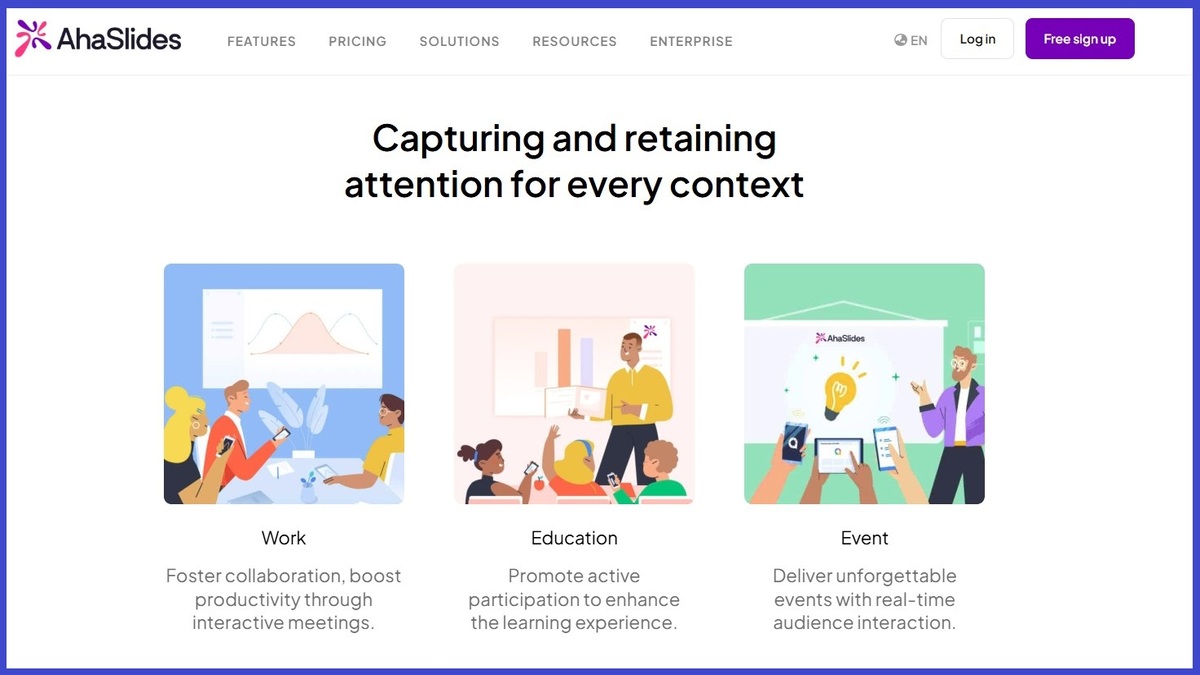
AhaSlides lands in the middle: its participant limits mostly apply to live sessions, so self-paced quizzes are close to unrestricted even on the free plan.
Word clouds, polls, and AI-assisted question creation sit alongside the quiz builder, which makes it a useful all-in-one for trainers who run both live workshops and asynchronous coursework.
Pros:
- Free plan supports up to 50 participants
- Self-paced quizzes aren’t bottlenecked by live-session limits
- Word clouds, polls, and quizzes in one interactive format
- AI-assisted slide and question creation
Cons:
- Design customization can feel limited compared to presentation-first tools
- Export functionality lacks visual editing tools
How AhaSlides Compares With FlexiQuiz: FlexiQuiz caps monthly responses regardless of session type. AhaSlides’ self-paced quizzes sidestep that entirely, which matters for trainers running asynchronous coursework.
User Rating: 4.7/5
Pricing: Free plan available; paid plans start at $7.95/month.
7. Wayground (formerly Quizizz): Best for Self-Paced Learning & Detailed Analytics
Educators running district-wide programs consistently prefer Wayground for self-paced quizzes with clear percentage scores at the end, rather than a single pass/fail result.
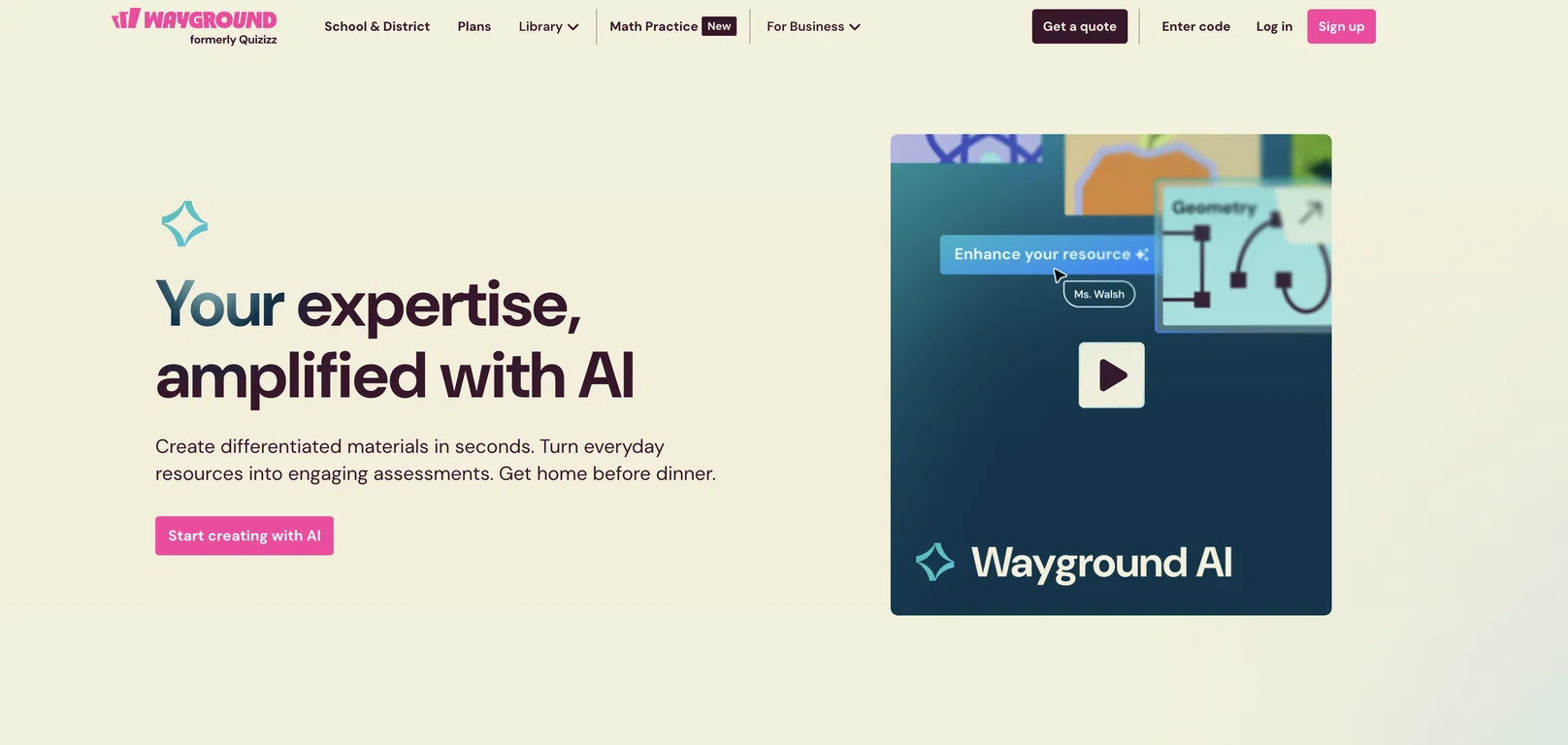
Standards tagging and comprehension-question features make it easy to tie a quiz back to a specific curriculum goal, something FlexiQuiz’s static test format was never built for.
It’s also a strong fit for anyone who wants students retaking shorter quizzes to reinforce a concept, backed by a shared library that keeps a whole department’s content in one place.
Pros:
- Free Starter plan for individual teachers
- Standards tagging and comprehension-question features
- Strong game-mode options for engagement alongside self-paced testing
- Shared library for district-wide collaboration
Cons:
- Full School and District features require a custom quote
- Some advanced analytics sit behind paid tiers
How Wayground Compares With FlexiQuiz: FlexiQuiz treats every quiz the same way, whether it’s a compliance test or a classroom check-in. Wayground is purpose-built for classroom use, with standards alignment and comprehension tracking FlexiQuiz doesn’t offer.
User Rating: 4.9/5
Pricing: Paid plan starts from $12/month.
8. Opinion Stage: Best for Visual Analytics & Lead-Gen Quizzes
I’ve recommended Opinion Stage over both ProProfs and Google Forms specifically for teams that need clear, visual per-question analytics without requiring test-takers to log in.
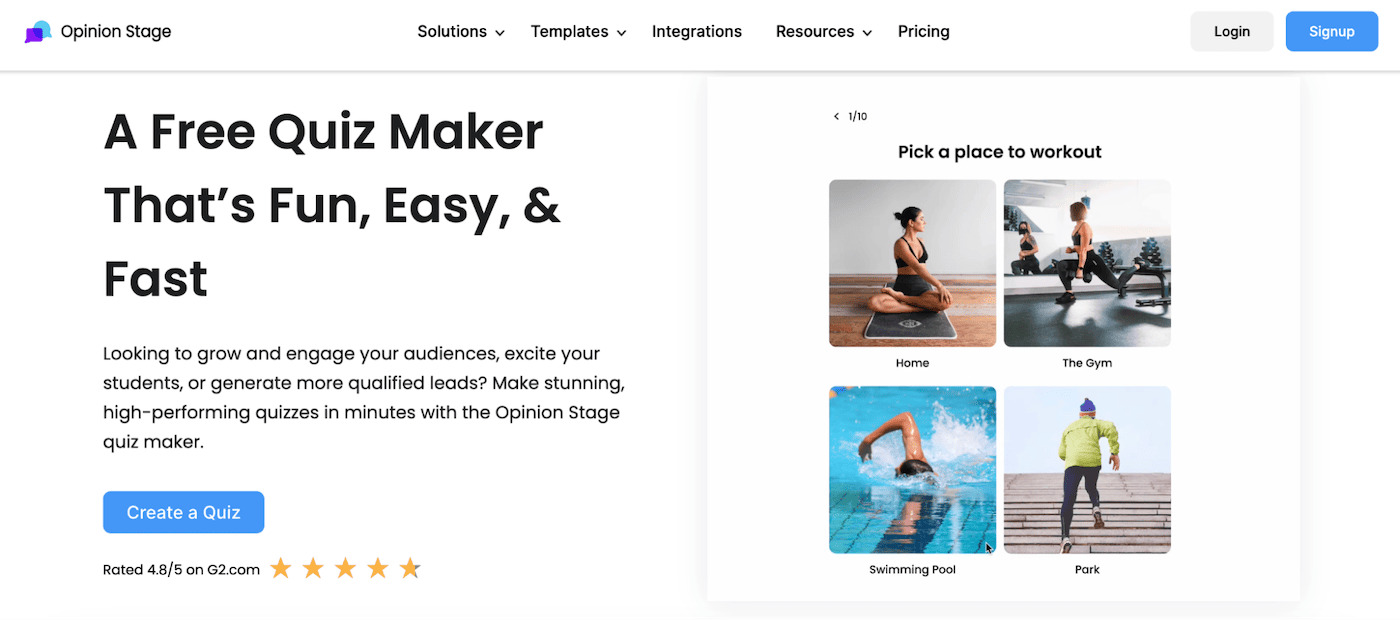
The free plan includes unlimited items and questions plus AI-assisted creation, and lead and email capture come standard rather than as a paid add-on most tools charge extra for.
It’s also a strong fit when a quiz doubles as a marketing tool rather than a pure assessment, since the analytics dashboard is built around engagement and conversion, not just scores.
Pros:
- Free plan includes unlimited items and questions, plus AI-assisted creation
- No login required for respondents
- Clean per-question analytics dashboard
- Lead and email capture built into the free tier
Cons:
- Free plan is capped at 25 responses per month
- Zapier and white-labeling require the mid-tier plan or higher
How Opinion Stage Compares With FlexiQuiz: FlexiQuiz’s reporting stays fairly shallow even on paid plans. Opinion Stage’s per-question analytics give you a clearer picture of where people are struggling, without forcing a login wall.
User Rating: 4.8/5
Pricing: Free plan available (25 responses/month); paid plans start around $19/month.
9. Jotform: Best for AI Quiz Generation & Custom Form Design
Jotform’s AI quiz generator lets you upload a PDF, PowerPoint, Word doc, or even a photo of a page, and get a quiz back in seconds instead of typing every question by hand.
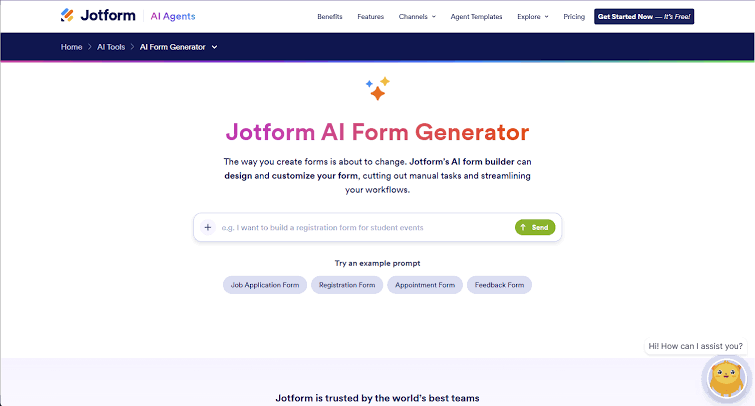
Paired with Jotform Tables for tracking responses, it’s a strong option for anyone who wants form-builder flexibility with quiz scoring layered on top of it.
Built-in payment collection also makes it a reasonable fit for paid certifications or ticketed assessments, something FlexiQuiz handles far less natively.
Pros:
- AI quiz generator works from documents, images, or prompts
- Free plan includes unlimited forms with capped submissions, no credit card required
- Deep form-design flexibility beyond just quizzes
- Built-in payment collection for paid assessments or certifications
Cons:
- Free plan caps out at 100 submissions/month
- Higher tiers needed for HIPAA compliance or advanced security features
How Jotform Compares With FlexiQuiz: FlexiQuiz has no AI generation at all, so every question is manual. Jotform’s AI generator directly answers that gap, though FlexiQuiz still edges it out on dedicated proctoring features.
User Rating: 4.6/5
Pricing: Free plan available; paid plans start at $34/month.
10. AutoProctor: Best for Anti-Cheating & Online Exam Proctoring
If your main frustration with FlexiQuiz is that proctoring feels like an afterthought, AutoProctor is worth a look, since it’s built around exam integrity first.
It layers AI-based proctoring, ID verification, and screen recording on top of Google Forms, Microsoft Forms, or its own Socratease platform, rather than asking you to rebuild your quiz somewhere else.
Credit-based pricing means you only pay for actual test attempts, which suits certification bodies and training agencies whose testing volume swings from month to month.
Pros:
- Works on top of forms you may already use, including Google Forms
- ID and face verification to confirm the right candidate is testing
- Screen, mouse, and keystroke recording alongside webcam monitoring
- Credit-based pricing scales with actual usage instead of a flat monthly cap
Cons:
- Pricing in USD only, which can complicate billing for some regions
- Best suited to teams that already have a question set built elsewhere
How AutoProctor Compares With FlexiQuiz: FlexiQuiz includes basic lockdown and proctoring on its higher tiers. AutoProctor goes further with ID verification and phone-paired 360-degree monitoring, and it can proctor a test you’ve already built somewhere else.
User Rating: Not yet widely rated
Pricing: Credit-based, roughly $0.10 per proctored test attempt; 10 free trial credits.
How I Chose These FlexiQuiz Alternatives
I didn’t just pull this list from feature pages. Here’s the framework I used to make sure every recommendation actually holds up:
User Reviews & Ratings: I checked verified feedback on G2 and Capterra to see how each tool performs day to day, not just what the marketing page claims.
Core Features & Functionality: I focused on what matters for quizzes specifically: question variety, AI generation, proctoring, and analytics depth. A tool that’s great at surveys but weak at scoring didn’t make the cut.
Ease of Use: A powerful tool that instructors or HR admins can’t set up quickly defeats the purpose. I weighted setup time and interface clarity heavily.
Value for Money: This isn’t about picking the cheapest option. It’s about whether the free tier or entry price actually gets you past FlexiQuiz’s specific limitations.
Community & Research Signals: I cross-referenced Reddit threads and G2 discussion boards for the exact pain points people cite when leaving FlexiQuiz, then made sure each recommendation solves at least one of them in a real, measurable way.
Top 3 FlexiQuiz Alternatives
After comparing all ten platforms, three stood out for solving the broadest range of FlexiQuiz’s limitations.
1. ProProfs Quiz Maker
ProProfs Quiz Maker is my top overall pick because it closes the two biggest gaps at once: AI-generated quizzes remove the manual question-entry problem, and built-in proctoring plus branded certification remove the need for a second tool. For teams running anything from onboarding quizzes to certification exams, it’s the most complete replacement on this list.
2. Typeform
Typeform is the right call if completion rates and a modern, conversational feel matter most to you. Its AI-assisted creation and one-question-at-a-time format solve the engagement gap FlexiQuiz’s static builder can’t, especially for lead-gen or lighter-weight quizzes.
3. Google Forms
If your only real complaint about FlexiQuiz is the response cap, Google Forms is the simplest fix. It won’t give you proctoring or AI generation, but it removes the cost conversation entirely.
Get a Better Way to Run Online Quizzes & Assessments
Switching away from FlexiQuiz doesn’t mean giving up the auto-grading and certificates you liked about it. It means getting a platform that scales with you instead of charging you every time your program grows.
Whether you need AI-generated questions, real proctoring, unlimited responses, or a bit more gamification in the room, there’s a stronger fit for your team among the alternatives above. If you want a deeper look at the fundamentals first, get your hands on how to create an online quiz and interactive quizzes walk through the basics, and this list of quiz examples is a good place to see formats in action.
For most of the teams I talk to, ProProfs Quiz Maker comes out ahead for combining AI quiz generation, proctoring, and flexible grading in one plan. You can also browse quiz templates or check the Quiz Maker for teachers page to see how it fits your specific use case before committing. If you want to see how it handles your own assessment, start with the free plan and judge for yourself.
Let ProProfs AI Build a Quiz

 We'd love your feedback!
What did you like & how can we make it even better?
 Thanks for your feedback!
 Ask Your Question
Have a question? Get expert help to make your decision easier.