I’ve sat through enough post-exam chaos to know that the platform choice matters more than most people admit. A crashed session during a high-stakes certification test, an AI proctoring flag that locks out a nervous student for blinking too fast, a question bank that doesn’t save properly at 11 PM the night before the exam. These are not edge cases. They happen regularly on the wrong platform.
The best exam software doesn’t win on feature count. It wins by staying stable under load, letting you fix mistakes without rebuilding everything, and keeping security proportionate to what’s actually at stake. I evaluated every tool on this list against those standards. Here’s what I found.
What Is Exam Software?
Beyond the basics, what separates a functional exam platform from a frustrating one comes down to three things: how well it handles load, how much control it gives you over security settings, and how easy it is to manage at scale.
A good platform supports multiple question formats, automates grading, and generates performance reports without requiring a technical background to operate. Security is handled within the same system, so you’re not cobbling together a lockdown browser from one vendor and proctoring from another. Whether you’re running classroom exams, pre-employment tests, or professional certification programs, the right tool fits the context rather than forcing you to work around it.
Learn how to create quizzes & exams with AI in this detailed webinar:
15+ Best Exam Software Tools Worth Your Time
Not every platform here does the same thing well. Some are built for speed and simplicity; others go deep on proctoring and data. I’ve covered the full range so you can match the tool to the actual exam type you’re running, not just the one the vendor demo assumed.
Here’s a quick-reference table before we get into each tool:
| Tool | Best For | Capterra Rating | Pricing | Security & Proctoring | AI & Automation |
| ProProfs Quiz Maker | Secure quizzes & assessments | 4.6 | Free; paid from $19.99/mo | Webcam proctoring, browser lockdown, IP restrictions, tab-switch prevention, shuffling | AI quiz generator, AI grading, AI feedback |
| TestGorilla | Hiring & candidate screening | 4.4 | Free; paid from $75/mo | AI behavior monitoring | AI proctoring flags, automated candidate ranking |
| Classtime | Real-time classroom assessments | 4.7 | Free; paid from $9.99/mo | None (low-stakes only) | None noted |
| Respondus | Online exam security & proctoring | 4.4 | Institutional pricing on request | Kernel-level lockdown browser, webcam recording, AI-flagged behavior review | AI behavior review |
| Testportal | AI-powered assessments | 4.6 | Free; paid from $49/mo | Browser activity monitoring, randomization, time pressure | AI question creation, AI result analysis |
| Testinvite | Multi-sectional exams | 4.9 | From $37/mo | Webcam proctoring, GDPR-compliant | Multi-stage exam workflows |
| Easy LMS | Engaging exam experiences | 4.6 | From $80/mo | Basic exam rules (attempts, pass/fail) | None noted |
| Think Exam | AI proctored exams | 4.6 | On request | Candidate ID verification, live + AI + human proctoring | AI-based automated proctoring |
| EProfessor | Small businesses | Not listed | From $24/mo | Time limits, shuffling, question pooling | None noted |
| QuestBase | Recruitment exams | 4.2 | From €109.95/yr | Safe exam browser, multi-screen blocking | None noted |
| ClassMarker | Educational exams | 4.4 (G2) | From $19.95/mo (edu) / $39.95/mo (business) | Randomized questions, time limits, public/private access | None noted |
| ExamSoft | Formative exams | 3.8 | On request | Live + AI proctoring, identity verification, browser lock | AI proctoring, bulk question import |
| SpeedExam | Large enterprises | 4.8 | Free; paid from $20/mo | Live + AI proctoring, real-time device/IP monitoring | AI cheating prevention |
| ExamOnline | Live video proctoring | 4.8 | On request | Face detection, automated remote monitoring, browser security | AI-based automated monitoring |
| iSpring QuizMaker | Math exams | 4.7 | $470/user/year | Randomization, time limits, branching | None noted |
| Conduct Exam | Offline exams | Not listed | On request | Question randomization, screen share proctoring | None noted |
1. ProProfs Quiz Maker – Best for Easily Creating Secure Quizzes & Assessments With AI or Templates
ProProfs Quiz Maker is the one I’d recommend first for anyone who needs to move fast without cutting corners on security.
I love that it lets me ask questions in 20+ engaging ways (such as multiple-choice, checkbox, hotspot, and video-response), that learners can take exams on any device, and that it offers a huge resource library to build exams in minutes.
The AI exam generator builds a full quiz from a topic or document in seconds, and the library of over a million ready-to-use questions means you’re rarely starting from scratch. You can try it yourself here:

Let ProProfs AI Build a Quiz
What I find genuinely useful is the layered approach to anti-cheating: question-and-answer shuffling, tab-switch prevention, browser lockdown, IP restrictions, timed access, and webcam proctoring are all configurable from a single dashboard. It can also flag written answers that show signs of being AI-generated, which catches a different kind of dishonesty than shuffling or lockdown ever could. You set the level of security the exam actually needs, rather than applying blanket restrictions that unnecessarily frustrate test-takers.
Automated grading, detailed performance reports, and custom-branded certificates with your logo are all included. You can also just ask the AI a direct question about the results, like which topic tripped up the most candidates, and get the answer instantly instead of digging through the report yourself. It works across devices, supports multiple languages, and integrates with most LMS and CRM platforms without requiring an IT ticket.
See how Potter’s House Christian School turned 15 years of test questions into a digital format, saving hours of work and helping students learn better with ProProfs Quiz Maker.
Pros:
- AI generates quizzes from prompts/uploads in seconds, with smart explanations
- AI auto-grading for all types (essays/fill-in-blanks via custom rubrics), partial/custom scoring, bonus/negative marking
- 1,000,000+ ready questions + expert assessments
- Robust security & proctoring (webcam/screen, lockdown) proven in live runs
- 20+ question types with media
- Question banks with tagging, randomization, pooling for fresh tests
- Instant AI explanations/personalized feedback, analytics, classrooms, branded and automated certificates
Cons:
- More niche exam templates would help
- Cloud-based (needs stable internet)
User Rating: 4.6 (Capterra)
Pricing: Free for short quizzes. Paid starts at $19.99/month for businesses, $4/teacher/month for K–12, and $0.25/student/month for schools & districts.
2. TestGorilla – Best for Hiring and Candidate Screening Tests
If you’re in HR or talent acquisition, TestGorilla is built specifically for pre-employment testing at scale. The platform offers over 400 science-backed assessments covering role-specific skills, cognitive aptitude, personality, and language proficiency.
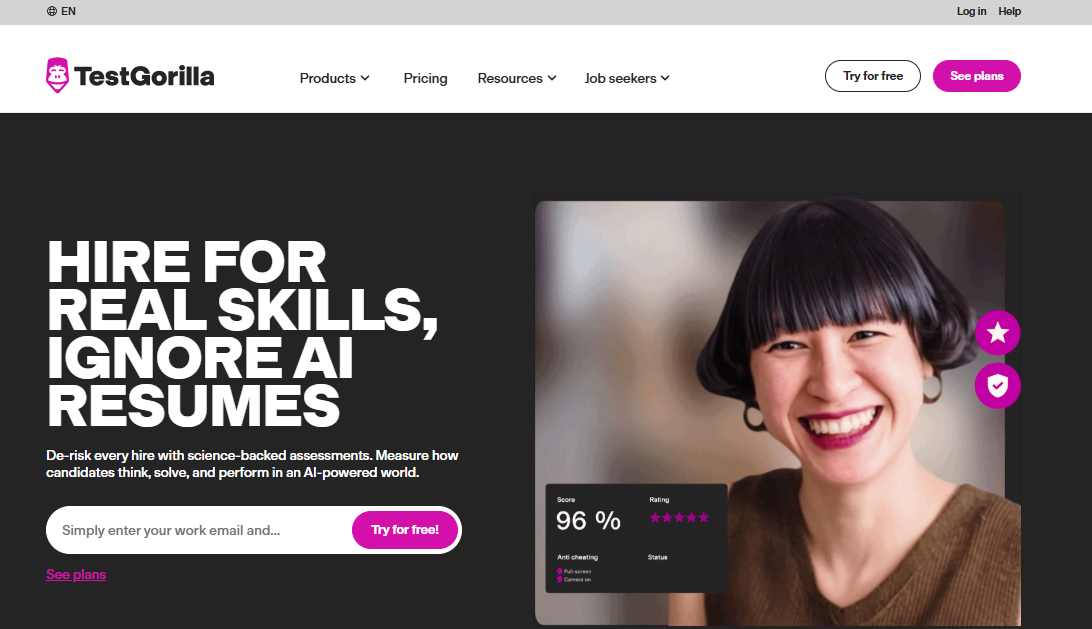
You can combine multiple tests into a single candidate flow without building anything from scratch.
What stands out is how it handles volume. You can invite hundreds of candidates, track completion status in real time, and rank results automatically based on score thresholds you define. The AI monitoring flags suspicious behavior during assessments, which keeps the process credible without requiring a human proctor on every session.
The reporting is built for recruiting decisions: side-by-side candidate comparisons, percentile rankings, and detailed breakdowns by test category. It integrates with major ATS platforms including Greenhouse, Lever, and Workable, so results feed directly into your hiring workflow.
Pros:
- 400+ validated, role-specific assessments ready to deploy
- Candidate ranking and side-by-side comparison built into reporting
- ATS integrations reduce manual data transfer
- Scales easily for high-volume hiring rounds
Cons:
- Not designed for academic or certification use cases
- Custom question creation is more limited than dedicated exam platforms
User Rating: 4.4 (Capterra)
Pricing: Free plan available. Paid starts at $75/month.
3. Classtime – Best for Real-Time Classroom Assessments
Classtime is built for teachers who need live feedback during a lesson, not a week after the fact. You run a session, students join from any device, and their responses appear on your dashboard in real time as they answer. It’s genuinely useful for checking understanding mid-lesson before moving on.
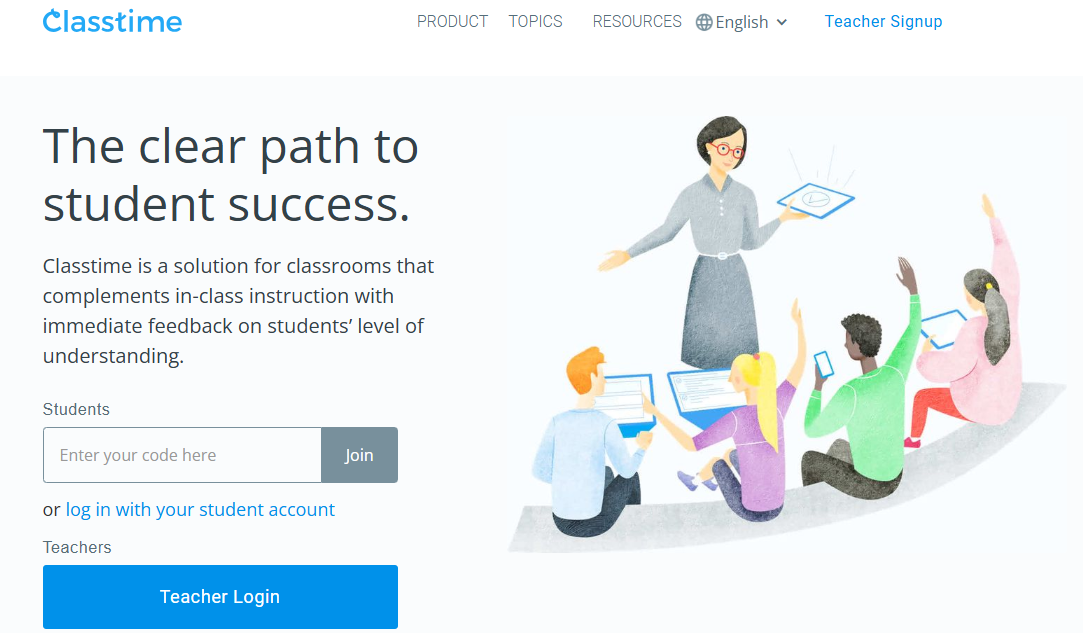
The question library is collaborative, meaning you can access and use question sets shared by other educators, which significantly shortens prep time. The class insights feature identifies which students are struggling while the session is still running, so you can adjust on the spot rather than playing catch-up later.
It’s not a high-stakes exam platform, but for formative classroom use, the immediacy is the entire point. Setup is fast, students don’t need to download anything, and the live dashboard gives you something a graded paper never can: a real-time picture of where the room actually is.
Pros:
- Live response dashboard shows class performance as it happens
- Shared question library reduces individual prep time
- Works on any student device with no download required
- Grouped activities support differentiated instruction
Cons:
- No proctoring or security controls for high-stakes use
- Limited reporting depth compared to dedicated exam platforms
User Rating: 4.7 (Capterra)
Pricing: Free plan available. Paid starts at $9.99/month.
4. Respondus – Best for Online Exam Security and Proctoring
Respondus is the standard for lockdown browser technology in higher education.
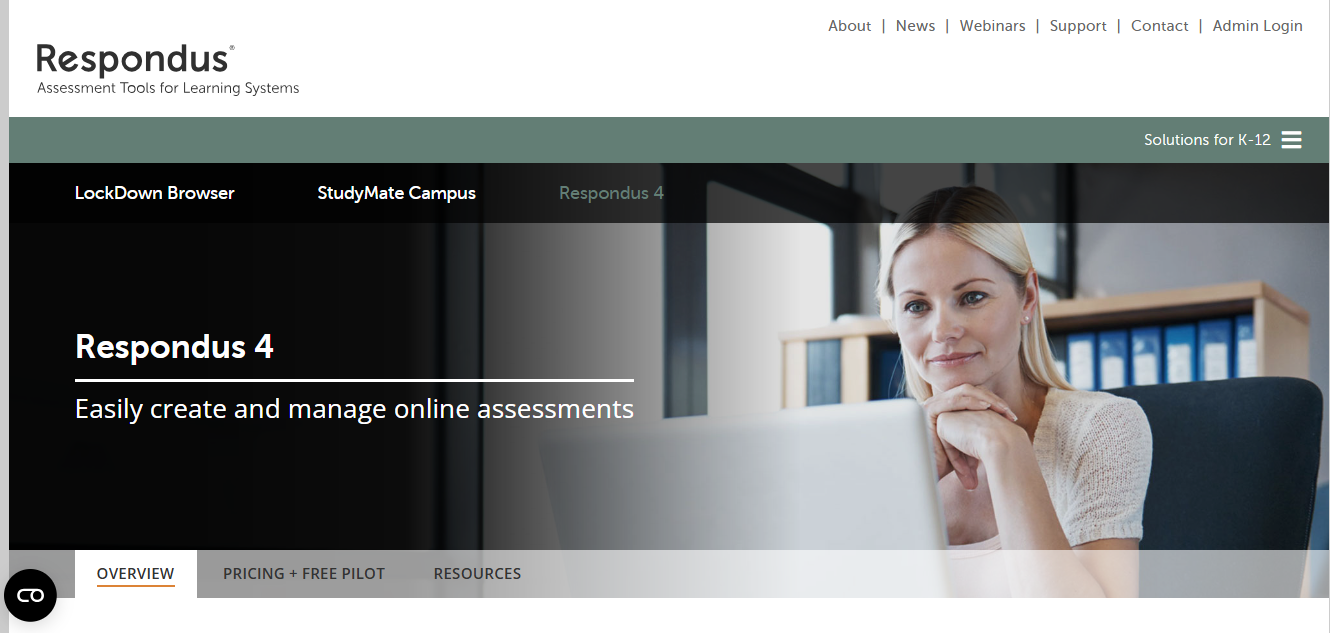
LockDown Browser prevents access to other applications, browsers, and websites during an exam, and Monitor adds webcam recording with AI-flagged behavior review for instructor follow-up. Most universities running proctored online exams are already on it.
What makes it credible is the depth of the lockdown. It operates at the kernel level, meaning students cannot navigate around it the way browser-based restrictions can sometimes be bypassed. The tradeoff is friction: students must install software on their device before sitting the exam, which creates a support burden that schools need to plan for.
It integrates with Canvas, Blackboard, Moodle, and most major LMS platforms, so results and flags feed directly into the gradebook without manual steps.
Pros:
- Kernel-level lockdown browser widely trusted in higher education
- AI and human review options for recorded proctoring sessions
- Native integration with Canvas, Blackboard, and Moodle
Cons:
- Requires student device installation, which creates setup friction
- No native question builder or question bank
User Rating: 4.4 (Capterra)
Pricing: Institutional pricing, available on request.
5. Testportal – Best for AI-Powered Assessments
Testportal uses AI to accelerate assessment building and surface patterns in results that aren’t obvious from raw scores alone. You can generate questions from existing content, get suggestions for improving question clarity, and run anti-cheating controls including browser activity monitoring, randomization, and time pressure settings from the same dashboard.
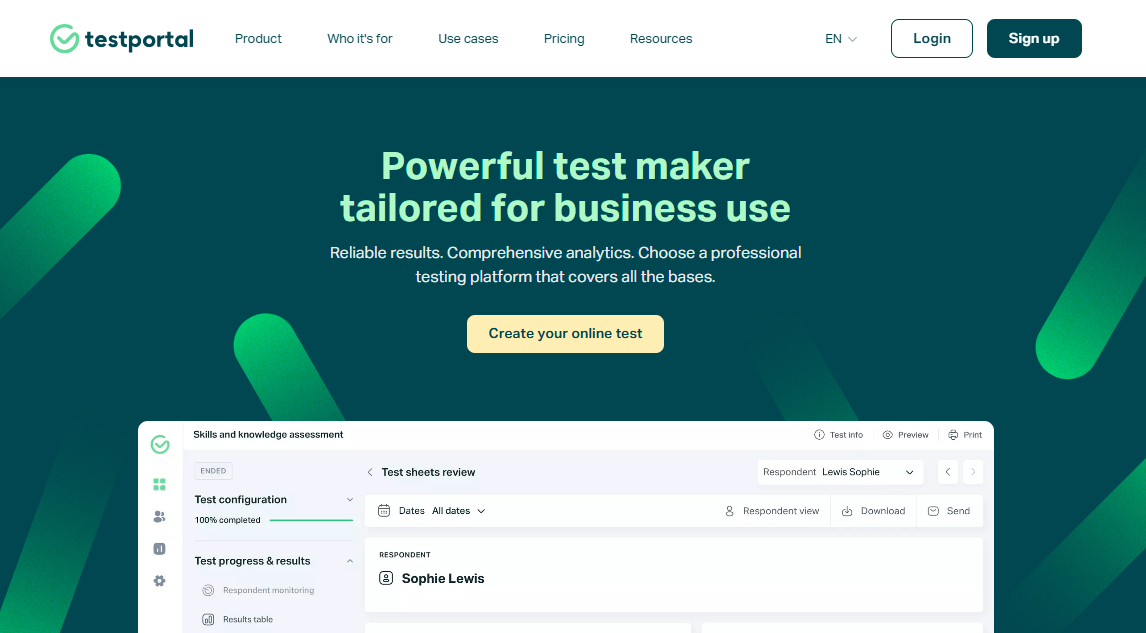
The interface is clean and the setup time is low, which matters when you’re not running a dedicated testing team. For organizations that want AI assistance built into the exam workflow rather than bolted on as a separate tool, it’s one of the more coherent implementations I’ve seen at this price point.
Reporting goes deeper than most mid-tier platforms, with per-question analytics that show where candidates are consistently dropping marks, which is genuinely useful for improving future assessments rather than just archiving the results.
Pros:
- AI-assisted question creation and result analysis built in
- Clean interface with low setup time for non-technical users
- Per-question analytics help improve future assessments
- Solid anti-cheating controls without overcomplicating the experience
Cons:
- Smaller user community means fewer shared resources
- Advanced features are locked behind higher pricing tiers
User Rating: 4.6 (Capterra)
Pricing: Free plan available. Paid starts at $49/month.
6. Testinvite – Best for Multi-Sectional Exams
You can create multi-stage exam assessments where candidates can progress from one exam to another using Testinvite; you also control the sequence of the exams and also set passing criteria for each stage.
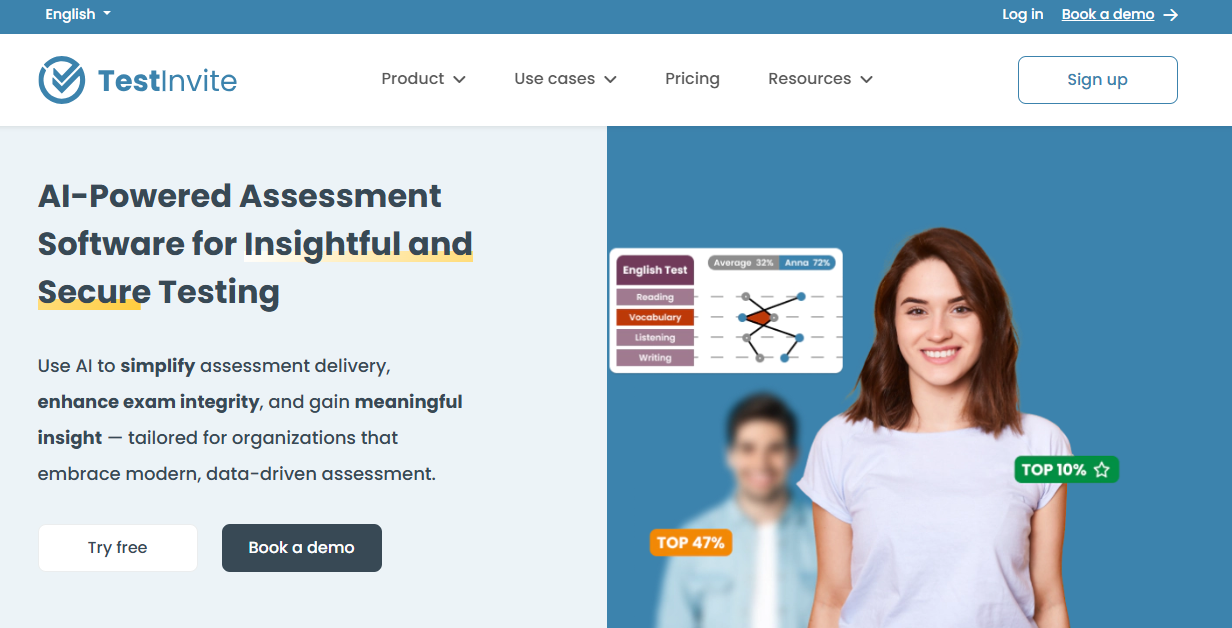
This exam making software lets you conduct webcam-proctored online exams on a secure and monitored platform. It’s also GDPR-compliant so that you can be assured of your data security.
Once you’ve created your exam, you can send email invitations to share it with the exam takers. You can also configure various exam settings, such as time limitations, shuffling, etc.
I was particularly impressed with Testinvite’s question bank feature that lets you centrally store all questions in folders. You can assign multiple tags to your questions to retrieve a specific set of questions whenever you need.
Instead of repeatedly creating the same questions, you can store them in a question bank and use them in multiple exams. This way, you can lower the rate of error and save time.
It’s best for organizations that require secure, customizable assessments with features like multi-section exams, real-time proctoring, and comprehensive monitoring tools.
Pros:
- You can design a multi-stage exam process with different prerequisites and conditions for each stage
- Rubrics to create grading guidelines and streamline your evaluation process
- You can create a question bank to store, organize, and retrieve test questions with ease and efficiency
- Google cloud architecture to conduct millions of online exams simultaneously and store all tests and reports securely on the Google Cloud
- You can leverage a flexible, a-la-carte pricing system to pay only for the features you need
Cons:
- Reports can be more customizable
- There is a bit of a learning curve
User Rating: 4.9 (Capterra)
Pricing: Starts at $37/month.
7. Online Exam Builder by Easy LMS – Best for Creating Engaging Exams
Online Exam Builder is EasyLMS’s exam platform that lets you create beautiful and engaging exams. You can combine text, video, images, and various interactive question types to create fun and insightful exams tailored to your requirements.
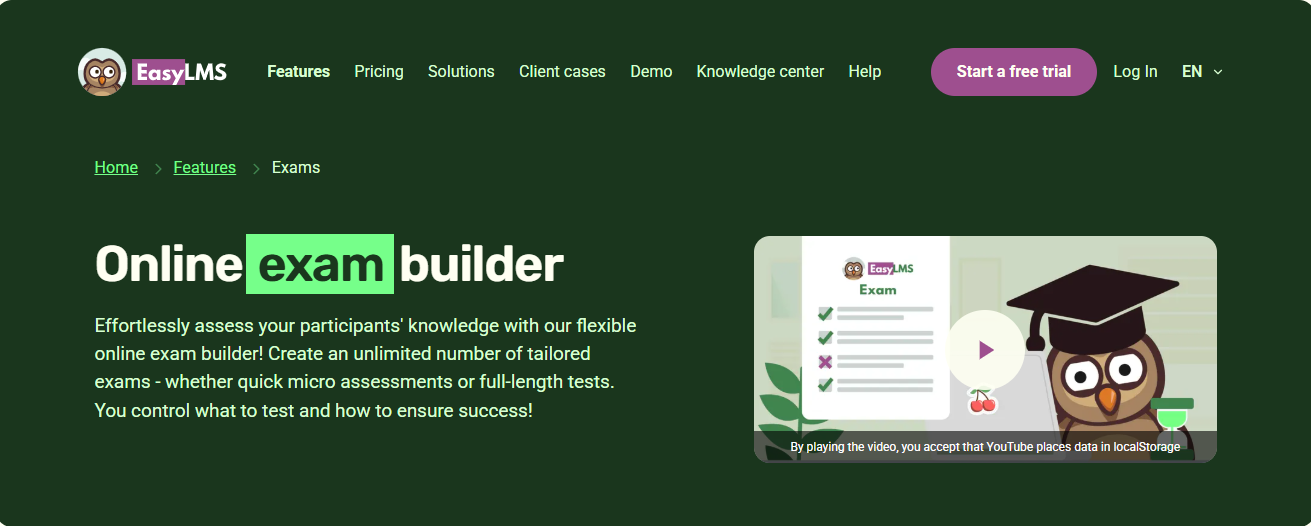
Question types include multiple-choice, multiple-response, fill-in-the-blanks, free text, and image, video & audio questions. You can also create custom styling to reflect your brand, white-label your exams, and embed them on your site.
This online test-making software lets you assign tags to questions, automate the exam certification process, and track performance and progress with detailed reports and stats.
You can also set various exam rules, such as pass & fail rules, the number of attempts allowed, and whether there will be feedback after each question, at the end of the exam, or no feedback at all.
You can create exams using ready-to-use questions from the question bank and even create your own question bank.
Pros:
- Various features for learner engagement, including interactive question types, multimedia support, instant feedback, custom styling, and an attractive interface
- User-friendly exam builder that lets you create online exams quickly and painlessly
- You can view graphs and statistics that summarize exam performance
- Flexible scoring functionality to adjust the difficulty level and importance of each question
Cons:
- Online Exam Builder doesn’t allow you to import questions from Excel.
- It does not support branching logic.
User Rating: 4.6 (Capterra)
Pricing: Starts at $80/month.
8. Think Exam – Best for AI Proctored Exams
Think Exam is one of the most secure and reliable exam maker software. It lets you prevent cheating and unauthorized access with several advanced anti-cheating functionalities.
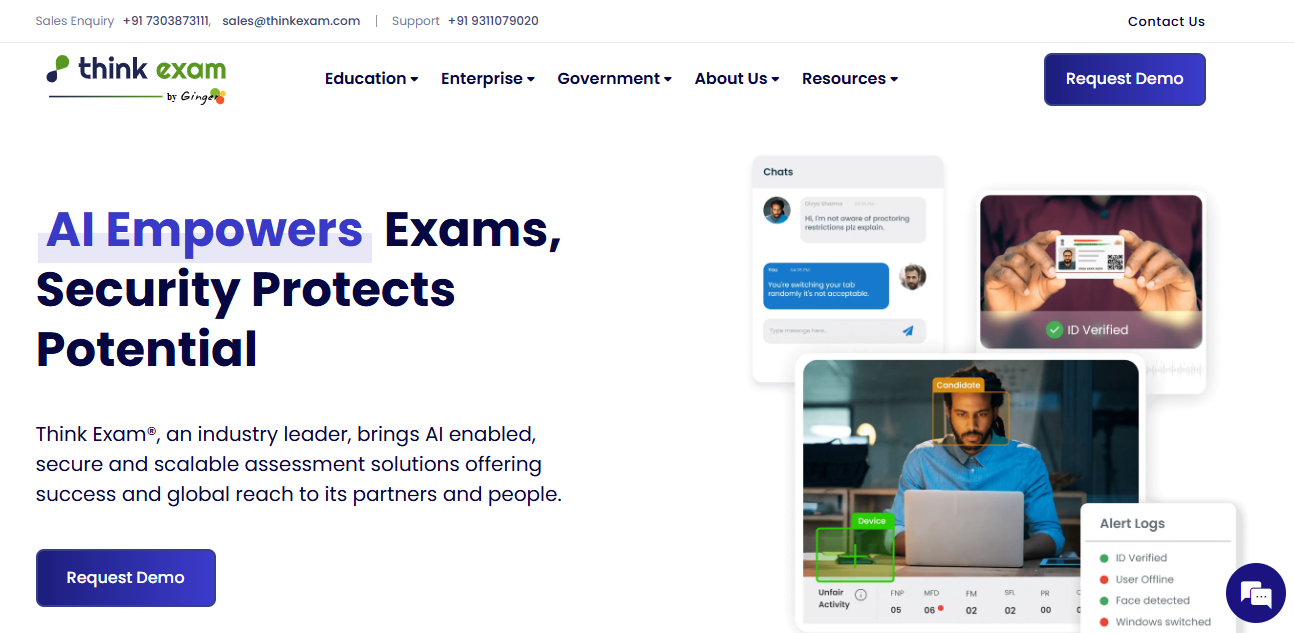
You can verify the identity of your candidates, restrict their browser activity, and monitor their behavior using remote proctoring. Whether you need live, recorded, or AI-based proctoring, Think Exam has it all.
Think Exam allows you to create and conduct online assessments with ease and flexibility. You can design your own question banks with nine types of questions, including images and mathematical equations, and shuffle the questions to create different exam versions.
You can also manage your candidates, import and export their data, and track their performance using advanced reporting and analysis tools. This exam creation software also helps you monetize your test series by offering multiple payment options and a streamlined allocation of tests.
Overall, I found Think Exam to be a simple-to-use software that lets you play with many possibilities and create high-quality online exams.
Pros:
- Candidate ID verification, AI-based automated proctoring, and human-based live proctoring to prevent cheating and unauthorized access
- Advanced reporting and analytics for in-depth analysis of exam performance
- You can customize your tests with your own logo, color scheme, instructions, and timer.
- You can sell your exams and earn money from your knowledge and expertise.
Cons:
- The interface can be buggy sometimes
- Customer service could be better
- More question types can be added
User Rating: 4.6 (Capterra)
Pricing: Available on request.
9. EProfessor – Best for Small Businesses
EProfessor is a simple, affordable, and powerful online examination software suitable for teachers and small businesses. With an amazing set of features, it lets you seamlessly build engaging exams and embed them on your website.
What I love most about EProfessor is its super-easy-to-use HTML question editor.
You can type your question, tab to the next field, type an answer, enter to save, and repeat. Once you have entered your data, you can drag your questions and answers in any order and organize them to your liking.
You can make your exams private with a private login or make them public and let students take the assessments anonymously. You can track all student activity easily and view, print, or export the information later.
Other top features in EProfessor include time limits, question/answer shuffling, question pooling, email notifications, analytics, learner self-registration, and customization options.
This tool is best for small businesses and solo educators looking for a simple, low-cost exam tool with private exam links, drag-and-drop setup, and quick embedding options.
Pros:
- Simple, user-friendly question editor ideal for seamless quiz creation
- Affordable starting plan suitable for small businesses.
- Anti-cheating features, such as time limits, question/answer shuffling, and question pooling
- Insightful statistics that make it easy to adjust your instruction according to learner challenges
Cons:
- Proctoring and browser security are not available
- Very few question types available
Pricing: Starts at $24/month.
10. QuestBase – Best for Recruitment Exams
QuestBase is the ideal exam maker software for HR managers, educators, and trainers to conduct secure exams online.
Especially suited for recruitment assessments, it generates advanced assessment reports and graphs that help you identify the strengths and weaknesses of your candidates, as well as compare them with each other. You can also display, print, or export test responses to other programs for analysis.
Moreover, you can integrate QuestBase with your existing systems and platforms, such as HRM, CRM, email, or LMS. You can also use QuestBase’s API to connect with other applications and services.
Its safe exam browser helps prevent cheating in various ways, such as by blocking multiple screens, preventing switching applications via keyboard shortcuts, turning off the right-click button and trackpad, and more.
QuestBase also lets you award custom certificates to exam-takers. You can easily create a certificate by uploading a template and adding dynamic fields.
Pros:
- Powerful, real-time reporting with advanced statistics and graphs for in-depth performance analysis
- Top-notch browser security features to prevent exam takers from looking up answers online
- You can insert your logo in the exams and the personal login page to showcase your branding.
- You can import students and questions from or export them to external files.
Cons:
- Proctoring functionality is not available.
- Limited question types
User Rating: 4.2 (Capterra)
Pricing: Starts at €109.95/year.
11. ClassMarker – Best for Educational Exams
ClassMarker offers separate pricing plans for educational and business purposes. Its plans for teachers include one free and one affordable premium plan, making it one of the best exam software platforms for teachers.
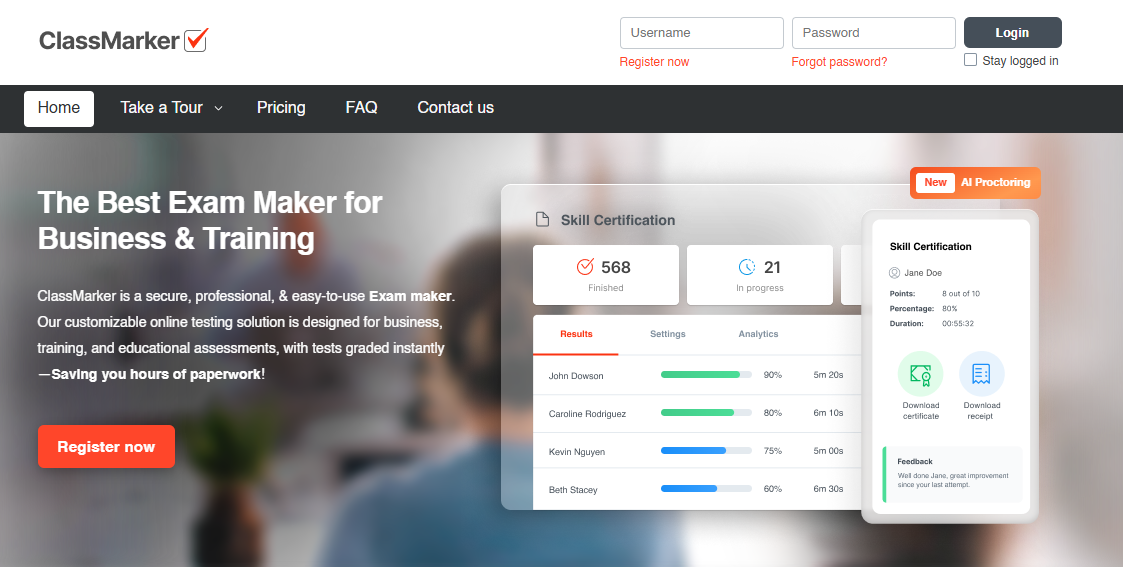
However, this highly scalable software is also widely used by enterprises to create training tests, pre-employment assessments, practice tests, lead generation quizzes, and more.
ClassMarker offers an impressive list of features, including robust security, privacy & anti-cheating settings, the ability to create question banks, certification, white-labeling, API, and much more.
ClassMarker also lets you change your interface language to conduct exams in any popular language. You can easily create learner groups to assign the same exam to several learners.
It also lets you automatically extract learners’ results with API or webhooks and integrate with third-party LMSs and services, such as CRMs or your recruiting portal.
Pros:
- Advanced exam settings, such as time limits, public & private test access, randomized questions, and more
- You can classify learners into groups to streamline exam assignments and save time.
- You can create a database of questions by category and import from it whenever needed.
- You can conduct exams in multiple popular languages.
Cons:
- You can’t add PowerPoint presentations to your exams
- Proctoring features are not available.
User Rating: 4.4 (G2)
Pricing: Starts at $39.95/month for businesses and $19.95/month for education.
12. ExamSoft – Best for Formative Exams
ExamSoft offers an exam maker software tool that focuses equally on conducting credible assessments and collecting valuable data for improving teaching methodologies and learning outcomes.
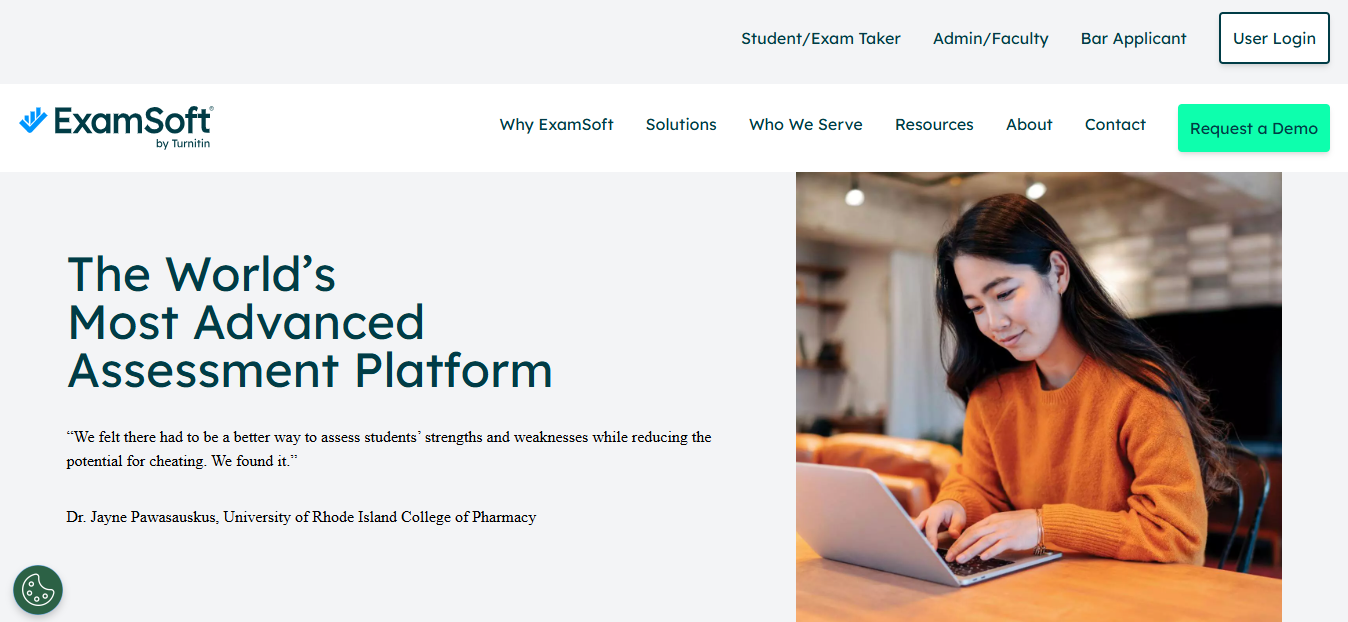
With this online exam maker software, you can collect and organize all your assessment data in one place, analyze exam results, and generate valuable reports on learners that highlight individual strengths and opportunities.
You can also provide learners with detailed feedback to improve their performance.
ExamSoft provides a highly secure online testing software to protect the integrity of your exams and assessment data. You can verify and monitor exam takers’ identities with advanced proctoring functionalities.
You can also lock browsers, restrict internet access and applications on exam takers’ devices to prevent cheating. You can also randomize the question order and get in-depth insights on exam-taker activities.
Pros:
- You can create assessments with ready-to-use data to improve the course and learner performance.
- Live and AI proctoring, identity verification, and several anti-cheating settings to protect exam integrity
- Category-based data reporting to focus on areas that need the most improvement
- You can import questions in bulk from various types of files to expedite exam creation.
Cons:
- ExamSoft’s security features can cause temporary issues in learners’ devices.
- The user interface can be faster and more user-friendly.
User Rating: 3.8 (Capterra)
Pricing: Available on request.
13. SpeedExam – Best for Large Enterprises
SpeedExam lets you create exams quickly and conduct them efficiently for many exam takers, making it ideal for large enterprises.
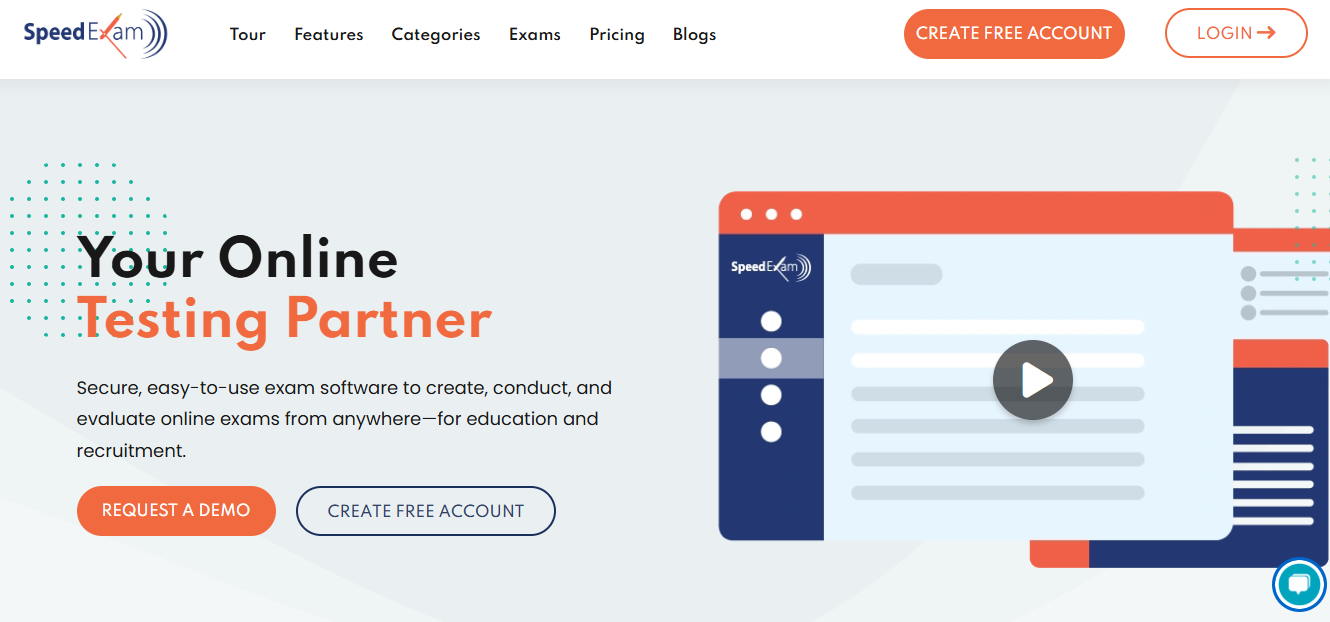
It also offers several functionalities to prevent unauthorized exam access and cheating, making it one of the best exam software for high-stakes requirements.
These include live and AI-based proctoring and real-time delivery of key exam taker information, such as the number of attempts, browser, device name, operating system, location details, IP address, and more.
With SpeedExam, you can ask questions in 10 different ways to deliver engaging and insightful exams. It also lets you create multiple instructor accounts and assign other roles to streamline learner management.
To prevent exam leakage, you can get notified via email or SMS whenever someone tries to copy the exam content, using a print screen or attempting multiple logins.
Pros:
- Easy to conduct concurrent exams for numerous exam takers
- AI-based cheating prevention features to conduct credible exams
- You can export questions, test results, and performance reports to Excel and import questions from Excel or Word.
- Detailed performance reports that help identify strengths and weaknesses
- You can create and award professional certificates featuring your company’s branding elements.
Cons:
- It’s not easy to locate your previously created questions.
- More options can be added for customizing the user portal.
User Rating: 4.8 (Capterra)
Pricing: Free plan available. Paid starts at $20/month.
14. ExamOnline – Best for Live Video Proctoring
Whether you’re conducting hiring, training, or educational assessments, ExamOnline offers robust functionalities for every stage of the exam lifecycle.
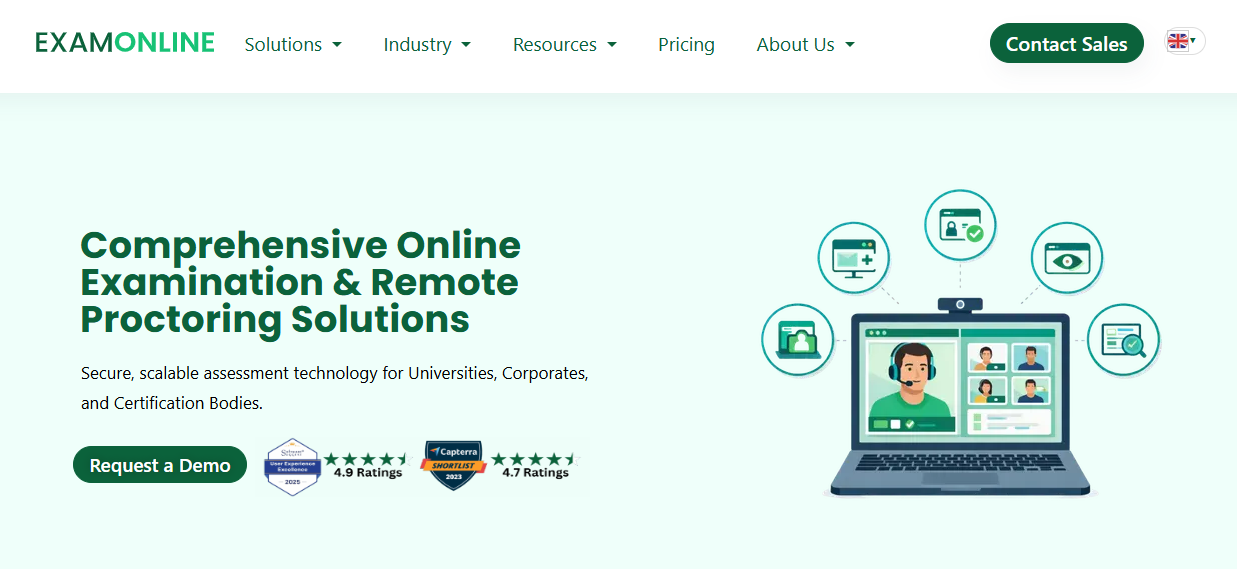
You can create and assign exams easily, effectively manage all learners, and prevent cheating with top-of-the-line security and proctoring settings.
I particularly liked that this exam creator software provides clear and high-quality audio and video feeds for dependable live or recorded exam monitoring.
I also found this exam making software’s exam-reporting system to be one of the best in the business. The highly insightful exam reports feature scorecards, computational analysis, and detailed analytics.
ExamOnline also serves as a certification platform. You can select a professionally designed certificate template from its library and customize it to suit your requirements. Certificates are automatically awarded to candidates on passing an exam.
Pros:
- Best-in-class proctoring/anti-cheating settings, including face detection, automated remote monitoring, and browser security
- Intuitive dashboard to easily manage all exam takers and information related to them
- You can automatically notify examinees via email and SMS regarding exam date and time and other key updates.
- You can create questions offline and upload them in bulk to save time.
Cons:
- Limited language support
- There’s no free trial available to test-drive this online exam tool.
User Rating: 4.8 (Capterra)
Pricing: Available on request.
15. iSpring QuizMaker – Best for Creating Math Exams
iSpring QuizMaker is a powerful and easy-to-use tool for creating online quizzes, tests, and exams for diverse educational and business purposes.
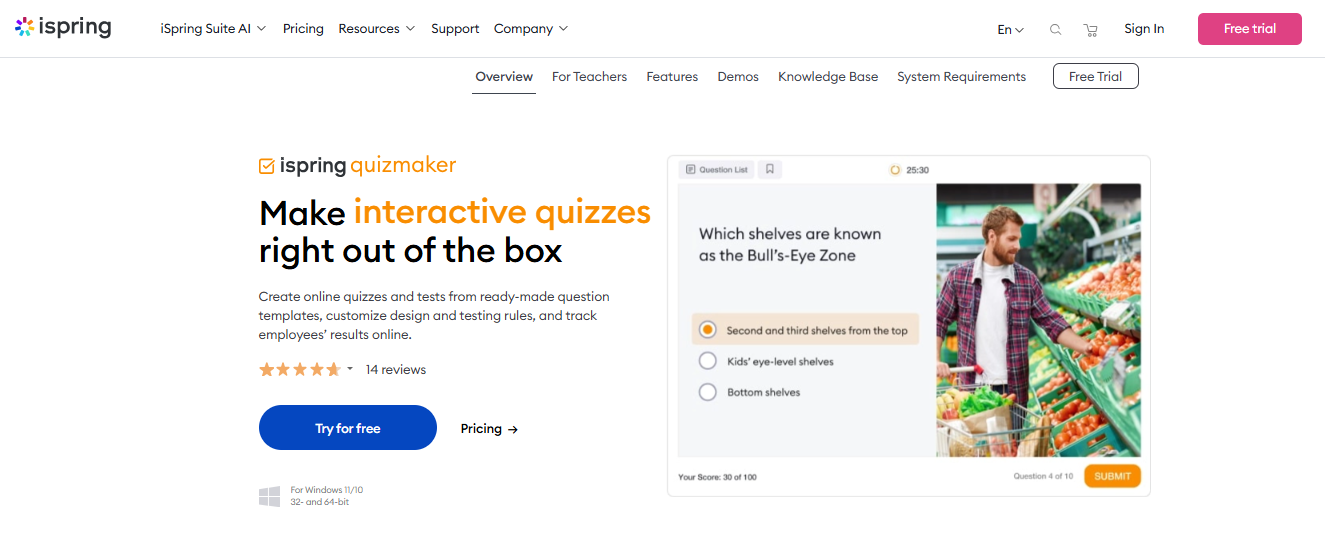
One of the advantages of iSpring QuizMaker is that it allows you to create math exams easily. You can also use LaTeX to insert complex mathematical expressions and symbols, like square root, power, integral, etc., in your questions and answers.
It’s also an excellent option for creating training exams. You can provide detailed answer feedback and add slides with in-depth information on a topic. This helps employees learn concepts more thoroughly.
With iSpring, you can choose from 14 question types, add multimedia, publish tests to the Web or an LMS, and track results online. The exam software tool also performs well and can handle large quizzes with hundreds of questions without any performance issues.
Pros:
- You can create beautiful and interactive assessments with 14 question types, drag-and-drop activities, customizable designs, equations, and math symbols.
- Support for SCORM and xAPI standards to upload your quizzes to any LMS and track employees’ results online
- Advanced testing rules and flexible scoring options, such as randomization, time limits, negative scoring, branching, and feedback.
- You can publish quizzes in various formats, such as HTML5, Flash, EXE, or Word.
Cons:
- Limited language support
- Customizing the question slides isn’t easy.
- Inflexible, single-tier pricing
User Rating: 4.7 (Capterra)
Pricing: $470/user/year
16. Conduct Exam – Best for Offline Exams
Conduct Exam is a robust platform for creating exams online or offline. It’s highly efficient regarding reliability and speed, making it suitable for all organizations looking for an effective way to assess learning and provide certification.
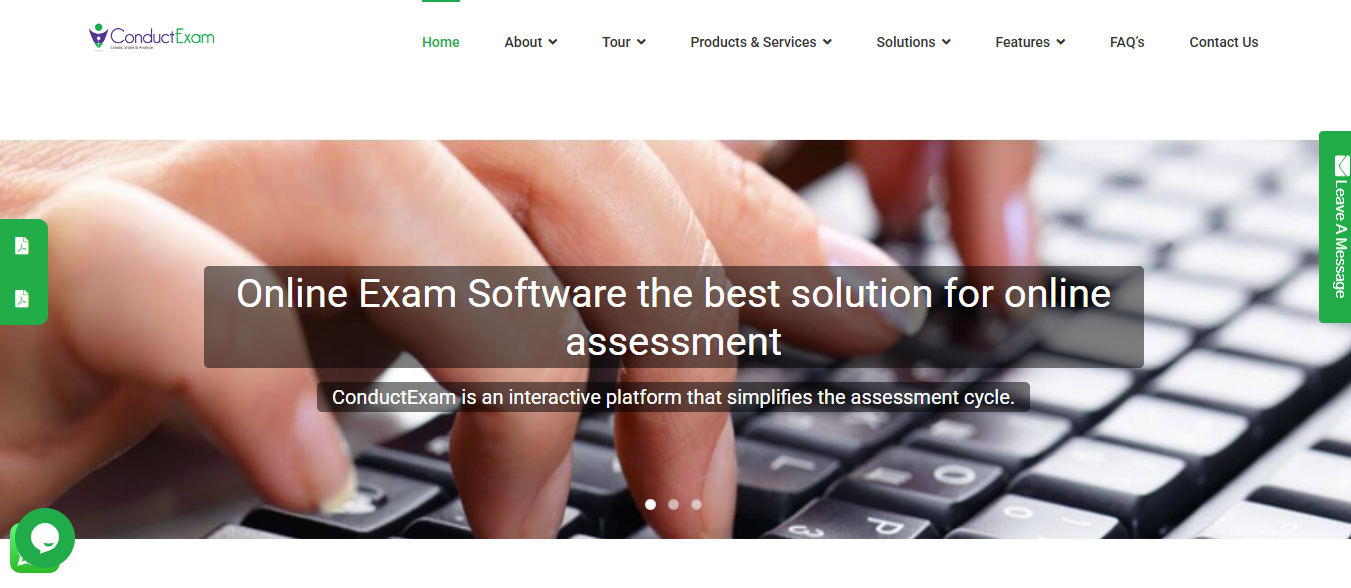
This exam maker software packs a good set of exam functionalities without under-delivering on the user experience. A highly convenient option, Conduct Exam works great on mobile devices and lets you import questions from a Word or Excel file.
Conduct Exam lets you create your question bank and use it to present different questions to different exam takers to reduce cheating. You can also create sub-admins under your supervision and assign them different roles and responsibilities to streamline exam management.
Other valuable features this exam software tool supports include question randomization, Excel upload, screen share proctoring, exam availability settings, and e-commerce.
Pros:
- Offline options to offer exam takers flexibility to take exams without an internet connection
- Multiple question formats, including audio/video, to create engaging formative assessments
- You can add multimedia files to your questions, including images and videos.
- You can easily add/import questions from a Word or Excel file based on the topic/subject.
Cons:
- Doesn’t offer ready-to-use questions or tests
- Webcam proctoring is not available
Pricing: Available on request.
Need a quick rundown? This video will help.
How I Evaluated These Tools
Every platform on this list was assessed against the same criteria. Vendor marketing copy was not a factor. What mattered:
- Security and proctoring: Does the lockdown actually lock down? How much control does the admin have over security intensity?
- Question authoring: Can you build a real question bank? What formats are supported? How painful is bulk import?
- Performance at scale: Does the platform hold up when 200 people log in simultaneously, not just when the demo account has five test questions?
- Analytics and reporting: Do the reports tell you something useful, or just confirm that scores were recorded?
- Ease of use for admins and test-takers: Setup time, mobile experience, and how much the interface gets out of the way.
- Integrations: Does it connect to what you already use without an IT project?
- Pricing transparency: Are the features you actually need on the plan they’re advertising?
I cross-referenced hands-on testing with verified reviews from Capterra and G2, along with forum discussions from educators and HR professionals who use these platforms in production.
Which Is the Best Exam Software: My Top 3 Picks
The right exam software depends on what you’re running, school exams, hiring tests, or training assessments. Based on real-world use and reliability, here are my top three picks and why they made the cut.
1. ProProfs Quiz Maker
ProProfs Quiz Maker helps you create online tests and exams in multiple formats, backed by a large ready-to-use question library and built-in AI tools. It includes strong security controls, customizable branding, and automated certificates. The platform is easy to use, works smoothly across devices and browsers, and supports multiple languages and integrations.
2. Think Exam
Think Exam helps you conduct exams for various purposes and sectors. It also provides a powerful reporting system and splendid support. Think Exam also enables you to create and sell your tests online. It also has a mobile app that syncs with the web platform and offers a seamless experience.
3. ExamSoft
ExamSoft helps you collect and analyze data from multiple assignments to improve curriculum and engagement. ExamSoft also offers exam security and data reporting features that give you a holistic view of student performance. It also allows for storing and organizing data in a centralized repository for future reference.
Before You Go Live: Exam Software Rollout Checklist
Choosing the right tool is only half the job. Rolling it out without a clear plan leads to missed configurations, data gaps, and avoidable problems on day one. Work through this before you go live.
| Area | What to Check | Done? |
|---|---|---|
| Login & User Access | SSO set up and tested if your organization uses it | ☐ |
| User roles assigned: who can build exams, who can proctor, who can only take tests | ☐ | |
| Login tested across the browsers and devices your users will actually use | ☐ | |
| Connecting to Your Existing Systems | Sync with your LMS verified (Canvas, Moodle, Blackboard, or equivalent) | ☐ |
| Grade passback tested so results flow back to your gradebook automatically | ☐ | |
| Results export confirmed: check that data lands where your team needs it | ☐ | |
| Data & Roster Management | Learner roster imported and verified (via spreadsheet or directory sync) | ☐ |
| Results, responses, and certificates confirmed exportable in your needed format | ☐ | |
| Activity logs enabled so admins can review what happened during any exam | ☐ | |
| Security & Compliance | Proctoring settings matched to each exam type (see Security Levels above) | ☐ |
| Privacy notice visible to test-takers before any exam starts | ☐ | |
| Data retention policy confirmed with vendor: what gets stored, for how long, and who can access it | ☐ | |
| Accessibility requirements checked (ADA/WCAG for US, JCQ for UK) | ☐ | |
| Performance Testing | Platform tested at the number of users you expect during peak sessions | ☐ |
| Behavior confirmed on slow or unstable connections, if relevant to your audience | ☐ | |
| Exam experience checked on mobile, tablet, and desktop | ☐ | |
| Communication & Support | Vendor support process documented so your team knows who to contact and how | ☐ |
| Test-taker instructions written: how to log in, which browser to use, what to do if something goes wrong | ☐ | |
| Dry run completed with a small group before rolling out to everyone | ☐ |
What Features Make Exam Software Reliable?
The right platform isn’t the one with the longest feature list. It’s the one that stays reliable under pressure, makes exams easy to manage, and applies security without creating unnecessary stress for test takers.
As educational psychologist Benjamin Bloom argued, “Evaluation should be a means of helping students learn, not merely a means of determining how much they have learned.” The best exam software supports that goal by making assessments easier to create, analyze, and improve.
1. Easy Setup With No Hand-Holding Needed
Educators and trainers don’t always have a tech team behind them. A strong platform should let anyone upload questions, set up the test, and share it in minutes.
2. Security That Supports, Not Scares
Basic protections like question shuffling, browser lock, and timed access are expected. However, users should have control over how strict the settings need to be. Some audiences need full proctoring, and others don’t.
The framework below maps common exam types to the security controls that actually make sense for each.
| Security Level | Exam Type Examples | Recommended Controls |
| Low-Stakes | Practice quizzes, self-assessments, training check-ins, lead generation quizzes | Question & answer shuffling, time limits, single-attempt access |
| Medium-Stakes | Course exams, employee evaluations, internal certifications, recruitment screening | All of the above + browser lockdown, IP restrictions, timed access windows, copy/paste prevention |
| High-Stakes | Professional licensing, board certifications, compliance exams, proctored hiring assessments | All of the above + AI or live proctoring, identity verification (webcam + ID), lockdown browser, session recording, audit logs |
Watch: How to Prevent Cheating in Online Exams
3. Grading That Fits Your Exam Type
The best tools let you award partial marks, handle open answers, and review before releasing results. It’s about making the grading fit your exam, not the other way around.
4. Reliable Performance at Scale
It’s not about whether the tool works for 10 people; it’s about whether it performs when 200 log in at once. Timed exams and certification tests need stability, not excuses.
5. Works Across Devices Without Issues
If your test doesn’t load on a phone, tablet, or office laptop, someone will drop out. By default, compatibility should cover all common browsers and operating systems.
6. Straightforward Data and Privacy Policies
If the tool collects video, ID, or user data, its policies should be easy to find and easy to trust. This matters just as much to companies and schools as it does to individual users.
7. Smart Admin Features That Save Time
Bulk uploads, group assignments, auto-scheduled feedback, and question banks aren’t extra; they’re essential when you’re running multiple tests or managing teams.
8. Branding, Certification, and Scheduling Control
Whether you’re running internal training or selling mock exams, features like logo upload, custom certificates, and timed availability make your exams feel complete and professional.
9. Integrations That Don’t Need IT Support
The exam tool should connect smoothly with what you already use, whether that’s an LMS like Canvas or a CRM like Salesforce. No extra logins, no manual syncs, no unnecessary friction.
Pick the Best Exam Software and Test With Confidence
No software is perfect, but the right one makes your job a lot easier.
Some tools help you move fast, others go deep into data. Some focus on tight security, others on clean design and smooth scaling. It all comes down to what matters most to you:
- Are you teaching students?
- Certifying professionals?
- Selling mock tests online?
Price matters, but so does peace of mind. Your exam shouldn’t crash halfway through, and you shouldn’t be stuck grading 200 answers manually.
When you step back and look at the bigger picture, the best exam software is simply the one that fits how you actually work, not just how it looks on a feature list.
If you want something that balances ease of use with AI question generation, secure proctoring, and detailed reporting, ProProfs Quiz Maker is a strong option to consider.
Frequently Asked Questions
What are some free online exam tools worth using?
ProProfs offers a genuinely useful free plan with AI quiz creation and auto-grading. ClassMarker's free education tier allows 100 exams monthly. Google Forms works for low-stakes quizzes but lacks any meaningful security or proctoring.
Which exam software platforms work best for high-stakes student assessments?
ExamSoft dominates law and medical education for its deep analytics and browser lockdown. Think Exam offers strong AI proctoring at a lower price point. ProProfs handles mid-to-high stakes well with reliable performance at scale and solid anti-cheating controls.
What is the most effective way to prevent cheating in online exams?
Layered security works best: combine browser lockdown, question randomization, IP restrictions, and timed access. Avoid over-aggressive monitoring, as AI systems that flag students for brief eye movements create anxiety that can distort results as much as cheating would.
Which exam software platforms allow you to sell exams directly to students?
ProProfs Quiz Maker and Think Exam both support built-in monetization with payment gateway integration, coupon codes, and access duration controls. Confirm these features are available on your specific pricing tier before committing, as some platforms restrict them to higher plans.
How can educators streamline grading for open-ended and essay exam questions?
Look for partial credit options, built-in comment fields, and response filters. Platforms that let you assign different evaluators to specific questions so one instructor grades one item across all submissions dramatically reduce turnaround time on large cohorts.
What hidden costs should buyers watch for when evaluating exam software?
Beyond subscription fees, watch for bandwidth charges, API access costs, and storage limits. Open-source tools like TAO look free but require significant IT resources to host and maintain. Enterprise quote-based pricing can also be prohibitive for smaller departments.
How well does exam software hold up when hundreds of students sit an exam simultaneously?
Not always reliably. Systems requiring constant high-bandwidth connections are a documented liability during peak load. Prioritize platforms with offline-first architecture that cache exams locally and sync encrypted results once connectivity is restored, especially for sessions running several hours.
What compliance requirements should schools and institutions consider when choosing exam software?
UK schools must meet JCQ standards requiring strict disabling of spell-check and predictive text. US institutions need ADA-compliant accessibility features. Microsoft removing WordPad from Windows 11 has pushed many schools toward specialist tools like ExamWritePad that handle this by default.
Let ProProfs AI Build a Quiz

 We'd love your feedback!
What did you like & how can we make it even better?
 Thanks for your feedback!
 Ask Your Question
Have a question? Get expert help to make your decision easier.