

Nobody buys an LMS because of the quiz feature. They buy it for the dashboard, the demo, and the confidence a sales rep radiates for forty-five minutes on a call.
Then, 8 months in, 300 employees try to pass the same compliance quiz on a Monday morning, and that’s when you find out whether your LMS software was actually built to hold that weight, or just built to look good in a screenshot.
I pulled apart ten platforms this month that all claim to handle training and testing in one place. Most are full learning management systems, one is a dedicated quiz specialist, and nothing else. What follows isn’t a list of features lifted from a vendor’s own page.
It’s what each one is genuinely good at, what it quietly isn’t, and which one earns its spot once you’re actually running it instead of watching it get demoed.
What Is LMS Software, Really?
That second part matters more than most vendors admit. If you’re comparing online LMS software for the first time, this is where most platforms quietly cut corners: a finished slide deck counts as “training completed,” but whether someone can pass a quiz on it three weeks later is a different question, and it’s the one your compliance officer will actually ask when something goes wrong.
The 10 Best LMS Software With Assessments & Quizzes, At a Glance
I pulled every rating below directly from Capterra and G2 product profiles, not from a vendor’s marketing page, because anyone shopping for learning LMS software deserves numbers that weren’t cherry-picked. Ratings shift by a few tenths of a point every quarter, so treat this as a snapshot, not scripture.
| Tool | Best For | Capterra | Starting Price |
|---|---|---|---|
| ProProfs Training Maker | Course creation with built-in quizzes & assessments | 4.8/5 | Free (10 learners); paid from $1.99/learner/mo |
| ProProfs Quiz Maker | Creating quizzes & assessments for business, training, and education | 4.5/5 | Free plan; Business from $20/mo |
| TalentLMS | Small/mid-size teams wanting AI-generated courses & tests | 4.7/5 | Free plan; paid from ~$119/mo |
| iSpring Learn | PowerPoint-heavy teams building compliance training | 4.7/5 | Quote-based, per active user/yr |
| Docebo | Enterprises wanting AI-personalized learning paths | 4.4/5 | Custom quote |
| SAP Litmos | Sales & partner training at scale | 4.2/5 | Quote-based, ~$4–$15/learner/mo |
| Absorb LMS | Mid/large teams wanting AI-driven learner recommendations | 4.5/5 | Custom quote, tiered per learner |
| 360Learning | Collaborative, expert-led course creation | 4.7/5 | From $8/user/mo; Enterprise custom |
| LearnUpon | Multi-audience training (employees, customers, partners) | 4.7/5 | Quote-based, starts ~150 active users |
| Adobe Learning Manager | Large enterprises needing brand cohesion & deep reporting | 4.3/5 | Quote-based, starts ~100 MAU |
A table like this flattens a lot of nuance, obviously. Ratings don’t tell you whether the reporting dashboard makes sense at 2 a.m. when you’re prepping for an audit. That’s what the next section is for.
1. ProProfs Training Maker: Best for Easy Course Building for Employee Training, Compliance & Skill Assessment
ProProfs Training Maker is one of the more complete learning management systems I tested, and it earns the top spot because quizzes and courses live in the same workflow instead of feeling bolted together.
The AI Course Creator is worth leading with: point it at an existing document or presentation, and it drafts a structured course, quiz checkpoints included, in minutes.
[tm_create_box]
It also ships with a library of 500+ expert-built, ready-to-use courses across compliance, sales, HR, and soft skills, so you’re rarely starting from a blank page even without the AI.
Add SCORM support, virtual classrooms, gamification with badges and leaderboards, and certification tracking with role-based permissions, and you’ve got more built into one workflow than most online LMS software manages without a separate tool bolted on. Reporting runs deep too: custom completion and progress reports down to the module level, time spent, and engagement scores, all exportable.
It’s built for global teams as well, with 70+ interface languages, more than most competitors on this list offer. Pricing stays reasonable as you scale, starting under $1.99 per learner, per month.
Pros:
- Quiz and course builder share one workflow
- AI Course Creator saves real setup time
- Gamification and certificates are built in, not an add-on
- Support gets consistently high marks from reviewers
Cons:
- No dark mode for low-light environments
- No downloadable or on-premise version
Pricing: Free-forever plan for up to 10 learners; paid plans start under $1.99 per learner, per month, scaling down further at volume.
2. ProProfs Quiz Maker: Best for Creating Quizzes and Assessments for Business, Training, and Education
ProProfs Quiz Maker is the assessment tool I reach for when something needs to be live by lunchtime, not scheduled around a procurement meeting. Worth saying upfront: it’s not an LMS. It’s built for the moment you need a quiz, exam, or certification test today, course or no course.
Describe what you want to test, and the AI quiz maker drafts the questions. Upload a PDF, DOCX, or training manual, and it pulls questions straight from that document, or import a question bank from Excel, and it reads that in automatically. There are three input paths that have saved me real time.

Let ProProfs AI Build a Quiz
What earns this a spot on a list of mostly full LMS platforms is grading. The AI scoring engine grades every question type, including open-ended essays, against a rubric you set, so subjective skills like written communication stop being a guessing game. Add AI reports that flag weak questions, 20+ question types, and a library of a million pre-built questions, and you’ve got a genuinely flexible tool that just doesn’t build or deliver courses.
Pros:
- Purpose-built for assessments, so it’s faster to set up than a full LMS
- Strong proctoring and anti-cheating tools
- Huge template and question library
- Works standalone or embedded inside other course tools
Cons:
- No dark mode for low-light environments
- No downloadable or on-premise version
Pricing: Free plan available; Business plan starts at $20/month, or $120/year billed annually.
3. TalentLMS: Best for Small and Mid-Size Teams That Want AI-Generated Courses and Tests
TalentLMS earns its reputation as one of the friendlier full LMS platforms for teams that don’t have a dedicated instructional designer on staff.
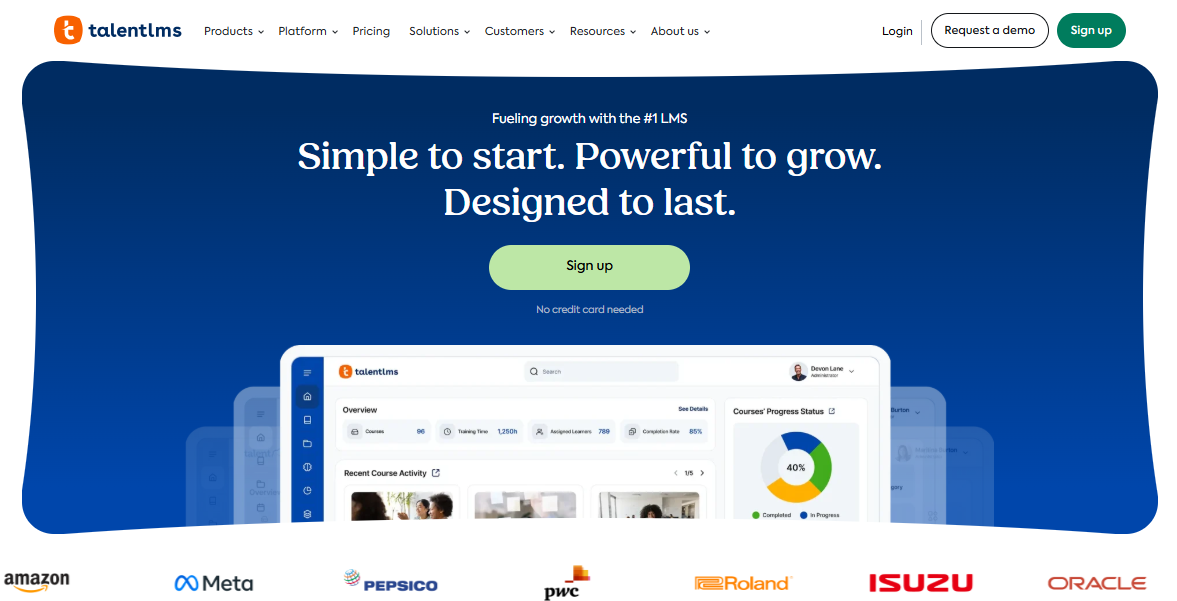
Its AI course creator, TalentCraft, builds an entire course outline and content draft from a prompt, and it now generates quiz questions directly from your course content, including questions embedded at specific timestamps inside video lessons. That last part is a small detail most competitors skip, and it changes how learners engage with video instead of just letting it play in the background.
TalentLMS also ships with skills mapping, so completed courses tie back to actual role competencies rather than sitting as an isolated certificate. Reviewers consistently praise the setup speed.
The tradeoff is that some of the formatting and editor tools feel a bit rigid once you outgrow the basics.
Pros:
- TalentCraft AI builds courses and tests from a single prompt
- Genuinely fast to set up
- Skills mapping ties training to actual roles
- Free plan available for small teams
Cons:
- Editor and formatting tools are less flexible than some competitors
- A handful of users mention integrations feeling unreliable at scale
Pricing: Free plan for small teams; paid plans start around $119/month.
4. iSpring Learn: Best for PowerPoint-Heavy Teams Building Compliance Training
If your subject-matter experts already build training materials in PowerPoint, iSpring Learn is going to feel less like new software and more like an extension of what they’re already doing.
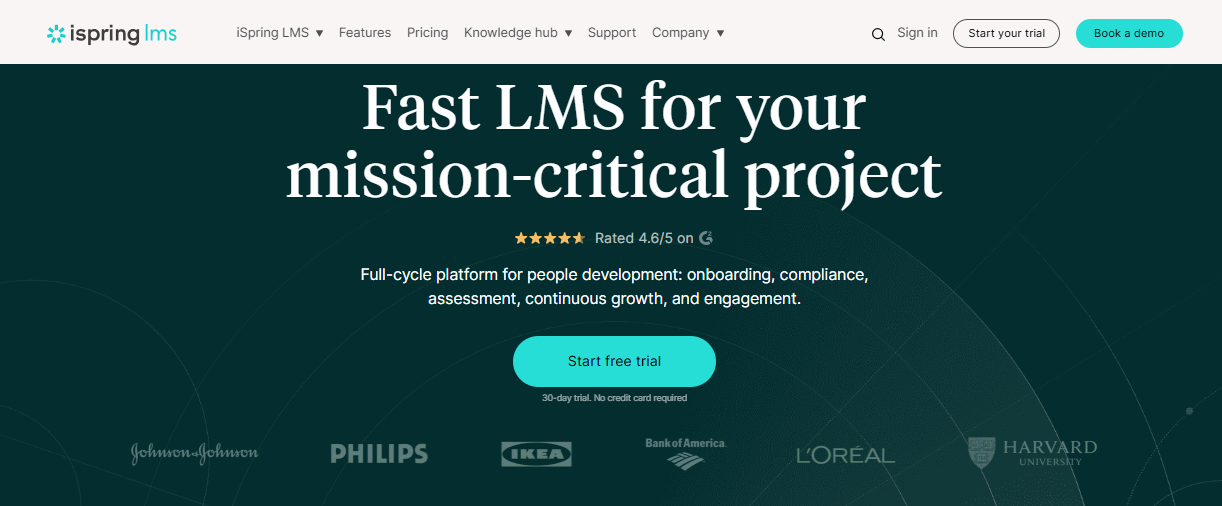
The tight integration with iSpring Suite means quizzes, role-plays, and interactive content built as PowerPoint add-ins publish straight into the LMS with almost no learning curve. That’s a genuinely lower barrier than most alternatives on this list for a team running its first structured training program.
The catch, and reviewers are candid about this, is that the platform’s reporting depth doesn’t scale gracefully once you pass a couple of hundred users, and course catalog ordering is more rigid than teams expect.
It’s also Windows-first for the authoring tool, which is a real friction point for Mac-heavy teams, and per-user pricing on the higher Suite Max tier draws more complaints than the LMS itself does.
Pros:
- Fast to learn if your team already uses PowerPoint
- Strong customer support scores across both G2 and Capterra
- Solid mobile app for learners on the go
Cons:
- Reporting and catalog ordering get clunky past a couple hundred users
- Desktop authoring tool is Windows-only
Pricing: Quote-based, priced per active user annually; a free trial is available before committing.
5. Docebo: Best for Enterprises That Want AI-Personalized Learning Paths
Docebo is built for the scale problem, not the getting-started problem. Its AI engine, Shape, can turn a stack of dense compliance documentation into structured micro-courses, and the platform’s recommendation layer nudges each learner toward content based on role and past behavior rather than showing everyone the same static catalog.
It includes an observation checklist feature for practical, on-the-job skill verification, a smart answer to the “how do you assess something that isn’t a multiple-choice question” problem. Reviewers consistently point to the platform’s social learning communities as a genuine differentiator too, since informal peer knowledge-sharing ends up covering a real share of total learning hours once it’s rolled out.
The honest tradeoff is implementation. Docebo requires real setup investment and admin training before it clicks, and its newer AI credit-based pricing, introduced in 2026, adds a layer of budget unpredictability that smaller teams should ask about directly before signing.
Pros:
- AI-powered content creation and personalized learning paths are genuinely differentiated
- Observation checklists support skills-based assessment
- Strong at extended-enterprise and customer training use cases
Cons:
- Setup and admin training take real time
- AI credit pricing can make total cost harder to predict
- Support quality gets mixed reviews depending on account tier
Pricing: Custom quote only; third-party estimates put typical enterprise deployments around $25,000 to $40,000 per year.
6. SAP Litmos: Best for Sales and Partner Training at Scale
SAP Litmos leans hardest into extended-enterprise training, meaning employees, partners, and customers can all sit on the same platform with separate branding and access rules.
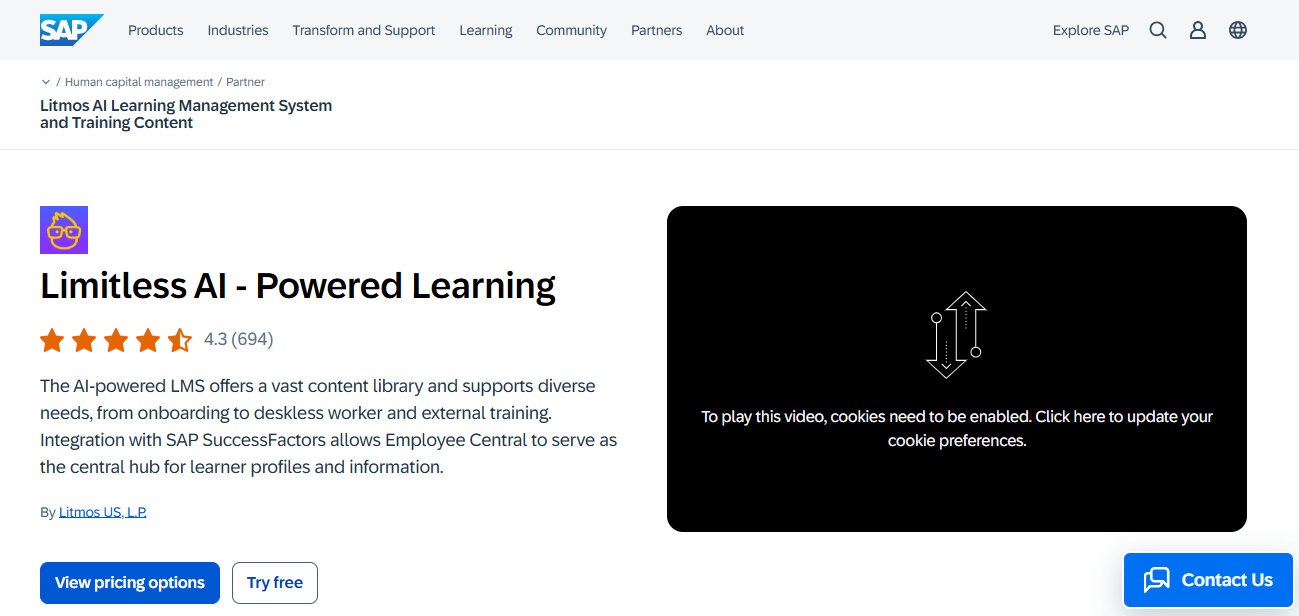
Litmos AI now handles a good chunk of the content grind: it drafts a course outline from a topic, writes first-pass module content, and generates quiz questions and knowledge checks straight from that content, all inside one workflow instead of a bolted-on tool.
The real-time AI reporting dashboards are useful for sales leaders who want to see skill gaps without waiting for a quarterly report, and the platform’s multi-account structure lets a parent company run separate branded sub-accounts for different regions or business units without duplicating the setup work.
Where it gets expensive is per-user pricing that climbs as your active user count grows, which several reviewers flag as the single biggest reason they eventually shopped for alternatives.
Pros:
- Litmos AI drafts courses and quiz questions in one workflow
- Strong extended-enterprise and partner-training features
- Real-time AI reporting for skill gaps
Cons:
- Per-active-user pricing gets expensive as you scale
- Reporting depth can fall short for complex audit requirements
- Pricing isn’t published, so budgeting takes a sales call
Pricing: Quote-based, typically $4 to $15 per learner per month, depending on volume and contract length.
7. Absorb LMS: Best for Mid-Size to Large Teams That Want AI-Driven Learner Recommendations
Absorb’s pitch is AI that actually changes behavior rather than AI that just sounds good in a sales deck. Its Absorb Intelligence engine recommends courses based on role and skill gaps, flags learners who are at risk of falling behind before it becomes a compliance problem, and predicts completion likelihood so admins can intervene early instead of finding out at the deadline.
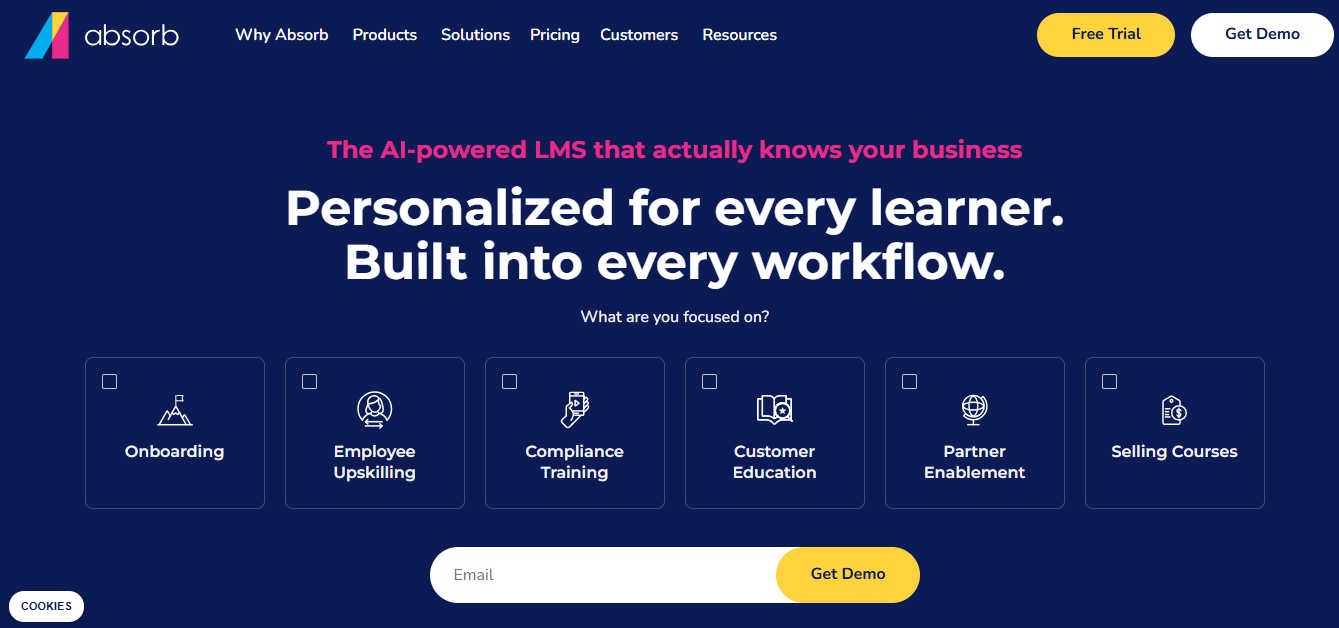
The admin side supports automated enrollment rules and bulk operations, which matters once you’re managing training across more than a few departments, and analyst reports from Forrester and Fosway have both placed Absorb among the stronger players in the category recently, for whatever that’s worth to a procurement checklist.
One thing worth flagging: several of Absorb’s most-cited pricing figures online trace back to a single 2021 review that never got updated, so don’t trust a number you find in a quick search without confirming it directly with Absorb.
Pros:
- AI recommendations and at-risk learner flagging are genuinely useful, not just marketing language
- Strong admin automation for enrollment and bulk tasks
- Consistently high marks for customer support
Cons:
- Pricing is entirely custom and hard to estimate without a call
- Add-ons for social learning and advanced analytics push the total cost up quickly
Pricing: Custom quote, tiered pay-per-active-learner, with plans typically starting around 100 learners.
8. 360Learning: Best for Collaborative, Expert-Led Course Creation
360Learning’s whole model is different from the rest of this list: instead of a training team building every course from scratch, it’s built around “Academies” where internal experts co-author content and learners can ask questions directly inside a course.
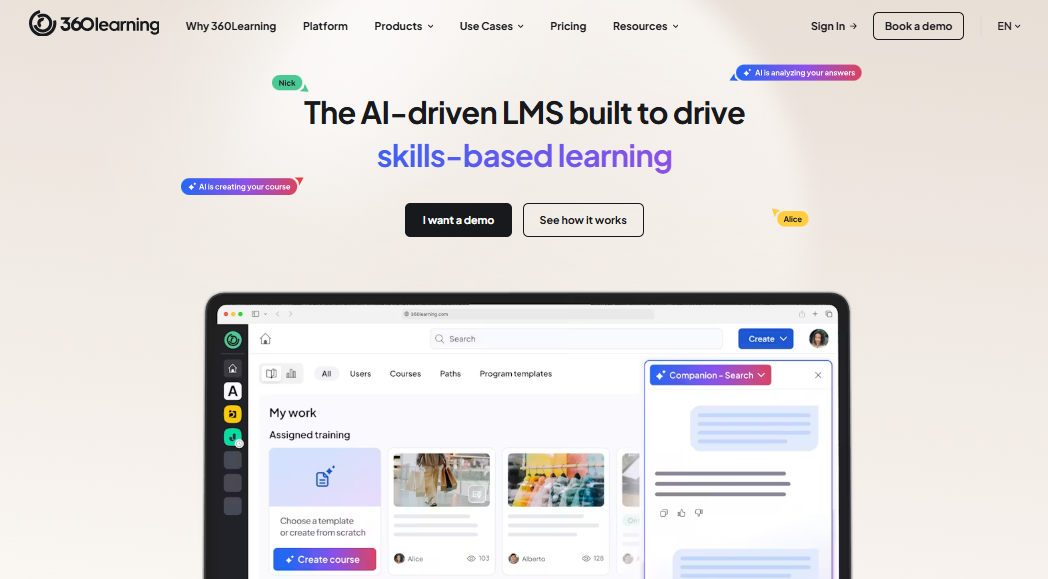
Assessments sit at the end of each session as quick knowledge checks, which reviewers describe as useful for reinforcement but not detailed enough to replace a practical skills evaluation. The AI layer helps draft course structure and content from existing material, and the mobile app consistently ranks as one of the best in the category.
The tradeoff shows up in pricing. It’s genuinely affordable for small teams at the entry tier, but reviewers are candid that costs climb once you need enterprise security controls or multi-region governance.
Pros:
- Collaborative authoring model surfaces internal expertise instead of relying on one training team
- Strong mobile learner experience
- AI-assisted course building
Cons:
- Built-in quizzes are lighter than dedicated assessment tools
- Pricing shifts from predictable to custom once you need enterprise features
Pricing: Team plan starts at $8 per user, per month; Enterprise tier is custom-quoted.
9. LearnUpon: Best for Multi-Audience Training
LearnUpon’s strength is running employee, customer, and partner training out of separate branded portals without needing three different tools to do it. Its newer agentic AI layer automates a lot of the administrative grind, things like enrollment and reminder workflows that used to eat an admin’s whole afternoon.
The assessment tools cover the standard ground (quizzes, learning paths, reporting) without trying to reinvent it, which some reviewers read as a strength, and others read as a missed opportunity to differentiate further. Support quality shows up consistently high in reviews, and the Salesforce integration is a real advantage for teams that already live in that ecosystem.
Pricing isn’t published, and third-party estimates suggest annual contracts often land in the five-figure range for mid-size teams, so it’s worth getting a real quote early rather than assuming it fits a startup budget.
Pros:
- Multi-portal setup genuinely simplifies training three different audiences at once
- Strong Salesforce integration
- Consistently high support ratings
Cons:
- Assessment features are solid but not especially advanced
- Pricing requires a sales call and isn’t built for small budgets
Pricing: Quote-based; plans generally start around 150 active users.
10. Adobe Learning Manager: Best for Large Enterprises That Need Brand Cohesion and Deep Reporting
Adobe Learning Manager (formerly Captivate Prime) is the platform I’d point large, brand-conscious enterprises toward, especially ones already inside the Adobe ecosystem.
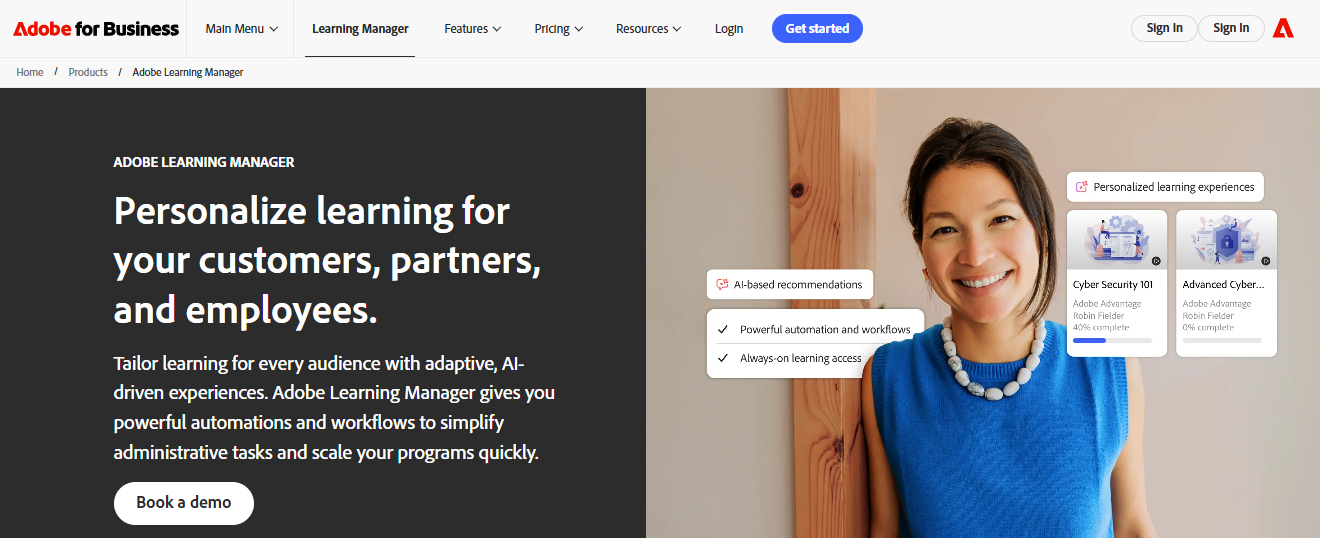
It’s strong on social learning, reporting depth, and visual polish, the kind of platform that looks and feels consistent with a company’s broader brand rather than like a bolted-on tool.
Where it’s noticeably behind the newer entrants on this list is generative AI. I couldn’t find evidence of an AI course creator or AI-generated quiz feature comparable to what TalentLMS, Docebo, or Litmos now ship standard, and reviewer ratings on ease of use and customer service trail most of the other platforms here. That’s not a dealbreaker for a company that mainly wants rock-solid reporting and brand control, but it’s worth knowing going in, especially if a big part of your buying decision is how much manual work AI can take off your team’s plate.
Pros:
- Strong brand customization and visual consistency
- Deep reporting for large, distributed organizations
- Solid SCORM and xAPI support
Cons:
- Noticeably light on generative AI features compared to competitors
- Ease of use and customer service ratings trail most of this list
- Pricing requires a custom quote
Pricing: Quote-based, plans generally start around 100 monthly active users.
My 3 Picks If You Want a Shortcut
Ten options is a lot to hold in your head at once, so if you want the short version of the best LMS software on this list, here’s where I’d point three different people with three different problems.
Best Overall for Assessment-Heavy Training: ProProfs Training Maker. If quizzes and assessments are the actual point of your training program, not an afterthought bolted onto a course, this is the lms training software where that workflow feels native instead of retrofitted.
Best for Enterprise-Scale AI Personalization: Docebo. If you’re managing training across thousands of learners and want the system doing some of the thinking about who needs what content next, Docebo’s AI recommendation engine is the most mature I tested.
Best Standalone Quiz Tool to Pair With Any LMS: ProProfs Quiz Maker. If you already have an LMS you’re happy with and just need a sharper, more secure assessment layer on top of it, this is the tool built for exactly that gap, and it’s the one I’d recommend even to people who never touch ProProfs Training Maker at all.
How I Evaluated These LMS Platforms
Picking ten tools for a list like this isn’t something I take lightly, especially when the platform you choose ends up carrying your compliance program for the next three years. I followed a consistent set of criteria so every recommendation holds up under real scrutiny, not just a polished demo.
- User Reviews and Ratings: Every star rating in this piece came directly from Capterra and G2 product profiles, checked as close to publication as possible, not from a vendor’s own marketing page. I looked for patterns across dozens of reviews rather than one glowing outlier or one furious one, and where Capterra and G2 disagreed by more than a few tenths of a point, I listed both numbers instead of picking the flattering one.
- Essential Features and Functionality: I weighted question type depth, reporting granularity, and whether the assessment layer felt built into the platform or bolted on to win a comparison chart. A platform that lists “quizzes” as a feature but only logs a pass or fail didn’t rank as high, regardless of how polished the dashboard looked.
- AI Feature Depth: I checked whether a platform’s AI tools actually generate usable course content and quiz questions from a document or a prompt, or whether “AI-powered” was doing more marketing work than product work. A couple of platforms could back this up with a real, documented feature. At least one couldn’t, and I said so.
- Ease of Use: If building a first course or quiz takes a training session of its own, that friction compounds every time someone on the team touches the platform. I leaned on what reviewers who’ve actually run these systems for months say, not what a 20-minute guided demo shows.
- Customer Support: Integration failures, SSO hiccups, and reporting exports that don’t match what an audit needs are common complaints across this category. I looked at response times and setup assistance cited in reviews, not just how a vendor describes its own support tier.
- Value for Money: I judged pricing at the tier most teams would realistically land on, not the cheapest entry plan used to win a comparison table. Free and free-forever plans were assessed on how useful they are before the upgrade wall hits, since most training budgets are tighter than a pricing page suggests.
The Real Question Isn’t Which LMS Is Best. It’s Which One Survives Contact With Your Actual Team.
Every platform on this list can build a course and slap a quiz at the end of it. That’s table stakes now, whether you’re looking at a full LMS or a dedicated quiz tool like ProProfs Quiz Maker sitting on top of one. What separates them is what happens six months in, when your training program has grown past the tidy pilot group and someone needs a report at 4 p.m. before a compliance deadline.
If I had to boil this down to one piece of advice for anyone still comparing LMS software line by line: don’t pick based on the demo. Pick based on the free trial, run with your actual content, tested by the two or three people on your team who are least patient with clunky software. They’ll find the cracks in any learning LMS software faster than any review, including this one, ever will.
Frequently Asked Questions
What is the best LMS software with built-in quizzes?
It depends on your setup. ProProfs Training Maker is a strong pick if quizzes and course content need to live in one workflow. TalentLMS and iSpring Learn are solid, budget-friendly options for smaller teams new to LMS training software.
Is ProProfs Quiz Maker an LMS?
No. ProProfs Quiz Maker is a dedicated quiz and assessment tool, not a full learning management system. It’s built for teams that need standalone testing, certification, or hiring assessments, whether or not they use a separate LMS for course delivery.
What should I look for in online LMS software for compliance training?
Look for audit-ready completion tracking, randomized question banks to reduce answer-sharing, and reporting that doesn’t require a support ticket to export. Proctoring features like browser lockdown matter more than most buyers expect until the first audit.
Are free LMS platforms good enough for a small business?
Often, yes, at least to start. ProProfs Training Maker and TalentLMS both offer free tiers capped by learner count. They’re genuinely usable for a small team, not just a stripped-down trial, but expect to outgrow the cap within a year of real use.
How much does LMS training software typically cost?
Entry pricing ranges from free, on capped plans, to around $8 to $20 per user per month for small-team tiers. Enterprise platforms like Docebo, Litmos, and Adobe Learning Manager are quote-based and often run into five or six figures annually depending on user count.
Do I need learning LMS software if I already have a separate quiz tool?
Not necessarily. Plenty of teams run learning LMS software for course delivery and a dedicated tool like ProProfs Quiz Maker for the assessment layer specifically, especially when they need stronger proctoring or a bigger question bank than their LMS ships with natively.
What’s the difference between ProProfs Training Maker and ProProfs Quiz Maker?
Training Maker is a full LMS: courses, quizzes, certificates, and learner tracking in one system. Quiz Maker is a standalone assessment tool built purely for creating and securing quizzes, tests, and exams, with no course-delivery features at all.
Can I switch LMS platforms without losing my quiz data?
Usually, if both platforms support SCORM or xAPI export, which most on this list do. That said, question banks, proctoring settings, and custom branding rarely migrate cleanly, so budget time to rebuild assessments rather than assuming a one-click import.
Let ProProfs AI Build a Quiz

 We'd love your feedback!
What did you like & how can we make it even better?
 Thanks for your feedback!
 Ask Your Question
Have a question? Get expert help to make your decision easier.