
I have built more quizzes than I can count, and the moment that changed how I work was the first time I watched an AI multiple choice question generator turn a 40-page training manual into a usable 15-question quiz in under a minute. That used to be a Tuesday afternoon, gone.
If you are here, you are probably past the “is this a real category” stage. What you actually want to know is which AI question maker actually produces questions worth giving to real learners, and which ones just dress up ChatGPT in a nicer font.
This is for educators building classroom assessments, corporate trainers who need compliance quizzes by Friday, and HR teams screening candidates without writing 40 questions from scratch. Here is what I found after testing all ten.
What Is an AI Multiple Choice Question Generator?
That second sentence matters more than it looks. An AI MCQ generator that hands you unreviewable questions is a liability, not a time-saver. I have seen AI-generated quizzes where every correct answer was “C,” and I have seen ones that hallucinated a fact that was never in the source document. A good multiple choice quiz generator gets you 80% of the way there and is honest about the other 20%.
The 10+ Best AI Multiple Choice Question Generator Tools
I evaluated these against what actually breaks real assessment workflows: question depth, file format support, anti-cheating controls, pricing honesty, and whether a non-technical person could actually use the thing without a training session of their own. A tool can call itself an AI MCQ generator on its landing page and still fail every one of those tests. Here is where each one actually landed.
| Tool | Rating | Best For | Key AI Capability | Starting Price |
|---|---|---|---|---|
| ProProfs Quiz Maker | 4.5/5 (Capterra) | Creating quizzes & assessments for business, training, and education | Generates full quizzes from a prompt or PDF/DOCX/TXT upload, plus auto-scoring | Free forever tier; paid from $19.99/mo |
| Quizgecko | Not yet rated on Capterra/G2 | AI-first quiz generation from documents, videos, and URLs | Converts text, PDFs, and YouTube links into quizzes and flashcards | Free tier; paid from $16/mo |
| MagicSchool AI | ~4.8/5 (aggregated) | All-in-one AI assistant for teachers, quizzes included | Multiple Choice Quiz Maker aligned to standards, alongside 80+ other teaching tools | Generous free plan; Plus at $12.99/mo |
| Kahoot! | 4.7/5 (Capterra) | Gamified, live quizzes for classrooms and training sessions | AI-generated quiz questions from a topic or prompt | Free (10 players); paid from $9/host/mo |
| Quizizz (Wayground) | 4.7/5 (Capterra) | Asynchronous, homework-style quizzes with detailed reports | AI-generated quizzes with a 20M+ activity library | Free tier; paid from ~$5/mo |
| forms.app | 4.5/5 (G2) | Best for unlimited responses & team members | AI Form Generator creates complete forms and quizzes from a prompt, files, or URLs | Free forever plan; paid from $29/mo |
| Testportal | 4.6/5 (Capterra) | AI-powered business and compliance assessments | Generates multiple-choice questions from uploaded documents | Free tier; paid from $19.95/mo |
| ClassPoint | 4.8/5 (Capterra) | Generating quizzes directly inside PowerPoint | Scans slide content and writes questions by Bloom’s Taxonomy level | Free (limited); paid at $96/yr |
| iSpring QuizMaker | 4.6/5 (Capterra) | Training teams building certification-ready SCORM exams | AI Assistant generates questions from highlighted course text | No free plan; Suite from $770/author/yr |
| Typeform | 4.5/5 (G2) | Conversational, design-forward quiz experiences | AI generates full quizzes, including logic, from a description | Free (10 responses); paid from $25/mo |
| Jotform | 4.7/5 (G2) | No-code quiz and form building with conditional logic | AI question generation from a topic or text prompt | Free (5 forms); paid from $34/mo |
Ratings pulled from whichever of Capterra or G2 had the deeper review base for that tool at the time of writing. Pricing changes often enough that I’d still check each vendor’s page before committing a budget line to it.
1. ProProfs Quiz Maker – Best for Creating Quizzes & Assessments for Business, Training, and Education
ProProfs Quiz Maker for hiring screens, compliance training, and actual classroom exams, and the thing that keeps me coming back is that it was built for assessment first. It is not a survey tool with a grading checkbox bolted on.
The AI quiz maker lets you describe a topic or upload a PDF, DOCX, or TXT file, and it drafts a complete quiz, questions, answer options, and correct answers included, in seconds. Content imports also cover PowerPoints, Google Docs, and videos, so a lecture recording or an onboarding deck becomes quiz-ready without retyping anything by hand. You can try here:

Let ProProfs AI Build a Quiz
Where it separates itself is the assessment layer around the AI: question randomization, full-screen lockdown, IP tracking, and pooled question banks so no two test-takers see an identical paper. Automated grading, AI-written answer explanations, and branded certificates round it out. For anyone who needs an AI multiple choice question generator that also handles the security and reporting side of a real exam, this is the one I’d start with.
Pros:
- AI quiz generator that converts documents, videos, and webpages into assessments in seconds
- 20+ question types, including interactive, image-based, and video response formats
- Advanced anti-cheating: browser lockdown, webcam and screen proctoring, IP tracking, and randomization
- Question banks and pooling for different questions per attempt
- Automated grading with configurable scoring rules, partial credit, and passing criteria
- Instant feedback with explanations for every attempt
- Automated certification and recertification with branded certificates
Cons:
- No dark mode, which matters if you’re building quizzes late at night
- Cloud-based only, no on-premise option for locked-down IT environments
Pricing: Forever free for short quizzes. Paid plans start at $19.99/month for businesses, with K-12 pricing around $4/teacher/month.
Quizgecko takes a narrower, sharper approach to the same problem, and it’s worth understanding before you assume bigger always means better.
2. Quizgecko – Best for AI-First Quiz Generation From Documents, Videos, and URLs
Quizgecko calls itself the original AI question generator, and whether or not that’s literally true, it built its entire product around one workflow: paste text, drop in a URL, or upload a file, and get a quiz back. No templates to browse first. No blank canvas to stare at.
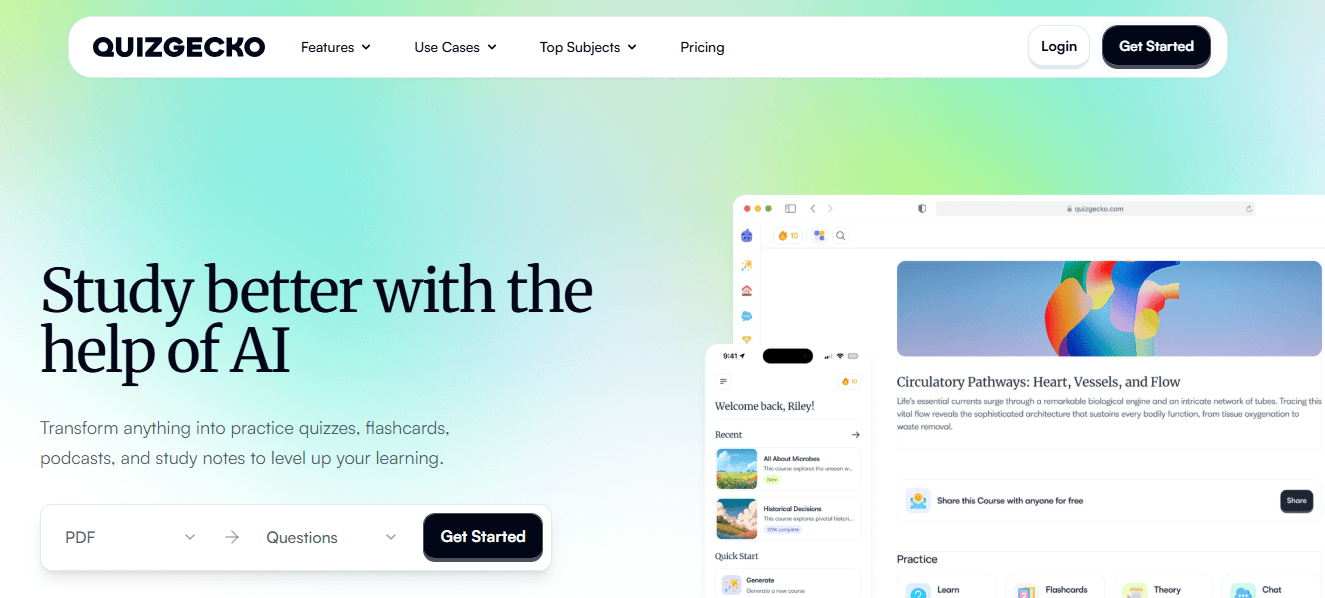
The webpage-to-quiz and YouTube-to-quiz conversions are genuinely useful for anyone working from source material that already exists somewhere online, which describes most trainers and teachers more often than not. It also generates flashcards with spaced repetition built in, so it doubles as a study tool once the quiz is made, not just an assessment generator.
The tradeoff is depth. Quizgecko is quiz creation, not a full LMS. There’s no proctoring, no branching scenarios, and grading is basic multiple-choice scoring rather than the rubric-based grading corporate teams sometimes need.
Pros:
- Converts text, documents, webpages, and YouTube videos into quizzes
- Flashcard generation with spaced repetition for study reinforcement
- Fast, prompt-first workflow with minimal setup friction
- LMS export options for classroom and training use
Cons:
- No proctoring or anti-cheating controls
- Not yet rated on major review platforms, so you’re relying on direct trials
- Free tier is limited to a handful of generations per month
Pricing: Free tier available. Student plan at $16/month, Educator plan around $20/month on annual billing.
3. MagicSchool AI – Best for an All-in-One AI Assistant for Teachers
MagicSchool built its reputation on lesson plans and IEPs, but the Multiple Choice Quiz Maker sitting inside its 80-plus tool library deserves more attention than it gets. It generates differentiated questions aligned to standards, and because it lives in the same platform as your rubric generator and your worksheet tool, you’re not context-switching between five tabs to build one unit.

What actually sold me is the video-to-quiz tool, which turns a YouTube clip into multiple-choice or short-answer questions as long as captions exist. For a teacher assigning a documentary clip or a trainer using a recorded demo, that’s a real time save, not a gimmick.
It is built for K-12 first. Corporate trainers can use it, but the tone, the templates, and the compliance posture (FERPA, COPPA, SOC 2) are all clearly aimed at schools, not businesses.
Pros:
- Multiple Choice Quiz Maker plus 80+ other teaching-specific AI tools in one place
- Turns captioned YouTube videos into question sets
- Genuinely usable permanent free plan, not a 14-day trial dressed up as one
- FERPA, COPPA, and SOC 2 compliant, which matters for district procurement
Cons:
- Skews heavily toward K-12; less natural fit for corporate compliance training
- Unlimited generations and full history require the paid Plus tier
- Output still needs 5 to 10 minutes of teacher editing before it’s classroom-ready
Pricing: Full-featured free plan with no time limit. Plus plan unlocks unlimited generations at $12.99/month.
Kahoot and Quizizz solve a different problem than either of the last two: they’re built for the moment you’re standing in front of a room, not the moment you’re prepping the night before.
4. Kahoot! – Best for Gamified, Live Quizzes for Classrooms and Training Sessions
Kahoot’s AI question generator will build you a set of multiple-choice questions from a topic or a pasted block of text, and honestly, the AI generation is the least interesting part of why people still use this platform a decade in. The energy of a live Kahoot session, buzzer sounds and leaderboard included, does something a static quiz never will.
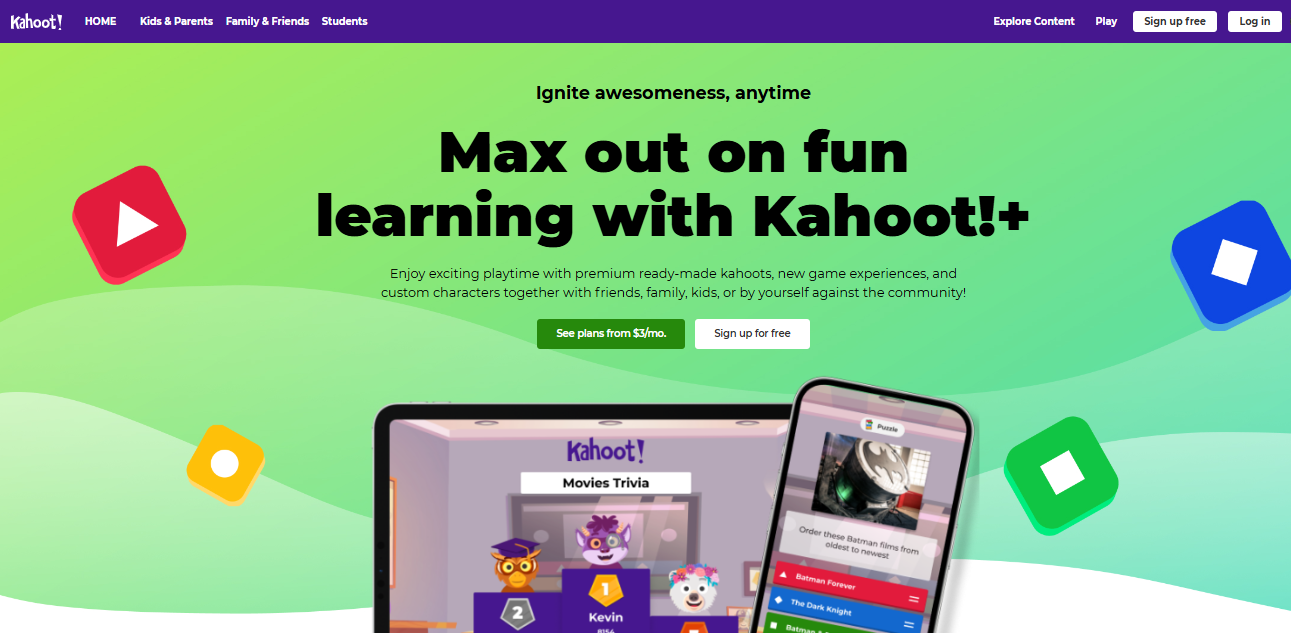
Corporate trainers use it for icebreakers and knowledge checks between modules. Teachers use it for review days before a test. Both audiences cite the same thing: it gets participation out of people who’d otherwise sit quietly through a review session.
The pricing structure is where people get frustrated. The free plan caps sessions at 10 players, which is fine for a small workshop and useless for an actual classroom, so most serious users end up on a paid tier within a month.
Pros:
- AI generates question sets from a topic or pasted text in seconds
- Live, game-based format drives participation most static quizzes can’t match
- Huge existing library of user-created Kahoots to remix instead of starting cold
- Works across desktop and mobile with zero setup for participants
Cons:
- Free plan’s 10-player cap forces an upgrade almost immediately for real classroom use
- Tiered pricing structure is genuinely confusing to navigate
- Live format doesn’t suit self-paced or asynchronous assessment needs
Pricing: Free for up to 10 players. Paid plans start around $9/host/month, with a dedicated professional tier for corporate trainers.
5. Quizizz (Now Wayground) – Best for Asynchronous, Homework-Style Quizzes With Detailed Reports
Quizizz rebranded to Wayground this year, though most people I know still call it Quizizz out of habit. The core pitch hasn’t changed: it does everything Kahoot does, but it also handles self-paced, homework-style assignments that students complete on their own time, not just live sessions.
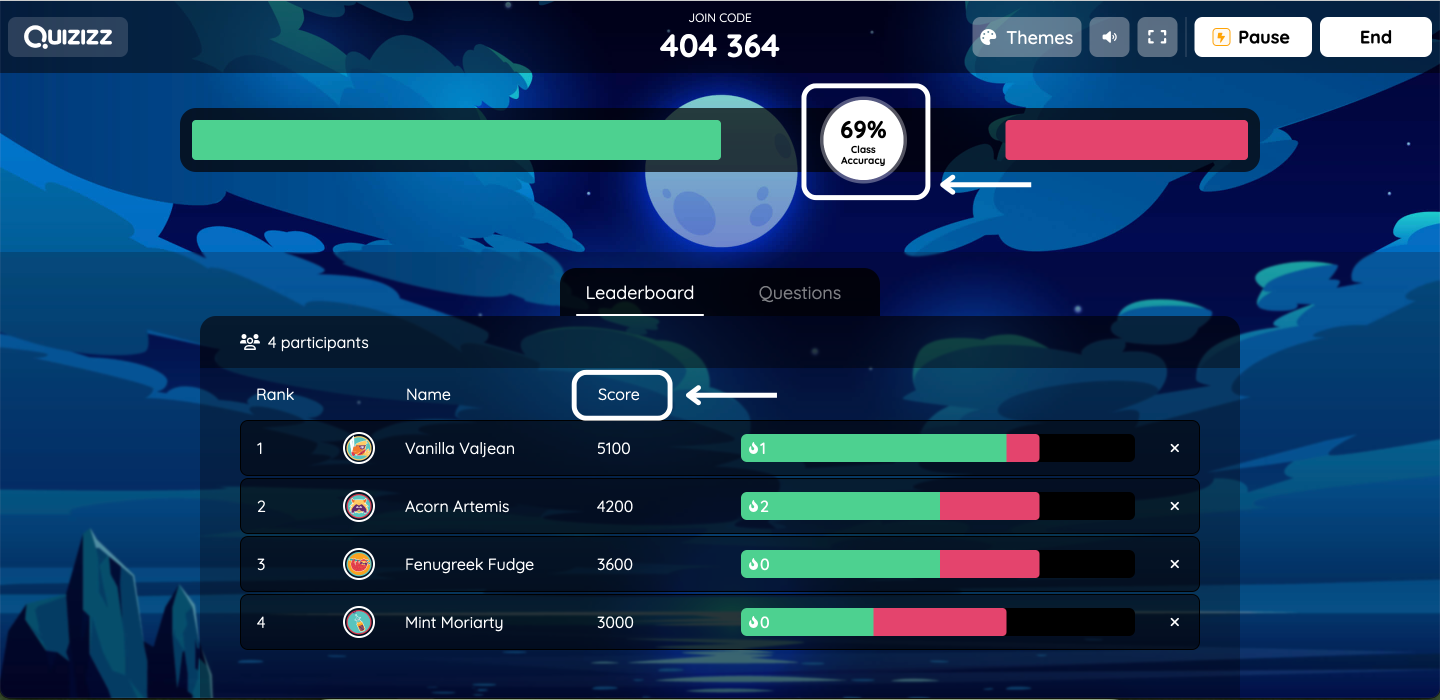
The reporting is where it earns its rating. Item-level analytics show you exactly which question tripped up which student, which is the difference between a quiz that entertains and one that actually informs your next lesson. The public library of 20 million-plus teacher-made activities also means you rarely start from a blank page.
AI-generated quizzes and the deeper analytics both sit behind the paid tier, so if you’re evaluating the free plan specifically for its AI features, you’ll be disappointed. It’s a genuinely good free product; it’s just not an AI multiple choice question generator until you upgrade.
Pros:
- Supports both live, game-based sessions and self-paced homework mode
- Item-level analytics show exactly where students struggled
- Enormous public library of pre-built activities to adapt
- Strong ratings across G2, Capterra, and app stores alike
Cons:
- AI question generation is locked behind the paid Super/Premium tier
- Free plan alone won’t satisfy anyone specifically shopping for AI features
- Occasional complaints about LMS integration friction
Pricing: Free Basic tier available. Paid plans unlocking AI generation start around $5 to $12/month.
Testportal, ClassPoint, and iSpring shift the conversation toward business and training use cases, where the stakes, and the security requirements, go up.
6. forms.app – Best for unlimited responses & team members
forms.app is a flexible online form builder that comes with an AI quiz generator, making it easy to create quizzes, surveys, forms, and polls for education, lead generation, customer feedback, and business workflows. Instead of starting from scratch, you can simply describe what you want to create, and the AI Form Generator builds a complete quiz with relevant questions in seconds. With 5,000+ customizable templates, you can also start from a professionally designed template and tailor it to your needs.
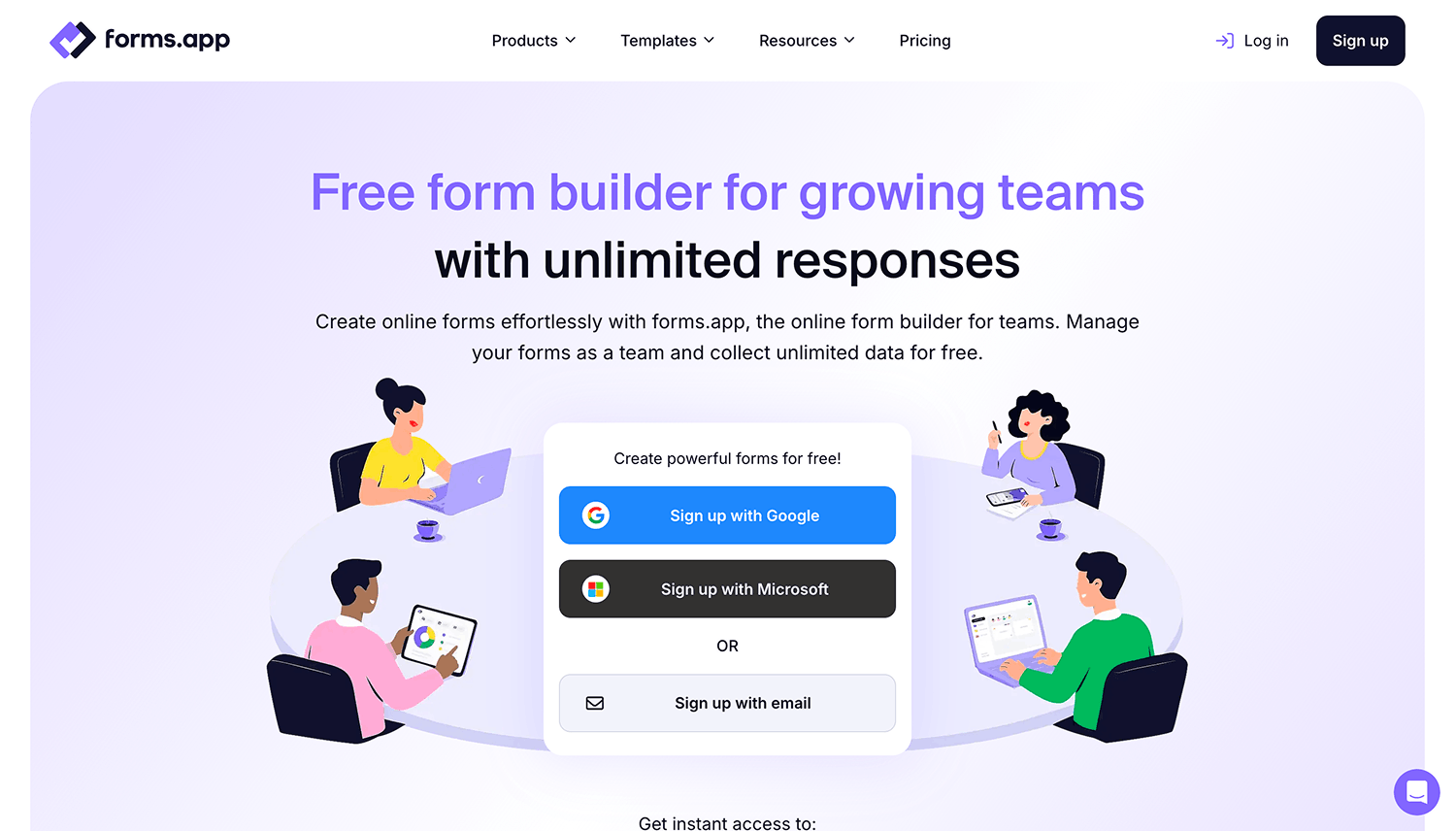
What sets forms.app apart is its generous free plan. Unlike many competitors, it includes unlimited responses, unlimited team members, and access to many advanced features, allowing individuals and teams to collaborate without worrying about response limits. You can also collect payments and signatures, build multi-page quizzes with conditional logic and calculators, and connect your forms to popular business apps such as Google Sheets, Slack, HubSpot, ActiveCampaign, and Microsoft Excel.
Whether you’re creating knowledge quizzes, customer satisfaction surveys, event registrations, or lead generation forms, forms.app offers the flexibility to build professional, branded experiences without writing a single line of code.
Pros:
- AI Generator creates quizzes, surveys, and forms in seconds
- Unlimited responses and unlimited team members on the free plan
- Over 5,000 customizable templates
- Built-in payment collection and signature fields
- Advanced customization with custom CSS, conversational layout, and more
- Conditional logic, calculators, and 30+ field types for interactive experiences
Cons:
- Doesn’t include advanced survey research methods such as TURF analysis.
- Some advanced capabilities are available only on paid plans.
Pricing: Free forever plan with unlimited responses, unlimited team members, and access to many advanced features. Paid plans start at $29/month.
7. Testportal – Best for AI-Powered Business and Compliance Assessments
Testportal leans corporate, and it shows in the feature set: browser lockdown, webcam monitoring, IP restrictions, and randomization are standard, not premium add-ons. Its AI question generator pulls multiple-choice questions directly from uploaded training documents, which matters if your source material is a 60-page SOP nobody wants to manually convert into quiz form.
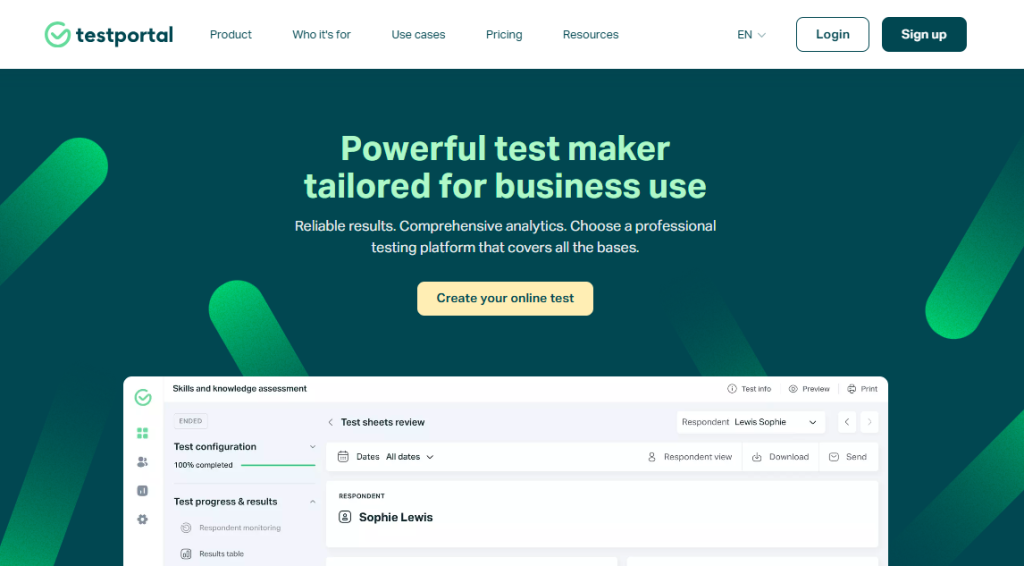
Custom branding is built in, so assessments can carry your company’s look rather than an obvious third-party skin. That is a small thing until you’re sending a certification exam to external partners or clients and want it to look like it belongs to you.
It is not the tool for a teacher who wants gamified engagement. There’s no leaderboard, no buzzer, none of the classroom energy Kahoot or Quizizz bring. Testportal is built for the assessment to be taken seriously, not enjoyed.
Pros:
- AI generates multiple-choice questions from uploaded business documents
- Browser lockdown, webcam monitoring, and IP restrictions included standard
- Custom branding for external-facing certification or compliance exams
- Handles large-scale, concurrent test administration reliably
Cons:
- No gamification or live-session format for engagement-focused use cases
- Interface feels utilitarian rather than modern
- Less suited to K-12 classroom needs than corporate ones
Pricing: Free tier available. Education plans start at $19.95/month; business plans start at $39.95/month.
8. ClassPoint – Best for Generating Quizzes Directly Inside PowerPoint
ClassPoint’s entire pitch is that you never have to leave PowerPoint. Its AI scans the content already on your slide, and with one click, produces multiple-choice, short-answer, or fill-in-the-blank questions tied to what you just taught, tagged by Bloom’s Taxonomy level if you want to control cognitive difficulty rather than just recall.
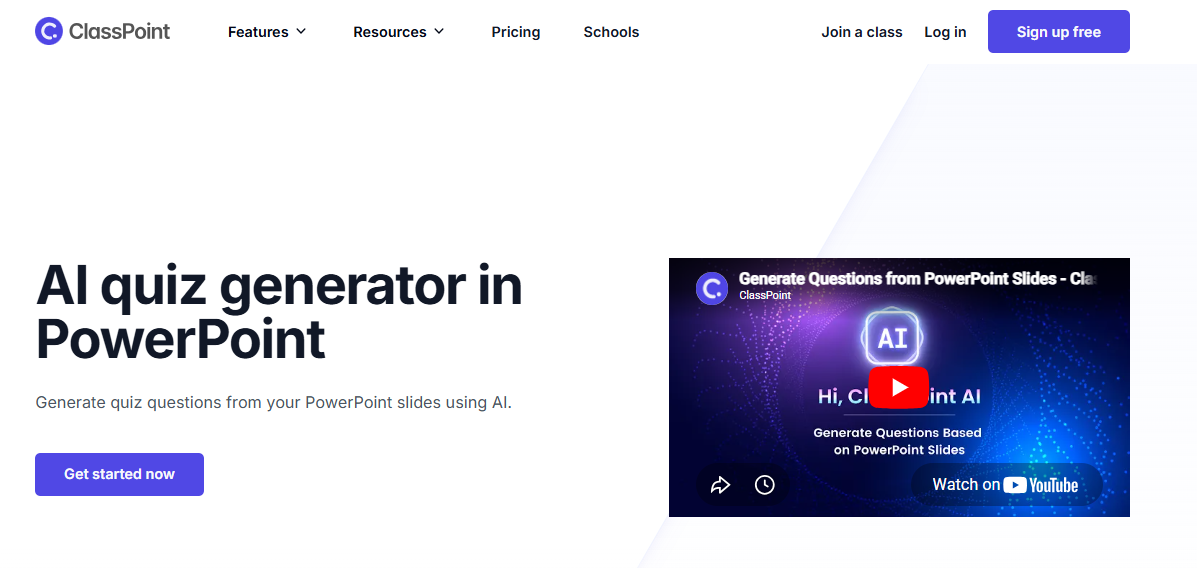
For anyone who already builds lessons or training decks in PowerPoint, that’s a real workflow win. You’re not exporting content into a separate quiz tool and hoping the formatting survives the trip. The questions appear as interactive slides you present live, with responses collected in real time.
It is genuinely narrow by design. If your source material isn’t already a PowerPoint deck, ClassPoint has nothing to offer you, and its non-quiz features (audience response tools, gamified rewards) matter more to some buyers than the AI question generation itself.
Pros:
- Generates quiz questions directly from existing PowerPoint slide content
- Bloom’s Taxonomy tagging lets you target cognitive difficulty, not just recall
- No new software to learn if you already build decks in PowerPoint
- Real-time response collection during live presentations
Cons:
- Only useful if your content already lives in PowerPoint
- Limited standalone reporting compared to dedicated assessment platforms
- No G2 rating yet, so review coverage is thinner than more established tools
Pricing: Free plan with limited class size. Paid plan runs about $96/year.
9. iSpring QuizMaker – Best for Training Teams Building Certification-Ready SCORM Exams
iSpring QuizMaker’s AI Assistant works differently than most on this list: you highlight text inside a course you’re already building, and it generates single-choice and multiple-response questions from that specific passage, not from a generic prompt. For instructional designers who care about questions actually tracing back to source content, that precision matters.
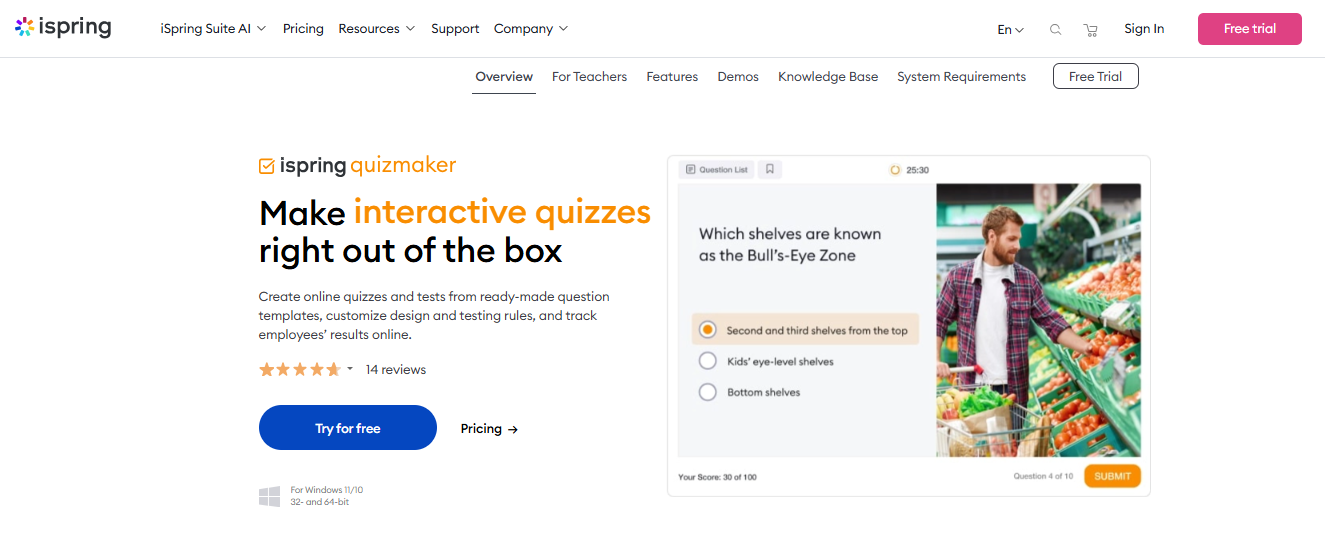
The bigger draw is what surrounds the AI. Fourteen question types, SCORM, xAPI, cmi5, and AICC publishing, and the ability to export a finished quiz as a printable Word document for teams that still run paper-based testing in some locations. It plugs into any LMS you’re already running, which most lighter-weight quiz tools can’t promise.
The price is the honest catch. There’s no free version, and the entry point is the full iSpring Suite at roughly $770 per author per year, which puts it well outside the budget of an individual teacher or a small training team testing the waters.
Pros:
- AI generates questions directly from highlighted course content, not generic prompts
- 14 question types plus SCORM, xAPI, cmi5, and AICC export for any LMS
- Can publish a quiz as a printable Word document for paper-based testing
- Long track record in corporate and compliance training environments
Cons:
- No free plan, and the entry price is steep for solo users or small teams
- Desktop-based workflow (Windows-first) feels dated next to browser-native tools
- Overkill if you just need a quick quiz, not a full course authoring suite
Pricing: No free plan; free trial available. iSpring Suite starts at $770 per author/year.
Typeform and Jotform round out the list from a different angle entirely: neither was built primarily for assessment, but both now generate multiple-choice quizzes competently enough that people ask about them constantly.
10. Typeform – Best for Conversational, Design-Forward Quiz Experiences
Typeform’s AI will generate an entire quiz, questions, answer options, and logic, from a short description of what you want, and the one-question-at-a-time format still gets higher completion rates than a dense, all-on-one-page form. If you care about how a quiz looks and feels more than how rigorously it grades, that design polish is hard to beat.
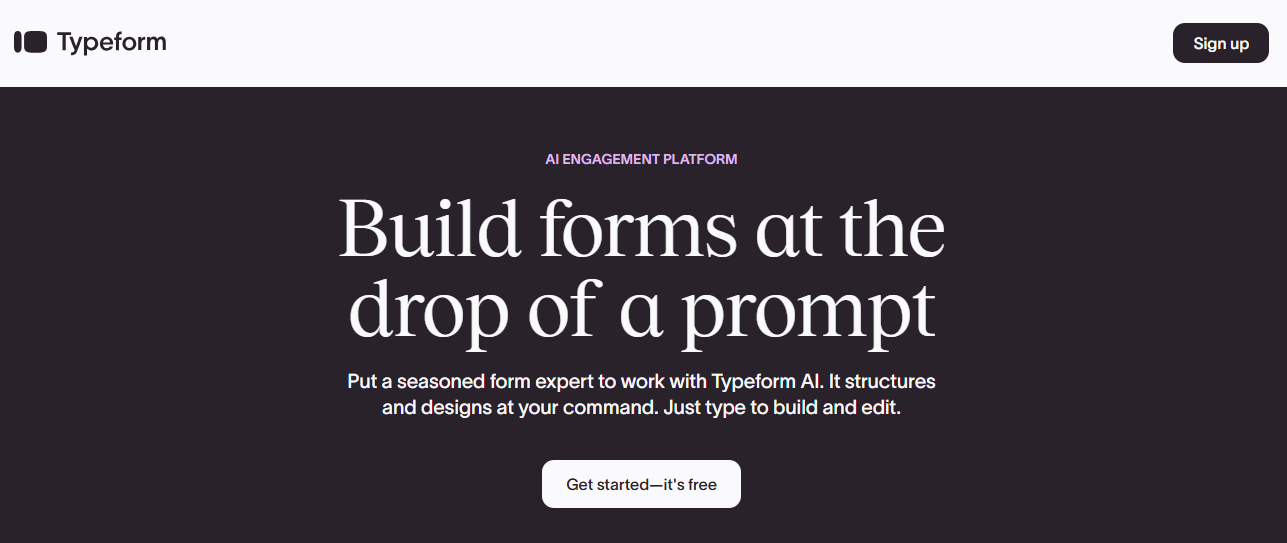
“Clarify with AI” is the feature I didn’t expect to like: it generates personalized follow-up questions based on open-ended responses, which is closer to an actual conversation than a static branching rule ever gets.
What it isn’t is an assessment platform. There’s no proctoring, no question banks in the traditional sense, and no rubric-based grading. It’s a multiple choice quiz generator for engagement and lead capture, not for certifying that someone actually knows the material.
Pros:
- AI generates complete quizzes, including logic, from a plain description
- Conversational, one-question-at-a-time format drives strong completion rates
- “Clarify with AI” creates dynamic follow-ups based on open answers
- Large integration ecosystem (300+ native connections)
Cons:
- No proctoring or anti-cheating features of any kind
- Free plan caps at 10 responses, barely enough to test the product
- Not built for scored, high-stakes, or certification-based assessment
Pricing: Free plan (10 responses/month). Paid plans start at $25/month on annual billing.
11. Jotform – Best for No-Code Quiz and Form Building With Conditional Logic
Jotform is a form builder first and a quiz maker second, and that ordering is honest, not a knock. Its AI generates quiz questions from a topic or text prompt, and because it’s built on Jotform’s broader logic engine, you can branch a quiz based on a prior answer without touching a line of code, something dedicated quiz tools rarely offer at this price point.
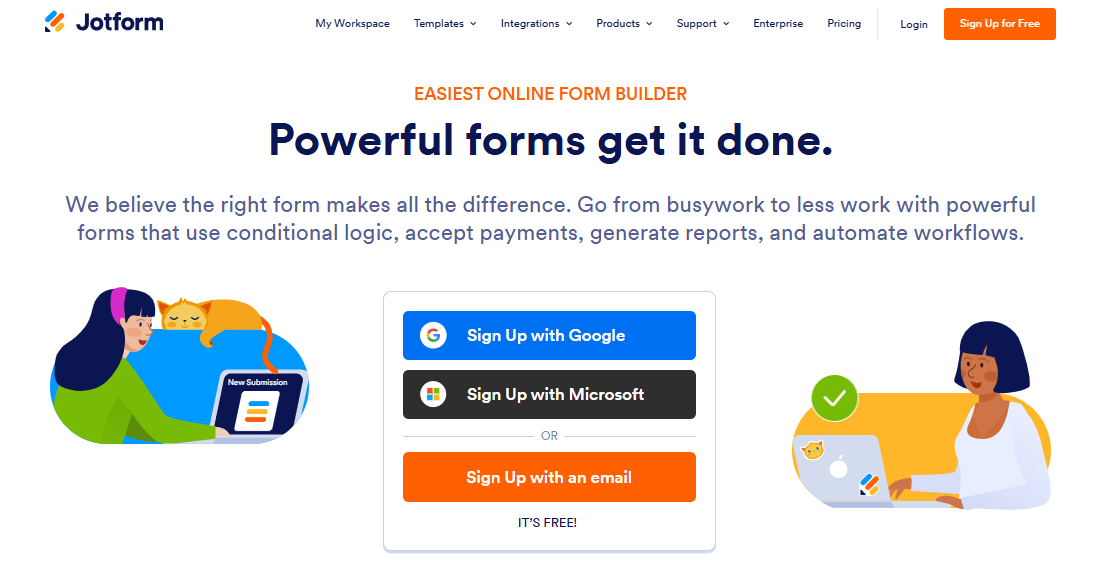
For teams already using Jotform for registrations, applications, or intake forms, bolting on a quiz means one login, one billing relationship, and zero new integrations to configure. That consolidation is worth more than people give it credit for.
The AI quiz generation itself is genuinely basic: it writes questions, but it does not build the logic flows for you, so any branching still has to be configured by hand after the AI draft lands.
Pros:
- Conditional logic lets a quiz branch based on prior answers, no code required
- Generous free tier (100 submissions/month) compared to most competitors
- One platform for quizzes, applications, surveys, and payment collection
- Wide integration ecosystem, including Salesforce and Google Drive
Cons:
- AI generates questions only; it doesn’t build branching logic automatically
- No dedicated lead or rubric scoring built in
- Quiz builder feels like an add-on to the core form product, because it is one
Pricing: Free plan (5 forms, 100 submissions/month). Paid plans start at $34/month.
My Top 3 Picks for Most Use Cases
Picking one AI multiple choice question generator for every situation is the wrong instinct. Your context should decide this, not a ranking. That said, if I had to point three fingers, here’s where they’d land.
ProProfs Quiz Maker is my first call for anyone who needs the full stack: AI generation from documents or a prompt, proctoring, question banks, and compliance-ready reporting, without stitching together three separate tools to get there. It covers education, corporate training, and hiring screens in one platform, and the free tier is real enough to test before you commit a budget.
MagicSchool AI earns its spot for K-12 teachers specifically, because the quiz generator lives alongside lesson plans, rubrics, and IEP tools you’re already using weekly. Building a quiz in isolation from everything else you do rarely makes sense for classroom teachers, and MagicSchool doesn’t ask you to.
Testportal is the right call when the assessment needs to be taken seriously by people outside your organization: candidates, certification holders, external partners. Its security posture and custom branding are purpose-built for exactly that.
How I Evaluated These AI Multiple Choice Question Generator Tools
I looked at ten tools, not just their marketing pages, against criteria that actually predict whether an AI question maker holds up past the demo. Plenty of platforms brand themselves as an AI MCQ generator; fewer of them survive a second look.
- Review platform sourcing: Ratings throughout this piece come from Capterra and G2, whichever platform had the deeper, more recent review base for that specific tool. Where a tool had no meaningful review history yet, I said so instead of inventing a number.
- AI feature depth: I checked whether “AI-powered” meant a genuine document-to-quiz pipeline or just a single-prompt generator bolted onto an otherwise manual tool. There’s a real gap between AI that produces quiz-ready content and AI that produces a rough draft you’ll spend twenty minutes fixing.
- Ease of use: A platform that needs a dedicated admin to operate is a hidden cost nobody budgets for. I weighted usability for the classroom teacher or HR generalist who is not a full-time software power user, not for the power user who’ll forgive a clunky interface because the feature list is deep.
- Question depth: Can the tool generate scenario-based or reasoning questions, or does it only produce recall-level multiple-choice, regardless of what the marketing copy claims?
- File format support: Does it accept the PDFs, PowerPoints, and YouTube videos people actually have sitting in their drive, or only clean, pasted text?
- Pricing honesty: I flagged where a “free” tier on a multiple choice quiz generator is genuinely usable versus where it’s a bait-and-switch that turns restrictive the moment you hit real volume.
Stop Grading the Tool Instead of the Questions It Gives You
The real risk with any multiple choice quiz generator isn’t picking the wrong one. It’s trusting the output without reading it first. I have seen AI-generated quizzes where every correct answer landed on the same letter, and I have seen ones that confidently invented a statistic that didn’t exist in the source document. The AI is a fast first draft, not a second opinion you can skip reviewing.
Of the ten tools here, I’d start with ProProfs Quiz Maker if you need one platform to cover assessment end to end, from AI generation through proctoring through certificates. But the honest answer is that the best AI question maker, or the best AI multiple choice question generator if that’s the phrase you searched, is the one that matches your actual volume, your actual audience, and your actual tolerance for editing a rough draft before it goes live.
Pick based on what you’re actually assessing, not on which tool has the flashiest demo video.
Frequently Asked Questions
What is the best AI multiple choice question generator?
ProProfs Quiz Maker is the strongest all-around pick because it pairs AI question generation from documents or prompts with proctoring, question banks, and compliance reporting. For classroom-only use, MagicSchool AI is a strong, teacher-specific alternative.
Can AI generate multiple-choice questions from a PDF or PowerPoint?
Yes. ProProfs Quiz Maker, Quizgecko, and Testportal all generate questions directly from uploaded PDFs or documents, and ClassPoint generates them straight from PowerPoint slide content without any export step.
Are there truly free AI MCQ generators for teachers?
Several exist, but "free" varies wildly. ProProfs and MagicSchool AI offer genuinely usable permanent free tiers. Kahoot's free plan caps at 10 players, which limits real classroom use quickly.
How accurate are AI-generated multiple-choice questions?
Expect a strong first draft, not a finished product. AI can hallucinate facts or produce duplicate-answer errors, so review every question against the source material before assigning it to real learners.
Which AI quiz generator is best for preventing cheating?
ProProfs Quiz Maker and Testportal lead here, with browser lockdown, webcam proctoring, IP tracking, and question randomization. iSpring QuizMaker also supports secure, LMS-tracked delivery for certification exams.
Can I turn a YouTube video into a multiple-choice quiz with AI?
Yes. ProProfs Quiz Maker and MagicSchool AI both convert captioned YouTube videos into quiz questions, and Quizgecko supports the same conversion from a pasted video URL.
What's the difference between an AI question maker and a regular quiz maker?
A regular quiz maker requires you to write every question by hand. An AI multiple choice question generator drafts the questions and answer options for you from a prompt or document, cutting creation time from hours to minutes.
Which tool fits corporate training better than classroom quizzes?
ProProfs Quiz Maker, Testportal, and iSpring QuizMaker are built with corporate compliance, certification, and reporting needs in mind. Kahoot and Quizizz are stronger for K-12 classroom engagement specifically.
Let ProProfs AI Build a Quiz

 We'd love your feedback!
What did you like & how can we make it even better?
 Thanks for your feedback!
 Ask Your Question
Have a question? Get expert help to make your decision easier.