
Have you ever published a quiz that attracts plenty of clicks but leaves you wondering what to do with the responses?
A quiz can entertain visitors, introduce them to your products, collect customer information, or even test their knowledge. But getting these results depends on choosing software that supports what you’re trying to accomplish.
Riddle Quizmaker offers quizzes, polls, personality tests, and interactive games. It’s especially useful for publishers and marketers who want to keep people engaged with their content. However, businesses looking for formal assessments, interactive calculators, simpler forms, or different ways to collect leads may have other requirements.
That’s why I’ve put together eight Riddle Quizmaker alternatives worth exploring in 2026.
Each tool brings something different, whether you’re creating a marketing quiz, recommending products, collecting feedback, or checking employee knowledge. I’ll cover their features, pros, cons, and pricing to help you make an informed choice.
Why Are Businesses Exploring Riddle Quizmaker Alternatives?
Riddle Quizmaker provides several ways to engage website visitors through interactive content. Still, its features and pricing structure may not work for every business. Here are some reasons users might consider other options:
- Need for formal assessments: Businesses conducting employee tests, online exams, or certifications may require automatic grading, detailed performance reports, and additional test security.
- No permanent free plan: Riddle offers a 14-day trial, but businesses that want to run basic quizzes without paying for a subscription may prefer another option.
- Different marketing requirements: Some teams need calculators that estimate savings or costs, while others want quizzes that suggest products based on customer preferences.
- More straightforward data collection: Businesses creating registration forms, applications, or feedback surveys may prefer tools designed around everyday forms.
- Personalized assessment feedback: Consultants and coaches might need detailed scores and recommendations that help potential customers understand their situation.
- Email follow-up requirements: Marketing teams may want to send automated messages after someone completes a quiz, without relying on multiple connected services.
- Pricing for occasional use: Organizations running only a few campaigns may want a subscription that better matches how frequently they publish quizzes.
Top 8 Riddle Quizmaker Alternatives Compared
These eight platforms offer different approaches to quizzes and audience engagement. Here’s a quick look at their strengths and starting prices.
| Software | Best For | Starting Price | User Rating |
| ProProfs Quiz Maker | Creating Quizzes & Assessments for Business, Training, and Education | Free; paid from $19.99/month | 4.3/5 |
| Opinion Stage | Interactive Polls, Quizzes, and Surveys | Free; paid from $25/month | To be verified |
| Interact | Personality Quizzes for Lead Generation | Free; paid from $27/month | 4.7/5 |
| involve.me | Quizzes With Automated Email Follow-Ups | Free; paid from $29/month | 4.7/5 |
| Outgrow | Interactive Calculators and Marketing Quizzes | Paid from $14/month | 4.7/5 |
| Typeform | Conversational Forms and Surveys | Free; paid from $28/month | 4.5/5 |
| Jotform | Custom Forms, Quizzes, and Registrations | Free; paid from $34/month | 4.7/5 |
| ScoreApp | Scored Quizzes With Personalized Feedback | Free; paid from $30/month | To be verified |
1. ProProfs Quiz Maker: Best for Creating Quizzes & Assessments for Business, Training, and Education
ProProfs Quiz Maker is designed for people who need more from quizzes than website engagement. It allows businesses, educators, and trainers to create various tests and quizzes, collect responses, and understand how participants performed.
Consider a company that wants to introduce a new customer service policy. The HR team could use ProProfs Quiz Maker to create a short test covering the updated rules. After employees complete it, managers can check their scores and identify anything that needs further explanation.
The AI quiz generator can prepare questions from a topic, document, or other supported source material. You can also browse more than 1 million ready-to-use questions instead of preparing every assessment from scratch.
The software includes 20+ question types, including matching, multiple-choice, essays, drag-and-drop, and audio or video responses. You can provide feedback, automatically grade supported answers, and issue completion certificates.
Its biggest difference from Riddle Quizmaker is the ability to handle both audience-focused quizzes and more structured assessments. That makes it relevant for businesses that want a single quiz platform for marketing, hiring, training, and education.

Let ProProfs AI Build a Quiz
Pros:
- Generate a quiz from a topic or uploaded document using AI, reducing the time required to prepare questions and answers.
- Choose from more than one million existing questions and 20+ question formats to create assessments for different subjects and audiences.
- Collect contact information through customizable lead forms and connect quiz responses with supported marketing applications.
- Automatically grade supported answers, provide feedback, and issue certificates when participants successfully complete an assessment.
- Check individual scores, completion details, and question-level responses to understand what participants know and where they need improvement.
Cons:
- No dark mode
- Cloud-only, with no on-premises version
User Rating: 4.3/5
Pricing: Free for short quizzes and essential features. Paid plans start at $19.99/month and scale up to $199.99/month on the Enterprise plan for larger teams.
2. Opinion Stage: Best for Interactive Polls, Quizzes, and Surveys
Opinion Stage helps websites turn ordinary content into activities people can participate in. It supports polls, surveys, trivia, personality quizzes, and forms. Its AI tools can help create content, while existing templates offer a starting point for different activities.
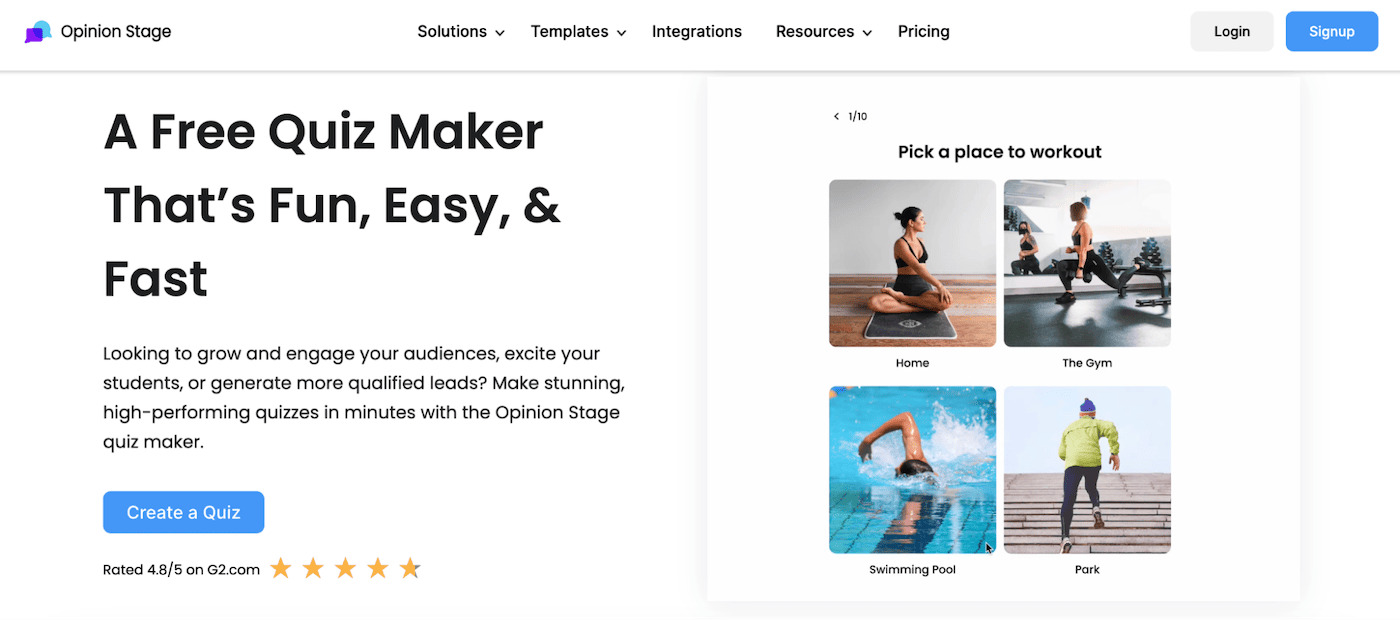
You can embed interactive content directly into your website or share it through a separate page. This is useful for blogs, publishers, and businesses that want visitors to participate while browsing their content.
The platform also includes lead collection and response reports. Marketers can use these features to understand audience interests and collect contact details from participants.
Opinion Stage offers an alternative to Riddle Quizmaker for teams that want to publish polls and quizzes regularly while keeping the creation process simple.
Pros:
- Build polls, surveys, trivia, and personality quizzes to encourage different types of audience participation.
- Use ready-made templates or AI assistance to prepare interactive content without designing every question from scratch.
- Place quizzes and polls within articles or website pages so readers can participate without leaving your content.
- Collect email addresses and other contact details from interested visitors through built-in forms.
- Review answers and response reports to learn what your audience thinks about different topics.
Cons:
- The free version allows only a limited number of responses each month.
- Removing platform branding and accessing certain reporting features require an upgrade.
User Rating: To be verified
Pricing: Free plan available with up to 25 responses per month. Pro starts at $25/month, billed annually.
3. Interact: Best for Personality Quizzes for Lead Generation
Some quizzes are most effective when the result feels personal. That’s the approach Interact takes.
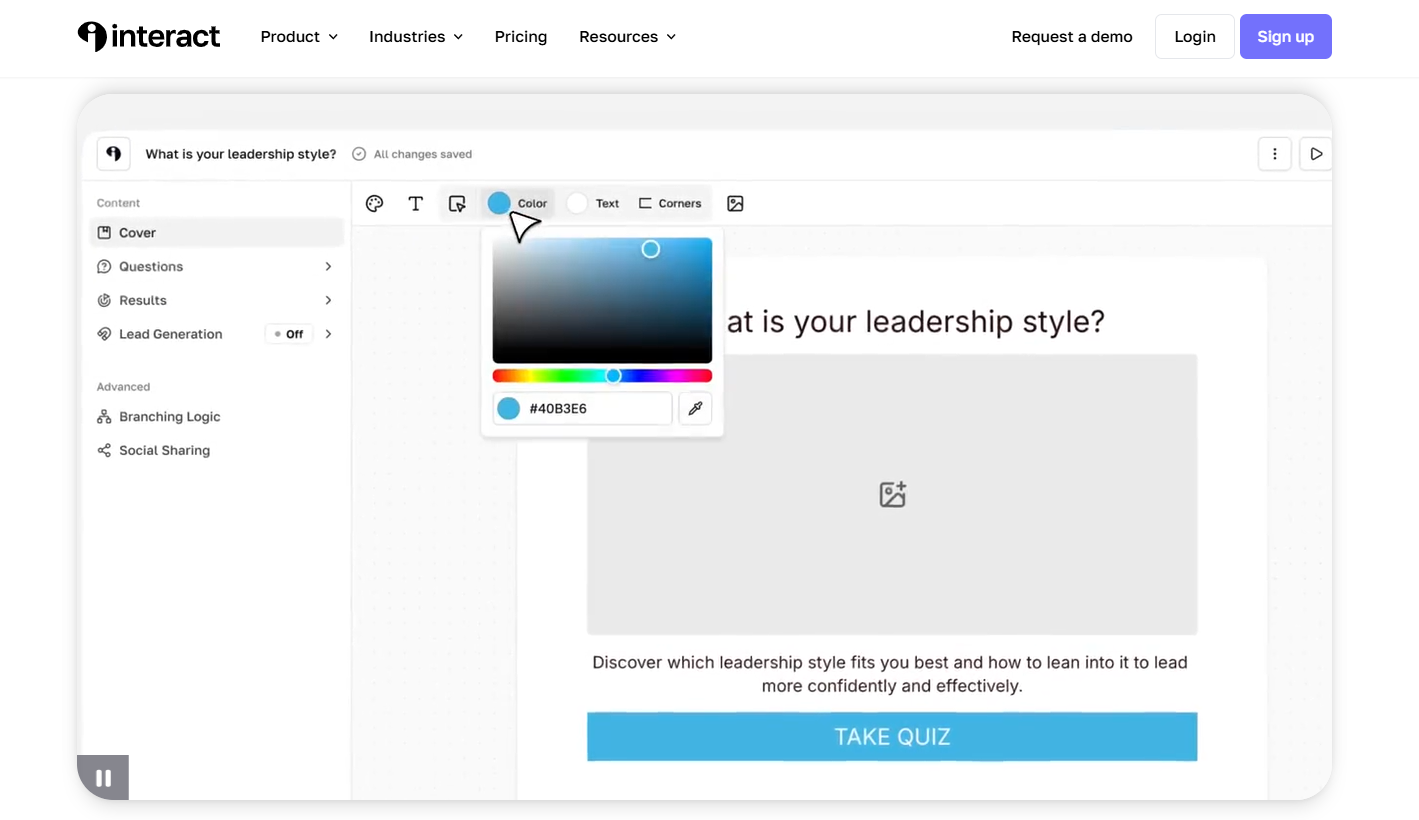
A personal stylist, for instance, could create a quiz asking visitors about their clothing preferences, daily routine, and favorite colors. At the end, participants receive a result describing their style and may be invited to join an email list for related advice.
Interact specializes in personality quizzes, scored quizzes, and assessments. Marketers can customize existing templates or use AI assistance to prepare questions and results.
The platform allows you to display different outcomes depending on the answers people select. You can also collect email addresses and send participant information to connected email marketing services.
These capabilities are useful for creators, coaches, consultants, and brands that want their quizzes to start a relationship with potential customers.
While Riddle Quizmaker covers a wide range of interactive games and content formats, Interact focuses on quizzes that help businesses learn about visitors and stay in touch with them afterward.
Pros:
- Create personality quizzes that provide results aligned with participants’ interests, preferences, or answers.
- Start with templates designed for different industries and customize them for your specific audience.
- Use AI to draft quiz questions and results, then edit the content to reflect your brand’s voice.
- Add email collection forms to quizzes so interested visitors can receive further information from your business.
- Organize participants by their results and match their details with supported email marketing services.
Cons:
- The free plan has limits on the number of published quizzes and monthly completions.
- Certain design, branding, and reporting options are available only through paid subscriptions.
User Rating: 4.7/5
Pricing: Free plan available. Lite starts at $27/month, billed annually.
4. involve.me: Best for Quizzes With Automated Email Follow-Ups
What if someone completes your quiz, shows interest in a service, but doesn’t contact your business?
involve.me helps you continue that conversation through follow-up emails connected to the person’s responses.
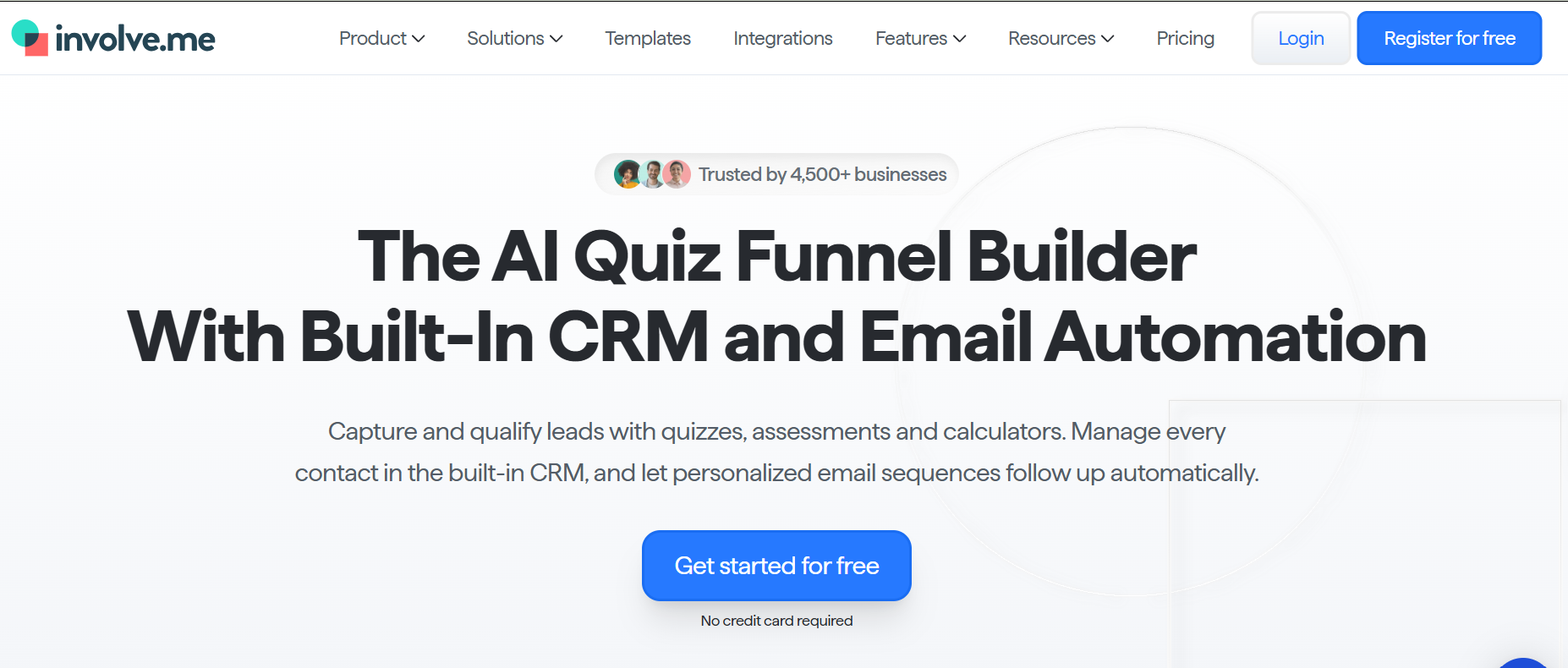
A financial consultant, for example, could create a short quiz about retirement planning. Someone who indicates they’re close to retirement could receive information about preparing for that stage, while a younger participant might receive advice on starting a savings plan.
involve.me combines quizzes, forms, calculators, and landing pages with contact management and email automation. Its AI assistant can also help create and edit questions, results, and related content.
Different questions or results can appear depending on earlier answers. Businesses can use this information to better understand visitors and decide which messages are relevant to them.
The platform also provides reports showing how people move through the quiz and where they stop.
For teams replacing Riddle Quizmaker, involve.me is particularly useful when collecting answers is just the beginning and the next priority is contacting participants with relevant information.
Pros:
- Prepare quizzes, forms, calculators, and landing pages within the same platform for different marketing activities.
- Use AI assistance to create quiz questions and related content from simple written instructions.
- Send follow-up emails automatically according to participants’ answers, scores, or other selected conditions.
- Keep collected contact details organized so your team can understand which products or services may interest each person.
- Examine completion information and visitor activity to identify which parts of a quiz may need improvement.
Cons:
- More detailed question paths and email sequences can take extra time to configure.
- Some advanced reporting and customization options are restricted to particular plans.
User Rating: 4.7/5
Pricing: Paid plans start at $29/month, billed annually. The platform provides a way to start using it without a credit card; confirm current trial and access conditions before publication.
5. Outgrow: Best for Interactive Calculators and Marketing Quizzes
Sometimes people visit a website to find a specific answer, such as how much something will cost or how much they could save.
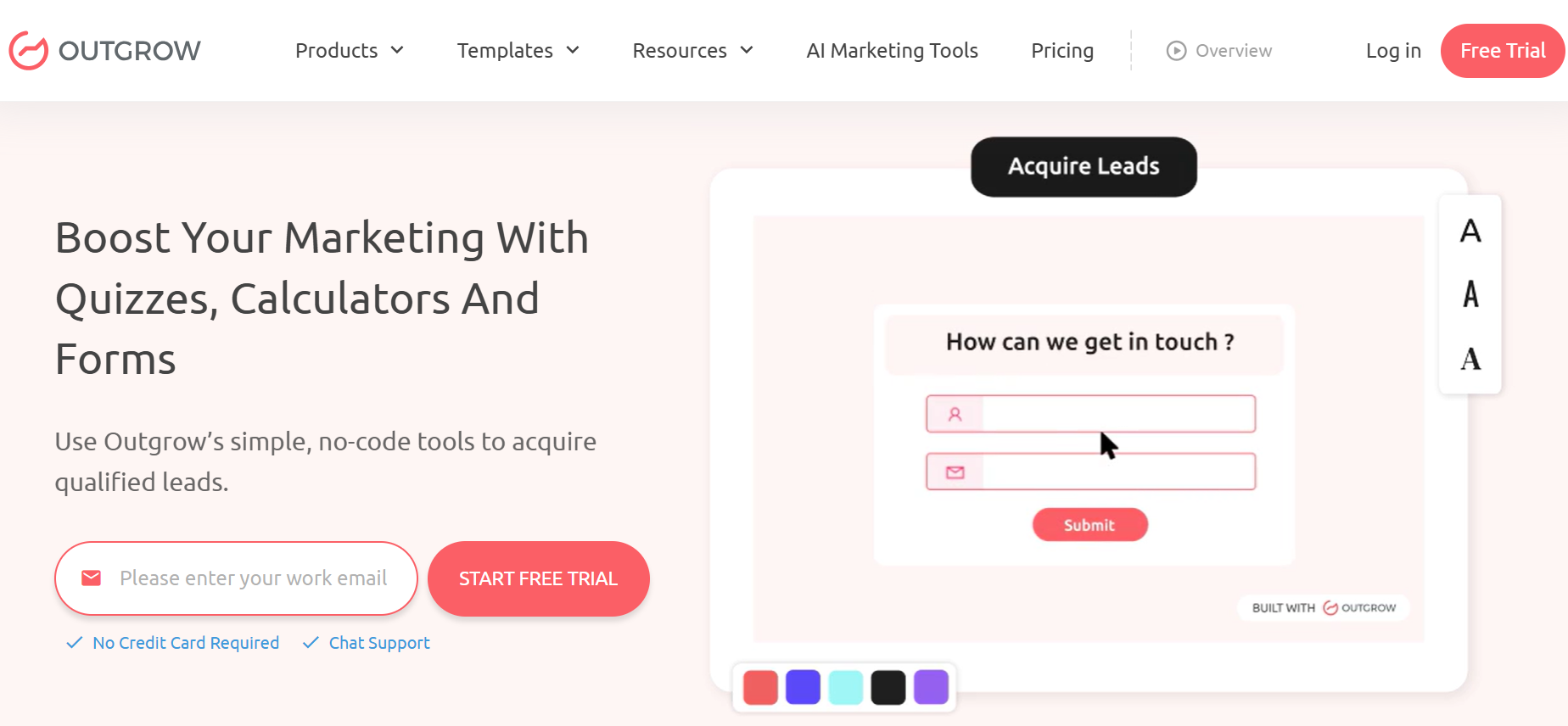
Outgrow helps businesses provide these answers through interactive calculators and other marketing tools. It supports calculators, assessments, quizzes, polls, surveys, and product recommendation tools. Businesses can create rules that use visitor responses to calculate or display different results.
Its editor allows you to add images, videos, and branded designs. Contact forms can also be included so interested visitors can request more information.
Collected details can be shared with supported email and customer management systems, helping businesses continue conversations with potential customers.
Outgrow offers more options for campaigns built around estimates and calculations, making it a useful alternative to Riddle Quizmaker when practical answers are more important than entertainment.
Pros:
- Create calculators that estimate costs, returns, savings, or other metrics based on information entered by visitors.
- Develop quizzes, assessments, and recommendation tools for marketing campaigns with different goals.
- Set up calculations and question rules that produce results suited to each visitor’s situation.
- Include images, videos, and branded elements to make the experience look consistent with your website.
- Gather contact information and connect responses with compatible marketing tools for future follow-up.
Cons:
- Calculators involving detailed formulas may require additional setup and testing.
- Some advanced features and higher usage allowances are available only on larger plans.
User Rating: 4.7/5
Pricing: Freelancer Limited starts at $14/month, billed annually.
6. Typeform: Best for Conversational Forms and Surveys
A long form can feel like a chore, particularly when people see dozens of questions on a single page. Typeform creates a different experience by usually presenting one question at a time.
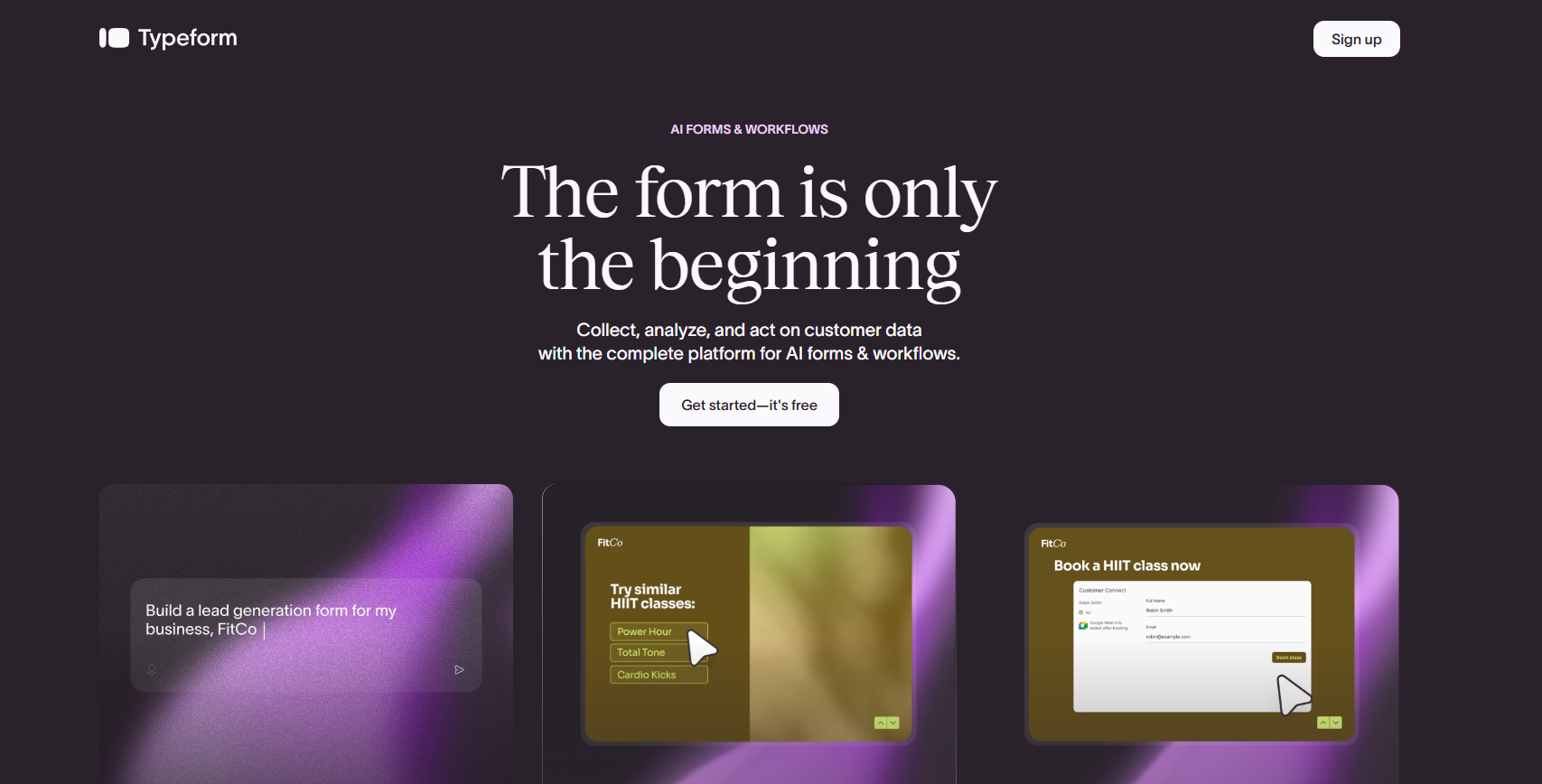
Suppose a marketing agency wants to understand what new clients need before scheduling a meeting. It could ask about the business, current challenges, preferred services, and budget through a series of short questions.
Typeform supports surveys, quizzes, registration forms, customer questionnaires, and other ways of collecting information. Its AI tools can help prepare forms, while templates give users examples to work from.
You can customize the appearance with colors, images, and branding. The software can also show different follow-up questions depending on how someone answers. For organizations that mainly use Riddle Quizmaker to ask questions and collect information, Typeform offers a clean, guided experience that encourages visitors to focus on one response at a time.
Pros:
- Display questions individually to make surveys and forms feel easier to complete.
- Choose from ready-made templates for customer feedback, registrations, quizzes, and business inquiries.
- Adjust fonts, colors, images, and other design elements to create forms that match your brand.
- Show follow-up questions that relate to previous answers so participants don’t have to complete irrelevant fields.
- Send collected responses to compatible business tools to help teams organize feedback and customer information.
Cons:
- Monthly response limits can be restrictive when a campaign receives more submissions.
- Some branding and advanced reporting features require higher-tier subscriptions.
User Rating: 4.5/5
Pricing: Free plan available. Basic starts at $28/month, billed annually.
7. Jotform: Best for Custom Forms, Quizzes, and Registrations
A growing business often needs to collect more than quiz answers. It may also handle customer applications, event registrations, payments, and feedback. Jotform brings these different tasks into one form-building platform.
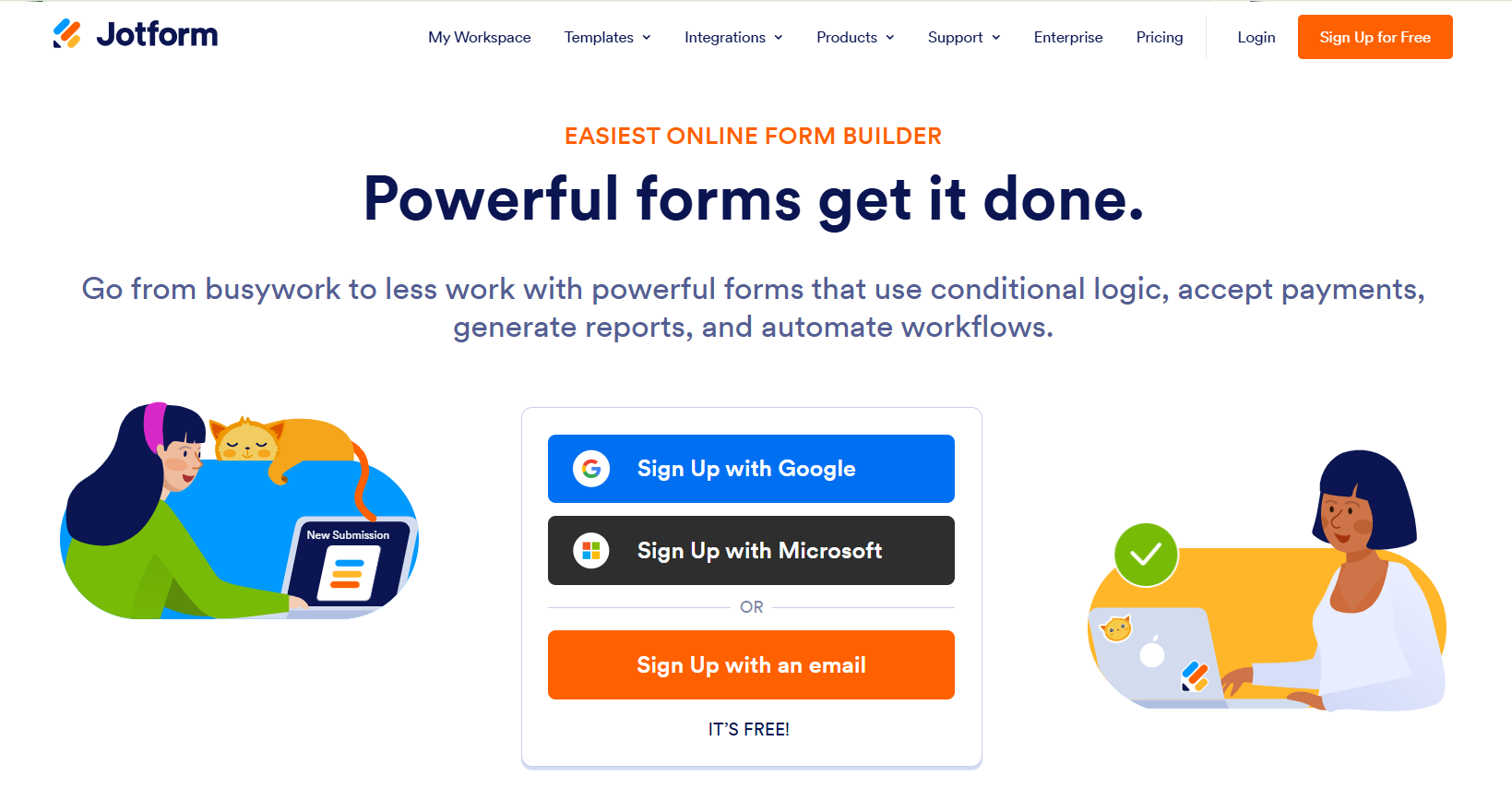
Jotform provides a visual editor for adding questions, rearranging fields, and customizing form appearance. Its template library covers a range of industries and business needs.
You can also create quizzes with scoring, show questions based on earlier responses, and collect uploaded files when additional documents are required.
The software integrates with services such as Google Sheets, payment providers, and email applications, helping businesses organize submissions without having to reenter the same information manually.
Jotform is an appealing Riddle Quizmaker alternative for organizations that need occasional quizzes alongside a broader collection of everyday forms.
Pros:
- Create forms, quizzes, and surveys using a visual editor without writing code.
- Select from templates covering registration, customer requests, feedback, payments, and other business activities.
- Collect documents and accept payments through supported form fields when the process requires more than simple answers.
- Display only the relevant questions by setting rules based on information participants have already provided.
- Share submissions with connected spreadsheets and business software to keep important records organized.
Cons:
- Plans have limits on the number of forms, monthly submissions, and available storage.
- Detailed forms with several rules may require more setup than a basic quiz.
User Rating: 4.7/5
Pricing: Free Starter plan available. Bronze starts at $34/month, billed annually.
8. ScoreApp: Best for Scored Quizzes With Personalized Feedback
ScoreApp helps businesses use quizzes to show people where they stand and what they might need to improve.
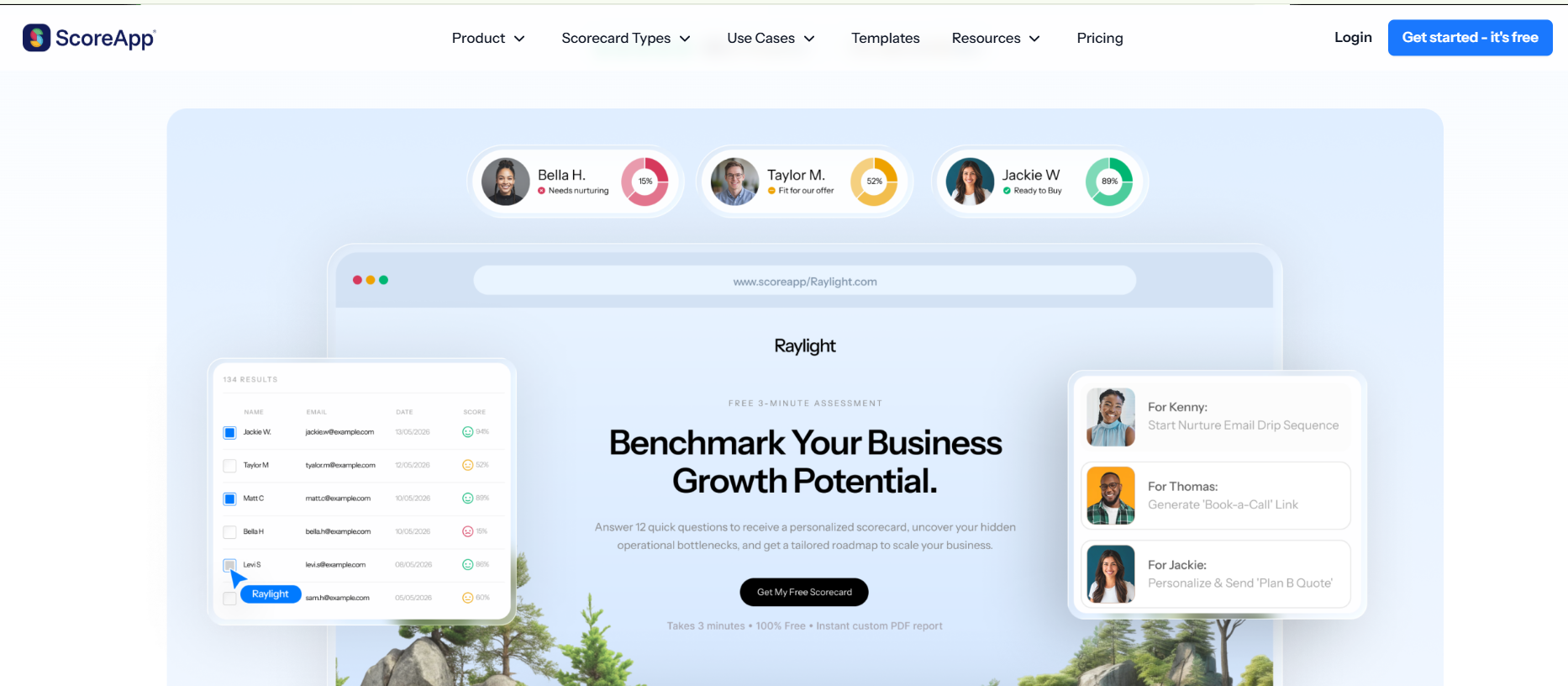
For instance, a business coach could offer a short assessment of leadership skills. Participants answer questions about communication, decision-making, and managing employees. Their scores then help identify areas where they may need additional support.
ScoreApp focuses on assessments called scorecards. These can include personalized result pages, explanations, and recommendations based on a participant’s answers.
The platform provides AI tools for creating questions and landing pages. It also helps businesses collect contact information, making it useful for consultants and service providers looking to connect with potential customers.
Different score ranges can lead to different results, which allows businesses to provide feedback that matches the person’s situation.
ScoreApp is particularly relevant as a Riddle Quizmaker alternative when the aim is to help visitors evaluate themselves and understand what they could do next, rather than simply participate in a trivia game.
Pros:
- Build scored assessments that help people understand their strengths and identify possible areas for improvement.
- Use AI tools to prepare assessment questions and related landing pages without beginning from scratch.
- Provide different result pages and recommendations based on participants’ scores.
- Collect contact details from people who complete an assessment and use their responses to understand their needs.
- Offer supported personalized report options that give participants more detailed feedback they can review later.
Cons:
- The platform is primarily designed around scored assessments rather than a wide selection of interactive games.
- More advanced personalized reporting and certain features depend on the selected plan.
User Rating: To be verified
Pricing: Free access is available for getting started. Starter costs $30/month, billed annually.
My Top Picks Among the Riddle Quizmaker Alternatives
The right option depends on whether you want to test knowledge, encourage more people to interact with your content, or help visitors calculate something useful. These three would be my starting points.
1. ProProfs Quiz Maker
ProProfs Quiz Maker is my preferred option for businesses that need quizzes for multiple purposes, not just a single marketing campaign.
It can help teams collect leads, evaluate employee knowledge, conduct online tests, and manage certifications. AI-generated questions and ready-made content simplify preparation, while scoring and reports provide useful information once participants finish.
For organizations handling both customer engagement and training, this makes assessment management more convenient.
2. Opinion Stage
Opinion Stage deserves a place on the shortlist when the goal is to encourage more visitors to participate in website content.
Its quizzes, polls, surveys, and templates allow publishers and marketers to experiment with different ways to collect opinions and keep readers engaged.
It works particularly well for websites that publish new content frequently and want interactive activities alongside their articles.
3. Outgrow
Outgrow is especially useful when a quiz should provide a calculated result instead of a general outcome.
Businesses can use it to estimate costs, demonstrate potential savings, or recommend suitable services based on the information visitors provide.
This gives marketers an opportunity to offer practical value before asking people to contact the business.
How I Evaluated These Riddle Quizmaker Alternatives
I compared the eight products based on their intended uses, available features, and how easily businesses can manage quizzes and participant responses.
- User reviews and ratings: I considered publicly available customer feedback about usability, reliability, support, and common product concerns.
- Essential features and functionality: I looked at quiz formats, question creation, lead collection, scoring, personalized results, calculations, and reporting.
- Ease of use: I evaluated how straightforward the steps are for creating questions, adjusting designs, publishing a quiz, and reviewing responses.
- Customer support: I considered help articles, product guides, available support channels, and other resources for resolving common problems.
- Personal experience and expert opinion: I applied practical quiz design and assessment criteria to official product information to determine which tools are best suited to different business requirements.
Create More Useful Quizzes With ProProfs Quiz Maker
A quiz becomes more valuable when the answers help you understand something important.
You may want to discover what customers are interested in, check whether employees understand a new process, or measure how much someone has learned. Each situation calls for questions that serve a clear purpose.
ProProfs Quiz Maker lets you prepare assessments around those needs. AI helps generate questions from existing material, while different answer formats let you assess knowledge or gather opinions in ways that suit your audience.
Once a quiz is complete, you can review scores, examine individual responses, provide feedback, and maintain records of participant performance. For more formal testing, available security settings and certification features provide additional control.
The value lies in having information you can use, whether you’re planning follow-up conversations, improving training, or checking progress over time.
With ProProfs Quiz Maker, quizzes can become a consistent part of how your business collects information, evaluates knowledge, and makes better-informed decisions.
Frequently Asked Questions
What are the best Riddle Quizmaker alternatives?
ProProfs Quiz Maker, Opinion Stage, Interact, involve.me, Outgrow, Typeform, Jotform, and ScoreApp are all worth comparing.
The best option depends on what you need. ProProfs Quiz Maker supports scored tests and other quizzes, Opinion Stage focuses on interactive website content, and Outgrow specializes in calculators and marketing tools.
Are there any free alternatives to Riddle Quizmaker?
Yes. ProProfs Quiz Maker, Opinion Stage, Interact, Typeform, and Jotform provide free plans. ScoreApp also offers a way to begin without immediately purchasing a subscription.
Free options usually include limits on questions, participants, responses, or other features, so check what each plan allows.
Which Riddle Quizmaker alternative is best for lead generation?
ProProfs Quiz Maker, Interact, involve.me, Opinion Stage, Outgrow, and ScoreApp can collect contact details through interactive content.
Choose based on what visitors should receive after submitting their information, such as a personality result, a personalized score, or a calculated estimate.
Can I create quizzes using AI?
Yes. ProProfs Quiz Maker can generate questions from a topic or supported uploaded content. Interact, involve.me, Opinion Stage, and ScoreApp also provide AI-assisted content creation.
Review generated questions before publishing to make sure they are accurate and relevant to your audience.
Which alternative is best for employee training and assessments?
ProProfs Quiz Maker is suitable for businesses that need scored tests, automatic grading, certificates, and detailed performance reports.
It can support employee knowledge checks, onboarding assessments, online exams, and ongoing training evaluations.
Can I add quizzes directly to my website?
Yes. Several products in this comparison, including ProProfs Quiz Maker, Opinion Stage, Interact, Typeform, and Jotform, support placing quizzes or forms within existing website pages.
The exact publishing method and design controls depend on the platform.
Which alternatives support personalized quiz results?
ProProfs Quiz Maker, Interact, involve.me, Outgrow, and ScoreApp support results that change according to participant answers, scores, or selected conditions.
Some focus on personality categories, while others provide scored feedback or calculated results.
What should I check before switching from Riddle Quizmaker?
Start by reviewing your existing quizzes and deciding which features you use most often.
Consider question formats, branding, response limits, lead collection, reports, available integrations, and pricing. Check whether the new platform supports importing your existing questions or whether you'll need to recreate them.
Testing one important quiz before moving your other content can help you identify any differences in how results, designs, and responses are handled.
Let ProProfs AI Build a Quiz

 We'd love your feedback!
What did you like & how can we make it even better?
 Thanks for your feedback!
 Ask Your Question
Have a question? Get expert help to make your decision easier.