Archive | January, 2012

Fabulous Examples Of Quiz Settings

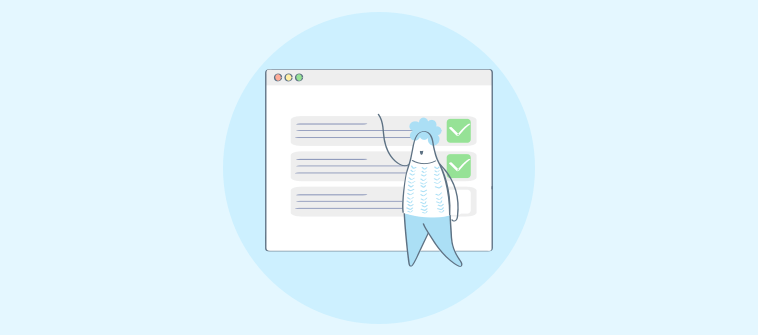
ProProfs Quiz Maker has hundreds of settings that you can apply to a quiz. We are glad to share with you a showcase we have set up of some of the common quiz settings. Here are just a few examples of the different settings you can apply to your quizzes: Examples Of Quizzes with Different      Read More

Read full story Comments { 0 }

View Time Taken on Each Question: New Feature

For each attempt on the quiz, we now show you both: Total time taken to complete the quiz Time spent on each individual question Step 1: Go to My Quizzes Step 2: Click on “Reports & Attempts” Step 3: “Time Taken” column shows total time taken to complete the quiz.  To see time taken for each question for any      Read More

Read full story Comments { 0 }

New uses of ID field in Quiz Maker

Since many institutions require unique ID numbers for students and employees, Quiz Maker now allows users to customize the name of the ID field to accommodate unique ID types. By customizing the name of the ID field, test-takers will readily know what organization-specific information is being asked of them as they attempt to login to      Read More

Read full story Comments { 3 }

Ten ideas to promote your Quiz, Poll, or Survey

  Quizzes, polls, and surveys are effective assessment, marketing, and practice tools. They provide a means for engaging your client base and collecting pertinent information to keep you informed. As you create these tools for your course or business, you should consider how to promote them to your target audience. When creating a quiz in      Read More

Read full story Comments { 3 }