

I’ve spent more time than I’d like to admit building assessments by hand. Writing questions, formatting answer choices, calibrating difficulty, and then rewriting everything six months later when the content changed.
So when AI test generators started showing up in conversations I was already having about assessment quality, I paid close attention. The problem is that most of them are free for about five questions before you hit a paywall, or the output is shallow enough that you spend more time editing than you would have spent writing from scratch.
This list is what I actually found after testing across hiring, compliance, and training contexts. Whether you’re building certification exams or screening candidates, the right AI test generator should do more than surface basic recall questions.
What Is an AI Test Generator?
The range here is wide. Some of these tools are lightweight, basically built for students reviewing lecture notes the night before an exam. Others are enterprise-grade platforms with proctoring, grading, analytics, and certification workflows built in. The core capability is the same: you provide the content, and the AI handles the question construction. What differs is question depth, supported input formats, editing flexibility, and, critically, what the platform can actually do with the results after someone submits.
The 10+ Best AI Test Generators in 2026
I’ve narrowed this down to ten tools that cover the full range of use cases I’ve seen in the field. Each one earned its spot for a specific reason, not because it has the longest feature list.
| Tool | Best For | Capterra Rating | Pricing (Starting) | AI Input Sources | Proctoring / Security |
| ProProfs Quiz Maker | Secure, full-featured assessments | 4.5/5 | Free; $19.99/mo | PDF, PPT, DOC, video, URL | Webcam, lockdown, IP tracking |
| Quizizz (now Wayground) | Gamified classroom quizzes | 4.5/5 | Free; $19.99/mo | Topic, text | No |
| Classpoint | Slide-based interactive tests | 4.7/5 | Free; $8.33/mo | PowerPoint slides | No |
| Jotform | Workflow-integrated assessments | 4.7/5 | Free; $34/mo | Prompt-driven | No |
| Formative | Real-time K-12 assessment | 4.6/5 | Free; $12.99/mo | Text, standards | No |
| Typeform | Conversational lead gen quizzes | 4.7/5 | Free; $25/mo | Prompt-driven | No |
| TestGorilla | Pre-employment skills screening | 4.5/5 | Free (5 candidates); $75/mo | Curated library | Basic anti-cheat |
| Kahoot! | Live group knowledge checks | 4.6/5 | Free; $17/mo | Topic, text | No |
| Quizlet | Self-paced study and review | 4.5/5 | Free; $35.99/yr | Text, PDF, photo | No |
| Google Forms + Gemini | Free basic question generation | 4.7/5 | Free | Prompt-driven | No |
| AssessPrep | Secure, AI-powered digital & handwritten assessments | – | Custom pricing | PDF, DOC, text, images, handwritten responses | Secure browser, lockdown mode, AI proctoring |
1. ProProfs Quiz Maker – Best AI Test Generator for Secure, Full-Featured Assessments
I’ve used ProProfs Quiz Maker across hiring workflows, compliance training cycles, and full certification programs, and it’s one of the few AI test generators that doesn’t make you trade speed for quality.
The AI quiz generator builds complete assessments with explanations in seconds and pulls from documents (DOC, PDF, PPT), YouTube videos, uploaded videos, and webpages as source input. What I keep noticing is that the depth behind the test is what separates it from lighter tools.

Let ProProfs AI Build a Quiz
You get 20+ question types, including scenario-based, drag-and-drop, and image-based formats, plus a question bank with over a million ready-to-use items. Security is built in, not bolted on: browser lockdown, webcam and screen proctoring, IP tracking, and question randomization come standard. The analytics go down to the question level, which is where I actually find the value.
Best for: Organizations running high-stakes or compliance assessments that need proctoring, automation, and analytics in one place.
Pros:
- Converts PDFs, PPTs, videos, and webpages into tests instantly
- 20+ question types, including interactive and video response formats
- Automated grading, certification, and recertification workflows
- Webcam proctoring and browser lockdown built in
- Detailed analytics down to the question level
- Forever free plan for short quizzes
Cons:
- No dark mode
- Cloud-only; no on-premise deployment
Pricing: Free forever for short quizzes. Paid plans start at $19.99/month (Business: $39.99/month, Enterprise: $199.99/month).
2. Quizizz (now Wayground) – Best for Gamified Classroom Assessments
I’ve watched Quizizz (now Wayground) work remarkably well in rooms where engagement is the actual problem. Teachers who’ve tried it tell me the same thing: the leaderboard completely changes the energy.
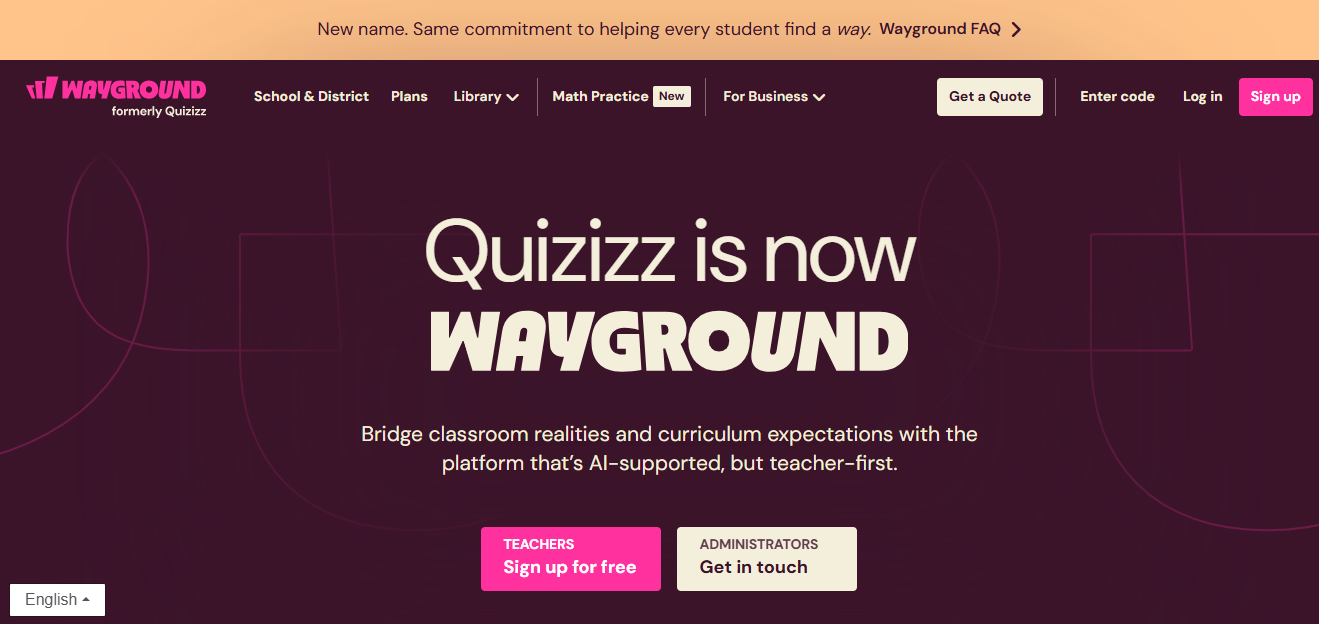
From my experience, it’s genuinely good at what it does, which is making a knowledge check feel less like a test and more like a competition. I’ve found the AI question generation solid for classroom content, especially when you’re pulling from topics or pasted notes rather than complex documents.
The export options are practical too; it pushes cleanly into formats teachers already use. That said, if you need anything beyond surface-level analytics or you’re running assessments for a team of 500 employees, it starts to show its limits. Your situation may be different, but I wouldn’t reach for it outside an education context.
Best for: K-12 teachers and instructors who want engagement features alongside assessment functionality.
Pros:
- Strong gamification: leaderboards, avatars, and power-ups keep participation high
- Good import from Google Slides and PDFs for quick content generation
- Works live in class or assigned as async homework
Cons:
- Analytics are surface-level for anyone running formal assessments
- Free tier has limits on participants that appear quickly in larger groups
Pricing: Free tier available. Paid plans start at $19.99/month.
3. Classpoint – Best for Converting Slides Into Interactive Tests
Classpoint is the one I recommend when someone tells me they live in PowerPoint and don’t want to change that. I understand the resistance to switching tools mid-workflow.
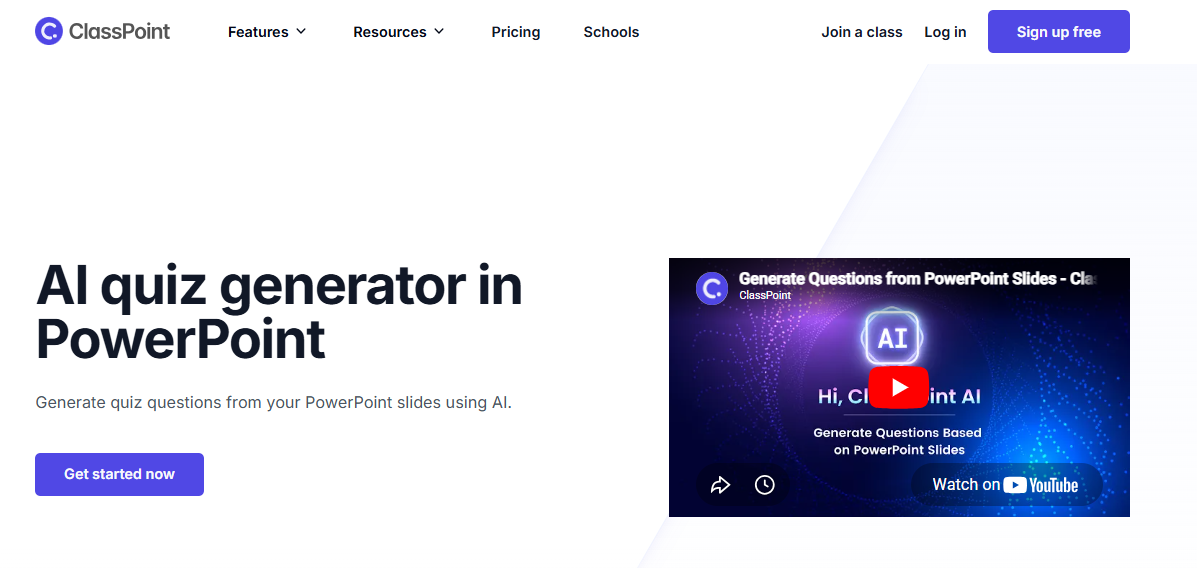
What I find interesting about Classpoint is that it leans into that instead of fighting it: the AI reads your slide content and suggests questions without you ever leaving the deck. In my experience, trainers who already have strong slide libraries get real value out of this quickly.
The setup time is almost nothing. What I’d caution is that the PowerPoint dependency cuts both ways. If your content isn’t slide-based, or if you need to share assessments outside a presentation context, you’ll hit walls. I’ve seen teams adopt it enthusiastically and then quietly go looking for something else six months later when their use case evolved. Not always, but often enough to mention.
Best for: Instructors and trainers who build everything in PowerPoint and want assessment built into their existing workflow.
Pros:
- Works natively inside PowerPoint with minimal setup required
- Real-time response collection during live presentations
- Multiple question formats including word clouds and polls for variety
Cons:
- PowerPoint dependency limits use outside slide-based training contexts
- Analytics are limited compared to dedicated assessment platforms
Pricing: Free plan available. Pro starts at $8.33/month.
4. Jotform – Best for Form-Based Assessments With Workflow Integration
What I’ve noticed with Jotform is that it attracts a specific kind of user: someone who already has a process and needs the assessment to plug into it, not the other way around. HR teams with results feeding into spreadsheets, operations leads who need a completion to trigger a Slack notification, that kind of setup.
I’ve found the AI question generation works reasonably well for prompt-driven content, though it depends heavily on how clearly you describe what you need. Honestly, this is not where I’d start if the quality of formal assessment were my priority.
But if integration is the actual job and the questions are relatively standard, it earns its place. The free tier is genuinely more generous than most, which matters to smaller teams testing whether this approach works before committing.
Best for: HR teams and operations leads who need assessment results to trigger downstream automations or feed into existing workflows.
Pros:
- Strong integrations with 100+ tools including CRMs and spreadsheet platforms
- Conditional logic and branching support adaptive assessment flows
- Free tier is more generous than most competitors in this space
Cons:
- Not built for high-stakes testing; lacks proctoring and security features
- Output quality depends heavily on the specificity of your prompt
Pricing: Free tier available. Paid plans start at $34/month.
5. Formative – Best for Real-Time Formative Assessment in K-12
I’ll be direct: Formative is a K-12 tool, and it’s a good one. What I find compelling about it is the real-time visibility piece, the ability to see how students are doing while instruction is still happening, rather than grading a stack of papers the next day. That’s a meaningful shift in how feedback actually works in a classroom.
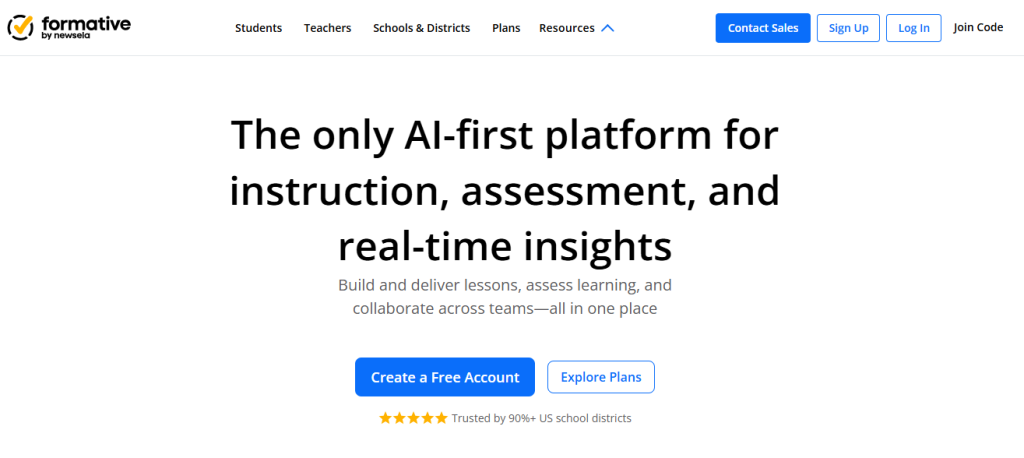
The AI handles question generation from text and curriculum standards, and the support for drawn responses is something I haven’t seen replicated well elsewhere. Whether that matters depends entirely on your subject area. For corporate or certification contexts, it’s the wrong fit, and I wouldn’t pretend otherwise.
But for a teacher who wants to know mid-lesson whether the class has actually absorbed something, I think it delivers on that specific job better than most tools in this list.
Best for: K-12 teachers who need real-time visibility into student understanding while instruction is happening, not just after.
Pros:
- Live student response tracking during class changes how teachers course-correct
- Supports drawn and written responses that most platforms don’t handle
- Strong US curriculum standards alignment for structured lesson planning
Cons:
- Primarily K-12; limited fit for corporate training or certification programs
- Free plan restricts the number of assignments in ways that add up quickly
Pricing: Free tier available. Paid starts at $12.99/month.
6. Typeform – Best for Conversational Assessments and Lead Generation
I’ve seen Typeform used in ways that surprised me. It’s positioned as a form tool, but I’ve watched marketing teams build genuinely effective scored assessments with it, particularly recommendation quizzes and product fit evaluations where the conversation format keeps people engaged long enough to finish.
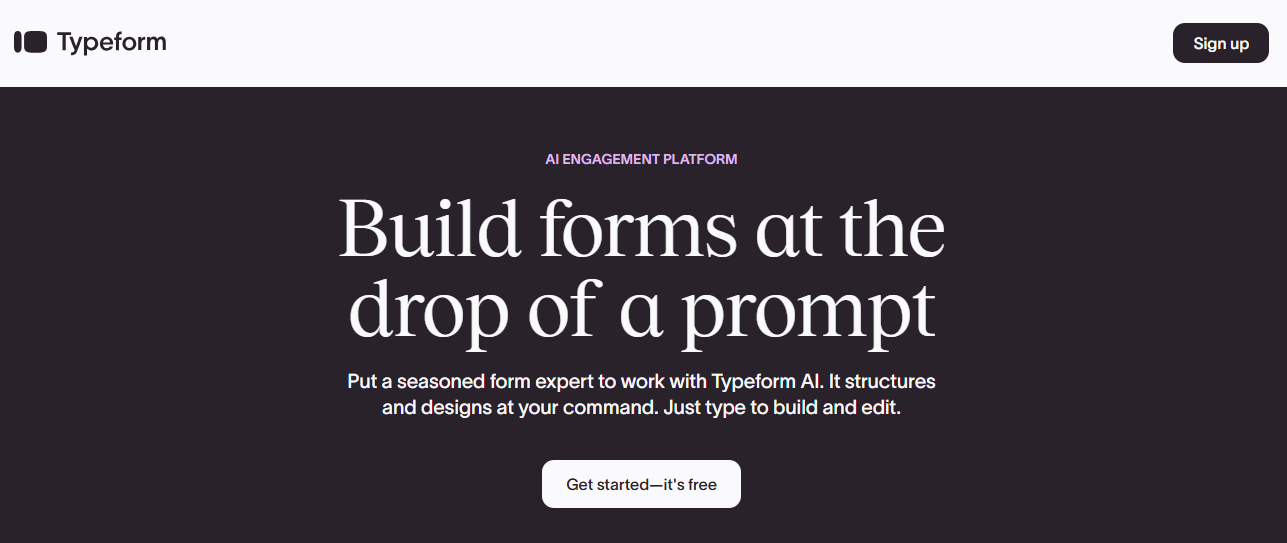
The AI helps with branching logic, which is where the real value is. One question leads to a different follow-up based on the answer, and for lead generation flows that’s often exactly what you need. What I think most people miss is that this isn’t a testing tool in the traditional sense. There’s no proctoring, no graded output, no learning analytics.
If someone on your team suggests Typeform for employee compliance training, that’s usually a mistake. But for a marketing funnel or a self-qualification flow, I’ve found it performs well above what the category name suggests.
Best for: Marketing teams and product companies running scored assessments or recommendation quizzes as part of a conversion funnel.
Pros:
- Clean conversational UX that meaningfully improves completion rates on longer assessments
- Strong branching and conditional logic for adaptive question flows
- Integrates with HubSpot, Mailchimp, Zapier, and most marketing stacks
Cons:
- Not built for high-volume or high-stakes testing scenarios
- Analytics focus on response collection, not learning outcomes or skill gaps
Pricing: Free plan available. Paid starts at $25/month.
7. TestGorilla – Best for Pre-Employment Skills Screening
TestGorilla is purpose-built for hiring, and that specificity is both its strength and its limitation. I’ve talked to recruiting teams who replaced first-round phone screens with it and cut screening time significantly.
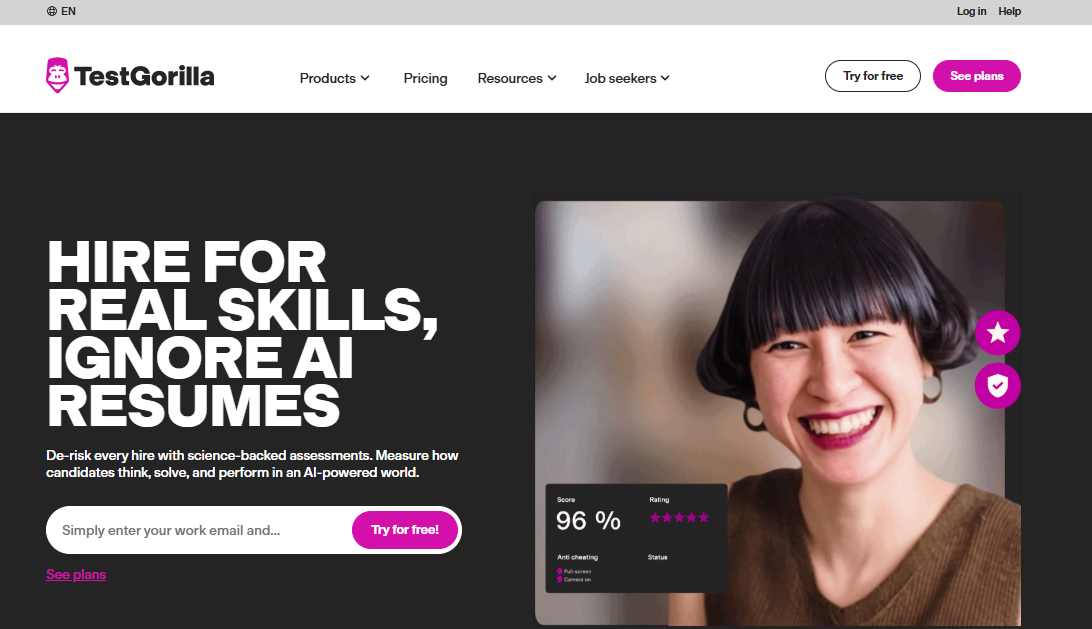
The question library covers cognitive ability, role-specific technical skills, and soft skills assessments, and the candidate comparison dashboard is designed around recruiter workflows rather than learning analytics.
What I’d push back on is using it outside that lane. I’ve seen organizations try to repurpose TestGorilla for onboarding assessments or skills development and find it frustrating because the customization isn’t really there. It’s not a training tool. It doesn’t pretend to be. If your job is to screen 200 applicants efficiently and rank them by demonstrated competency, I think it does that well. That’s a specific job, and it’s worth having the right tool for it.
Best for: Recruitment and talent acquisition teams replacing unstructured interviews with objective, comparable skills screening.
Pros:
- Curated question library built for hiring use cases across roles and skill levels
- Candidate ranking and side-by-side comparison built into the results dashboard
- Anti-cheating measures hold up reasonably well for remote assessments
Cons:
- Limited customization; you’re mostly working within their existing test library
- Not suited for learning, training, or ongoing development contexts
Pricing: Free plan (5 candidates). Paid starts at $75/month.
8. Kahoot! – Best for Engagement-First Knowledge Checks
Kahoot! is the one everyone in the room already knows how to use, which is not a small thing. I’ve facilitated enough training sessions to know that tool familiarity removes friction that kills participation.
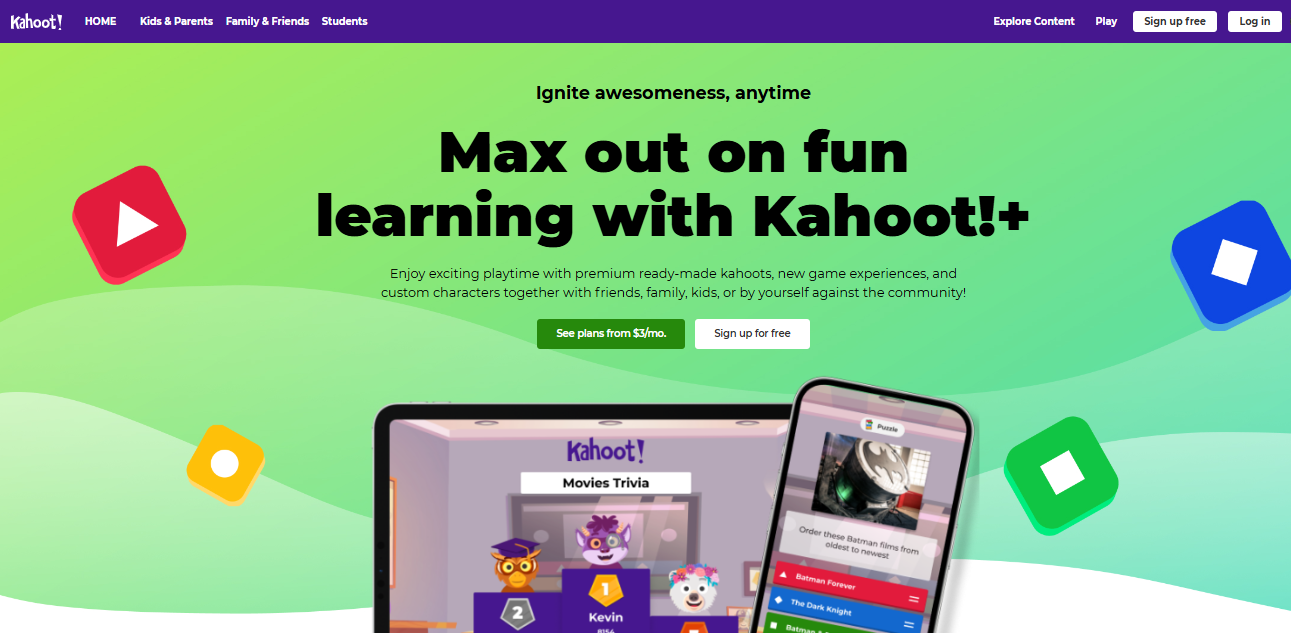
The AI helps generate questions from topics or uploaded content quickly, and the format does what it does: countdown timer, leaderboard, competitive energy. What I’d be careful about is confusing engagement with assessment.
Kahoot! is very good at making people feel like learning is happening. Whether deep retention is actually happening is a different question, and the results data doesn’t tell you much about that. I think most teams underestimate how much that distinction matters when you’re trying to demonstrate training outcomes to leadership. That said, for live sessions where you want people in the room and paying attention, it’s hard to beat.
Best for: Trainers and teachers running live sessions who want high participation and immediate energy in the room.
Pros:
- Very fast to build; AI question generation from topics or text takes minutes
- Excellent for live group sessions where engagement is the primary goal
- Brand recognition means participants rarely need onboarding on how to play
Cons:
- Not designed for graded, tracked, or compliance-reportable assessments
- Exporting results for formal reporting is more difficult than it should be
Pricing: Free plan available. Paid starts at $17/month.
9. Quizlet – Best for Self-Paced Study and Spaced Repetition
Quizlet is where I point individual learners who are serious about retention, not passive review. The spaced repetition engine is genuinely strong; it surfaces what you got wrong at intervals designed to push material into long-term memory rather than short-term recall.
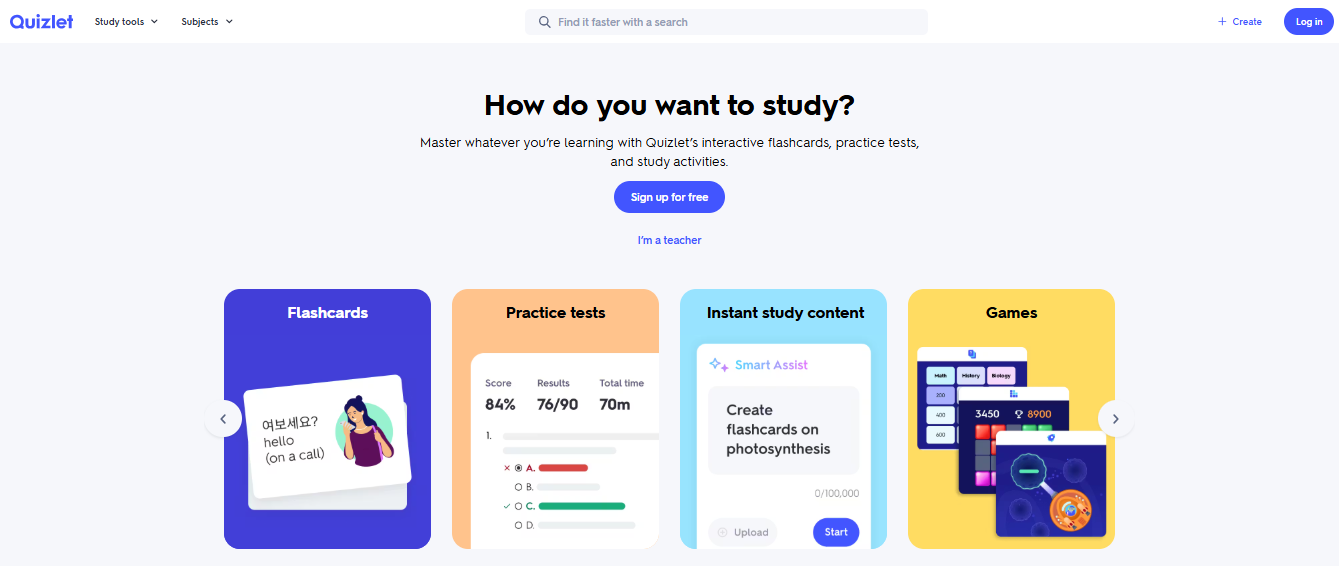
The AI generates practice tests and flashcard sets from uploaded text, PDFs, or even photos of notes, which makes it practical for people who don’t have perfectly formatted source documents.
Personally, I think the free tier has eroded over the past couple of years, and that frustrates me a little because it used to be one of the cleaner examples of a tool that gave real value before asking for money. It’s still functional, but the ceiling is lower than it was. For individual learners, students, and instructors building study resources, I’d still recommend it. For running formal organizational assessments, it’s not the right tool.
Best for: Individual learners, students, and instructors who want AI-generated study materials with adaptive review built in.
Pros:
- Spaced repetition engine is among the best for long-term retention outcomes
- Accepts text, PDFs, and photos of notes for flexible content input
- Large existing community library reduces creation time for common subjects
Cons:
- Not built for graded assessments, completion tracking, or certification
- Free tier has become more restrictive over recent updates
Pricing: Free tier available. Paid (Quizlet Plus) starts at $35.99/year.
10. Google Forms + Gemini – Best Free Option for Basic Question Generation
I include this because people are going to use it regardless, and it’s better to be honest about where it works than to pretend it doesn’t exist. Google Forms with Gemini integration is not a purpose-built AI assessment generator. It’s a free, accessible starting point for someone who needs a basic quiz and has no budget or setup time.
The question generation is prompt-dependent and inconsistent, there’s no scoring logic worth calling logic, and the analytics are essentially a spreadsheet of raw responses. What it has going for it is that it costs nothing, requires no new accounts if you’re already in Google Workspace, and gets out of your way.
I’ve seen teams use it for informal knowledge checks, feedback surveys, and low-stakes onboarding quizzes with no complaints. The moment you need grading, reporting, security, or scale, it stops being a solution.
Best for: Individuals or small teams who need a completely free, no-setup option for basic quiz creation without any assessment infrastructure.
Pros:
- Completely free with no usage caps or subscription required
- No new tool setup needed if you’re already working in Google Workspace
- Adequate for informal checks, surveys, and low-stakes knowledge reviews
Cons:
- No scoring logic, completion tracking, analytics, or proctoring
- AI output quality is inconsistent and highly dependent on prompt specificity
- Not scalable for any formal assessment program
Pricing: Free.
11. AssessPrep – Best for Secure, AI-Powered Digital Assessments
I’ve seen AssessPrep work particularly well for schools that need more than simple quizzes- especially when assessment security, handwritten responses, structured marking, and detailed performance analytics matter. It is designed for institutions running formal digital assessments while still giving teachers flexibility in how students demonstrate their learning.
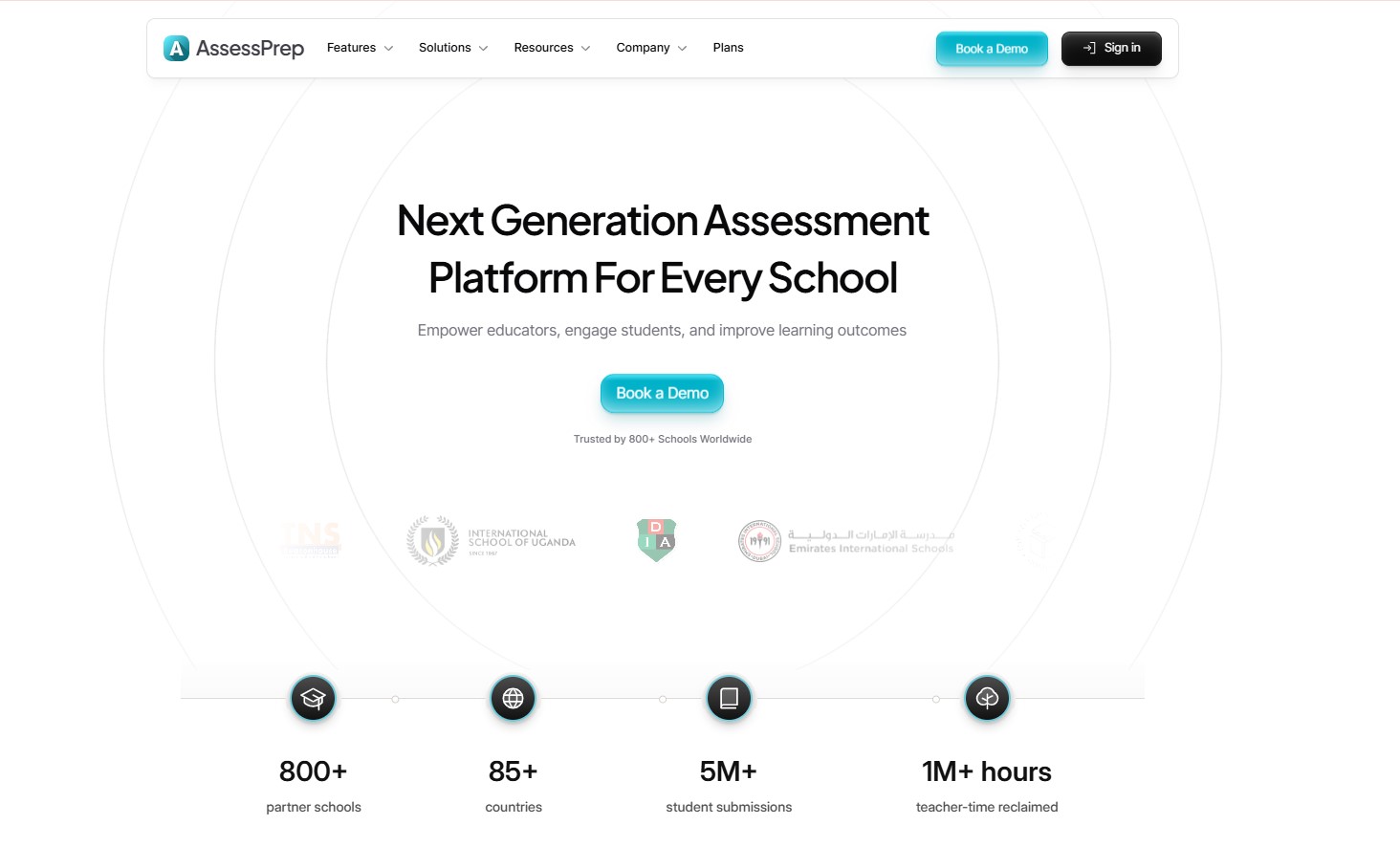
What stands out is its support for both digital and handwritten responses, combined with AI-assisted grading that helps teachers reduce the time spent evaluating student work. Teachers can create and conduct assessments across different subjects, including those involving equations and complex responses, while using criterion-based marking for consistent evaluation.
The platform also focuses heavily on secure exam delivery. Features such as secure browser controls and proctoring capabilities make it suitable for schools conducting high-stakes or formal assessments. After an assessment, teachers can access instant analytics and reports to identify learning gaps and understand student performance.
Best for: IB, Cambridge, Pearson and any K-12 schools looking for secure, exam-grade digital assessments with AI-assisted grading and advanced analytics.
Pros:
- Supports digital and handwritten student responses
- AI-assisted grading helps reduce teachers’ marking workload
- Suitable for complex assessments involving equations and structured responses
- Secure assessment environment with proctoring and exam-security features
- Criterion-based marking and detailed performance analytics
- Designed for formal and high-stakes school assessments
Cons:
- May offer more functionality than needed for simple, casual classroom quizzes
- Pricing information may require contacting the AssessPrep team based on institutional requirements
Pricing: Custom pricing based on the school’s or institution’s requirements.
How Did I Choose These Tools?
I didn’t build this list from a feature matrix or a sponsored comparison page. I looked at what actually matters when you’re trying to run assessments that serve a real purpose, and I made judgment calls.
- Question quality came first: Any tool can produce twenty multiple-choice questions. What I cared about was whether those questions test understanding or just surface recall. Tools that defaulted to making “A” the correct answer repeatedly, or that generated nearly identical stems with slightly shuffled answer choices, didn’t make it. That’s not a limitation I’d hand to a learner.
- I tried to take the “free” claims seriously: The community frustration around this is legitimate. A tool that caps you at five questions isn’t free; it’s a demo with a timer. I noted where the free tiers are genuinely usable in production and where they’re conversion traps designed to get you invested before the wall appears.
- Input diversity mattered: I prioritized tools that work from real source material: PDFs, decks, videos, URLs. If the only input option is a typed topic prompt, that’s a meaningful limitation for anyone working from existing content libraries.
- I thought about what happens after submission: Generating the test is maybe twenty percent of the job. Grading it, reporting on it, tracking completion, and issuing credentials is where most teams spend their actual time, and where most tools fall short. I weighted platforms that close that loop rather than leaving it to you.
My Top 3 AI Test Generators Picks
I get asked for a short answer on this fairly often. Here’s mine, with the caveat that it depends on what you’re actually building.
ProProfs Quiz Maker
If I had to run a full assessment program from a single tool, this is where I’d start. The AI handles content from practically any format, the question types go well beyond multiple choice, and the security stack is built in rather than patched together from separate integrations. The analytics are deep enough to surface question-level problems, not just pass rates. The free plan is real, not a five-question demo.
TestGorilla
For hiring specifically, TestGorilla is purpose-built in a way that general platforms aren’t. The question library is curated for competency-based screening, the candidate comparison dashboard actually fits how recruiters work, and the anti-cheating controls hold up for remote environments. I wouldn’t use it outside that lane, but within it, it’s the clearest fit.
Quizlet
For self-paced learners, the spaced repetition engine is still the strongest I’ve seen in this category. It surfaces weak areas rather than cycling through everything equally, and the AI generates practice tests from uploaded notes quickly. Not a grading tool. Not a certification platform. For personal study and retention, it doesn’t need to be.
What the Free AI Test Generator Search Is Really Telling You
There’s a pattern I keep noticing in how people search for AI test generators. They want free, and they get burned. The frustration isn’t really about pricing. It’s about false advertising and output that wastes time before the paywall surfaces.
Here’s what “actually free” looks like, honestly:
Usable without a subscription:
- ProProfs Quiz Maker: unlimited short quizzes, core features intact, no expiration on the free plan
- Google Forms with Gemini: completely free, no caps, but limited in depth and zero assessment infrastructure
- Quizlet: functional free tier for study sets, though the ceiling has dropped over recent updates
Free in name only:
- Tools that cap you at five to ten questions before prompting an upgrade
- Platforms that let you build but not share without a paid account
- Tools that generate questions but lock editing or export behind a paywall
My honest advice: test the actual free tier with a real piece of content you’d use in production. If it requires significant rewriting, hits a question wall, or prevents you from sharing results, you have your answer before you’ve spent anything.
Why AI-Generated Questions Are Only as Good as Your Source Material
This is the thing that trips up new users of any AI test generator, and I say this having watched it happen more than once. The AI doesn’t know your content. It reads what you give it.
A dense, well-structured PDF with clear headings and defined concepts produces substantive questions that test understanding. A badly formatted slide deck with bullet fragments produces shallow recall questions that mirror the surface text without going deeper.
A few things I’ve found consistently improve output:
- Source document quality matters more than tool selection. Clear headings, full sentences, and defined concepts give the AI something real to work with.
- Set difficulty explicitly. Most tools have easy, medium, and hard settings. The default is almost always medium, which usually means basic recall.
- Treat the output as a first draft. Review for accuracy, remove repetition, and adjust implausible answer choices. The AI can do better with a second attempt on anything that looks off.
The accuracy concern is real for high-stakes content. Hallucination isn’t common when the source material is solid, but it happens when the content is thin or ambiguous. For certification or compliance assessments, a human review pass isn’t optional. I’d be wary of anyone who tells you otherwise.
What This Really Comes Down To
Finding the right AI assessment generator comes down to being honest about what you’re actually building. A live classroom game, a compliance check with an audit trail, a hiring screen, a certification exam. Each of those has a different answer, and conflating them is how you end up with a tool that technically works but doesn’t fit.
If you want one platform that handles the full assessment lifecycle without patching together separate systems, ProProfs Quiz Maker is where I’d start. The AI handles content creation, the security stack handles integrity, and the analytics give you the feedback loop to improve over time. The free plan is worth testing before you commit to anything.
For everyone else, the table above maps each use case to the tool that was actually built for it. Start there.
Frequently Asked Questions
What is an AI test generator?
An AI test generator is a tool that uses artificial intelligence to automatically create quiz questions, answer choices, and explanations from source material like documents, videos, or topics. It replaces manual question writing and significantly reduces the time needed to build assessments.
Are AI test generators accurate?
Most are accurate when given well-structured source material, but hallucination is possible when content is thin or ambiguous. For high-stakes or certification exams, always run a human review pass before deploying AI-generated questions to learners.
What is the best free AI test generator?
ProProfs Quiz Maker offers a genuinely usable free plan with no question cap for short quizzes. Google Forms with Gemini is completely free for basic use. Many tools advertise free tiers but restrict output significantly before requiring a subscription.
Can AI test generators create questions from PDFs?
Yes. ProProfs Quiz Maker, Quizlet, and several others accept PDF uploads and generate questions directly from document content. Output quality depends heavily on how well-structured the source document is.
What question types do AI test generators support?
It varies significantly by tool. Most support multiple choice. Advanced platforms like ProProfs Quiz Maker support 20+ formats including scenario-based, drag-and-drop, matrix, and video response questions.
How do I prevent cheating with an AI test generator?
Choose a platform with built-in security. ProProfs Quiz Maker includes webcam proctoring, browser lockdown, screen recording, IP tracking, and question randomization. Most lighter tools in this category don't include these features.
Can I use an AI test generator for employee training assessments?
Yes. Tools like ProProfs Quiz Maker are built for corporate contexts, with role-based assignment, automated grading, completion tracking, and compliance reporting included. Not every tool in this list is suited for that use case.
What is the difference between an AI test generator and an AI quiz maker?
The terms are used interchangeably across most platforms. "Test generator" tends to imply higher stakes with grading and formal reporting. "Quiz maker" often implies lower-stakes practice. Most platforms handle both, though their depth in each varies considerably.
Let ProProfs AI Build a Quiz

 We'd love your feedback!
What did you like & how can we make it even better?
 Thanks for your feedback!
 Ask Your Question
Have a question? Get expert help to make your decision easier.