
The first time I tried to use AI to create quiz questions from a lecture PDF, I pasted the whole thing in, hit enter, and waited for magic.
What I got was 10 questions: three about the same sentence, two factually incorrect, and one about something not even in the document.
So I tried again. And again. And eventually, I figured out what actually works, and what’s just the tool flailing at your content like a confused intern on day one.
That’s what this guide is. Not “AI is amazing, here’s why.” Just a practical, honest breakdown of how to use an AI quiz generator such as ProProfs Quiz Maker properly, how to get questions that are actually usable, and how to not waste your afternoon fixing what the AI broke.
This is for you if you’re:
- A teacher or professor turning lecture notes and slide decks into assessments
- A corporate trainer converting onboarding manuals into knowledge checks
- An online course creator who needs a quiz for every module without building each one manually
- A student who wants to convert your own notes into practice tests for active recall
- An EdTech creator building quiz-based products at real scale
What Is an AI Quiz Generator?
I’ve noticed that the tool doesn’t really “understand” my content. It just picks up patterns, identifies what shows up the most, and generates questions around that. So if my slides are messy, the questions end up messy too. And if I upload a long PDF with multiple topics crammed into it, the AI tends to pull bits from everywhere, which leads to shallow, scattered questions.
From my experience, the tool is only as good as the process I follow. Everything really depends on how well I prepare the content before using it.
Which AI Tools Actually Work for What?
Not all tools handle all content types equally. Here’s what works for what.
| Tool | Best For | Input Type | Key Feature |
| ProProfs Quiz Maker | Full assessments | PDF, DOC, PPT, URL, YouTube | Built-in LMS, grading, and question banks |
| NotebookLM | Study synthesis | Audio, YouTube, PDF | Multi-source analysis |
| Quizlet | Flashcard-style recall | Pasted text | Quick study sets |
| Jotform | Basic knowledge checks | PDF upload | Lightweight, form-based |
| ChatGPT / Claude | Custom formatting | Pasted text | Precision prompting |
For PDFs and Slide Decks
ProProfs Quiz Maker is the tool to use when you need more than just questions. You upload a PDF, DOC, or PPT directly, and the AI quiz maker generates a full assessment with questions and explanations.
It handles YouTube links and URLs too. The output lands directly inside a live quiz builder, so you go from generation to editing to publishing without bouncing between tools.
For anyone looking to convert lecture notes into quiz questions repeatedly across multiple courses, the question bank and randomization features make this sustainable.
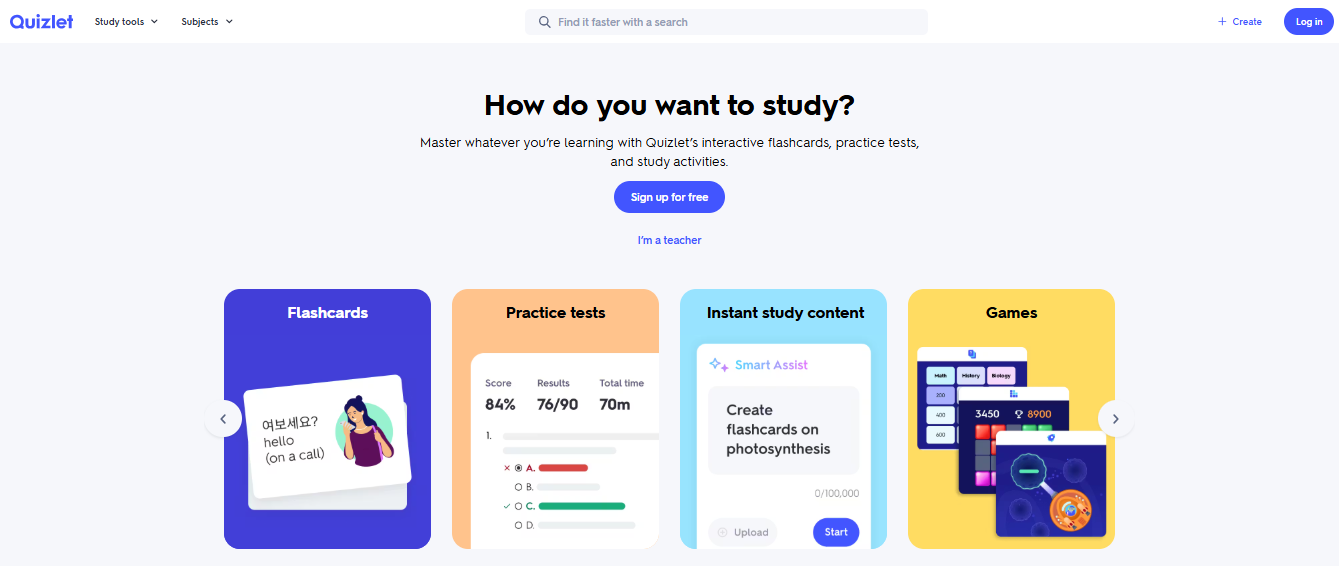
Quizlet works well for flashcard-style generation from text. Solid for quick recall practice rather than structured assessments.
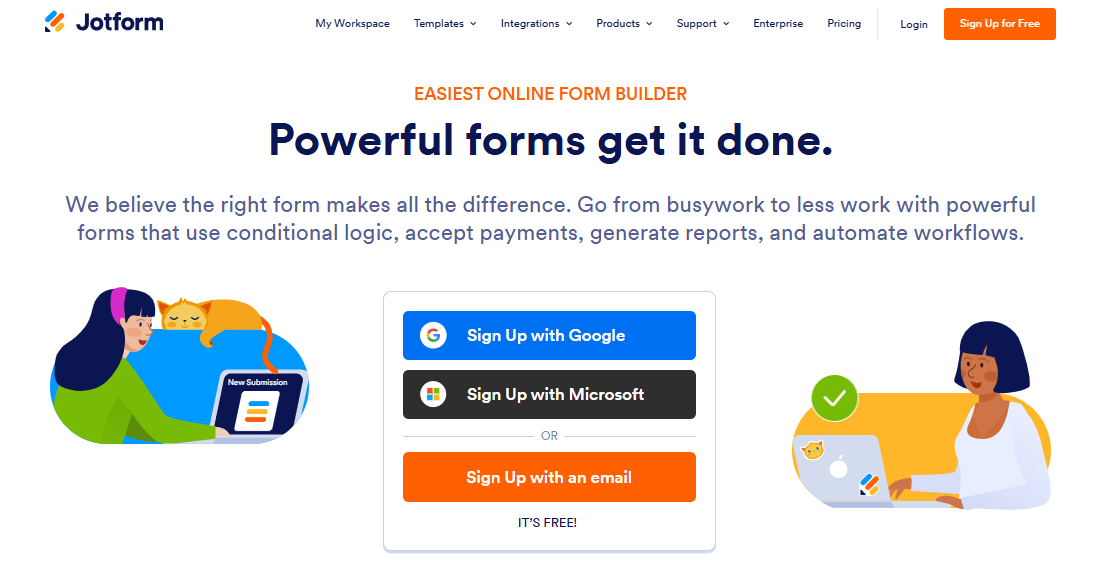
Jotform supports PDF uploads for basic knowledge checks. Good if you’re already in the Jotform ecosystem.
For Video and Audio
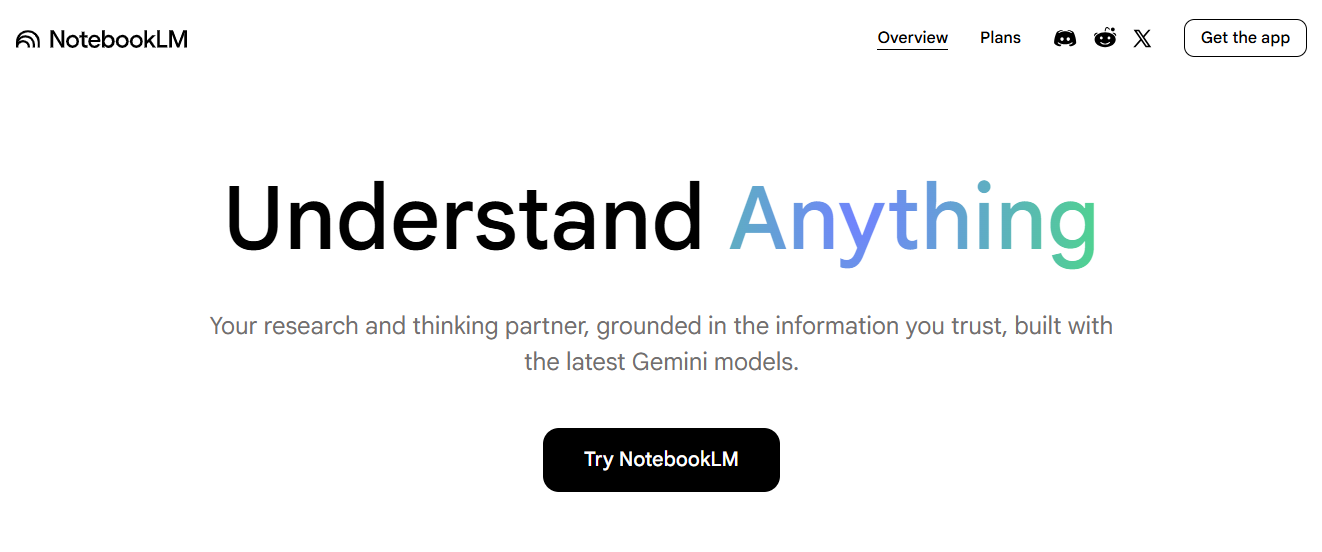
NotebookLM (Google) processes audio files, YouTube links, and documents, then generates study questions across all your sources at once. Useful when your content lives across multiple files or formats.
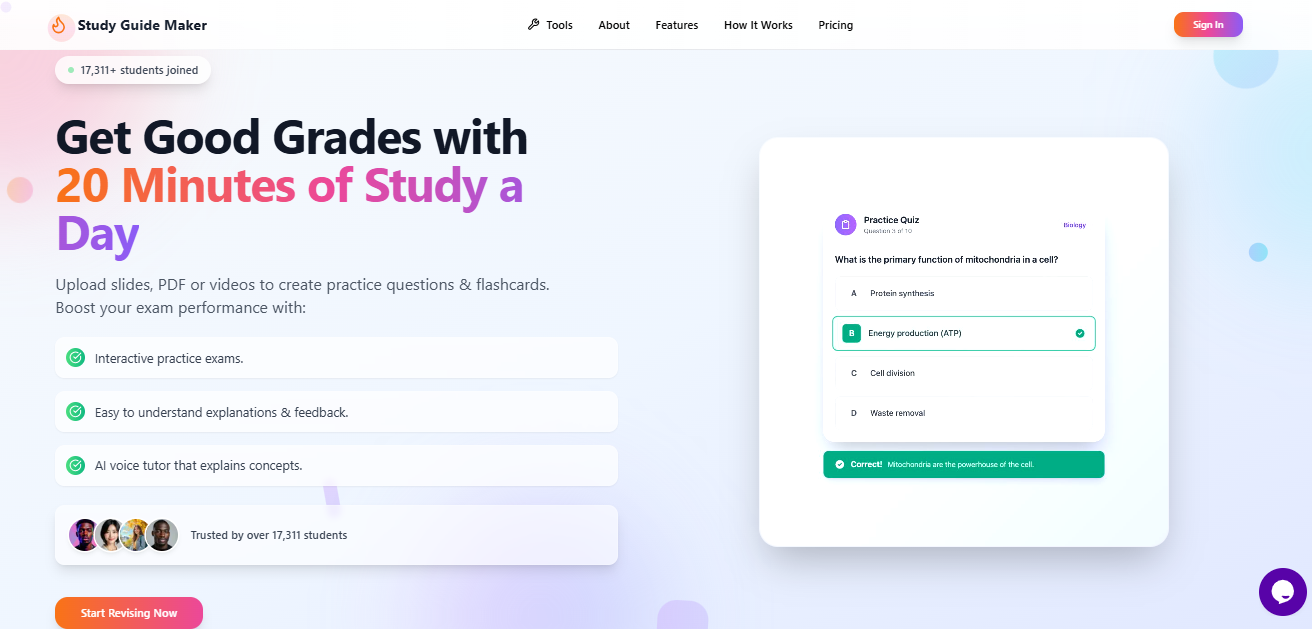
StudyGuideMaker.com handles lecture recordings and class audio, transcribing and generating questions from content in formats you can’t paste into other platforms.
For Custom Control with Pasted Text
ChatGPT and Claude.ai give you the most control when you know exactly what you need. No native quiz export, but with a tight prompt, the question quality is high. Use these when a purpose-built tool wouldn’t generate the specific format or difficulty level you’re after.
How I Built a Quiz Using ProProfs Quiz Maker (Full Walk-Through)
Let me show you exactly what this looks like in practice.
I had a 35-slide compliance training deck, the kind of content that’s technically important and genuinely unpleasant to turn into questions manually. Here’s the sequence.
Step 1: Upload the source file
Inside ProProfs Quiz Maker, I opened the AI quiz generator and uploaded the PPT directly. No copy-pasting, no reformatting. Just the file. (You can try it yourself below)

Let ProProfs AI Build a Quiz
Step 2: Set parameters before generating
I asked for 15 multiple-choice questions in the intermediate difficulty level.
But what I like most is this: it automatically generates feedback for every question and answer. I don’t have to do anything extra. It just works, and that makes the whole quiz far more useful without adding effort.
Step 3: Review the generated output
The AI produced 15 questions in under a minute. I read through each one. Two needed minor rewording. One had a distractor too close to the correct answer. I fixed those directly inside the editor.
Step 4: Move questions into the question bank
I tagged questions by topic so I could reuse them in future quizzes without regenerating, set up randomization so each attempt gets a different question set, and added the passing score threshold.
Step 5: Set up automated grading and feedback
ProProfs handles scoring automatically. Learners see results immediately after submission, with the explanation for each question displayed alongside what they got wrong.
Step 6: Publish and assign
I set the time limit, turned on browser lockdown for the formal version, and sent the quiz link to the team.
Total time from upload to published quiz: about 20 minutes. For 15 questions on the material, I didn’t have to write from scratch. Three out of fifteen needed editing. That’s the realistic version of what this looks like, not a highlight reel.
How Do You Actually Prompt an AI Quiz Generator Well?
This is where most people get mediocre results and blame the tool.
The AI is literal. You asked for 10 questions. You got 10 questions. You didn’t specify format, difficulty, distractor quality, or whether you wanted explanations, so it filled those gaps with defaults. And defaults are mediocre.
What Variables Affect the Quality of AI-Generated Quiz Questions?
Question type and cognitive level: Specify not just the format but the thinking level. “Recall” questions test whether someone read the material. “Application” questions test whether they can use it. “Analysis” questions test whether they can evaluate a scenario. These are different, and the AI will aim for whichever you name.
Difficulty: “Intermediate” or “advanced” prompts the model to avoid definitional questions that test whether someone read the first paragraph.
One true answer: The most important constraint for multiple choice. Without it, the AI will occasionally write questions with two defensible answers. State it explicitly every time.
Explanations: Ask for them every time. A one- to two-sentence explanation for each correct answer turns a question list into an actual learning tool. It’s also what differentiates a quiz maker for online courses from a basic question generator.
Source constraint. When using ChatGPT or Claude with pasted text, say explicitly: “Use only the content I’ve provided. Do not use outside knowledge.” Without this, the AI may supplement your material with its own training data, which may not match your course.
Prompt Templates That Work
For a structured assessment from an uploaded document:
“Using only the content in this document, generate [X] multiple-choice questions at [beginner / intermediate / advanced] level. Each question should have one clearly correct answer and three plausible but incorrect distractors. Include a one-to-two sentence explanation for each correct answer. Do not repeat concepts across questions.”
For dense material (use this before uploading anything long):
Split your content by topic before uploading. Don’t feed 80 slides covering five subjects and ask for 20 questions. Upload the genetics section. Ask for 10 questions. Upload cell respiration. Ask for 10 more. The AI stays focused, the coverage is even, and you don’t end up with 12 questions about slide 3 and nothing about slides 40-80. This is the single most effective change most people can make when converting learning materials into quizzes at scale.
For an adaptive practice session:
“Act as a quizzer. Ask me one question at a time from the uploaded notes. After each answer, tell me whether I was right, give a brief explanation, and adjust the difficulty based on my response: harder after two consecutive correct answers, easier after an incorrect one. Continue until I say stop.”
For a formal exam simulation:
“Act as an examiner giving a timed assessment on [topic]. Ask me 10 questions one at a time. Do not give any feedback until I’ve answered all 10. Then score my answers, tell me what I got wrong, and explain the correct reasoning for each.”
For scenario-based questions at a higher cognitive level:
“Generate 5 scenario-based multiple-choice questions from this content. Each question should describe a realistic situation where the learner must apply a concept from the material to decide what to do. Avoid questions that can be answered by definition alone.”
For questions that test cross-topic synthesis:
“Generate 5 questions that require connecting concepts from at least two different sections of this material. Each question should have one correct answer that cannot be found in a single paragraph but requires synthesizing ideas across the content.”
The One Thing You Must Check Every Single Time
The AI is a language model. It produces plausible text, not verified facts.
Before you publish or assign any AI-generated quiz, check three things:
- Correct answer accuracy: Does the answer match your source material exactly, not just approximately?
- Distractor plausibility: Are the wrong answers genuinely wrong, or do they sound only slightly different from the right answer?
- One true answer: Can two of the choices both be argued as correct? If yes, rewrite.
This review takes about 15-20 minutes for a 20-question quiz. That’s still dramatically faster than writing 20 questions from scratch. The AI is your first drafter. You’re the editor. That’s the mental model that makes this process reliable.
What Features Should You Look for in an AI Assessment Generator for Educators?
If you’re evaluating tools rather than running a one-off session, here’s what actually matters for ongoing use.
Question type depth: An AI assessment generator for educators that only produces multiple-choice and true/false questions will hit a ceiling. Look for scenario-based, drag-and-drop, image-based, and short-answer questions to cover higher-order thinking.
Built-in question banks: For recurring use, a searchable bank where generated questions get stored, tagged by topic, and pulled into future quizzes is a significant time multiplier. This is what separates a quiz maker for online courses from a one-time generator.
Randomization: If the same quiz is used for re-takes, different cohorts, or compliance recertifications, it means each attempt is different. Without it, answers circulate.
LMS integration: For institutional use, SCORM, QTI, or LTI export matters. If your quiz tool doesn’t talk to your LMS, you’re creating manual work every time.
Question-level analytics: Which questions did most people get wrong? That’s a signal about where your content isn’t landing, not just a grading metric.
Watch: How to Analyze Quiz Results & Reports
Best Practices Before You Use Any of This
A few things worth saying clearly, once.
- Check your institution’s AI policy: Some schools restrict uploading course materials to third-party platforms. Know the policy before your lecture slides go anywhere external.
- Don’t upload content you don’t own: Textbook chapters and licensed publisher materials have terms of use. Make sure you have the right to use any material before you convert learning materials to quizzes.
- Align output to learning objectives: The AI generates questions based on what’s prominent in the content, not what you decided matters most. Review against your objectives and cut or add accordingly.
- Space your quiz attempts: One attempt right after a lesson tests recognition. Attempts on day 1, day 3, and day 7 test retention. The second approach produces better long-term recall in a meaningful way. If you convert lecture notes to quiz questions, this spacing approach leads to much better long-term recall.
Why AI-Generated Quizzes Matter More Than Just Saving Time?
Active recall is one of the most research-backed study and training methods available. Testing yourself on material forces retrieval, which strengthens long-term retention significantly more than re-reading the same notes (Roediger & Karpicke, 2006, Psychological Science).
The problem has always been the setup cost. A 30-question practice test might take an instructor five hours to build properly. A student doing it for themselves on top of actual studying? It just doesn’t happen.
An automatic quiz generator for teachers removes that barrier. You go from 40 slides to a 20-question assessment in under two minutes. But the bigger win is consistency: when you’re building a course with 12 modules, you need 12 quizzes at roughly the same level of rigor. Doing that manually introduces drift. A good AI process keeps the bar level.
From Chore to Workflow
Converting lecture notes to quiz questions with AI isn’t complicated. But most people approach it wrong: upload everything, click generate, and wonder why the output is disappointing.
The people who get the most out of it treat it like a drafting tool. They chunk their material thoughtfully, write specific prompts, and spend 20 minutes reviewing output rather than 5 hours writing from scratch. That’s not a complicated workflow. It’s a deliberate one.
The tools above are solid starting points. The prompts above work. The ProProfs walk-through above is reproducible in under 30 minutes for any educator serious about building assessments that actually measure learning, not just completion.
Frequently Asked Questions
Can AI create quiz questions from course material?
Yes. Tools like ProProfs Quiz Maker, NotebookLM, and ChatGPT accept PDFs, slides, videos, and text as inputs and generate multiple-choice, true/false, and short-answer questions automatically. Always review output for accuracy before assigning to learners.
What is the best AI quiz generator for teachers?
ProProfs Quiz Maker is the strongest option for educators who need a full assessment workflow. It converts uploaded files into quizzes, supports 20+ question types, includes built-in grading, and stores questions in a reusable bank with randomization.
Can ChatGPT generate quiz questions from notes?
Yes, when you paste your notes and write a specific prompt. It gives you high control over format and difficulty but has no native quiz export. Specify one correct answer, plausible distractors, and explanations per question in your prompt for the best results.
How accurate are AI-generated quiz questions?
Accuracy depends on the source material and the tool. AI can misstate details or generate plausible but incorrect distractors. Always verify correct answers against your source before use, especially for high-stakes assessments.
Can AI create multiple-choice questions automatically?
Yes. Most AI quiz generators default to multiple choice. Specify distractor quality and ask for explanations per question in your prompt. This substantially improves output usability compared to a generic "generate questions" request.
Can I generate quizzes from PowerPoint slides using AI?
Yes. Tools like ProProfs Quiz Maker accept PPT uploads and convert them directly. For best results with long decks, upload by topic section rather than the full file at once.
Is there a free AI tool to generate quiz questions?
ProProfs Quiz Maker has a forever-free plan for short quizzes. NotebookLM is free. ChatGPT and Claude both have free tiers that support quiz generation from pasted content with a specific prompt.
Can AI create quizzes from training manuals?
Yes, particularly for PDF-based manuals. Upload by section for more focused output. Prompt the AI to stay within the uploaded content only, and review for accuracy before assigning to employees.
Let ProProfs AI Build a Quiz

 We'd love your feedback!
What did you like & how can we make it even better?
 Thanks for your feedback!
 Ask Your Question
Have a question? Get expert help to make your decision easier.