
I have spent enough hours in quiz builders, on both the teaching and vendor sides, to know exactly what happens the moment someone searches for a free assessment maker. They are not browsing. They are out of time, out of patience with a paid tool that just raised its price, or staring down a Sunday night of hand-grading essays. That is the actual context behind this search, and it changes what “best” even means here.
A free assessment maker only earns that title if it survives contact with a real class, not a demo video. I have watched teachers hit question caps mid-semester, watched AI grading choke on a perfectly good short answer, and watched “free forever” quietly become “free for now.” This list is built around what actually holds up.
What Is a Free Assessment Maker, Really?
Before comparing anything, it helps to pin down what this term actually covers, since “assessment maker” gets used loosely across the internet.
In practice, this covers everything from a five-question pop quiz built in a free online assessment tool like Google Forms to a full certification exam with proctoring and randomized question banks. The free tier is rarely the full feature set. What you are actually shopping for is which limitation you can live with, since none of these tools ship with zero limitations.
The Free Assessment Makers Worth Your Time in 2026
I looked at close to a dozen tools before narrowing down this free assessment software list. Some got cut for being “free” in name only, others for grading that could not handle anything beyond multiple choice. Here is what actually made the cut, starting with the free assessment maker I keep coming back to for anything beyond a five-minute check.
Ratings reflect Capterra listings as of July 2026 and shift as new reviews come in.
| Product | Best For | Capterra Rating | Pricing | Free Tier Limit | Grades Open-Ended Answers |
|---|---|---|---|---|---|
| ProProfs Quiz Maker | AI-built quizzes with rubric-graded essays | 4.5 / 5 | Free forever; $19.99/mo per 100 active quiz takers (Essentials) | 12 questions per quiz | Yes, with custom rubrics |
| Google Forms | Fast, no-frills quizzes inside Google Workspace | 4.7 / 5 | Free | No question cap | No (manual only) |
| Kahoot! | Live, game-show style review sessions | 4.7 / 5 | Free (10 players/session); paid from ~$10/mo | 10 players per game | No |
| Quizizz (Wayground) | Self-paced homework-style quizzes | 4.7 / 5 | Free Starter; Super ~$5/mo, Premium ~$10/mo | Full access; AI locked | No |
| Socrative | On-the-fly formative checks during live class | 4.4 / 5 | Free forever plan; PRO from $59.99/yr | 1 virtual room | Manual review only |
| ClassMarker | Locked-down, higher-stakes exams | 4.5 / 5 | Free forever for short quizzes; paid from ~$19.95/mo | Short quizzes only | No |
1. ProProfs Quiz Maker – Best for Easily Creating Secure AI-Powered Assessments
ProProfs Quiz Maker is what I use whenever I need an assessment platform that can handle everything from classroom quizzes to hiring tests and certification exams. It gives me enough flexibility to create simple knowledge checks or fully proctored assessments without switching to another tool later.
The AI Quiz Maker lets me generate complete quizzes by entering a topic or uploading a PDF, Word document, PowerPoint, webpage, or YouTube video. Instead of building every question manually, I usually upload my course material and let AI create the first draft with answers and explanations.

Let ProProfs AI Build a Quiz
Beyond quiz creation, it supports 20+ question types, including essays, audio, video, drag-and-drop, hotspot, and scenario-based questions. I also like its AI-powered grading, which evaluates essay and short-answer responses using grading rubrics instead of relying only on exact keywords. Features like browser lockdown, webcam and screen proctoring, question banks with randomization, automated certificates, and 70+ language support make it suitable for both education and workplace training. The free plan includes quizzes with up to 12 questions, making it easy to try before upgrading.
Pros:
- AI quiz generator creates assessments from prompts, PDFs, DOCX, PPT, webpages, or YouTube videos
- 20+ question types, including essay, audio, video, hotspot, drag-and-drop, and scenario-based questions
- AI-powered grading for essays and short answers using customizable rubrics
- Browser lockdown, webcam monitoring, screen proctoring, and IP tracking for secure assessments
- Question banks with randomization reduce answer sharing
- Automated certificates for learners who meet passing scores
- Instant feedback and detailed reports
- 70+ language support for global classrooms
Cons:
- Free plan is limited to quizzes with up to 12 questions
- No on-premise deployment option
User Rating: 4.5/5 (Capterra)
Price: Free forever plan available. Paid plans start at $4/teacher/month. Business starts at $39.99/month, Enterprise at $199.99/month, and K-12 pricing starts at $0.25/student/month.
2. Google Forms – Best for Simple Assessments Inside Google Workspace
Google Forms is usually the first tool I recommend when someone needs a free assessment maker that’s already available. Since it’s included with every Google account, there’s nothing to install, and creating a quiz takes only a few minutes. I’ve used it for classroom quizzes, employee knowledge checks, surveys, and quick exit tickets where speed matters more than advanced assessment features.
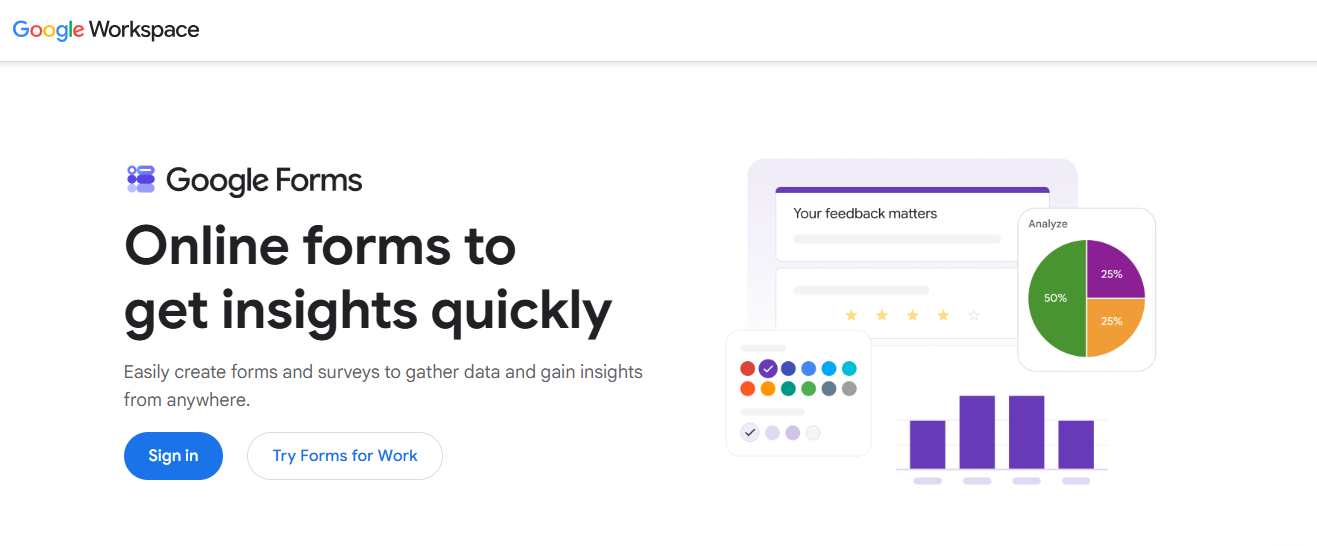
Quiz mode automatically grades multiple-choice, checkbox, and dropdown questions, while all responses flow directly into Google Sheets for analysis. Sharing is just as easy through Google Classroom, email, or a direct link. For teachers already using the Google ecosystem, the workflow feels almost effortless.
Where it starts showing its limits is subjective assessments. Short-answer grading relies largely on answer keys you define, essay questions require manual review, and there are no built-in proctoring features or advanced question formats. For straightforward quizzes and formative assessments, though, it remains one of the easiest free tools available.
Pros:
- Completely free with a Google account
- Built-in quiz mode with automatic grading for objective questions
- Integrates seamlessly with Google Classroom and Google Sheets
- Unlimited responses on personal Google accounts
- Real-time response tracking and charts
- Collaborative editing with other teachers or team members
- Easy sharing through links, email, or embedded forms
- Supports images and YouTube videos in questions
Cons:
- Limited question types and customization compared to dedicated assessment platforms
- No built-in proctoring, browser lockdown, or advanced anti-cheating tools
User Rating: 4.7/5 (Capterra)
Price: Free.
3. Kahoot! – Best for Live Classroom Review Games
Kahoot! is my go-to whenever I want students actively participating instead of quietly filling out a worksheet. It turns quizzes into competitive live games with music, timers, and leaderboards, making it one of the easiest ways to boost classroom engagement before an exam or after introducing a new topic.
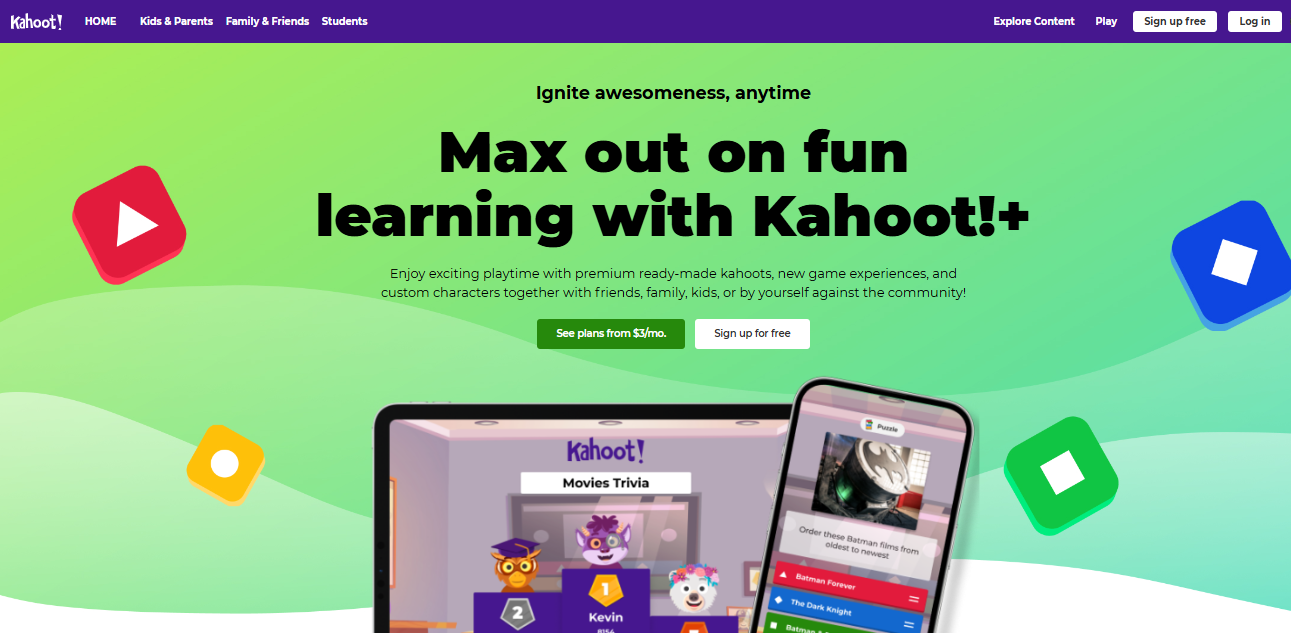
Creating quizzes is simple, and joining only requires a game PIN, so there’s almost no learning curve for students. The platform also includes a large library of ready-made games that teachers can duplicate and customize instead of creating every quiz from scratch.
The free version is mainly designed for basic classroom games. Advanced reports, larger participant limits, and several premium features require a subscription. I wouldn’t use Kahoot! for formal testing or certification exams, but it’s excellent for review sessions and formative learning.
Pros:
- Excellent for live classroom engagement
- Easy-to-use game-based learning interface
- Large library of ready-made quizzes
- Students can join without creating accounts
- Leaderboards and timers increase participation
- Supports images and videos in questions
- Quick quiz creation and sharing
- Mobile and web access
Cons:
- Free plan has participant and reporting limitations
- Not designed for secure, high-stakes assessments
User Rating: 4.7/5 (Capterra)
Price: Free plan available. Paid plans start at approximately $3.99/month (billed annually), with higher tiers for schools and organizations.
4. Quizizz (Wayground) – Best for Self-Paced Homework and Practice Assessments
Quizizz (Wayground) works particularly well when students need to complete assessments on their own schedule. Unlike live quiz platforms, assignments can be completed asynchronously, making it a better fit for homework, revision exercises, and remote learning.
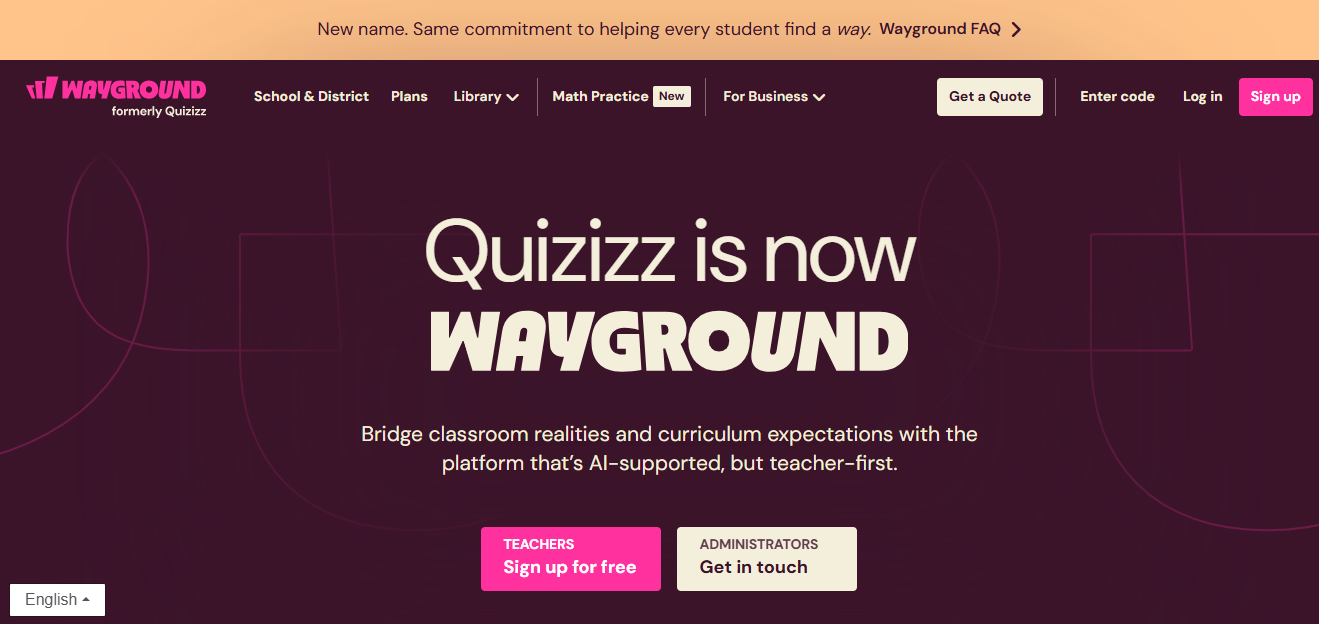
One feature I keep using is its massive public question library. Instead of building every assessment from scratch, I can search millions of teacher-created quizzes, customize them, and assign them within minutes. Automatic grading and performance reports also make it easy to identify which concepts students struggle with most.
Many of the AI features, advanced analytics, and deeper personalization tools require paid plans, but even the free Starter plan offers enough functionality for most classroom assessments.
Pros:
- Excellent for self-paced assignments and homework
- Massive library of teacher-created quizzes
- Automatic grading and detailed performance reports
- Live and homework modes available
- Easy quiz customization
- Integrates with Google Classroom and LMS platforms
- Supports images, audio, and math equations
- Student-friendly interface
Cons:
- Advanced AI features require paid plans
- Individual subscription pricing has increased in recent years
User Rating: 4.8/5 (Capterra)
Price: Free Starter plan available. Paid plans start at approximately $59/year for individual educators, with school and district pricing available.
5. Socrative – Best for Quick Formative Assessments During Class
Socrative is the platform I open when I want immediate feedback during a lesson instead of waiting until the class ends. Whether it’s an exit ticket, quick poll, or short quiz, it helps me quickly see which concepts students understand and which need more explanation.
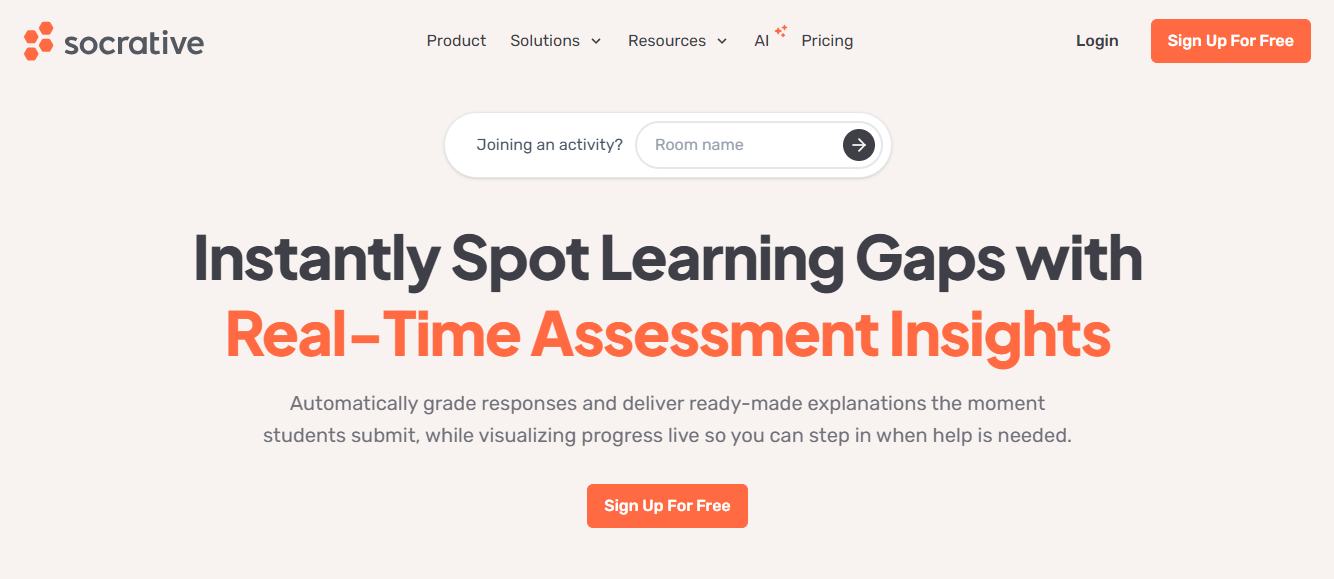
The free plan includes one virtual classroom, automatic grading for objective questions, and simple reports that can be reviewed immediately. I also like Space Race, which adds a light competitive element without turning the lesson into a full game.
It isn’t intended to replace a comprehensive assessment platform. Question types are limited, reporting is relatively basic, and the interface feels less modern than many competitors. Still, for real-time formative assessment, it remains one of the strongest free tools.
Pros:
- Great for real-time formative assessments
- Free plan includes one virtual classroom
- Automatic grading for objective questions
- Exit tickets, quizzes, and polls in one platform
- Space Race game mode improves engagement
- Instant classroom reports
- Easy student access without complicated setup
- Works on desktop and mobile devices
Cons:
- Limited question types compared to larger assessment platforms
- Advanced reports and multiple rooms require paid plans
User Rating: 4.5/5 (Capterra)
Price: Free forever plan available. Paid plans start at approximately $9.99/month for individual teachers.
6. ClassMarker – Best for Secure Online Tests and Certification Exams
ClassMarker is the tool I choose when assessment security matters more than classroom engagement. It’s built for professional exams, certification tests, compliance assessments, and employee evaluations where maintaining exam integrity is a higher priority than adding game mechanics.
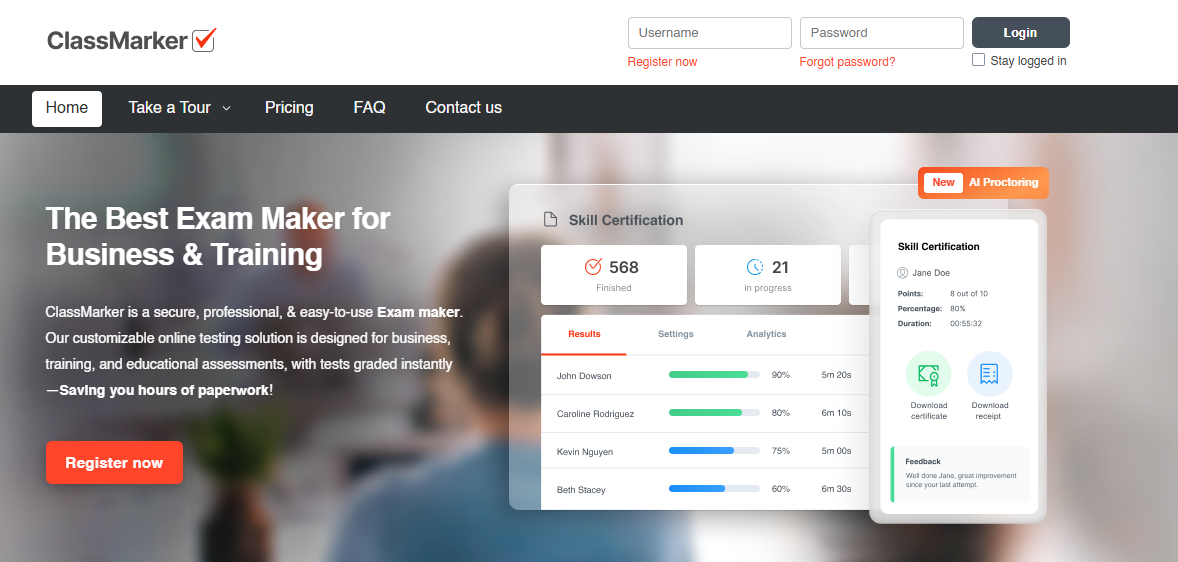
The platform includes timers, randomized question order, question banks, and several security settings even before moving into higher-tier plans. Setting up an exam is straightforward, and the reporting is detailed enough for professional testing environments.
It isn’t the most modern-looking platform, and several advanced capabilities require paid credits or subscriptions. Still, if your goal is delivering secure online assessments instead of classroom games, ClassMarker is one of the strongest options available.
Pros:
- Strong focus on secure online testing
- Randomized questions and answer order
- Question banks for reusable assessments
- Flexible timers and availability controls
- Detailed reporting and results
- Certificate support
- Public and private test options
- Suitable for certification and compliance testing
Cons:
- Interface feels dated compared to newer competitors
- Advanced features require paid plans or testing credits
User Rating: 4.6/5 (Capterra)
Price: Free plan available for basic quizzes. Paid plans use subscription and testing-credit options, starting at approximately $39.95/month.
How I Choose a Free Assessment Maker
I do not rank a free assessment maker on feature count alone. Most tools list roughly the same feature set on a spec sheet; the differences show up once you are three weeks into using it.
- The AI assistance: The best free assessment makers use AI to speed up question creation, not replace your judgment. I look for tools that can turn prompts, PDFs, documents, or videos into a usable first draft instead of making me start from scratch.
- The ceiling: Every free online assessment tool caps something. The real question is whether that cap forces a mid semester scramble or a graceful upgrade. A 12 question limit that still lets you finish the quiz you are mid way through is very different from a hard wall that locks your existing content.
- The grading depth: This is where most free assessment software quietly fails. Auto grading true or false is trivial. Auto grading a two sentence written response that uses different words to say the same correct thing is not, and a lot of tools either skip it entirely or do it so badly you end up regrading by hand anyway.
- The content shortcut: I do not want to retype my lecture notes into a question bank. Tools that can read a PDF or a set of notes and generate a decent first draft of questions save real hours, even when I end up editing half the output.
- The device test: Half my students show up on a phone with twenty percent battery. If the tool breaks on mobile, it does not matter how good the desktop version is.
- The data trail: I want to know if I can export results, whether it plugs into Google Classroom or an LMS, and what happens to student data if I cancel. Free plans are sometimes vague about this on purpose, and that vagueness is itself useful information.
My Top 3 Picks If I Had to Choose Today
If someone forced me to pick three and walk away, here is where I would land among all the free assessment software I tested this year, and why each one solves a different actual problem instead of overlapping with the others.
1. ProProfs Quiz Maker, for the default. Between the AI generated questions, the rubric based grading for written answers, and templates that mean I am rarely starting from zero, it is the free assessment maker I would tell a new teacher to try first. The free tier is real enough to test properly before you decide whether the paid Essentials plan is worth it.
2. Google Forms, for when speed beats everything else. Pop quiz in the next ten minutes, no training needed, everyone already has an account. I still reach for this more often than I probably should admit.
3. Quizizz, for homework and self-paced review. Assigning something students complete on their own time, at their own pace, without needing me to be live in the room covers a use case neither of the first two handles particularly well.
The Grading Problem Nobody’s Free Plan Actually Solves
There is a pattern I have seen play out with almost every free assessment maker I have tested seriously: the free tier assumes multiple choice, and everything else is a workaround.
Ask any AI assisted grader to score a short answer that is correct but phrased unusually, and you will see the gap. Most tools handle exact or near exact matches fine. Fewer handle a student who understood the concept but explained it in their own words, which, ironically, is usually the stronger answer. I have found that tools built specifically around grading, like the rubric based scoring inside ProProfs Quiz Maker, tend to do noticeably better here than platforms that bolted grading onto a game format after the fact. That is not a knock on the game platforms. They were never built to solve this particular problem.
Privacy is the other thing I would not skip past. If students are entering names, emails, or performance data into a free tool, it is worth a two minute check of what that vendor actually does with that data and how long it gets kept. Free plans are not always transparent about this, and it is a fair question to ask before rolling a tool out school wide, not after.
And one caveat, because I think it matters: free tiers change. I have watched more than one “free forever” plan get quietly trimmed down after a product update. What is accurate here about limits and pricing reflects where things stood as I was writing this, and I would still check the current pricing page before building a semester’s workflow around any single free assessment maker.
Pick the One You’ll Actually Still Be Using in May
None of these six tools is wrong, exactly. They are built for different Tuesdays. A live review game the day before an exam and a locked down certification test are not the same job, and trying to force one tool to do both usually means you are unhappy with it by October.
If I had to leave you with one piece of actual advice, it is this: pick based on the grading you will need six weeks from now, not the demo you are looking at today. The free assessment maker that wins in the long run is not the one with the flashiest feature list. It is the one that disappears into your workflow quickly enough that you stop thinking about it as software at all, and start thinking about it as just how you give quizzes now.
Start with the free tier of whichever tool matches your actual next assessment, not your ideal one, and see if ProProfs Quiz Maker, or whichever option you picked, survives contact with a real class before you commit to anything paid.
Frequently Asked Questions
What is the best free assessment maker for teachers?
For most teachers, ProProfs Quiz Maker is the strongest free assessment maker overall, mainly because of AI-generated questions and rubric-based grading on written answers. Google Forms is faster for a quick, ungraded pop quiz, and Quizizz works well for self-paced homework instead of live grading.
Is Google Forms a good free online assessment tool for quizzes?
Yes, for objective questions. Google Forms is a solid free online assessment tool when you need multiple choice or true or false quizzes fast, since it plugs into Sheets automatically. It struggles with grading short answers or essays, which still need manual review.
Can I create a quiz with automatic grading for free?
Yes. ProProfs Quiz Maker, Google Forms, Kahoot, Quizizz, Socrative, and ClassMarker all offer free plans with some form of automatic grading, though the depth varies. Multiple choice and true or false grade instantly almost everywhere; short answer and essay grading is far less consistent.
What free assessment software offers the most generous question limit?
Google Forms has no meaningful question limit on its free plan, making it the most generous of the group. ProProfs Quiz Maker caps free quizzes at 12 questions, while Kahoot caps free sessions at 10 players rather than questions, so compare the limit type carefully.
Are free quiz makers safe for student data?
It depends on the vendor, not the price. Free plans are not automatically less secure, but they are sometimes less transparent about data retention and third-party sharing. Check each tool's privacy policy directly before rolling it out to a full class.
Can AI grade short answer or essay questions accurately for free?
Somewhat. ProProfs Quiz Maker's AI grading handles rubric-based short answers reasonably well even on lower tiers, but no free tool grades nuanced, differently worded correct answers perfectly. Plan to spot-check AI-graded written responses rather than trusting the score completely.
Do free assessment makers work well on mobile devices?
Most do, though quality varies. ProProfs Quiz Maker, Google Forms, Kahoot, and Quizizz all render reasonably on phones and tablets. Socrative and ClassMarker are usable on mobile but feel more desktop-oriented, which matters if most students join from phones.
Let ProProfs AI Build a Quiz

 We'd love your feedback!
What did you like & how can we make it even better?
 Thanks for your feedback!
 Ask Your Question
Have a question? Get expert help to make your decision easier.