Create a Timed Test Online

Generate timed quizzes with AI in seconds
Let ProProfs AI Build a Quiz
ProProfs AI is generating your quiz

Analyzing Your Idea
Understanding your requirements
Gathering Content
Finding the best materials
Crafting Questions
Creating engaging questions
Finalizing Your Quiz
Putting everything together
Sit back and relax, this will be quick and easy
Classroom Test
Customer Feedbak
English Test

No credit card required

1000+ quizzes created today

Rated 4.5/5 on reviews

World’s #1 Quiz Software

100k+ Quizzes, 50 Million+ Quiz Takers

What Is a Timed Test?

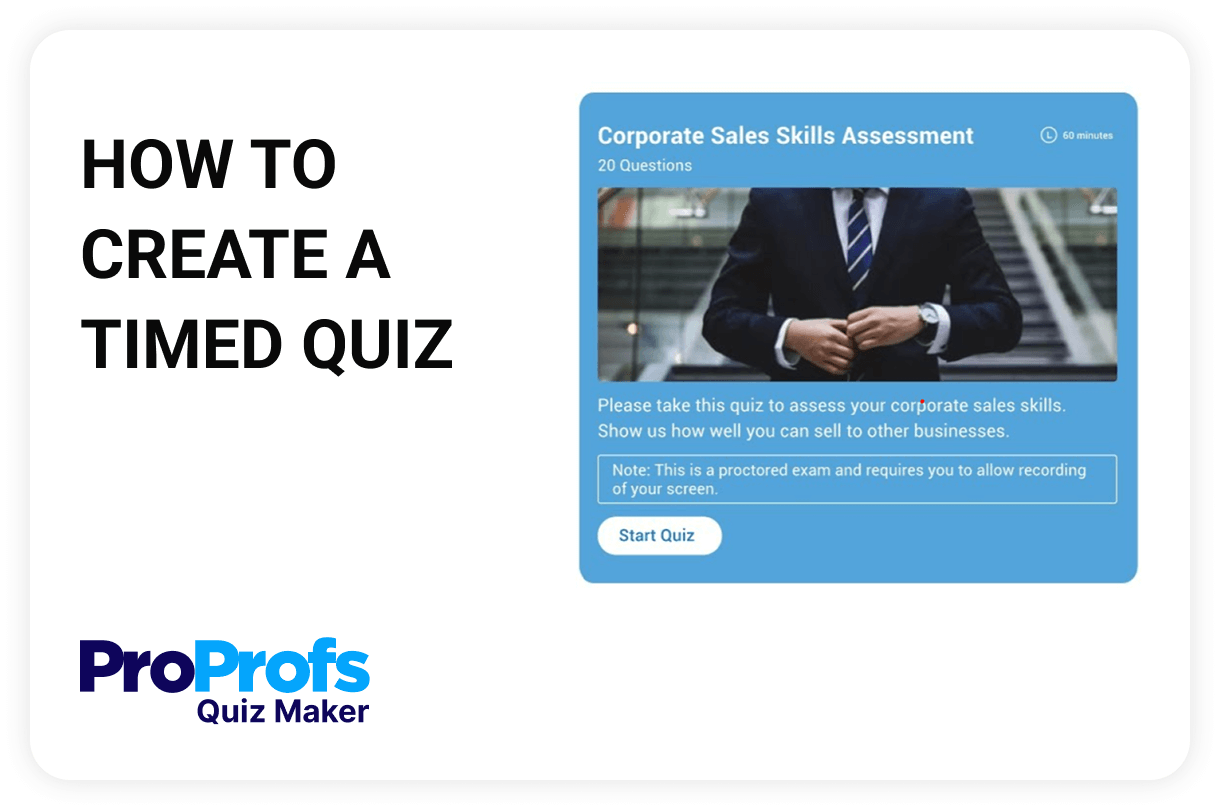
A timed test is an assessment that must be completed within a set time limit. Once the timer starts, learners have a fixed duration to answer all questions before the test automatically ends. This format evaluates knowledge and speed, time management, and decision-making under pressure. Timed tests are commonly used in academic exams, certification prep, employee training, and skills assessments. They help simulate real-world scenarios where quick thinking is essential and prevent overthinking or excessive reliance on external resources in online settings.

Top Features of Timed Tests to Boost Accuracy

Custom Time Limits

Set a specific duration for the entire quiz or individual questions.

Auto-Submit on Timeout

Test auto-submits when the timer runs out, ensuring fairness and pacing.

Countdown Timer Display

Learners see a live countdown to manage time effectively.

Per-Question Time Settings

Assign unique time limits to each question for adaptive or rapid-fire tests.

Section-Based Timing

Apply separate timers to different sections or question blocks.

Mobile-Friendly Timer

Timers work seamlessly across all devices, including smartphones and tablets.

Timer Visibility Controls

Choose to show or hide the timer from quiz takers to adjust the pressure level.

Soft vs Hard Time Limits

Allow warnings or strictly enforce cut-off based on the assessment type.

Detailed Time Reports

Analyse time spent per question, individual user, group, or multiple attempts.

How to Create a Timed Test Online

  • Step 1: Create a new quiz using AI

    Type in your topic, upload an existing document, and generate quiz questions instantly.

  • Step 2: Set time limits

    Choose a total time for the quiz or add per-question limits with uniform or custom durations.

  • Step 3: Save & publish

    Preview how the countdown will appear to learners, and share the quiz via link, email, or LMS.

View All Quiz Tools

Frequently Asked Questions

Can I apply both a full quiz timer and per-question time limits?

No. In timed testing, you’ll need to choose one method. You can either apply a single countdown for the entire quiz or assign a timer to each question, but not both simultaneously. Here’s how you can set quiz time limits.

What happens when the timer runs out?

When the countdown reaches zero, the quiz is automatically submitted. Any unanswered questions remain blank, and the system grades the attempt based on completed responses.

Can I hide the timer from quiz takers?

No, here’s why - timers are displayed during quizzes to help learners manage their pace and stay aware of time constraints. Keeping the timer visible also ensures fairness and consistency in test-taking.

Can timed tests work on mobile devices?

Yes. All timer settings are fully mobile-optimized, so learners can take timed quizzes seamlessly on smartphones and tablets.

What are the benefits of using a timed test?

Timed tests simulate real-world pressure, improve focus, and discourage cheating by limiting time to search for answers. They’re especially effective in skill certification, pre-employment assessments, and academic testing environments.

Can I prevent question jumping in timed quizzes?

Yes. When you set per-question timers, ProProfs automatically enforces “one question per page” and disables question jumping to ensure consistent pacing.

Ready to Simulate Real-Time Test Conditions?

Sign Up Free
Live Support