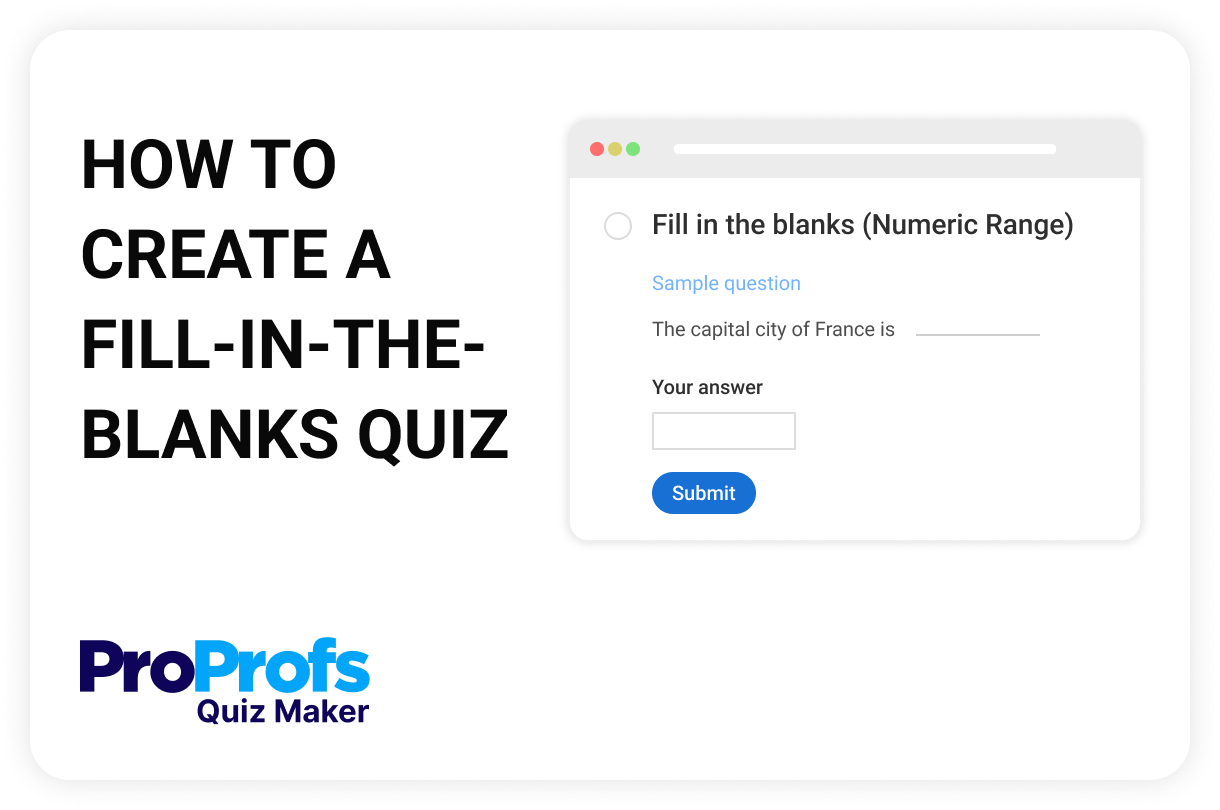
Create a Fill-in-the-Blank Quiz
Describe your Fill-in-the-Blank quiz & we'll create it for you
A fill-in-the-blank quiz is a structured assessment format where learners are required to complete missing words, terms, or phrases within a sentence or passage. This format eliminates answer cues, making it highly effective for evaluating knowledge recall, language proficiency, and conceptual understanding. It supports both single-word and multi-word responses and can be configured to accept exact matches or predefined variations. Often used in grammar, compliance, and technical training, fill-in-the-blank quizzes promote active retrieval, a cognitive process essential for long-term retention.
Learners fill in one missing word or phrase in a sentence. Ideal for vocabulary, definitions, or basic recall.
A single sentence or paragraph with multiple missing entries. Useful for testing grammar, formulas, or procedural steps.
A passage with several systematically removed words, often every nth word, to evaluate contextual understanding.
Learners select the correct word from a dropdown instead of typing. Best for mobile-first quizzes.
Visual questions where learners fill in labels, object names, or descriptions tied to images or diagrams.
Requires precise spelling and formatting and is often used in coding, compliance, or scientific terminology.
Enter your quiz topic or upload content, and click Generate Quiz to generate questions. Choose between text or numeric blanks.
Edit sentences to insert blank spaces. For text blanks, type in the correct answer. For numeric blanks, choose an exact answer or a defined range. Add more blank fields if needed.
Add feedback, enable case sensitivity, include symbols, or attach images. Preview the question to ensure good formatting, and publish your quiz instantly.
Fill-in-the-blank quizzes go beyond recognition and test true understanding. Whether you're evaluating language skills, technical knowledge, or concept recall, this format challenges learners to retrieve information with precision and context.
| What It Does | Where It's Used |
|---|---|
| Boosts recall | Compliance training in healthcare, finance, and HR |
| Removes guesswork | Certification exams with precise answers |
| Supports multiple blanks | Language learning and ESL assessments |
| Accepts ranges/values | Math and science in schools or training centers |
| Reinforces concepts | Onboarding for tools or technical systems |
| Checks data accuracy | Engineering and coding bootcamps |
| Teaches structure | Writing labs and grammar workshops |
| Works on mobile | Retail and frontline employee microlearning |
| Enables fast grading | University tests and corporate upskilling programs |
Yes. You can define multiple valid answers for a single blank—such as synonyms, alternative spellings, or abbreviations. This is helpful when slight variations are acceptable and you want to avoid penalizing learners unfairly.
Absolutely. With ProProfs Quiz Maker, you can choose the “Fill in the Blanks (Numeric Range)” option and set both upper and lower limits. Learners will be marked correct as long as their input falls within the specified range.
In ProProfs Quiz Maker, you can turn off case sensitivity and allow alternate spellings or partial matches depending on how strict you want grading to be. These controls are available in the question's advanced settings.
Yes. The text-based fill-in-the-blank format supports inserting symbols such as °, %, or π, making it ideal for equations, scientific content, and technical training.
Yes. ProProfs Quiz Maker allows you to display instant feedback after submission. You can provide a general explanation or give custom messages for both correct and incorrect responses to support deeper learning.