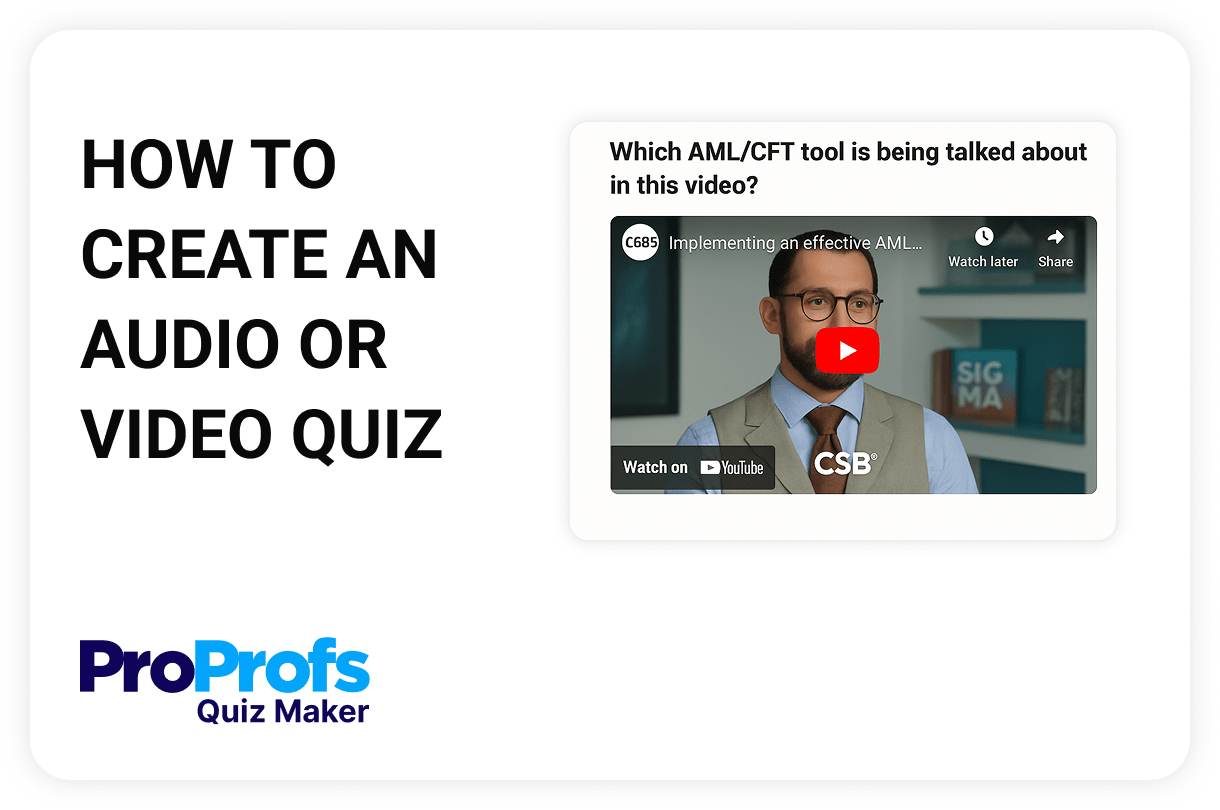
A quiz with audio is an interactive assessment format that uses sound clips as part of the question prompt or answer input. Instead of relying solely on text, it allows learners to listen to audio and respond, making it ideal for language learning, pronunciation checks, listening comprehension, and accessibility-focused training. By simulating real-world listening scenarios, a quiz with audio promotes more profound understanding and better retention, especially in training environments that rely on verbal communication.
Learners listen to an audio clip (or watch a video) and then answer questions based on what they heard. Ideal for testing listening comprehension, auditory processing, and attention to detail.
Instead of typing, learners respond by recording or uploading their voice. This is useful for evaluating verbal skills, pronunciation, or language proficiency.
Learners answer essay questions by speaking. Their words are transcribed automatically, making it easier to give detailed responses while improving accessibility and reducing fatigue.
Select Upload Audio, and insert an MP3 file. Learners will listen to the clip and respond with written or multiple-choice answers.
To capture learner voice input, choose the Record/Upload Audio. Participants can record their answer on the spot or upload a pre-recorded audio file.
Configure time limits, retake permissions, grading, or feedback. Preview the audio experience across devices and publish your quiz.
Whether you're training teams, teaching languages, or assessing listening skills, audio quizzes bring depth, accessibility, and engagement to your assessments. Here are some other major use cases and benefits of a quiz with audio:
| Real-World Application | How Audio Quizzes Add Value |
|---|---|
| Language Learning & ESL | Reinforce pronunciation, comprehension, and real-time verbal fluency |
| Call Center & Customer Support | Simulate conversations and assess tone recognition, clarity, and response timing |
| Healthcare & Emergency Training | Recreate patient interactions or emergency calls to test decision-making |
| Sales & Field Training | Evaluate pitch delivery, active listening, and objection handling on the go |
| K-12 & Higher Education | Strengthen listening comprehension and verbal reasoning across multiple subjects |
| Corporate Compliance & Soft Skills | Test emotional intelligence, clarity in communication, and sensitivity training |
| Speech Therapy & Special Ed | Practice articulation and track auditory processing in a responsive, recorded format |
| Creative Arts & Music Education | Assess tone, rhythm, or auditory memory with listen-and-respond style quizzes |
| Recruitment & Media Screening | Gauge verbal communication, voice quality, and listening skills in job candidates |
Yes. You can upload an audio file (MP3 format) directly into any question. Learners will listen to the clip and respond accordingly—ideal for testing listening comprehension, accent recognition, or spoken instructions.
With ProProfs Quiz Maker, you can use the Record/Upload Audio question type. It allows quiz takers to record their voice directly or upload a pre-recorded audio file as a response—great for speech, pronunciation, or oral presentation assessments.
Yes. In ProProfs Quiz Maker, you can set the maximum length of an audio recording (from 15 seconds up to 10 minutes) and also define how many times a learner can re-record before submission.
Absolutely. Both audio playback and audio recording features are fully supported on mobile browsers, making it easy for learners to complete voice-based quizzes on smartphones or tablets.
Yes. ProProfs Quiz Maker supports multimedia-rich quizzes, allowing you to combine audio with written questions, images, and even interactive elements like drag-and-drop or fill-in-the-blank formats. Watch this quick video to learn more about adding an audio track to quiz questions.